AI Tools for Programming

Discover the best Programming AI tools to enhance your productivity and creativity.

Page 1 of 14 • 161 total tools

Coding has always been a bit of a challenge, but with the rise of AI programming tools, things are changing fast. These tools can help simplify coding tasks, find and fix bugs, and even generate code for you. They’re really changing how developers work. No matter if you’re a pro or just starting out, the right AI tools can seriously boost how much you get done.

But, as more developers start using these AI features, it’s clear that not all tools are created equal. The market is packed with options, from tools that help you complete code as you type to smart systems that generate documentation. Each one has its own pros and cons. Figuring out the best one for your own work can feel a bit overwhelming, especially since new tools and features are popping up so quickly.

To help you sort through everything, I’ve spent time testing and checking out the most promising AI programming tools out there. You’ll find a selection that not only makes your coding more efficient but also helps you take on challenges with more confidence. Whether you need a hand with debugging or want to automate tasks you do over and over, there’s an AI tool that’s perfect for you.

In today’s world, where every minute counts, using these tools can make a huge difference in hitting deadlines and moving projects forward. Come along as we look at the best AI programming tools designed to really ramp up your coding experience.

The best AI Programming Tools

  1. Code Sandbox: Great for a code compilation environment.
  2. Warp Terminal: Helps streamline devops automation.
  3. ZZZ Code AI: Offers tools for code conversion and evaluation.
  4. Sourcegraph Cody: Provides intelligent code completion right in your IDEs.
  5. Code Rabbit: Enhances code quality through automation.
  6. Aider Chat: Offers improved pair programming with AI.
  7. Code Convert AI: Quickly converts code between multiple languages.
  8. Promptmetheus: Streamlines code generation prompts.
  9. JetBrains: Streamlines coding with smart suggestions.
  10. Gpt4V Online: Explains code using image analysis.
  11. Inngest: Streamlines error handling in workflows.
  12. HTTPie: Makes cli http requests for API development easier.
  13. Snappify: Helps you easily visualize and compare code snippets.
  14. Build Ship: Streamlines API development for apps.
  15. Peak U: Offers quick bug fixes across many languages.

How do AI programming tools work?

AI programming tools use the same basic technology as AI writing software: large language models, or LLMs. These tools are built to help developers by suggesting code, assisting with debugging, and even writing entire functions based on what you tell them. Most of these tools connect to established LLM providers through APIs, which lets them offer their services fast without needing to build complicated models themselves.

When you use these tools, you usually describe the coding task or ask a specific question. The AI figures out what you need and then predicts the code or solution that best matches, drawing from a massive amount of programming knowledge. This includes sample code, libraries, and coding best practices learned from all the programming resources available online.

AI programming tools are showing up more and more in popular development environments, like Visual Studio Code and JetBrains IDEs. These platforms give you code suggestions as you type, offering developers insights while they’re writing. By teaming up with LLM creators, these applications provide extra features designed to improve the coding experience, cutting down on the need for extensive in-house research and development.

The training process LLMs go through is key to how effective these tools are. They study huge amounts of code, documentation, and programming texts to learn coding language patterns and conventions. This deep training helps them understand context and what you’re trying to do, making their suggestions more relevant to the task at hand.

So, to sum it up, AI programming tools use LLMs to make coding simpler. While they won’t replace human programmers, they’re great assistants that boost productivity and accuracy. As they keep getting better, these tools will continue to shape how we program, giving developers new ways to create and innovate.

Our best AI programming tools at a glance

RankNameBest forPlans and PricingRating
1CodeSandboxcode compilation environmentN/A4.45 (11 reviews)
2Warp Terminalstreamlining devops automationN/A4.79 (28 reviews)
3ZZZ Code AIcode conversion and evaluation toolsN/A4.17 (6 reviews)
4Sourcegraph Codyintelligent code completion in idesN/A4.70 (10 reviews)
5CodeRabbitenhancing code quality with automationN/A4.73 (37 reviews)
6Aider Chatenhanced pair programming with ai.N/A3.59 (22 reviews)
7CodeConvert AIquickly convert code in multiple languagesN/A3.60 (5 reviews)
8Promptmetheusstreamline code generation promptsN/A4.17 (6 reviews)
9JetBrainsstreamlining code with smart suggestionsPaid plans start at $8.33/month.3.63 (8 reviews)
10Gpt4V Onlinecode explanation through image analysisPaid plans start at $8/month.4.40 (10 reviews)
11Inngeststreamline error handling in workflows.N/A4.69 (13 reviews)
12HTTPiecli http requests for api developmentN/A4.73 (22 reviews)
13Snappifyvisualize and compare code snippets easily.Paid plans start at $5/month.4.18 (11 reviews)
14BuildShipstreamlined api development for appsN/A4.20 (5 reviews)
15PeakUquick bug fixes across multiple languages.N/A4.20 (5 reviews)
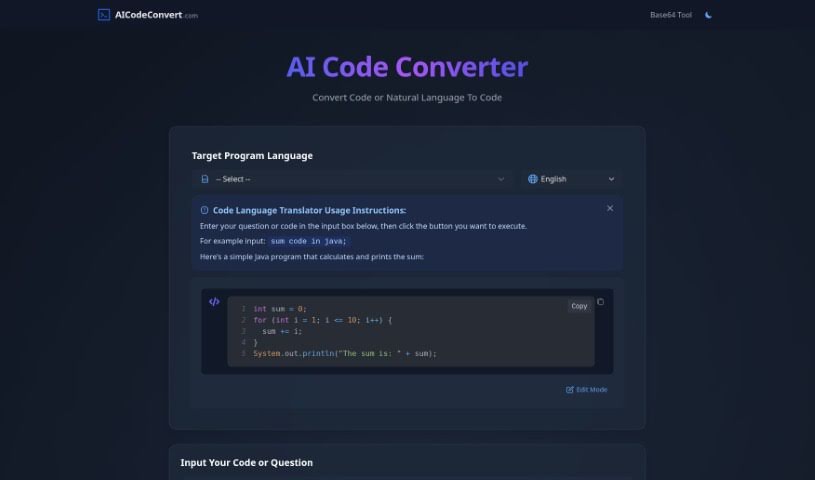
Screenshot of AI Code Converter

AI Code Converter

Freemium

AI Code Converter is a really neat online platform. It uses smart artificial intelligence to help developers out, whether they need to switch code from one language to another or create code just by describing what they want in plain English. It's pretty versatile, supporting over 49 programming languages like Java, JavaScript, Python, and C++. Beyond just translating and creating code, it can also help optimize it, find bugs, and explain how it works, all aimed at making developers more productive and helping them understand things better. Plus, it has a fun, unique feature: it can even generate Disney AI posters, adding a creative flair to its services.

Web Development View Tool →
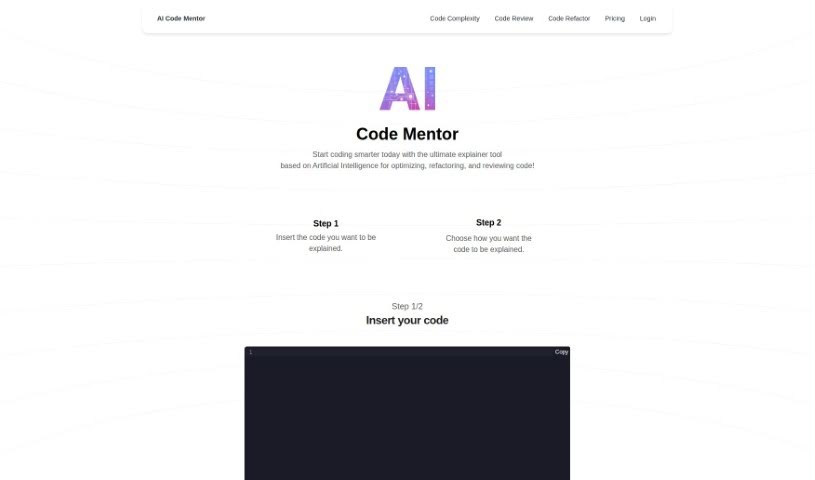
Screenshot of AI Code Mentor

AI Code Mentor

Freemium

AI Code Mentor is your smart coding assistant. It uses artificial intelligence to help developers of all skill levels get a better handle on their code. What's really neat is that it can explain things in different ways, matching your current understanding. It's designed to make complex code easier to manage, boost performance, and generally make your code better, all without changing what it actually does. You can pick how you want it to explain things – like a straightforward 'Robot' explanation, a 'Beginner Programmer' style, or even insights from a 'seasoned professional.' This helps you optimize, clean up, and review your code much more efficiently.

Web Development View Tool →
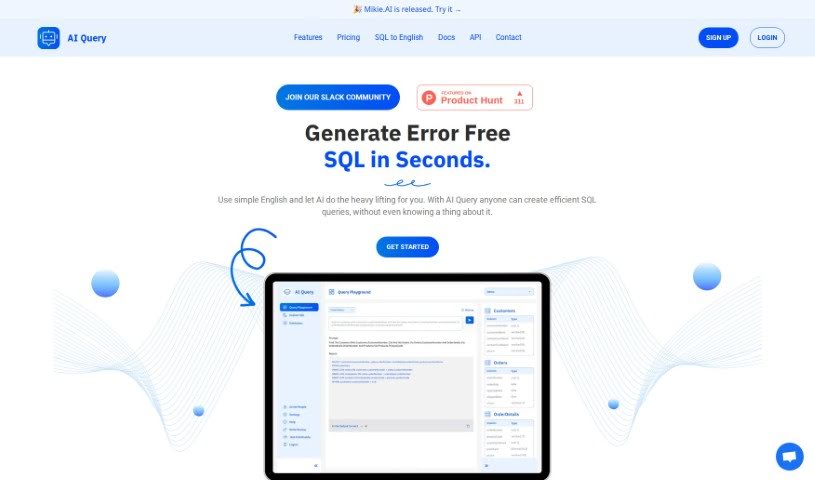
Screenshot of AI Query

AI Query

Freemium

AI Query is a really neat tool that turns your simple English requests into complex SQL queries, and it does it quickly and smoothly. It uses powerful AI models, like OpenAI's GPT and Google's PaLM 2, to make sure everything is accurate and efficient. This means it's super helpful whether you're just starting out with SQL or you're a seasoned developer. With AI Query, you can easily create SQL queries that are free of errors. Plus, if you come across a complex query you don't quite understand, the SQL to English Translator feature can help you break it down. The platform also makes it simple to set up your database schemas, and they offer clear pricing plans to fit what you need. Basically, AI Query makes working with databases much easier, turning SQL query generation into a straightforward process for everyone.

Web Development View Tool →
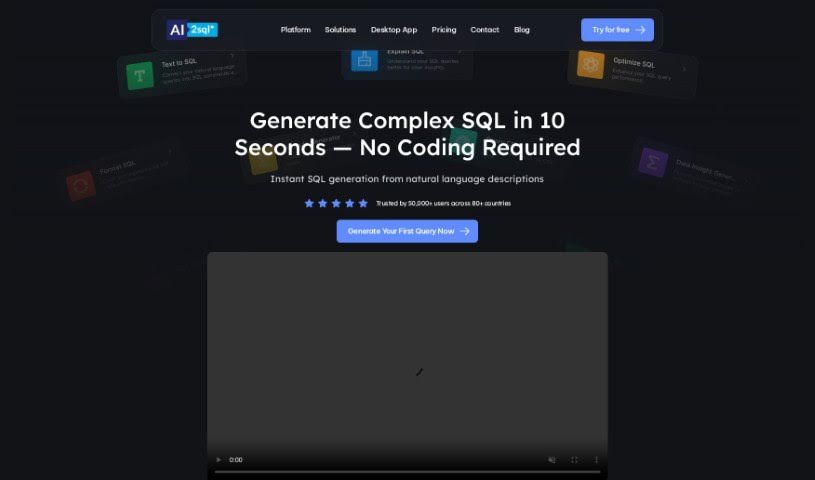
Screenshot of AI2sql

AI2sql

Freemium

A SQL query builder is a really handy tool that helps you create SQL queries without needing to be a database expert. It makes working with data much simpler and can really boost your productivity, especially if you're new to databases. This tool lets you easily turn plain English questions into SQL commands, helps you understand your SQL queries better for clearer insights, improves how well your SQL queries run, and keeps your SQL code nicely organized. People have found it super useful for fixing tricky errors in SQL scripts and generally making data operations smoother.

Web Development View Tool →
Screenshot of Aicommit

Aicommit

Freemium

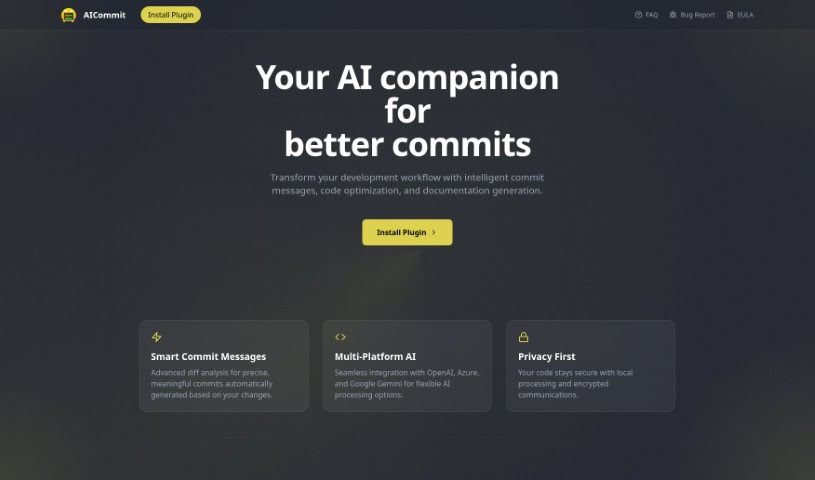
AICommit is a really neat programming assistant built to help developers be more productive right inside their JetBrains Integrated Development Environments (IDEs). It's powered by OpenAI's GPT technology, which means it brings some seriously smart coding features to the table. Think automated commit messages that actually make sense, suggestions for making your code run better, explanations for tricky code snippets, help with writing documentation, and even translating code between different languages. Basically, AICommit is designed to make your development process smoother by giving you tools for more efficient coding, making it easier to understand what's going on with your code, and helping you translate it when needed. You can find and interact with this plugin through the JetBrains Marketplace, and there's also a GitHub page if you're interested in joining the community or contributing.

Web Development View Tool →
Screenshot of Aider Chat

Aider Chat

Freemium

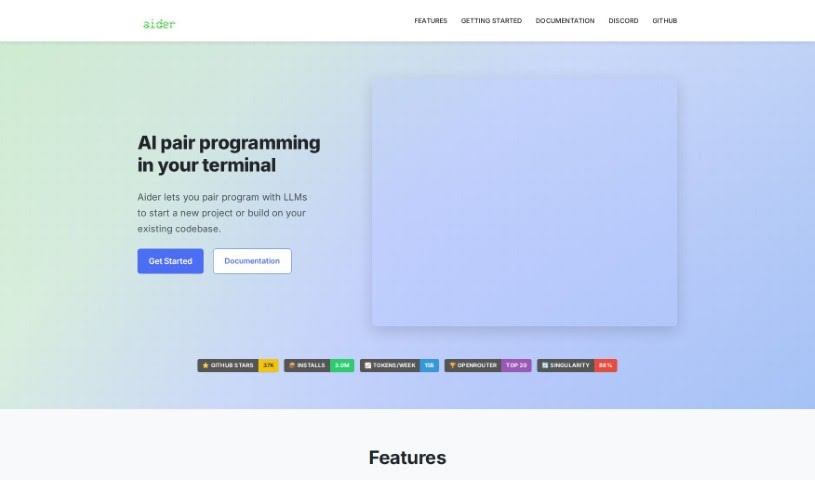
Aider Chat is a handy AI tool that acts like a pair programmer, specifically designed to help you edit code right within your local git repository. It is having an AI assistant, like Claude 3.5 Sonnet, DeepSeek V3, o1, or GPT-4o, working alongside you. Aider Chat can tackle all sorts of coding tasks – whether you need to add new features, write test cases, describe a tricky bug, refactor existing code, or update your documentation. It's pretty versatile, supporting many popular programming languages. What's really neat is that it can handle complex requests by editing multiple files at once, and it even automatically commits your changes to Git with smart, descriptive messages. Plus, you can chat with your AI assistant directly while you're editing files in your usual IDE or code editor, making sure everything stays in sync with the latest versions.

Web Development View Tool →
Screenshot of Aiterm (Beta)

Aiterm (Beta)

Freemium

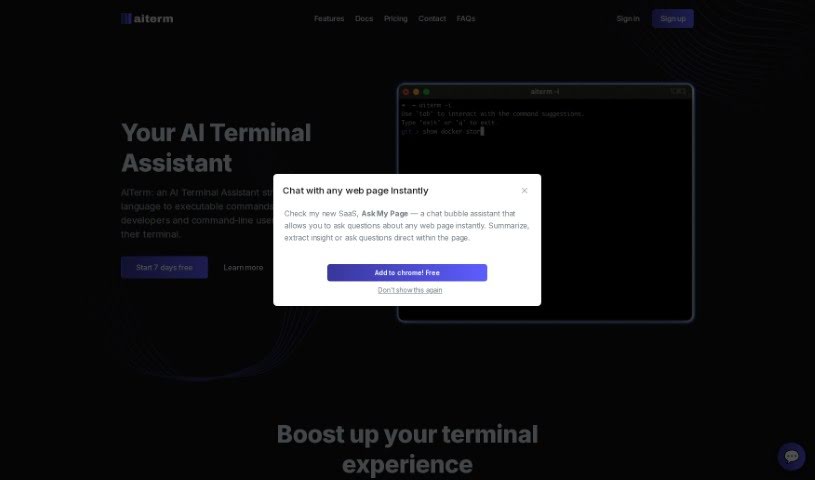
Aiterm (Beta) is an AI assistant built right into your terminal. It is your personal helper for turning everyday language into the commands your computer understands. It's designed to make working in the terminal much smoother and more productive for developers and anyone who uses command-line tools. Aiterm offers a bunch of helpful features, like an AI assistant that can pull up documentation whenever you need it, autocompletion that works like in your favorite code editor, ways to keep your terminal workflow organized, and generally just boosts your overall productivity. Plus, your privacy is a big deal here; Aiterm doesn't store any of your terminal activity on outside servers. You can use it with popular terminals like iTerm, VS Code Terminal, cmd, PowerShell, and many others. When it comes to paying, Midtrans handles all transactions securely, accepting major credit and debit cards. There are no ongoing subscriptions or hidden costs – you simply pay once for the amount of time you need.

Web Development View Tool →
Screenshot of Altern

Altern

Freemium

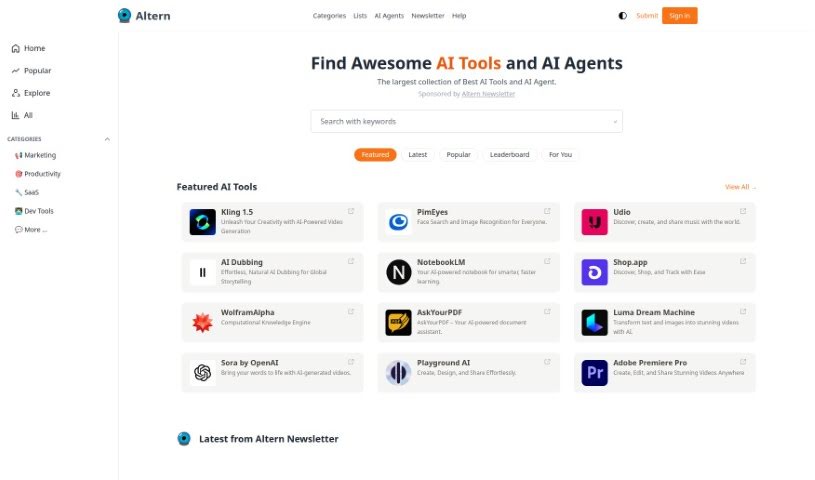
Altern is much more than just a directory; it's a lively community all about the fast-paced world of AI. Whether you're a seasoned AI researcher, an aspiring programmer, or just curious about where technology is headed, Altern has something for you. You'll get access to a whole universe of AI tools, models, datasets, and hardware. Plus, users can submit their AI products for free, check out handpicked AI lists that match their interests, and even build their own professional AI profile. Altern's goal is to push AI's limits by creating smart solutions that spark innovation and change industries, helping businesses and individuals reach new levels of achievement.

Web Development View Tool →
Screenshot of Ask Command

Ask Command

Freemium

Ask Command is a really neat AI assistant built specifically for developers. It is your go-to helper for remembering those Unix commands you always seem to forget. It's a native app for macOS, and it uses OpenAI's GPT-3 to figure out the best Unix command for whatever you're trying to do. The whole idea is to save you time – no more digging through Google searches for that one command you used last week. The Beta version is out now, and you'll need macOS 10.15 or later to run it. It's designed to be safe, too; it's sandboxed, meaning it can't mess with your system or run commands for you. Just a heads-up, though: always double-check any command it suggests to make sure you understand it and it's safe before you hit enter. Ask Command offers handy features like AI-powered suggestions, it's a real time-saver, it operates securely, it's always getting better thanks to server-side feedback, and it's super easy to use.

Web Development View Tool →
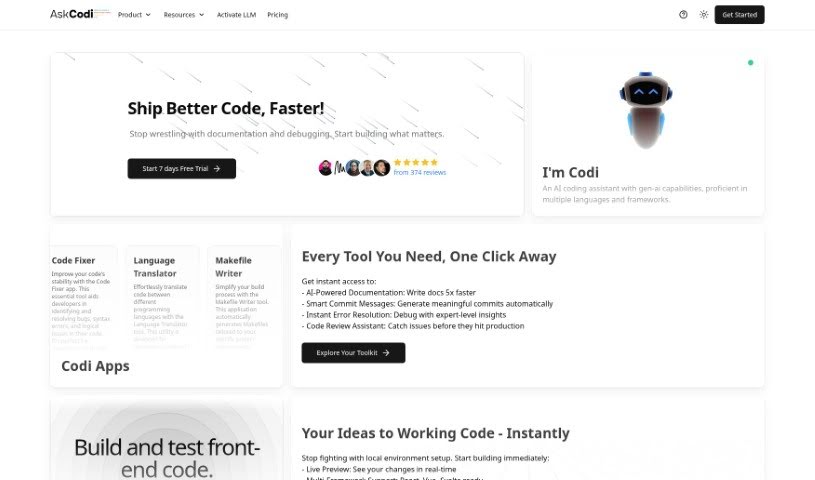
Screenshot of AskCodi

AskCodi

Freemium

AskCodi is an AI-powered coding assistant built to make your coding tasks more efficient and productive. It is a smart helper that can do things like autocomplete your code, integrate directly with your IDE, use advanced AI models, and even connect to your GitHub repositories. Essentially, AskCodi aims to smooth out the coding process, making it feel much more manageable for developers.

Web Development View Tool →
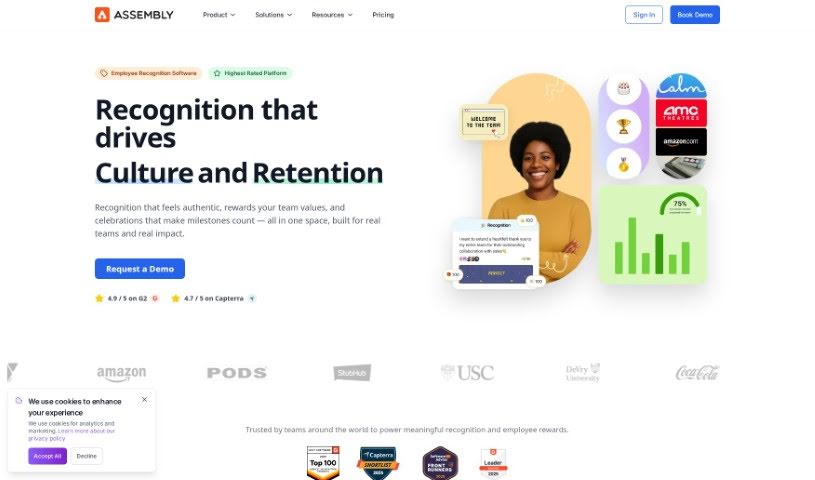
Screenshot of Assembly

Assembly

Freemium

Assembly language is a low-level programming language. It is being very close to the actual instructions a computer's processor understands – the machine code. When programmers write in assembly, they're essentially giving direct commands to the computer's hardware. Unlike higher-level languages, where one command might translate into many machine code instructions, assembly language typically has a one-to-one relationship. This means it can be incredibly efficient, using less memory and running faster. However, to use it well, you really need to understand how the computer's architecture works. It's a crucial tool for tasks where you need very precise control over hardware or the absolute best performance.

Web Development View Tool →
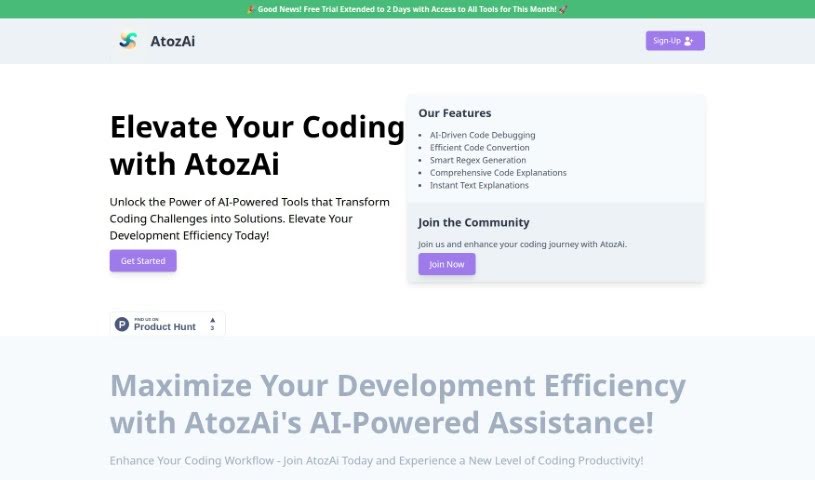
Screenshot of AtozAi

AtozAi

Freemium

AtozAi is a smart tool that uses AI to help developers be more productive and efficient. It is a helpful assistant for coding tasks. It offers a range of features designed to make coding challenges simpler, like AI that helps debug code, convert code from one language to another, create regular expressions (regex), and explain what code does. AtozAi really focuses on giving developers specific tools that go beyond what general AI can do, and they're always adding more to their toolkit for different areas of development. The goal is to make things easier, faster, and more creative for developers. AtozAi is powered by ThankiNet and aims to be the go-to place for developers who want to improve their coding with AI.

Web Development View Tool →
Previous 1 of 14 Next

Stay Updated with AI Tools

Get weekly updates on the latest AI tools, trends, and insights delivered to your inbox

Join 25,000+ AI enthusiasts. No spam, unsubscribe anytime.