AI Tools for Video Creation

Discover the best Video Creation AI tools to enhance your productivity and creativity.

Page 1 of 11 • 132 total tools

Making videos used to be a tough job, mostly for people with technical skills or fancy equipment. But now, thanks to AI advancements, creating great videos is something anyone can do. AI tools are changing video production, from automatically editing clips to picking the best scenes.

You can forget about struggling with editing software and waiting forever for videos to render. Now, you can whip up engaging video content fast, boosting your productivity without losing quality. Whether you’re a pro creator or just starting out, AI offers solutions for every need.

It’s easy to feel a bit lost with so many options out there in this fast-changing field. That’s why I’ve checked out the best AI video creation tools for different styles and goals. Get ready to find platforms that help you edit faster, add cool effects, and even write scripts, all while making your work simpler.

Let’s jump into the world of AI video creation tools. Here, innovation meets creativity, and we’ll find out which ones are really worth adding to your toolkit.

The best AI Video Creation Tools

  1. Runway: Great for dynamic scene transition effects.
  2. HeyGen: Makes studio-quality video creation effortless.
  3. Vidnoz AI: For quickly generating AI video content.
  4. Digen AI: Automates video editing and production.
  5. Synthesia: Streamlines creating internal training videos.
  6. Magic Hour: Easily creates engaging promotional videos.
  7. Animaker: Helps you create eye-catching social media videos.
  8. AKOOL: Perfect for personalized holiday video messages.
  9. Live3D: Converts AI art into animated videos.
  10. HitPaw: Enhances videos with watermark-free editing.
  11. Clipchamp: Ideal for social media video editing.
  12. Captions: Streamlines editing for stunning videos.
  13. D-ID: Effortlessly produces marketing videos.
  14. DreamFace: Animates faces for engaging videos.
  15. DeepBrain AI: Quickly turns articles into engaging videos.

How do AI video creation tools work?

AI video creation tools use smart algorithms to automate making videos. Basically, these tools look at the information you give them—like text, pictures, and sound files—using advanced machine learning. Most of them use computer vision and natural language processing to understand and then craft videos that get a specific message across.

When you give an AI video tool a prompt, it creates a storyboard and suggests visuals or animations. Behind the scenes, it figures out the main themes and feelings in your input to pick fitting footage or images. This ability to predict helps create more personalized videos that connect well with different audiences.

Sound is also a key part. Many AI video platforms include text-to-speech technology and royalty-free music to keep viewers interested. By looking at the script you provide, these tools can generate voiceovers that match the tone and style you want. This mix of visuals and audio results in a polished final product.

Plus, AI video creation tools often come with templates and ways to customize them. While the automation handles the hard work, you can still change things like colors, fonts, and transitions to better match your brand. This combination of automation and creativity makes video production easier, even for those without technical skills.

As these technologies get better, they keep evolving. Tools are becoming much more skilled at understanding context and sentiment, leading to more impactful videos. They can be used for marketing, education, or even personal stories, opening up tons of possibilities for creators.

If you’re looking to use AI for your video projects, it’s a good idea to explore different platforms and see what they can do. These tools not only save you time but also broaden your creative options, letting you focus on your main message instead of the technical side of making videos.

Our best AI video creation tools at a glance

RankNameBest forPlans and PricingRating
1Runwaydynamic scene transition effectsN/A4.67 (12 reviews)
2HeyGeneffortless studio-quality video creationN/A4.77 (53 reviews)
3Vidnoz AIrapid ai video content generationN/A4.20 (5 reviews)
4Digen AIautomated video editing and production.N/A4.73 (11 reviews)
5Synthesiastreamlining internal training video creationPaid plans start at $29/month.4.74 (46 reviews)
6Magic Hourengaging promotional videos made easily.Paid plans start at $120/year.4.80 (30 reviews)
7Animakercreate eye-catching social media videosN/A4.17 (6 reviews)
8AKOOLpersonalized holiday video messagesN/A4.73 (11 reviews)
9Live3Dconvert ai art to animated videos.N/A4.64 (11 reviews)
10HitPawwatermark-free video editing enhancementN/A4.62 (26 reviews)
11Clipchampsocial media video editingN/A4.82 (11 reviews)
12Captionsstreamline editing for stunning videos.N/A4.64 (11 reviews)
13D-IDeffortless video production for marketing.N/A4.33 (15 reviews)
14DreamFaceanimating faces for engaging videosN/A4.64 (11 reviews)
15DeepBrain AIquickly turn articles into engaging videos.N/A4.82 (11 reviews)
Screenshot of AI Trailers

AI Trailers

Freemium

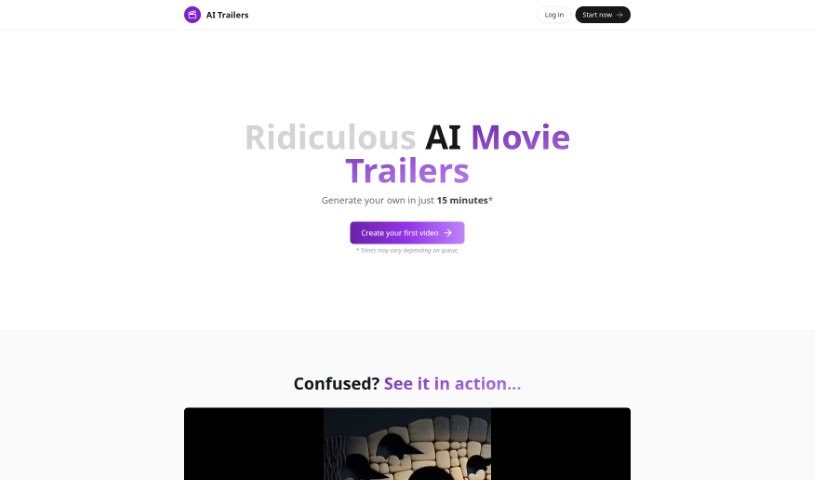
AI Trailers is a service that lets you create your own AI-generated movie trailers, and it's surprisingly quick and easy. You can whip up personalized trailers, usually between 20-40 seconds long, by using artificial intelligence to help write the script, create the images, and even do the narration. Plus, you've got options for more AI-driven tweaks or manual edits to really fine-tune the final product. What's great is the pricing – it's really accessible, starting at just $5 for a video credit. If you ever need a hand, they've got customer support ready on Discord. Basically, AI Trailers wants to make making AI movie trailers a smooth and enjoyable process for everyone.

Video Generation View Tool →
Screenshot of AKOOL

AKOOL

Freemium

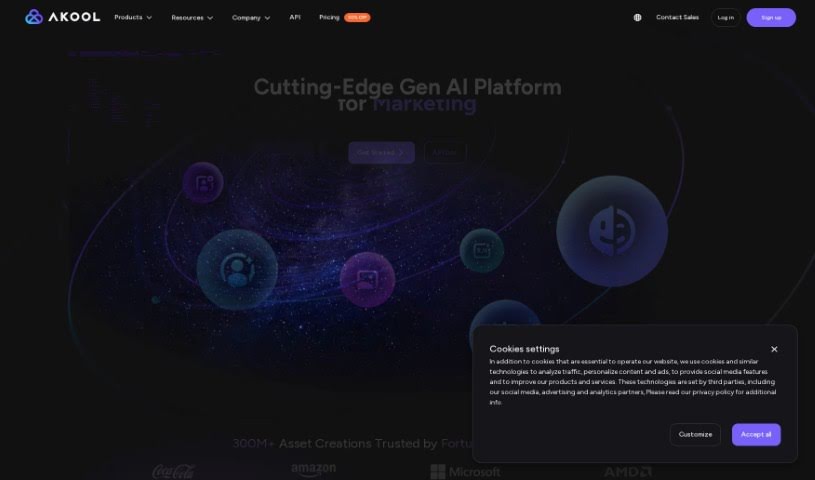
AKOOL is a company that offers advanced AI tools specifically for marketing. They've developed an AI image generator that can create really high-quality images, even in 4K resolution. This means you can be super creative with fewer limits, and they even offer free trials so you can try it out before you buy.

Video Generation View Tool →
Screenshot of Animaker

Animaker

Freemium

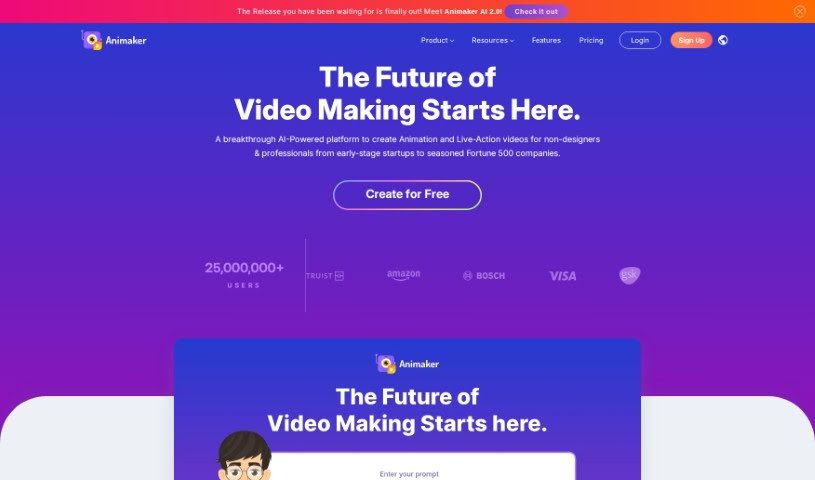
Animaker is a really comprehensive online platform that makes video creation a breeze, whether you're a total beginner or a seasoned pro. It lets you whip up animated and live-action videos super quickly. It is your all-in-one creative studio, packed with AI-powered tools like Animaker itself, Picmaker, Vmaker, and Voice. These are all designed to help you produce high-quality animated, live-action, and even screen-recorded videos in just minutes.

Video Generation View Tool →
Screenshot of AnyClip

AnyClip

Freemium

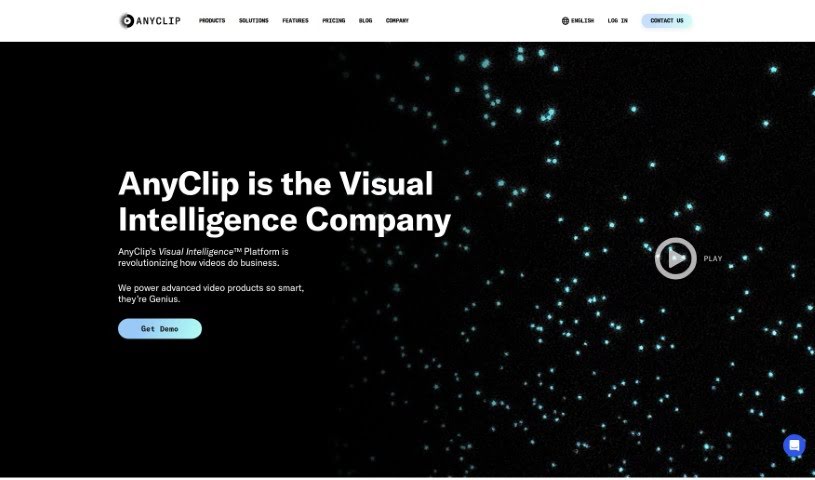
AnyClip is a smart video platform that uses artificial intelligence to turn regular videos into something much more dynamic and intelligent. It actually has two main products: Genius+ for when you're talking to customers, and GeniusWork for when you're communicating with your own team. AnyClip's AI tools make your videos searchable, measurable, personalizable, merchandisable, and even interactive. Essentially, they take traditional videos and make them richer with data, giving them smart video capabilities. The whole idea is to help businesses make their videos smarter, more engaging, and more impactful, offering advanced video solutions for all sorts of uses and industries.

Video Generation View Tool →
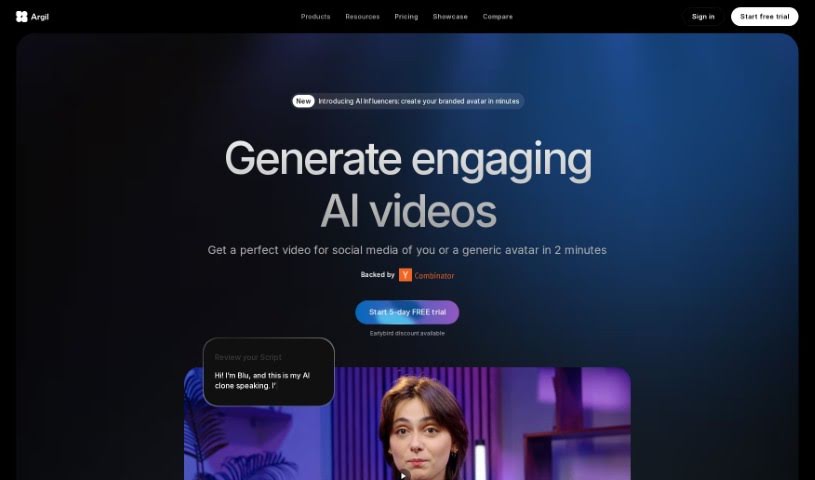
Screenshot of Argil AI

Argil AI

Freemium

Argil AI is your go-to no-code tool for automating all those repetitive tasks that eat up your time. It's designed to help you build custom automations for all sorts of things, whether you're creating apps or using AI features specifically for your own data. What makes Argil stand out? Well, it automates those tedious tasks, lets you use GPT text and image plugins, offers AI-powered templates, and has a 'Magic prompt' feature that really helps get better results. Plus, it plays nicely with other tools and services. Importantly, Argil takes your data safety seriously – they don't access your data and they don't use your results to train their algorithms. They offer a range of pricing plans, from a Free tier with limited credits to an Enterprise plan that gives you unlimited models, credits, and automations. Ultimately, Argil AI is all about boosting your productivity by making your workflows smoother and giving you personalized results from your creative assets.

Video Generation View Tool →
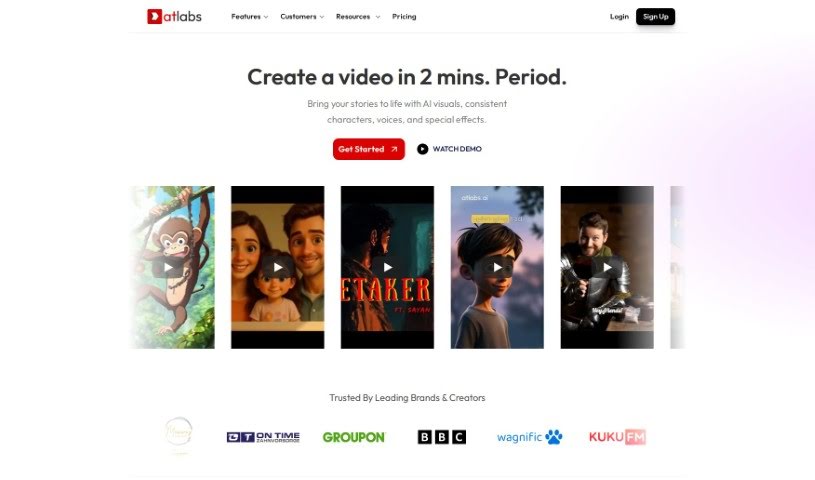
Screenshot of Atlabs AI

Atlabs AI

Freemium

Atlabs AI is a complete AI video platform built specifically for businesses. It's designed to help you create engaging videos that match your brand, even if you don't have advanced technical skills. You can simply type in your text or bring in existing content, and the AI takes it from there to craft a script. The platform is packed with helpful features, including an AI Assets Generator, motion graphics that stay true to your brand, support for many languages, AI voiceovers, and captions. It really simplifies making videos, aiming to boost your organic reach and help your business grow. You can access Atlabs AI by logging in, and they offer customer support right on the platform.

Video Generation View Tool →
Screenshot of Avais

Avais

Freemium

Avais is a really neat volleyball training app. It uses some pretty advanced AI to do a few cool things for players. Think real-time tracking during matches, detailed analysis of how you're playing, and even personalized coaching tips just for you. Plus, it can automatically put together highlight reels of your best plays, and get this – it can even help you get noticed by college scouts! The whole idea behind Avais is to help athletes get better at volleyball. It gives you specific advice and feedback based on your performance, suggests drills to work on your technique, and even lets you compete with friends, which makes improving your game a lot more fun. What really sets Avais apart is its focus on helping you grow and see your progress. It uses AI for that real-time tracking and analysis, offering instant stats, custom coaching, automatic highlight clips, and those scouting opportunities. Setting it up is super easy, you can challenge your friends, and getting scouted by colleges is a breeze thanks to those highlight clips it creates.

Video Generation View Tool →
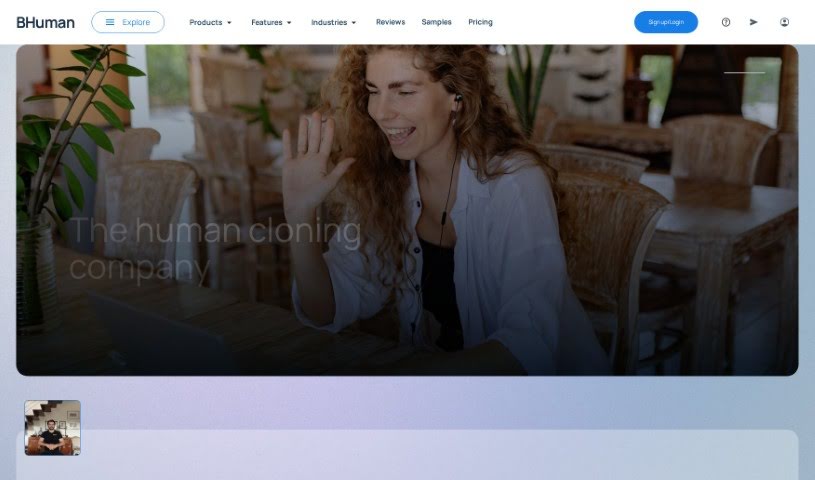
Screenshot of Bhuman

Bhuman

Freemium

Bhuman is a really interesting AI tool designed to change how we connect with people, especially when you need to reach a lot of them. It lets you create personalized videos that look incredibly real, which is a fantastic way to boost customer engagement and make your communication feel more personal. The system uses smart algorithms to look at your customer data and then crafts videos that are just right for each person, based on what they like, what they're interested in, and what they need. This kind of tailored approach really helps build trust and makes customers feel more connected to you, which in turn builds loyalty. The platform itself is pretty straightforward to use; you can easily upload your content, tweak the video elements, and add those special personal touches, like the customer's name or specific details about them. Basically, Bhuman helps businesses move past old marketing methods. It uses AI to create interactions that feel genuinely human, even when you're connecting with many people at once, helping you build real relationships.

Video Generation View Tool →
Screenshot of Bigvu

Bigvu

Freemium

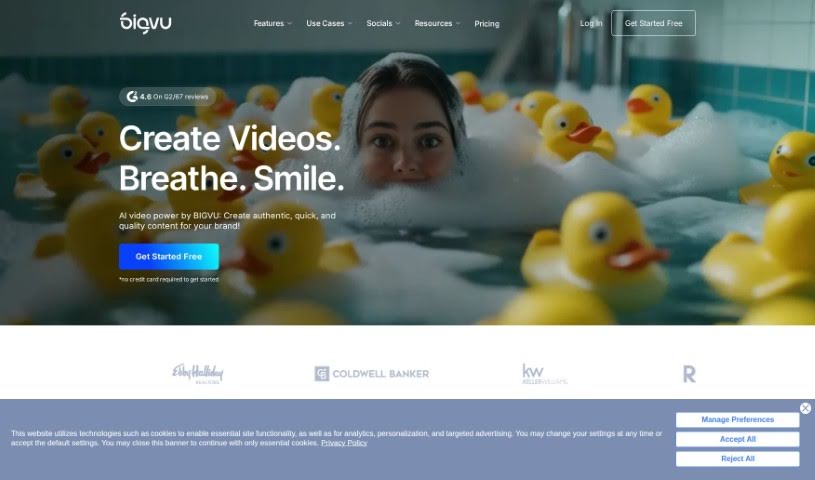
Bigvu is a really handy tool that makes creating professional videos much simpler. It is your go-to for making polished videos without needing a whole production crew. It comes packed with features like a built-in teleprompter to keep you on track, automatic editing to save you time, and customizable templates so your videos always look great. Bigvu is designed for everyone, even if you've never made a video before. It's super accessible for individuals and businesses alike. By offering easy ways to record, edit, and share your videos, Bigvu helps you create engaging content for marketing, teaching, or just sharing on social media. Essentially, Bigvu is a user-friendly platform that lets you use video to connect with people effectively in today's digital world.

Video Generation View Tool →
Screenshot of Biteable Image to Video

Biteable Image to Video

Freemium

Biteable Image to Video is a handy online tool that lets you turn your photos into engaging videos. It's pretty straightforward: you upload your images to the platform. You can pick from Biteable's own image library or upload your own pictures. Once they're there, you can really bring them to life. Think adding cool movement effects like pans or swipes, smoothly transitioning between different scenes, and even jazzing things up with animated text, icons, or a background music track. When you're happy with how it looks, you can easily preview your video and then export or share it in high resolution. Basically, Biteable Image to Video offers a super user-friendly and efficient way to transform those static images into dynamic, professional-looking videos.

Video Generation View Tool →
Screenshot of BOOLV VideoMaker

BOOLV VideoMaker

Freemium

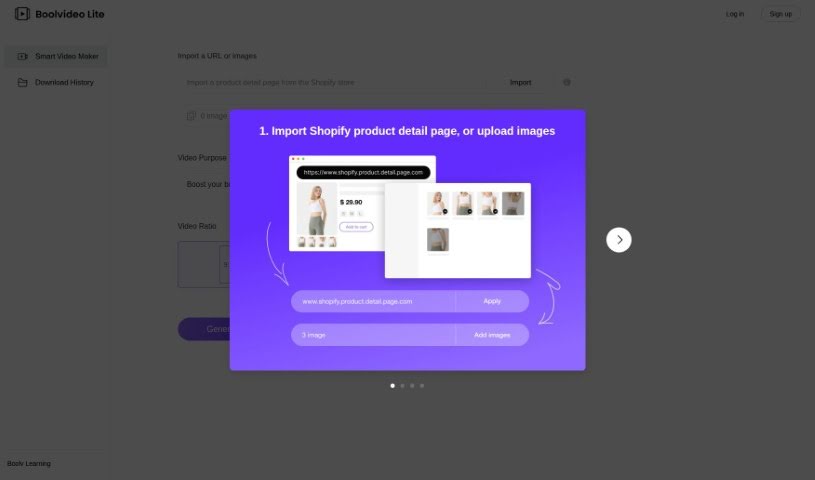
BOOLV VideoMaker is a platform designed to offer solutions that really use advanced technology to help both businesses and individuals. They focus on making things efficient, so BOOLV provides easy-to-use interfaces and solid features to help you work smarter and have a better digital experience. The platform is built on reliability and accuracy, meaning you can improve your processes with confidence. BOOLV is always growing, aiming to offer the latest services and products, which is why they're seen as a leader in the tech world. By exploring everything technology has to offer, BOOLV invites you to join them in discovering and creating new technological possibilities.

Video Generation View Tool →
Screenshot of Camtasia Rev

Camtasia Rev

Freemium

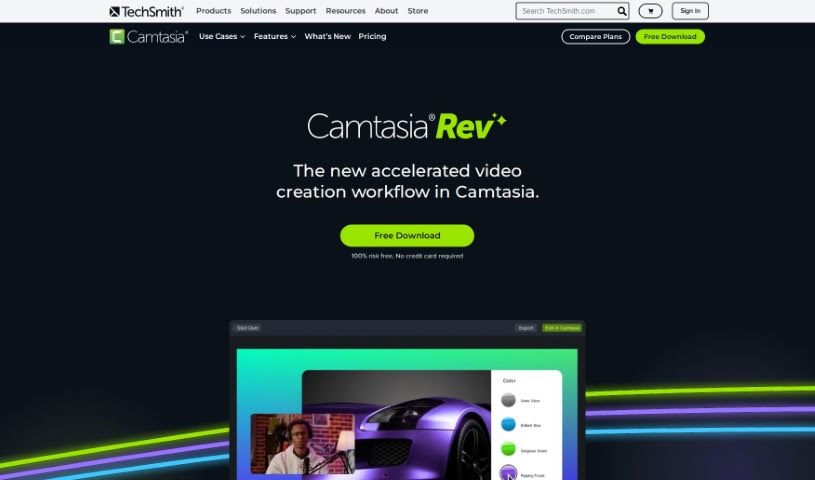
Camtasia Rev is a smart tool that helps speed up video creation within Camtasia. It uses AI to make the whole process smoother, so you can get a more polished video done faster. It is a helpful assistant that offers a bunch of cool features. For instance, it can help you create content that looks great on different screen sizes, adjust layouts perfectly for whatever you need, and add professional touches like background effects and filter templates with just a click. It also makes adding annotations and transitions super easy, and it even works with Audiate for editing your audio, almost like editing text. Basically, Camtasia Rev is all about helping you create videos that look good and grab attention, all while keeping your brand looking consistent and professional.

Video Generation View Tool →
Previous 1 of 11 Next

Stay Updated with AI Tools

Get weekly updates on the latest AI tools, trends, and insights delivered to your inbox

Join 25,000+ AI enthusiasts. No spam, unsubscribe anytime.