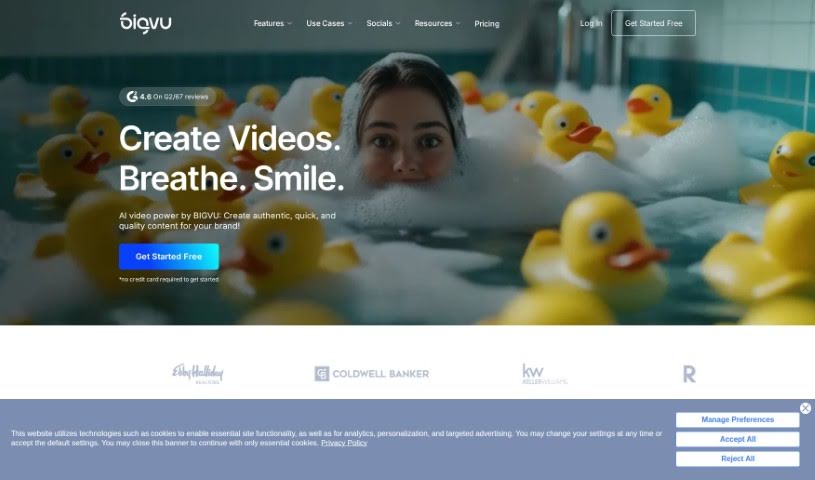
What is Bigvu?
Bigvu is a really handy tool that makes creating professional videos much simpler. It is your go-to for making polished videos without needing a whole production crew. It comes packed with features like a built-in teleprompter to keep you on track, automatic editing to save you time, and customizable templates so your videos always look great. Bigvu is designed for everyone, even if you’ve never made a video before. It’s super accessible for individuals and businesses alike. By offering easy ways to record, edit, and share your videos, Bigvu helps you create engaging content for marketing, teaching, or just sharing on social media. Essentially, Bigvu is a user-friendly platform that lets you use video to connect with people effectively in today’s digital world.
Who created Bigvu?
Bigvu was brought to life by Alon Alroy and David Benigson. They launched the company on July 19, 2023, with the goal of providing AI-powered video creation tools that make making videos a breeze.
What is Bigvu used for?
Bigvu is incredibly versatile! Here’s a look at what you can do with it:
- Easy to Use: It boasts a user-friendly interface that makes video creation straightforward.
- Video Editing: You can easily edit your videos to perfection.
- Data Privacy: It offers robust data privacy protection for your peace of mind.
- Teleprompter Recording: Record yourself speaking naturally by following along with teleprompter scripts.
- Captioning: Automatically add captions to your videos, making them more accessible.
- Import & Enhance: Bring in your existing videos and give them a professional polish.
- Professional Look: Create videos that look like they were made by professionals.
- Client Collaboration: Work with multiple clients on their video projects all in one place.
- Talking Head Videos: Make compelling talking head videos to build your brand authority.
- Social Media Boost: Increase your online presence by sharing high-quality videos on social media.
- Onboarding & Announcements: Create impactful onboarding videos for new team members or internal company announcements.
- News Updates: Easily produce videos for sharing news updates.
- Accessibility: Adding captions makes your videos accessible to a wider audience.
- High-Quality Content: Easily create high-quality videos that capture attention.
- Video Messages: Craft video messages that come with their own dedicated landing page.
Who is Bigvu for?
Bigvu is a fantastic tool for a wide range of professionals:
- Marketers
- Educators
- Content creators
- Social media managers
- Entrepreneurs
- Sales professionals
- Trainers
- Real Estate Agents
- Public speakers
- Consultants
How to use Bigvu?
Using Bigvu is pretty straightforward. Just follow these steps to get started:
- Sign Up: First, create your account. You can do this on Bigvu’s website or through their app by using your email address.
- Create a Project: Once you’re in, start a new project. This is where all your video content will live.
- Select a Template: Bigvu offers templates to help you get started quickly. Pick one that matches the style you’re going for, or feel free to create your own custom design.
- Script Writing: Time to write your script! You can type it directly into Bigvu, or if you already have a script, you can easily import it.
- Teleprompter: Use the built-in teleprompter feature. It’s a great way to help you deliver your lines smoothly while you’re recording.
- Record Your Video: Use Bigvu’s recording tools to capture your video. Remember to find a spot with good lighting and clear sound for the best results!
- Add Enhancements: Make your video pop by adding text overlays, images, or special effects. This helps make your content more engaging.
- Preview and Edit: Watch your video to see how it looks. You can make any necessary edits here to fine-tune the final output.
- Finalize and Export: When you’re happy with everything, finalize your video. Then, export it in whatever format works best for you.
- Sharing and Publishing: You’re all set! Share your finished video directly on social media platforms, or download it to use later.
By following these steps, you’ll be well on your way to creating professional-looking videos with Bigvu for all sorts of purposes.