AI Tools for Video Creation

Discover the best Video Creation AI tools to enhance your productivity and creativity.

Page 2 of 11 • 132 total tools

Making videos used to be a tough job, mostly for people with technical skills or fancy equipment. But now, thanks to AI advancements, creating great videos is something anyone can do. AI tools are changing video production, from automatically editing clips to picking the best scenes.

You can forget about struggling with editing software and waiting forever for videos to render. Now, you can whip up engaging video content fast, boosting your productivity without losing quality. Whether you’re a pro creator or just starting out, AI offers solutions for every need.

It’s easy to feel a bit lost with so many options out there in this fast-changing field. That’s why I’ve checked out the best AI video creation tools for different styles and goals. Get ready to find platforms that help you edit faster, add cool effects, and even write scripts, all while making your work simpler.

Let’s jump into the world of AI video creation tools. Here, innovation meets creativity, and we’ll find out which ones are really worth adding to your toolkit.

The best AI Video Creation Tools

  1. Runway: Great for dynamic scene transition effects.
  2. HeyGen: Makes studio-quality video creation effortless.
  3. Vidnoz AI: For quickly generating AI video content.
  4. Digen AI: Automates video editing and production.
  5. Synthesia: Streamlines creating internal training videos.
  6. Magic Hour: Easily creates engaging promotional videos.
  7. Animaker: Helps you create eye-catching social media videos.
  8. AKOOL: Perfect for personalized holiday video messages.
  9. Live3D: Converts AI art into animated videos.
  10. HitPaw: Enhances videos with watermark-free editing.
  11. Clipchamp: Ideal for social media video editing.
  12. Captions: Streamlines editing for stunning videos.
  13. D-ID: Effortlessly produces marketing videos.
  14. DreamFace: Animates faces for engaging videos.
  15. DeepBrain AI: Quickly turns articles into engaging videos.

How do AI video creation tools work?

AI video creation tools use smart algorithms to automate making videos. Basically, these tools look at the information you give them—like text, pictures, and sound files—using advanced machine learning. Most of them use computer vision and natural language processing to understand and then craft videos that get a specific message across.

When you give an AI video tool a prompt, it creates a storyboard and suggests visuals or animations. Behind the scenes, it figures out the main themes and feelings in your input to pick fitting footage or images. This ability to predict helps create more personalized videos that connect well with different audiences.

Sound is also a key part. Many AI video platforms include text-to-speech technology and royalty-free music to keep viewers interested. By looking at the script you provide, these tools can generate voiceovers that match the tone and style you want. This mix of visuals and audio results in a polished final product.

Plus, AI video creation tools often come with templates and ways to customize them. While the automation handles the hard work, you can still change things like colors, fonts, and transitions to better match your brand. This combination of automation and creativity makes video production easier, even for those without technical skills.

As these technologies get better, they keep evolving. Tools are becoming much more skilled at understanding context and sentiment, leading to more impactful videos. They can be used for marketing, education, or even personal stories, opening up tons of possibilities for creators.

If you’re looking to use AI for your video projects, it’s a good idea to explore different platforms and see what they can do. These tools not only save you time but also broaden your creative options, letting you focus on your main message instead of the technical side of making videos.

Our best AI video creation tools at a glance

RankNameBest forPlans and PricingRating
1Runwaydynamic scene transition effectsN/A4.67 (12 reviews)
2HeyGeneffortless studio-quality video creationN/A4.77 (53 reviews)
3Vidnoz AIrapid ai video content generationN/A4.20 (5 reviews)
4Digen AIautomated video editing and production.N/A4.73 (11 reviews)
5Synthesiastreamlining internal training video creationPaid plans start at $29/month.4.74 (46 reviews)
6Magic Hourengaging promotional videos made easily.Paid plans start at $120/year.4.80 (30 reviews)
7Animakercreate eye-catching social media videosN/A4.17 (6 reviews)
8AKOOLpersonalized holiday video messagesN/A4.73 (11 reviews)
9Live3Dconvert ai art to animated videos.N/A4.64 (11 reviews)
10HitPawwatermark-free video editing enhancementN/A4.62 (26 reviews)
11Clipchampsocial media video editingN/A4.82 (11 reviews)
12Captionsstreamline editing for stunning videos.N/A4.64 (11 reviews)
13D-IDeffortless video production for marketing.N/A4.33 (15 reviews)
14DreamFaceanimating faces for engaging videosN/A4.64 (11 reviews)
15DeepBrain AIquickly turn articles into engaging videos.N/A4.82 (11 reviews)
Screenshot of Canva AI Video Generator

Canva AI Video Generator

Freemium

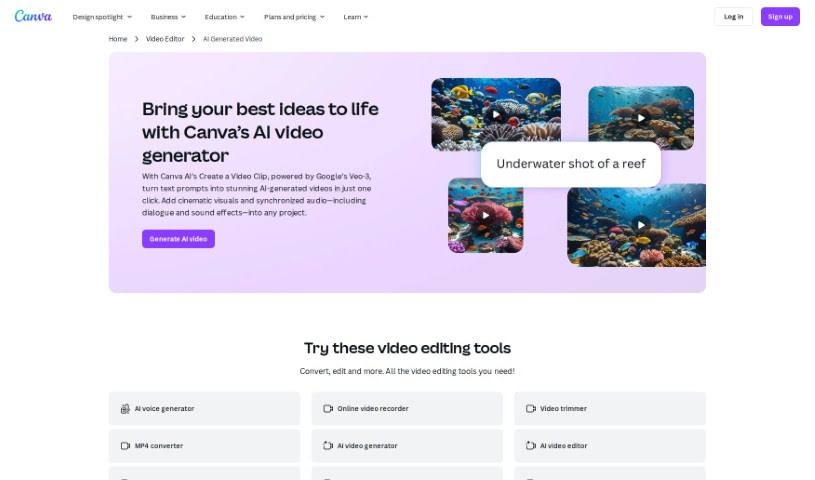
The AI Video Generator is a smart assistant that automatically whips up video content for you. It's a really neat technology that lets you create engaging videos without spending ages on manual editing. Basically, it uses AI to look at your images, text, and audio, and then it puts together dynamic visuals. You can totally tweak it, though – pick different styles, templates, and effects to get exactly what you need. It really makes video creation much simpler, opening the door for more people and businesses to tell their stories visually and make a splash online.

Video Generation View Tool →
Screenshot of Captions

Captions

Freemium

Captions is a really innovative platform that uses advanced AI to make video creation much simpler. It's designed to help people from all walks of life bring their ideas to life easily and effectively. With Captions, anyone can create professional-looking videos with just a few clicks, cutting out hours of tedious editing. The AI in Captions looks at your raw video and automatically creates captions that really boost the story by understanding the context, the emotions, and how the video flows. Plus, Captions has a bunch of other AI features, like adding music, sound effects, and transitions to make your videos more engaging. You can also use its powerful editing tools to trim clips, combine them, add visual effects, and apply filters. The platform makes it super easy to customize your captions – you can change the font, size, color, and where they appear, or pick from ready-made styles that fit your video's mood. Whether you're a pro videographer looking to speed up your workflow or a social media fan wanting to make eye-catching content, Captions is a great tool. Its easy-to-use interface and strong AI capabilities make storytelling accessible, opening up endless possibilities for video creation.

Video Generation View Tool →
Screenshot of Captions AI AI Avatar Generator

Captions AI AI Avatar Generator

Freemium

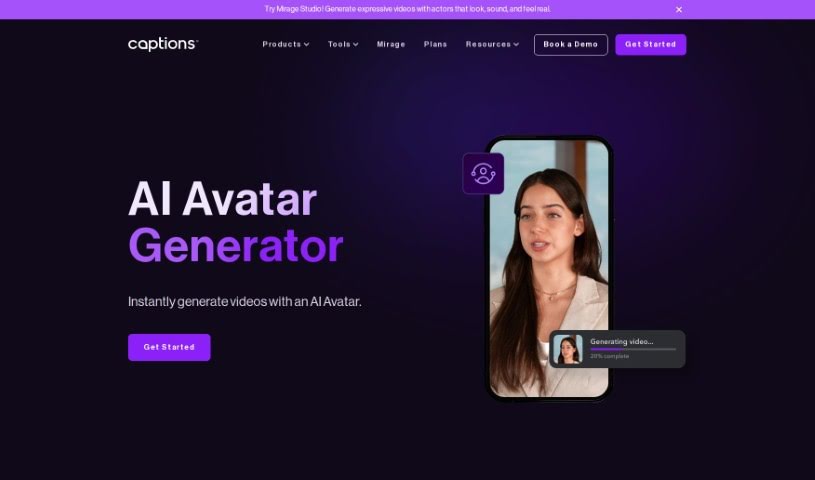
An AI Avatar Generator is a tool that lets you create digital versions of people using advanced machine learning and video processing. It is a way to cast realistic-looking avatars as the stars of your videos. You can then tweak all sorts of production details, like the camera angles, how the scene is lit, what the avatar wears, and the background. It's pretty straightforward to get started: just download the Captions app or head to their website. From there, you can pick from a wide variety of avatars, customize your video with different backgrounds and outfits, and then either write your own script or have the AI generate one for you. The final video can then be exported. What's really neat is that these AI avatars can actually talk! They use text-to-speech technology to deliver scripts in a way that sounds remarkably real and lifelike, making your video content much more dynamic and engaging.

Video Generation View Tool →
Screenshot of Centropo

Centropo

Freemium

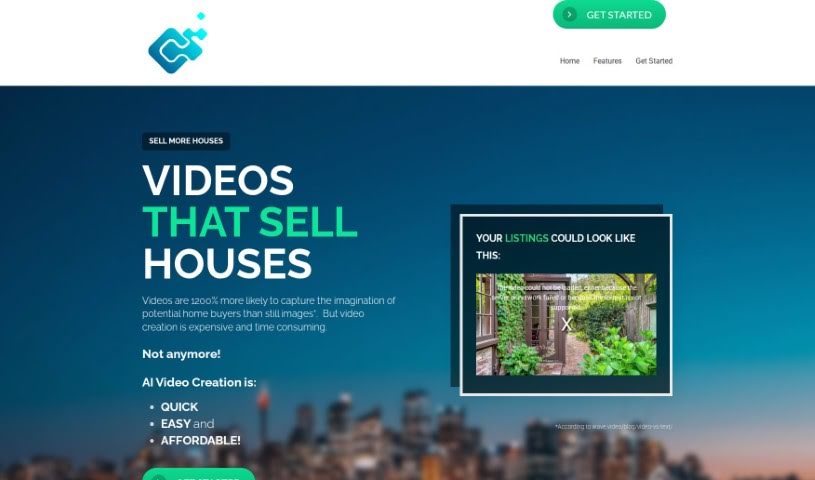
Centropo is a video creation tool powered by AI, built specifically for real estate agents. It really simplifies making professional-looking videos for property listings by automatically generating them. The goal here is to make video creation fast, affordable, and easy. It uses AI to create engaging videos that really highlight what's great about a property. All you need to do is give it a link to a property website or a listing from any real estate app, and it'll create high-quality videos. These videos showcase the key features and can even include a voice-over using your own description. Centropo's videos are designed to grab the attention of potential buyers, giving real estate agents a real edge in marketing their listings effectively.

Video Generation View Tool →
Screenshot of Chillin

Chillin

Freemium

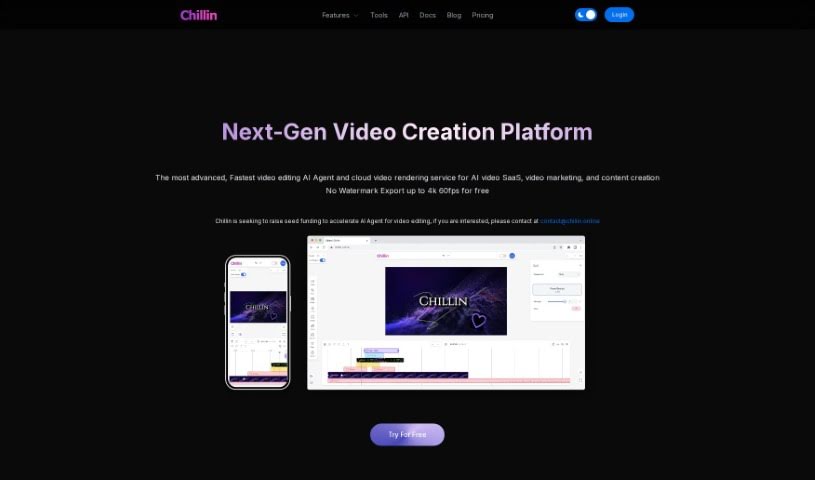
Chillin is an online video editor that's powered by AI, making it super easy for anyone to create really good-looking videos without any watermarks. It's packed with advanced tools, so you can do things like create complex animations, add cool effects, work with keyframes, and use smooth transitions. Plus, it can automatically generate captions, compress images and GIFs, and even convert videos to GIFs. You can export your finished videos in stunning 4K resolution at 60 frames per second if you're on a desktop, or 1080p at 60fps on your phone. Chillin also supports many different languages and offers handy tools for compressing images and GIFs, all without adding those annoying watermarks.

Video Generation View Tool →
Screenshot of Clipchamp

Clipchamp

Freemium

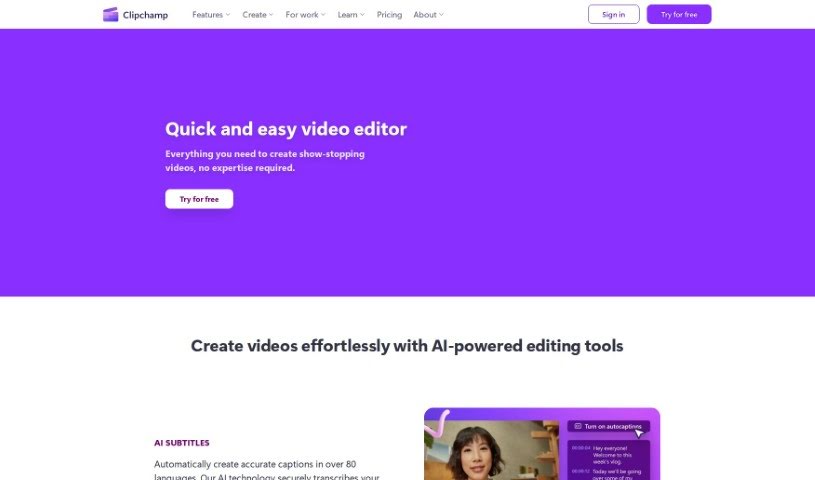
Clipchamp is a really popular online video editing platform. What makes it stand out is how easy it is to use, even if you're not a tech whiz. It's packed with features that let you create and edit videos quickly, without needing a ton of technical know-how. You can easily trim clips, cut out unwanted parts, add text overlays, smooth transitions between scenes, and even apply filters to give your videos a specific look. Plus, Clipchamp gives you access to a huge library of stock media – think videos, images, and music – that you can drop right into your projects. It handles lots of different video formats, and you can even share your finished creations straight to social media. Basically, it’s a super handy and flexible tool for anyone, whether you're an individual or a business, who wants to make professional-looking videos without a fuss.

Video Generation View Tool →
Screenshot of Cliplama

Cliplama

Freemium

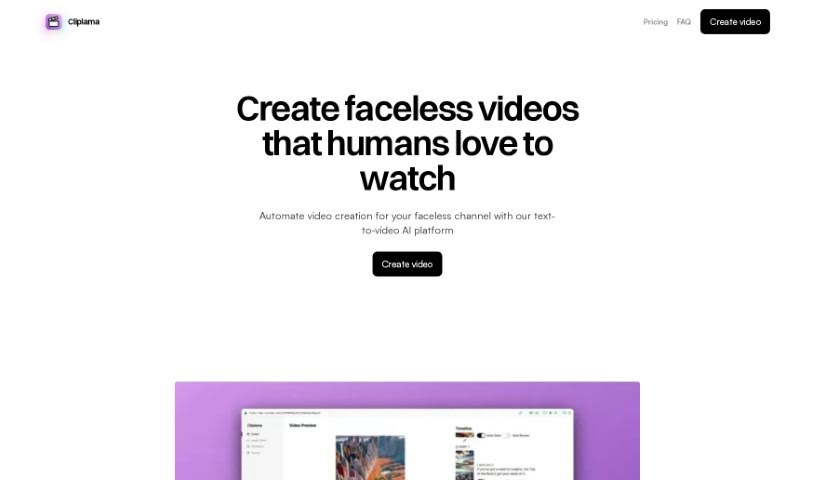
Cliplama is a handy tool that really automates the whole video creation process. It's packed with features designed to make your life easier, like turning text into video, automatically writing scripts for you, adding cool, trendy transitions, and even including an auto-zoom effect. You can also choose from different caption styles, scale your content easily, and even auto-post directly to your social media platforms. Plus, it supports various aspect ratios, generates videos super fast, and is great for creating ads or educational materials. It even has specific interfaces for TikTok and Reels, and can produce YouTube-ready videos. On top of that, it generates background music automatically, lets you pick narration voice styles, includes images and photos automatically, and can even create GIFs for your videos.

Video Generation View Tool →
Screenshot of Colossyan

Colossyan

Freemium

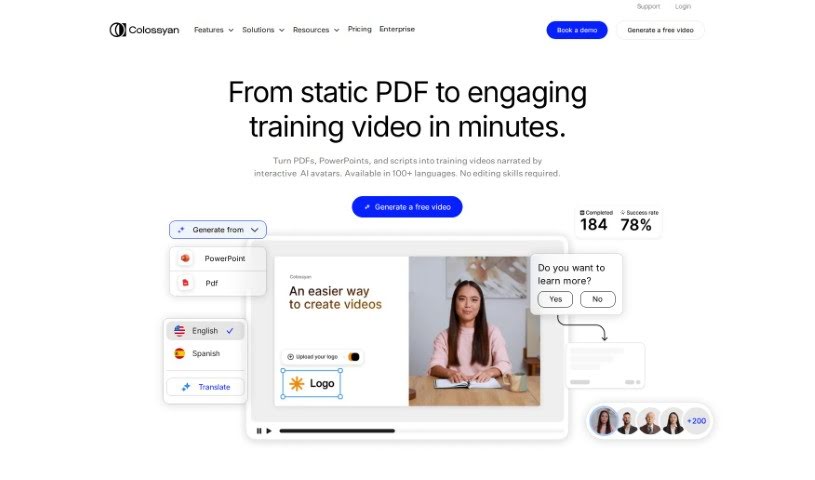
Colossyan started with a big idea: to completely change how videos are made by making the whole process much faster and simpler. They built the platform because traditional video production can be a real hassle. Think about it – writing scripts, coordinating actors, and setting up shots can take ages, often leading to reshoots. Colossyan brings together top engineers and AI researchers to offer a solution that big names like Hewlett Packard, BASF, and BMW already use. It lets them create and adapt videos in minutes that used to take months.

Video Generation View Tool →
Screenshot of D-ID

D-ID

Freemium

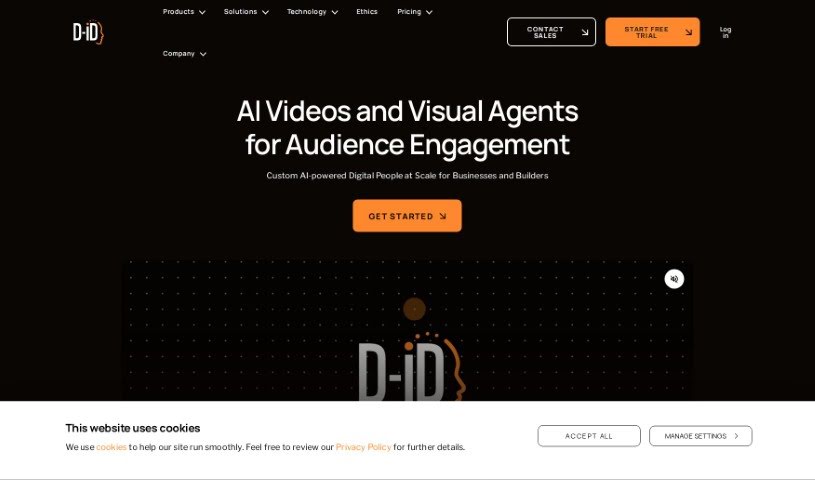
D-ID is a company that started in 2017, and they're really leading the way in making generative AI interactions and content creation more dynamic. They focus on Natural User Interface (NUI) technologies. Their platform is pretty neat because it can take all sorts of content and turn it into these really engaging Digital People, giving you a super immersive experience. They've got this cool tech that combines facial synthesis with deep learning know-how. This means they can create interactive AI experiences that work in lots of different languages. Businesses that focus on customer experience, marketing, and sales, as well as content creators all over the world, find D-ID's solutions super helpful. Big names like Deutsche Telekom, PWC, Deloitte, Burda Media, AXA Insurance, and Gameloft have used D-ID's tech to create some truly amazing experiences with AI avatars.

Video Generation View Tool →
Screenshot of D-ID Studio

D-ID Studio

Freemium

D-ID Studio is a platform packed with helpful tutorials covering all sorts of things, including a great overview of how agents work. It’s designed to give you all the resources you need to really get the most out of the service. You can learn how to navigate the platform, understand what agents can do, and find all the tutorials you might need. With guides like "Welcome to D-ID" and "Agents Overview," you'll quickly get comfortable with everything the platform offers. It's clear D-ID Studio really cares about teaching its users, providing detailed video lessons to boost your understanding and skills.

Video Generation View Tool →
Screenshot of Ddle.dev

Ddle.dev

Freemium

Ddle.dev is a really neat online tool that uses AI to help you create quick, interactive walkthroughs of your website. What makes it different from other screen recording tools is that it adds AI-generated voices and faces, making your guides more engaging without needing actual video calls. Once you're done, you can easily share your walkthroughs with a link that's ready to go instantly. Ddle.dev also lets you pick the narration's tone, use multiple languages for the voiceover, and even automate consent and cookie forms if you go with the pro version. Specifically, it supports narration in up to 40 languages, and the pro version lets you automate those consent and cookie forms. Plus, you can remove the Ddle.dev branding from your walkthroughs and record website scrolls, which makes it a pretty complete package for creating engaging guides for your site.

Video Generation View Tool →
Screenshot of DeepBrain AI

DeepBrain AI

Freemium

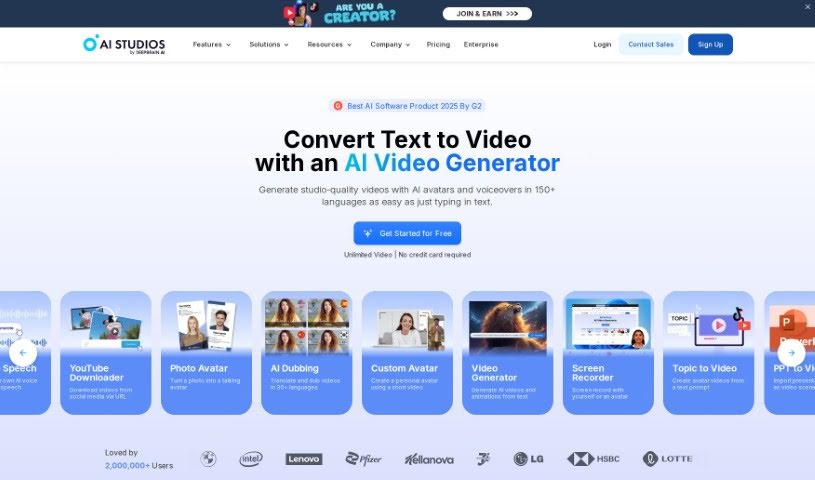
DeepBrain AI Studios is a platform that lets you create videos using AI avatars. It really simplifies the whole process, meaning you don't have to worry about hiring actors, filming, editing, or licensing models. It's designed to be easy, automatic, and budget-friendly. You can actually have your first AI video ready in just 5 minutes or less if you have your script prepared – a super quick way to get video content made.

Video Generation View Tool →

Stay Updated with AI Tools

Get weekly updates on the latest AI tools, trends, and insights delivered to your inbox

Join 25,000+ AI enthusiasts. No spam, unsubscribe anytime.