AI Tools for Video Creation

Discover the best Video Creation AI tools to enhance your productivity and creativity.

Page 3 of 11 • 132 total tools

Making videos used to be a tough job, mostly for people with technical skills or fancy equipment. But now, thanks to AI advancements, creating great videos is something anyone can do. AI tools are changing video production, from automatically editing clips to picking the best scenes.

You can forget about struggling with editing software and waiting forever for videos to render. Now, you can whip up engaging video content fast, boosting your productivity without losing quality. Whether you’re a pro creator or just starting out, AI offers solutions for every need.

It’s easy to feel a bit lost with so many options out there in this fast-changing field. That’s why I’ve checked out the best AI video creation tools for different styles and goals. Get ready to find platforms that help you edit faster, add cool effects, and even write scripts, all while making your work simpler.

Let’s jump into the world of AI video creation tools. Here, innovation meets creativity, and we’ll find out which ones are really worth adding to your toolkit.

The best AI Video Creation Tools

  1. Runway: Great for dynamic scene transition effects.
  2. HeyGen: Makes studio-quality video creation effortless.
  3. Vidnoz AI: For quickly generating AI video content.
  4. Digen AI: Automates video editing and production.
  5. Synthesia: Streamlines creating internal training videos.
  6. Magic Hour: Easily creates engaging promotional videos.
  7. Animaker: Helps you create eye-catching social media videos.
  8. AKOOL: Perfect for personalized holiday video messages.
  9. Live3D: Converts AI art into animated videos.
  10. HitPaw: Enhances videos with watermark-free editing.
  11. Clipchamp: Ideal for social media video editing.
  12. Captions: Streamlines editing for stunning videos.
  13. D-ID: Effortlessly produces marketing videos.
  14. DreamFace: Animates faces for engaging videos.
  15. DeepBrain AI: Quickly turns articles into engaging videos.

How do AI video creation tools work?

AI video creation tools use smart algorithms to automate making videos. Basically, these tools look at the information you give them—like text, pictures, and sound files—using advanced machine learning. Most of them use computer vision and natural language processing to understand and then craft videos that get a specific message across.

When you give an AI video tool a prompt, it creates a storyboard and suggests visuals or animations. Behind the scenes, it figures out the main themes and feelings in your input to pick fitting footage or images. This ability to predict helps create more personalized videos that connect well with different audiences.

Sound is also a key part. Many AI video platforms include text-to-speech technology and royalty-free music to keep viewers interested. By looking at the script you provide, these tools can generate voiceovers that match the tone and style you want. This mix of visuals and audio results in a polished final product.

Plus, AI video creation tools often come with templates and ways to customize them. While the automation handles the hard work, you can still change things like colors, fonts, and transitions to better match your brand. This combination of automation and creativity makes video production easier, even for those without technical skills.

As these technologies get better, they keep evolving. Tools are becoming much more skilled at understanding context and sentiment, leading to more impactful videos. They can be used for marketing, education, or even personal stories, opening up tons of possibilities for creators.

If you’re looking to use AI for your video projects, it’s a good idea to explore different platforms and see what they can do. These tools not only save you time but also broaden your creative options, letting you focus on your main message instead of the technical side of making videos.

Our best AI video creation tools at a glance

RankNameBest forPlans and PricingRating
1Runwaydynamic scene transition effectsN/A4.67 (12 reviews)
2HeyGeneffortless studio-quality video creationN/A4.77 (53 reviews)
3Vidnoz AIrapid ai video content generationN/A4.20 (5 reviews)
4Digen AIautomated video editing and production.N/A4.73 (11 reviews)
5Synthesiastreamlining internal training video creationPaid plans start at $29/month.4.74 (46 reviews)
6Magic Hourengaging promotional videos made easily.Paid plans start at $120/year.4.80 (30 reviews)
7Animakercreate eye-catching social media videosN/A4.17 (6 reviews)
8AKOOLpersonalized holiday video messagesN/A4.73 (11 reviews)
9Live3Dconvert ai art to animated videos.N/A4.64 (11 reviews)
10HitPawwatermark-free video editing enhancementN/A4.62 (26 reviews)
11Clipchampsocial media video editingN/A4.82 (11 reviews)
12Captionsstreamline editing for stunning videos.N/A4.64 (11 reviews)
13D-IDeffortless video production for marketing.N/A4.33 (15 reviews)
14DreamFaceanimating faces for engaging videosN/A4.64 (11 reviews)
15DeepBrain AIquickly turn articles into engaging videos.N/A4.82 (11 reviews)
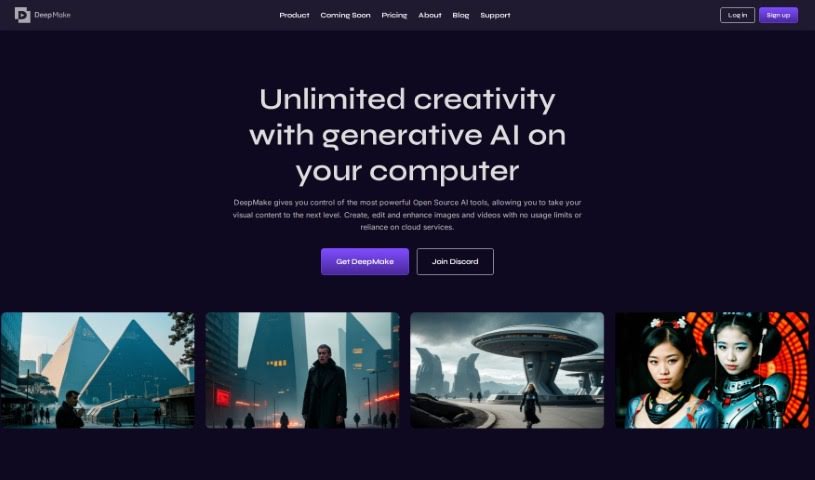
Screenshot of DeepMake

DeepMake

Freemium

DeepMake is a tool built by DeepMake that uses Artificial Intelligence (AI) for content creation, specifically focusing on video effects (VFX). It taps into open-source AI technology to make the content creation process smoother and more efficient, delivering results that are both fast and high-quality. You'll find features like stable diffusion for video generation, smart layer segmentation, advanced face swapping technology, video upscaling, and integrations with popular tools like Adobe After Effects and Nuke. The platform offers instant video effects, lets you create stock videos just by typing prompts, and provides smart layer segmentation for dynamic storytelling. Plus, there's a completely free open-source version you can use as much as you want, alongside premium options like 'Creator' and 'Studio' which include special features and different levels of support. Essentially, DeepMake is designed to give visual creators easy and flexible access to generative AI, so they can generate, swap, edit, and upscale images and videos with greater ease.

Video Generation View Tool →
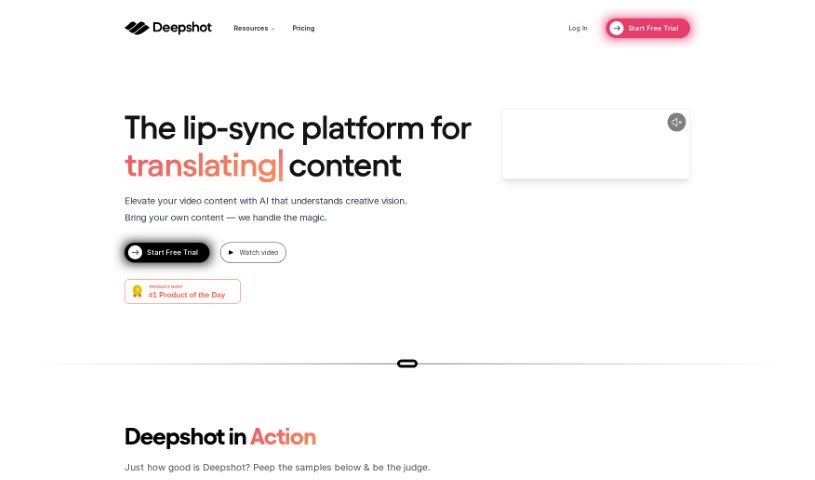
Screenshot of Deepshot

Deepshot

Freemium

Deepshot is a really smart software that helps you generate and replace dialogue in videos, making it super easy to redo scenes without actually filming them again. It is the first tool of its kind that lets you completely customize dialogue generation and replacement, so you can create professional-looking videos without a fuss. It's designed with user-friendly profiles and powerful tools for editing shots, which means you can quickly create content and bring your creative ideas to life. It works great on the web, offering a simple and efficient way to produce videos and translate content, which is a huge plus if you want to connect with people all over the world.

Video Generation View Tool →
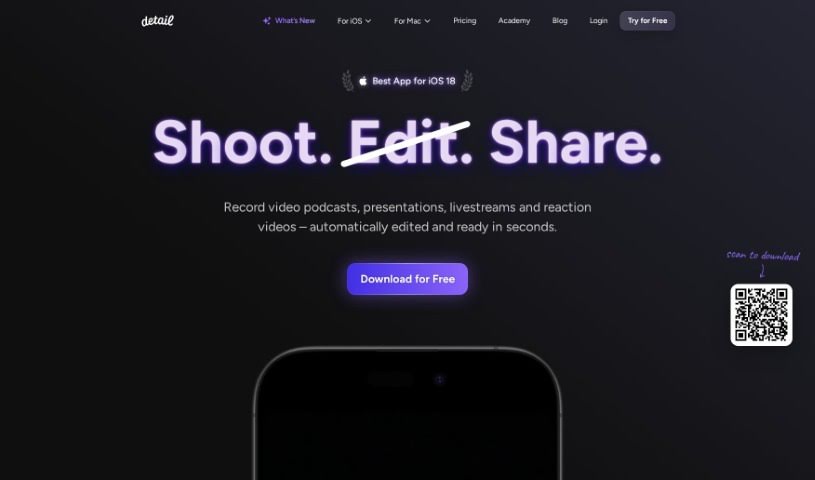
Screenshot of Detail.co

Detail.co

Freemium

Detail is a camera app built specifically for storytellers. It's designed to help you record and edit your video content much more efficiently. What makes it stand out are its unique features: you can record with two cameras at once, collaborate with others remotely, add creative captions, change backgrounds with customizable options, use live green screen editing, and even get an automated caption generator. You can grab Detail for both iOS and macOS.

Video Generation View Tool →
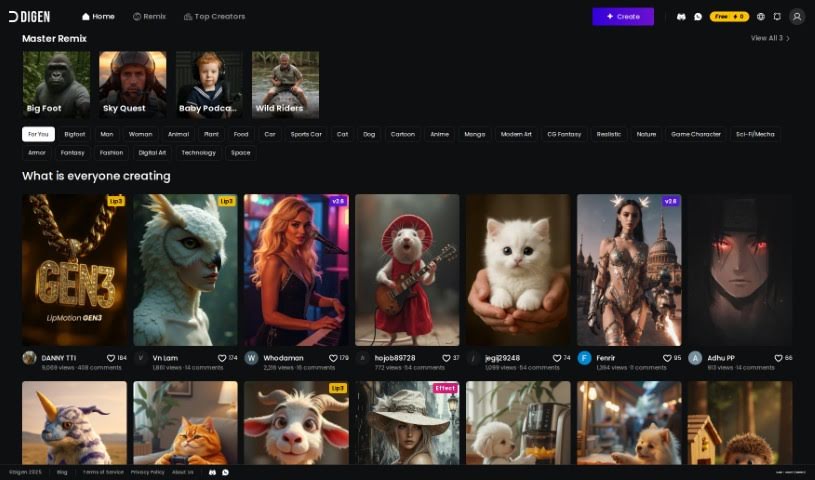
Screenshot of Digen AI

Digen AI

Freemium

Digen AI is a free generative AI tool that lets you create videos. It’s a fantastic way to bring your creative ideas to life, offering customizable avatars and personalized scripts. It is a platform where you can really explore your creativity and boost your video production skills. Digen AI has features designed specifically to help you with video creation, making it a really useful tool for anyone looking to speed up their video production process and add a personal touch to their projects. Plus, its interface is super user-friendly, so it’s easy to get started, no matter your video editing experience.

Video Generation View Tool →
Screenshot of Dollars MoCap

Dollars MoCap

Freemium

Dollars MoCap is a really interesting motion capture technology that comes from SunnyView Technology Co.Ltd. It is a whole suite of tools designed to capture movement. They've got a few different products to cover various needs. For instance, there's Dollars MONO, which is great for capturing motion and facial expressions using just a single camera. If you're looking for something with a bit more depth, Dollars DEEP uses a depth camera for both motion and facial capture. Then, for full-body motion, Dollars VIVA is your go-to, especially if you're using VR equipment. They also offer Dollars EGAO, which lets you do facial capture completely free using a regular webcam, and Dollars NVIS, which leverages NVIDIA's power for facial capture through cameras. Need to connect Live Link Face to iClone? Dollars LINK handles that. They even have Dollars MOTS, a tool that can generate motion just from text, and Dollars BELA, which is a completely free software for motion VFX.

Video Generation View Tool →
Screenshot of DreamFace

DreamFace

Freemium

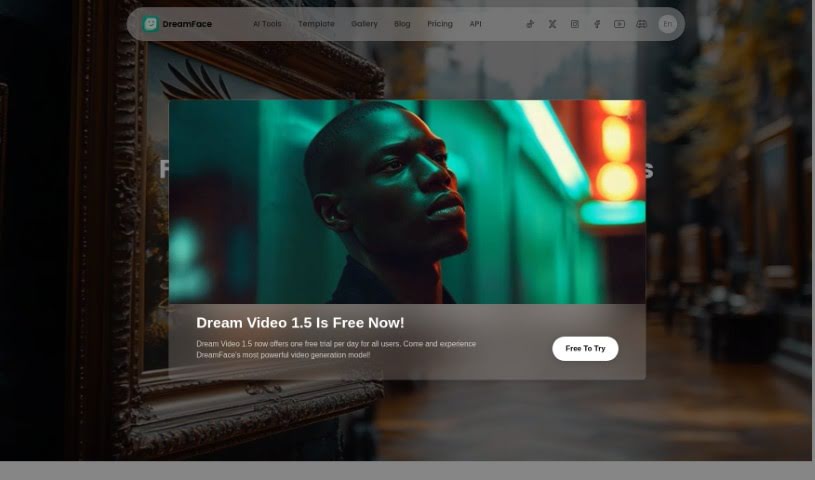
DreamFace is a really neat AI-powered creative studio that lets you make fun, high-quality videos. You can use AI avatars and voices to create custom videos for all sorts of things – think social media posts, presentations, or even educational content. It's super easy; you can generate these videos with just a few clicks.

Video Generation View Tool →
Screenshot of DreamShorts

DreamShorts

Freemium

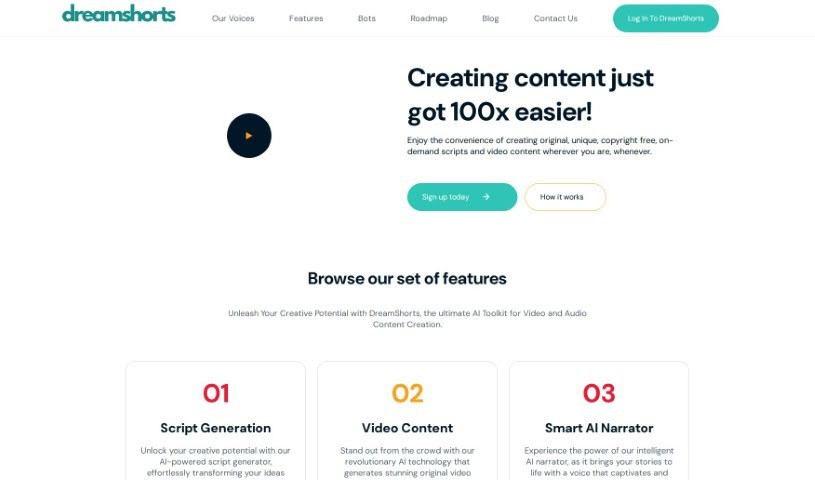
DreamShorts is a really handy AI toolkit designed for making video and audio content. It is your all-in-one creative assistant. It's packed with features like a smart script generator that can help you brainstorm ideas, tools to create original video content that matches your personal style or brand, and even an AI narrator that brings your scripts to life with a natural voice. Plus, it makes sharing super easy with built-in social media integrations, automatically adds captions to your videos, and provides copyright-free content for all your creative projects. You can even interact with DreamShorts through WhatsApp and Telegram bots to quickly create engaging videos and scripts for social media.

Video Generation View Tool →
Screenshot of Easyspeak

Easyspeak

Freemium

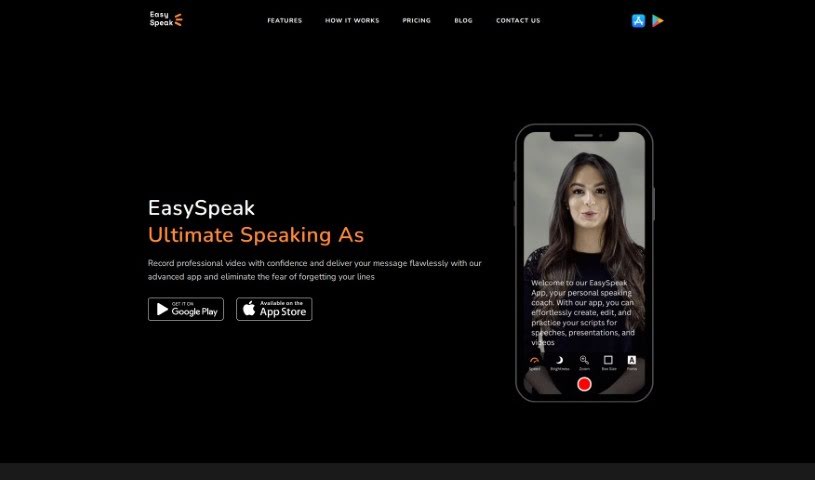
EasySpeak is your go-to helper for crafting presentations that really grab people's attention. It's packed with features designed to make your life easier. For starters, it has AI-powered scriptwriting, which is a lifesaver when you're staring at a blank page. It also helps you cut out those annoying filler words like 'um' and 'uh,' making your delivery much smoother. You can sync your speech perfectly, adjust the text size so it's easy to read, and share or export your videos anywhere, online or off. Plus, you get to choose your video resolution and use it on both iOS and Android devices. Whether you want to write your own script or let the AI do the heavy lifting, EasySpeak has you covered. The AI script generator is great for sparking ideas and creating compelling content, freeing you up to focus on your delivery. You can also tweak the text size to suit your needs, share videos offline, and keep your speech perfectly in sync by adjusting the scrolling speed as you go. They offer different pricing options, including a Free plan with some limits, and paid Basic and Pro plans for those who need more.

Video Generation View Tool →
Screenshot of EASYSUB

EASYSUB

Freemium

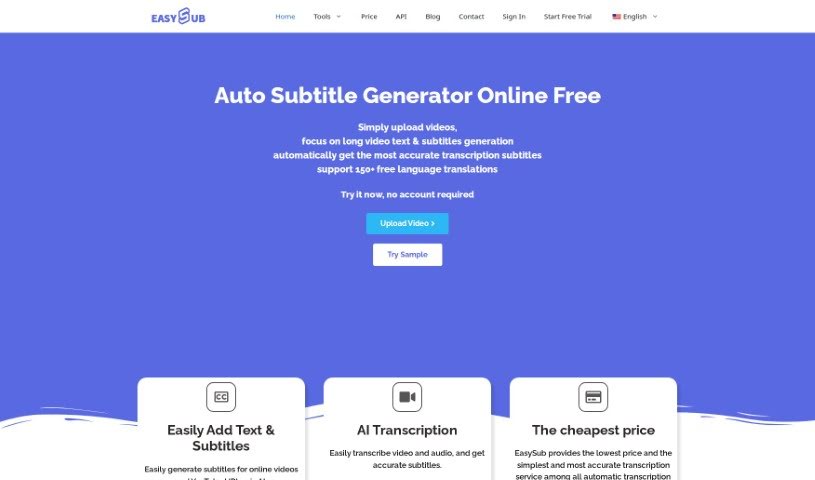
EasySub is your go-to AI subtitle generator. It's designed to make transcribing, translating, and exporting subtitles for your long videos super simple. You just upload your video, pick the original language, and choose the language you want subtitles in. The AI then does the heavy lifting. What's really neat is that it boasts over 95% accuracy for automatic subtitles, can translate into more than 150 languages, and there are no limits on how long your videos can be. Plus, the platform itself is really easy to navigate, which is a big plus for creators. Many video creators have found EasySub incredibly helpful, especially for generating and translating subtitles for longer content.

Video Generation View Tool →
Screenshot of Eggnog AI

Eggnog AI

Freemium

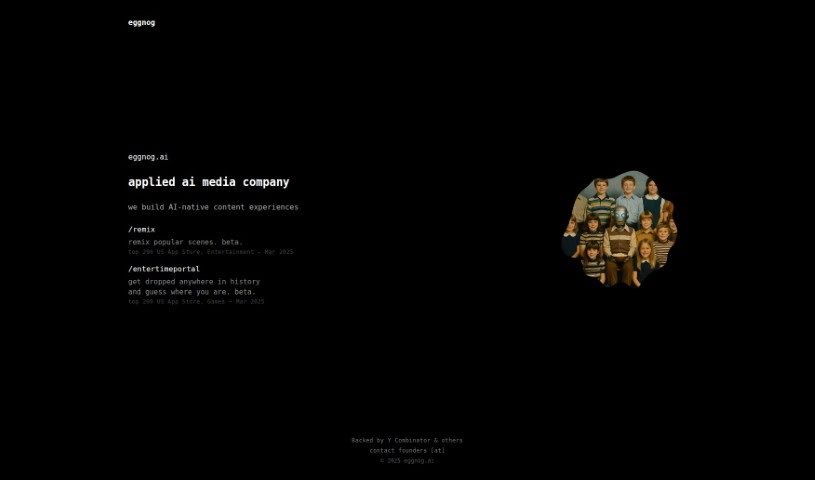
Eggnog AI is a really neat platform that lets you make AI videos where your characters stay the same throughout. You can design totally unique faces and outfits for your characters using their tools. Then, you can build out your video's story by simply dragging and dropping these custom characters into different scenes. Eggnog AI makes it super easy for anyone to create AI-generated videos with their own special characters, offering a fun and creative way to produce content that really grabs attention. Plus, you can even start using it for free, which is great for anyone curious about diving into AI video creation.

Video Generation View Tool →
Screenshot of Elai

Elai

Freemium

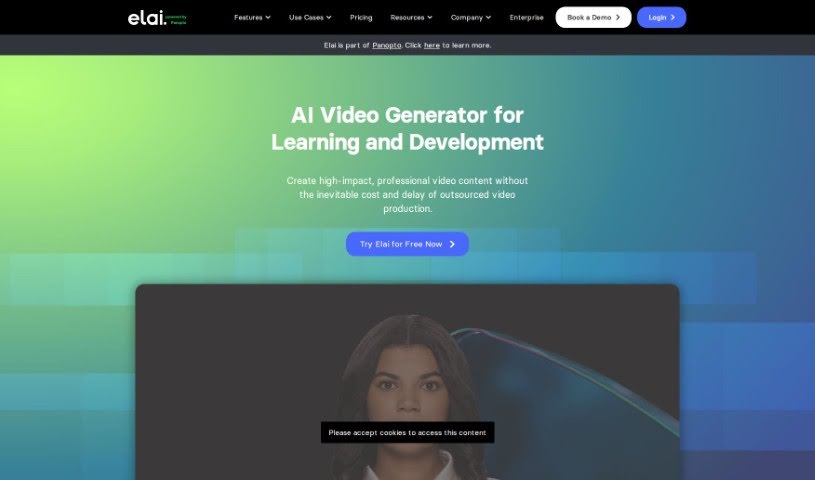
Since "Elai" isn't a term found in the provided files, I'll give you a general idea based on common knowledge. "Elai" could be a name, a term specific to a certain field, or related to various topics. Without more context, it's tough to give you a precise overview. If you can share more details about what Elai refers to, I can offer a more tailored description or explanation.

Video Generation View Tool →
Screenshot of Face Animator

Face Animator

Freemium

Face Animator is a really cool AI-powered service that lets you make funny videos, like personalized music videos using photos you upload. The AI behind it is designed to create entertaining content that's sure to get a laugh. You can upload a picture of someone, share some interesting tidbits about them, and then the AI will whip up a custom music video just for you. Right now, the service is taking a break as they get ready for their next big launch. You can sign up for a waitlist to be the first to know when it's back up and running.

Video Generation View Tool →

Stay Updated with AI Tools

Get weekly updates on the latest AI tools, trends, and insights delivered to your inbox

Join 25,000+ AI enthusiasts. No spam, unsubscribe anytime.