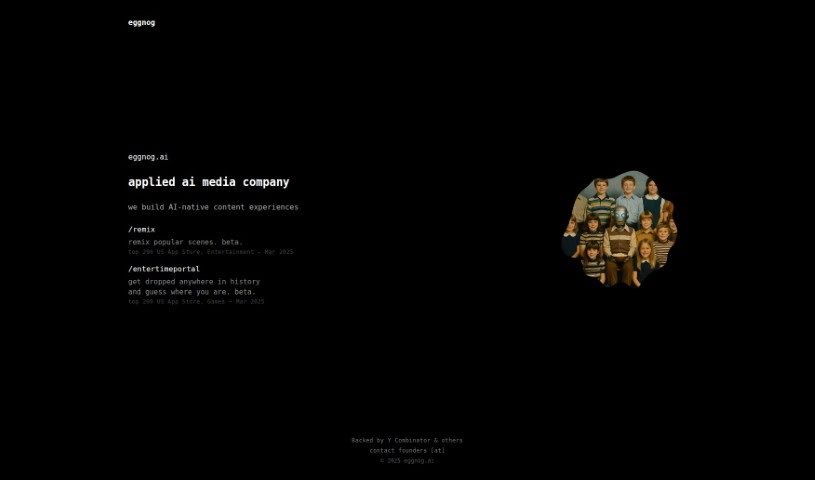
Screenshot of Eggnog AI

Eggnog AI

Discover Eggnog AI in 2025! Learn what it is, how to use its features to create AI videos with consistent characters, and compare it to other Video Creation Tools.

Screenshot

What is Eggnog AI?

Eggnog AI is a really neat platform that lets you make AI videos where your characters stay the same throughout. You can design totally unique faces and outfits for your characters using their tools. Then, you can build out your video’s story by simply dragging and dropping these custom characters into different scenes. Eggnog AI makes it super easy for anyone to create AI-generated videos with their own special characters, offering a fun and creative way to produce content that really grabs attention. Plus, you can even start using it for free, which is great for anyone curious about diving into AI video creation.

Who created Eggnog AI?

The person behind Eggnog AI hasn’t been publicly revealed in the information I have. What’s clear is that the company focuses on helping people create AI videos with characters that look consistent from one scene to the next. They provide a space where you can design distinctive faces and outfits for these characters. Their main goal is to offer a straightforward interface for making videos with animated scenes.

What is Eggnog AI used for?

  • Making AI videos with characters that look the same throughout.
  • Designing unique faces and outfits for your characters.
  • Placing your custom characters into video scenes.
  • Generating your finished videos.

Who is Eggnog AI for?

  • Content creators
  • Marketing specialists
  • Educators
  • Animators
  • Social media managers
  • Game developers
  • Advertising professionals
  • Video producers
  • Graphic designers
  • Scriptwriters

How to use Eggnog AI?

Getting started with Eggnog AI is pretty straightforward. Here’s a simple breakdown:

  1. Create Your Characters: First things first, you’ll want to design your characters. This means crafting unique faces and outfits for them. You have the freedom to create all sorts of characters with different looks and styles.
  2. Build Your Storyboard: Once your characters are all set, move on to the storyboard section. This is where you’ll bring your video’s narrative to life. Just drop your created characters into various scenes and settings to map out how your video will flow.
  3. Generate Your Videos: After you’ve got your storyboard planned out, you can then animate your scenes. This is the step where you’ll make your characters move and interact within the environments you’ve chosen, really bringing your video to life.

By following these steps in Eggnog AI, you’ll be able to create AI videos featuring consistent characters and compelling storylines. Don’t hesitate to explore all the features and options available; they can really help you make your video creation process even better.

Related AI Tools

Discover more tools in similar categories that might interest you

Stay Updated with AI Tools

Get weekly updates on the latest AI tools, trends, and insights delivered to your inbox

Join 25,000+ AI enthusiasts. No spam, unsubscribe anytime.