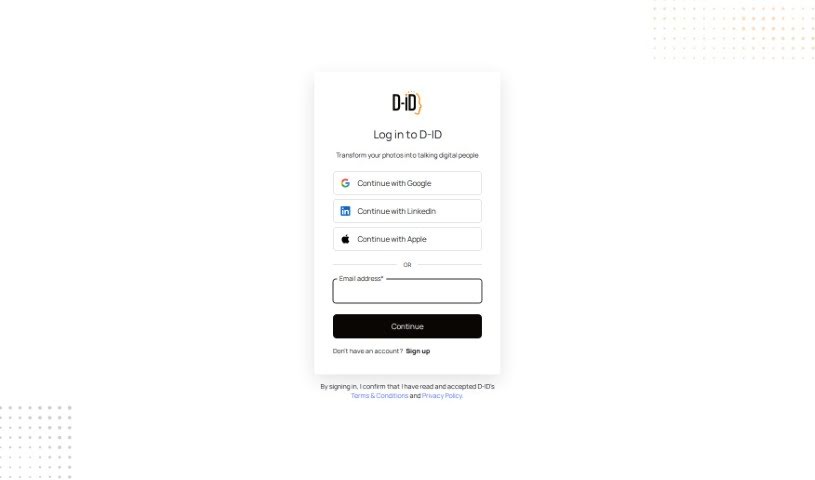
Screenshot of D-ID Studio

D-ID Studio

Curious about D-ID Studio? We'll walk you through what it is, how to use its features effectively in 2025, and how it stacks up against other video creation tools.

Screenshot

What is D-ID Studio?

D-ID Studio is a platform packed with helpful tutorials covering all sorts of things, including a great overview of how agents work. It’s designed to give you all the resources you need to really get the most out of the service. You can learn how to navigate the platform, understand what agents can do, and find all the tutorials you might need. With guides like “Welcome to D-ID” and “Agents Overview,” you’ll quickly get comfortable with everything the platform offers. It’s clear D-ID Studio really cares about teaching its users, providing detailed video lessons to boost your understanding and skills.

Who created D-ID Studio?

D-ID Studio was brought to life by Gil Perry, Sella Blondheim, and Eliran Kuta. Gil Perry, in particular, is a real expert in machine learning and artificial intelligence. The company itself focuses on visual de-identification technology, which is a fancy way of saying they protect privacy by anonymizing faces in images and videos. D-ID Studio offers a range of services, like translating videos, creating avatars, and managing video campaigns.

Who is D-ID Studio for?

  • Educators
  • Content creators
  • Marketing professionals
  • Graphic designers
  • Filmmakers
  • Software developers
  • User Experience Designers
  • Corporate Trainers
  • E-learning specialists
  • Social media managers

How to use D-ID Studio?

Ready to dive into D-ID Studio? Here’s a simple breakdown of how to get started:

  1. Generate Your API Key: First things first, you’ll need an API key. This is your ticket to connecting your own applications with D-ID, making sure everything talks to each other smoothly.
  2. Create Your First Personal Avatar:
    • Go ahead and create a digital version of yourself! It’s a realistic avatar you can use all over D-ID’s platform, and you can tweak it to be just right for you.
  3. Need More Guidance?
    • If you want to explore even more features and see what else D-ID Studio can do, just check out the user guide or the tutorials. They offer deeper dives into all the tools and options available.

Follow these steps, and you’ll be well on your way to creating and customizing digital avatars for whatever you need!

Related AI Tools

Discover more tools in similar categories that might interest you

Stay Updated with AI Tools

Get weekly updates on the latest AI tools, trends, and insights delivered to your inbox

Join 25,000+ AI enthusiasts. No spam, unsubscribe anytime.