10LevelUp
Video Generation Video Editing
Learn more
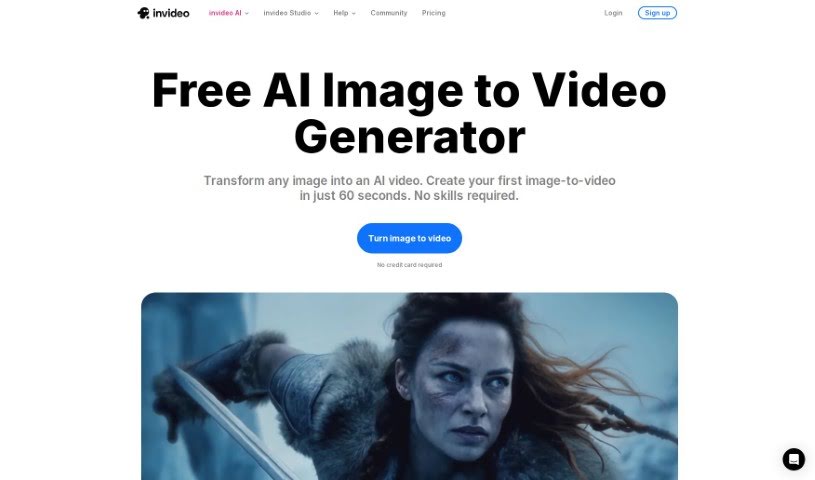
Discover what InVideo AI's Image to Videos feature does and how it turns static images into videos with AI-generated voiceovers, music, and subtitles.
InVideo AI’s Image to Videos feature converts static images into videos using artificial intelligence. You upload your pictures and provide a text prompt describing what you want, and the AI generates a video for you. It handles much of the production work automatically, including background music, voiceovers, and subtitles, reducing the need for manual editing.
The tool is made by InVideo, a company founded by Sanket Shah. Its purpose is to make converting images into videos simple: users provide a text prompt, and the AI generates dynamic videos without manual editing.
By automating video creation based on your input, InVideo AI makes it straightforward to turn your own images into finished videos.
Related
Discover more tools in similar categories
Weekly picks of the best AI tools we've researched and added — no spam, unsubscribe anytime.
Join 25,000+ AI enthusiasts. No spam, unsubscribe anytime.