AI Tools for Background Removal

Discover the best Background Removal AI tools to enhance your productivity and creativity.

Page 2 of 5 • 54 total tools

In today’s world, where images are everything, being able to quickly remove backgrounds from photos is a must. Whether you’re designing graphics for your brand, getting products ready for online sales, or just want cleaner social media pics, a good background remover saves you tons of time and effort.

Forget spending ages painstakingly erasing backgrounds pixel by pixel. Now, AI tools can handle this task with impressive accuracy. As the tech gets better, so many options pop up, it can be tough to pick the right one for what you need.

I’ve spent a lot of time trying out different AI background removers, checking how well they work, how fast they are, and if they’re easy to use. No matter if you need a tool for quick edits or professional-level images, there’s definitely something out there for you. In this article, I’ll share the top AI background removers that can really boost your creative process and make your projects simpler.

Let’s jump in and explore the best options available right now, so you can get back to what you do best: creating awesome visuals.

The Best AI Background Removers

  1. Remove.bg: Great for quickly removing backgrounds for online stores.
  2. Remaker: Effortlessly eliminate unwanted backgrounds.
  3. Photoroom AI Background Remover: Perfect for making product photos look better.
  4. Canva AI Background Remover: Ideal for creating product images for online stores.
  5. Pixelcut AI Background Remover: Helps enhance e-commerce product images.
  6. Removal.ai: Instantly erase backgrounds from your images.
  7. Erase.bg: Also great for enhancing e-commerce product images.
  8. Pixlr AI Background Remover: Useful for creating product images for e-commerce.
  9. PFPMaker.com: Get clean profile pictures with background removal.
  10. Clipping Magic: Easily erase image backgrounds in bulk.
  11. Cutout.Pro Remove Background: Another excellent choice for e-commerce product image enhancement.
  12. Slazzer: Also a top pick for e-commerce product image enhancement.
  13. Adobe Express AI Image Background Remover: Helps create product images for e-commerce.
  14. Retoucher: Makes it easy to edit product images for e-commerce.
  15. Headshot Pro: For seamless adjustments to your headshot backgrounds.

How Do AI Background Removers Work?

AI background removers use smart algorithms to figure out the main subjects in a picture and separate them from the background. The main technology behind this often involves machine learning models that have learned from tons of labeled images. This training helps the AI recognize patterns and tell the difference between what’s in front and what’s in the back, really well.

When you upload an image, the AI looks at different things like colors, edges, and textures. It analyzes these layers to decide what’s the main subject and what’s just the backdrop. This can involve some pretty complex calculations and advanced methods, like finding edges and separating different parts of the image.

After the AI spots the subject, it creates a mask that outlines it, leaving out the background stuff. This masking process lets the software change the image, either by getting rid of the background entirely or swapping it out for a new one. The end result? A cleaner, more professional-looking image.

AI background removers have become super popular with content creators, photographers, and marketers. They offer a fast and efficient way to remove backgrounds without needing advanced photo editing skills. By making the editing process smoother, these tools help users focus on making their visuals look better, instead of getting stuck on tedious manual work.

As technology keeps improving, these background removal tools will probably get even more accurate and faster, making them essential for anyone wanting to boost their image editing skills.

Our Top AI Background Removers at a Glance

RankNameBest ForPlans and PricingRating
1Remove.bgQuickly removing backgrounds for online stores.Paid plans start at $0.2/image.4.82 (11 reviews)
2RemakerEffortlessly eliminating unwanted backgrounds.N/A4.69 (13 reviews)
3Photoroom AI Background RemoverEnhancing product photographyN/A4.83 (6 reviews)
4Canva AI Background RemoverCreating product images for online storesN/A4.89 (63 reviews)
5Pixelcut AI Background RemoverEnhancing e-commerce product imagesN/A4.67 (6 reviews)
6Removal.aiInstantly erasing backgrounds from images.Paid plans start at $1.89/image.4.81 (36 reviews)
7Erase.bgEnhancing e-commerce product images.N/A4.77 (26 reviews)
8Pixlr AI Background RemoverCreating product images for e-commerce.N/A4.64 (88 reviews)
9PFPMaker.comClean profile pics with background removal.N/A4.00 (5 reviews)
10Clipping MagicEffortlessly erasing image backgrounds in bulk.Paid plans start at $3.99/month.4.73 (11 reviews)
11Cutout.Pro Remove BackgroundEnhancing e-commerce product imagesN/A4.73 (11 reviews)
12SlazzerEnhancing e-commerce product imagesPaid plans start at $0.12/month.4.70 (10 reviews)
13Adobe Express AI Image Background RemoverCreating product images for e-commerce.N/A4.73 (11 reviews)
14RetoucherEditing product images for ecommerce.N/A4.73 (22 reviews)
15Headshot ProSeamless headshot background adjustments.Paid plans start at $29/N/A.4.75 (24 reviews)
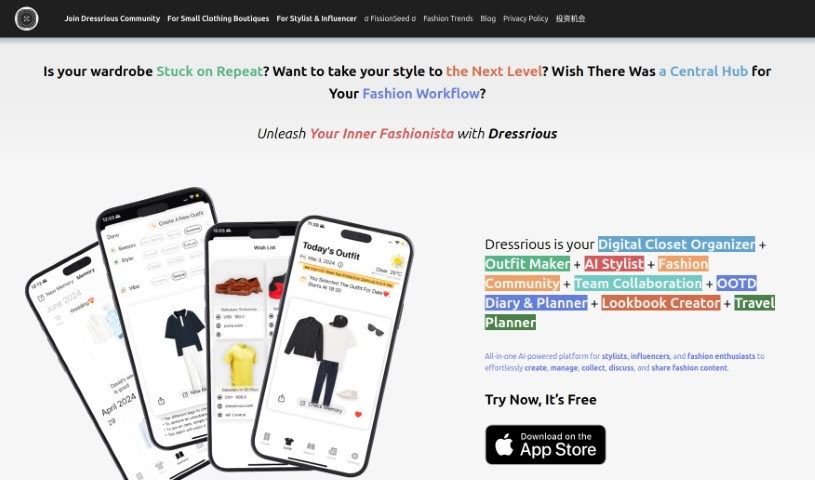
Screenshot of Dressrious

Dressrious

Freemium

Dressrious is a really versatile app that acts like your personal fashion hub. It is a Digital Closet Organizer, an Outfit Maker, an AI Stylist, an OOTD Diary & Planner, and even a Lookbook Creator – all rolled into one smart, AI-powered fashion app. It's designed to make managing your wardrobe super simple, offering AI-driven style advice and personalized outfit suggestions. Plus, it helps you collect style inspiration, create your own fashion lookbooks, and plan out what you'll wear for any event.

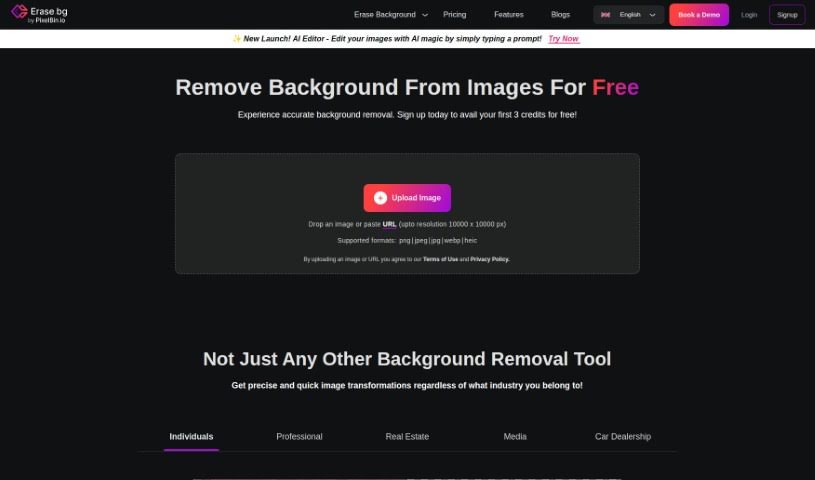
Screenshot of Erase.bg

Erase.bg

Freemium

Erase.bg is a really handy website that offers a free and super easy way to remove backgrounds from your pictures. It uses smart AI technology to do the heavy lifting. You just upload an image – whether it's of a person, an animal, or an object – and its AI algorithm is pretty clever. It figures out what the main subject is and then removes the background, making sure to keep all the important details intact. You can then download these edited images in high resolution, which is great for all sorts of things like online stores, personal projects, or even just for social media. The best part? You don't need a credit card or any kind of subscription to use it. It’s built for everyone, from folks running online shops who want to make their product photos pop, to individuals who just want to get creative with their personal pictures.

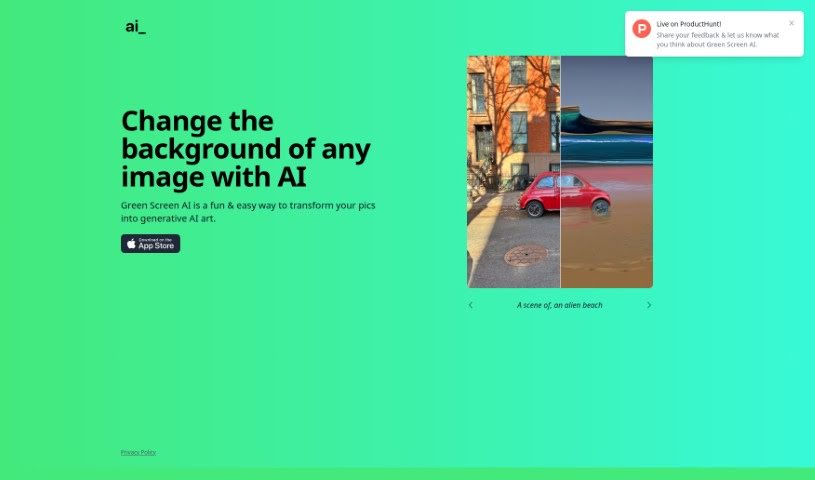
Screenshot of Green Screen Ai

Green Screen Ai

Freemium

Green Screen AI is a really neat tool that makes it super simple to turn your photos into amazing generative AI art. This cutting-edge AI tech lets you easily remove backgrounds from your pictures and swap them out for all sorts of cool new ones – think tropical beaches or magical fantasy landscapes! It doesn't just cut out the background, though; it also adds realistic shadows and reflections, making your edited photos look totally natural and lifelike. Plus, Green Screen AI offers a bunch of artistic effects and filters, so you can try out different styles and intensities on your images without any fuss. Because it's so user-friendly, has advanced algorithms, and gets updated constantly, Green Screen AI is great for everyone, whether you're just starting out or you're already a pro. You can expect fantastic results every time. So, if you're a photographer, a social media whiz, or just someone who loves making their photos look better, Green Screen AI is your ticket to endless creative fun and the exciting world of generative AI art.

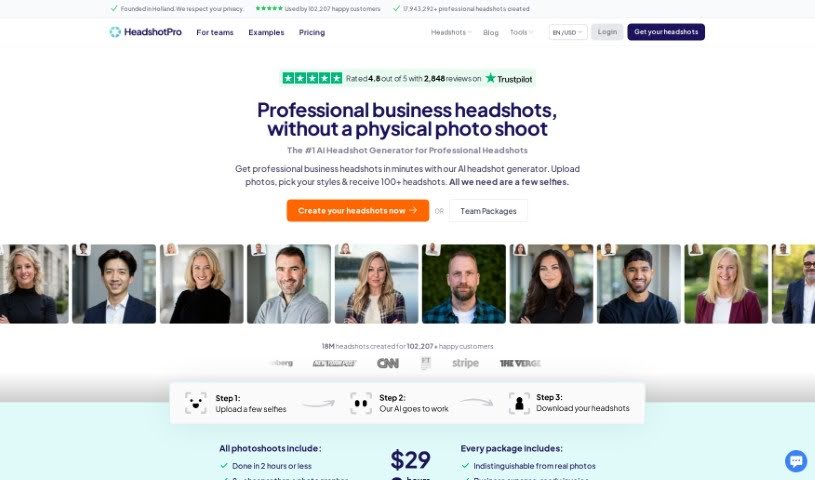
Screenshot of Headshot Pro

Headshot Pro

Freemium

Headshot Pro is a professional service that uses AI to create headshots for individuals and remote teams. To get the best results, you'll need to upload a variety of your own photos. These should show different facial expressions and be taken against different backgrounds. The AI then uses these photos to learn how to create realistic headshots of you. Don't worry, you keep full ownership of all the photos you upload. If you're not happy with the results, they promise to deliver at least 3-6 great headshots in every order. If you don't find at least 3 incredible shots, they'll give you a full refund. Headshot Pro is well-known for its photorealistic AI headshots, a guarantee that your profile picture will look great, and a strong focus on customer privacy.

Screenshot of Image Candy

Image Candy

Freemium

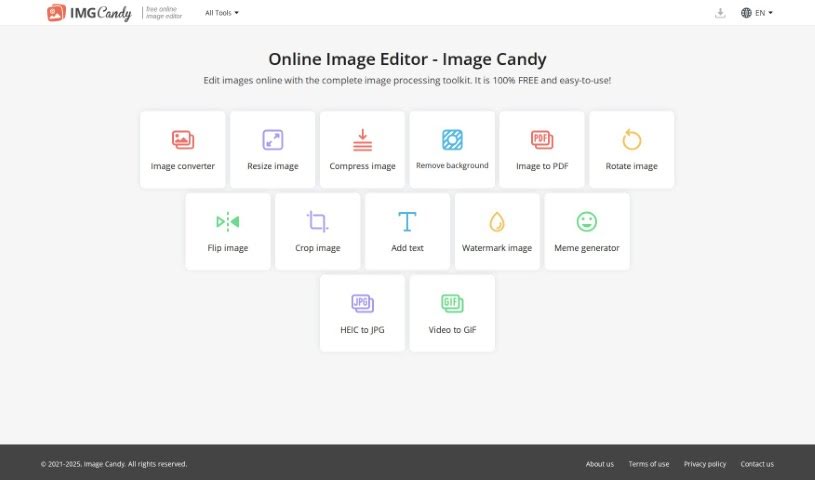
Image Candy is a really handy online tool that gives you a whole bunch of ways to edit your pictures. You can make your images look better by changing file types, making them smaller, adjusting their size, turning them around, taking out backgrounds, adding text or watermarks, making memes, turning videos into GIFs, and even changing HEIC files into JPGs. The best part? It's completely free to use, and anyone, whether you're a pro or just editing for fun, can jump right in without downloading any software. You can edit your photos right there in your web browser – no complicated installations needed.

Screenshot of Image Cleaner

Image Cleaner

Freemium

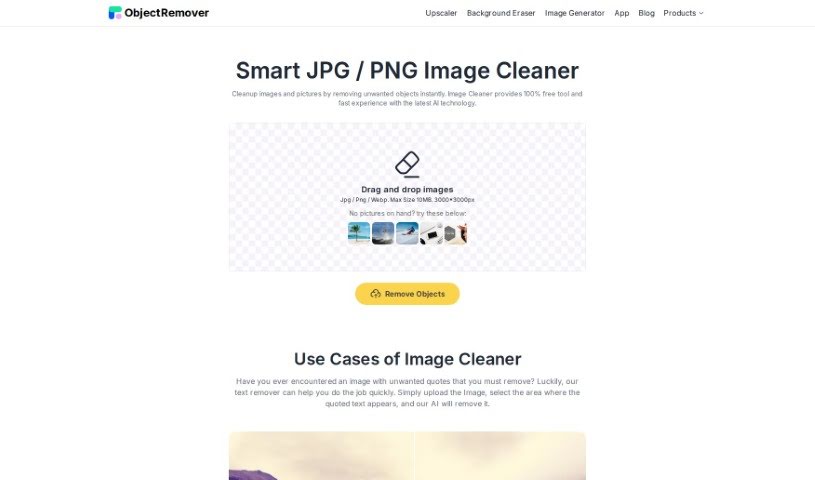
Image Cleaner is a handy tool that uses AI to instantly clean up your photos by removing anything you don't want. Just upload your image (JPG, PNG, or WebP), highlight the area you want to edit, and the AI takes care of removing those unwanted elements, leaving no trace behind. It's designed to be super easy to use, giving you high-quality results quickly. Plus, you can preview everything before you download, and best of all, there are no watermarks for anyone to deal with. It’s a really smooth experience.

Screenshot of No-Background.coffee

No-Background.coffee

Freemium

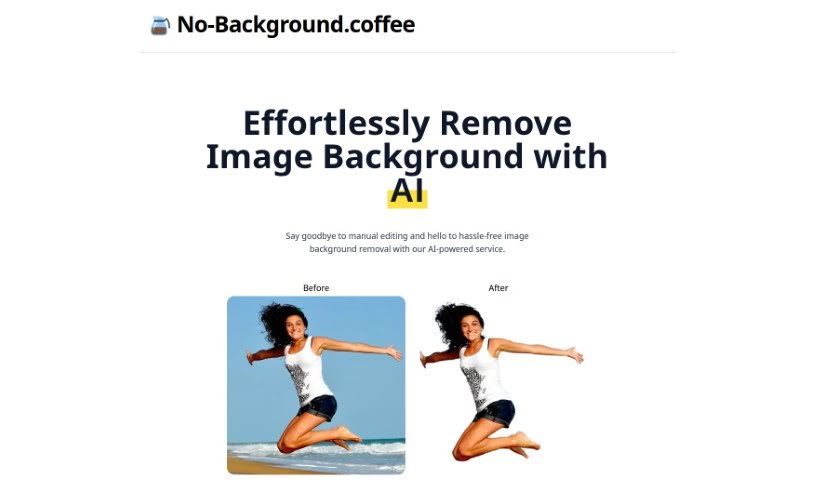
No-Background.coffee is a really neat AI service that makes it super easy to get rid of image backgrounds. You don't need to be a pro editor to use it! It uses a smart deep learning approach, specifically MODNet, to handle the background removal automatically. This means you get quick, accurate results, saving you a ton of time compared to doing it all by hand.

Screenshot of Object Remover

Object Remover

Freemium

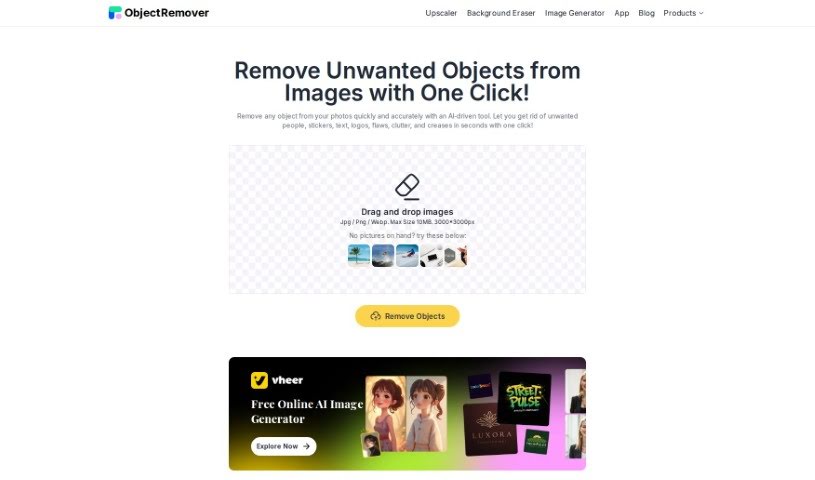
Object Remover is a smart online tool powered by AI that's designed to quickly and easily get rid of unwanted things in your photos. It's got a bunch of handy features, like a People Remover, Text Remover, Clutter Remover, Skin Defects Remover, and even a Sticker Emoji Remover. What's great is that it cleans up your images so smoothly, you won't even know the original objects were there. You can just upload your photos – JPG, PNG, or JPEG – straight from your computer and see the results happen in real-time. People really like it because it's super easy to use, the results look great, it's fast, and you can even preview your edited picture before you download it, completely free of watermarks. It's been getting good feedback, especially for bringing old photos back to life and making current ones look even better.

Screenshot of Onison Corporation

Onison Corporation

Freemium

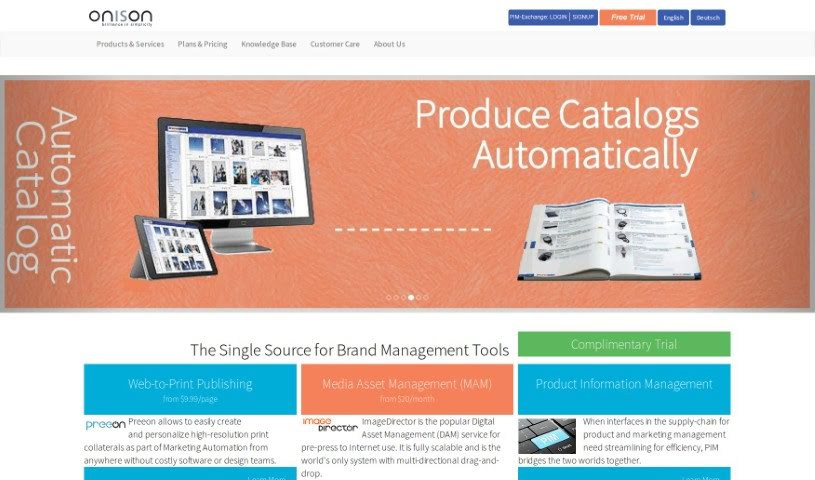
Onison offers a really smart Whitespace Tool that uses Artificial Intelligence to automatically swap out the background of your product photos. You can choose to replace it with pure white space, specific colors you like, or even a transparent background. What's great is that it keeps the original CMYK layers intact. This tool is built specifically for professional product photography, making your presentations look much better by adding drop shadows. It also supports common image formats like RGB JPG and PNG. Plus, it fits right into your brand management workflow with its Digital Asset Management (DAM) features, helping you keep your brand consistent and making it easier to manage web-to-print projects.

Screenshot of PFPMaker.com

PFPMaker.com

Freemium

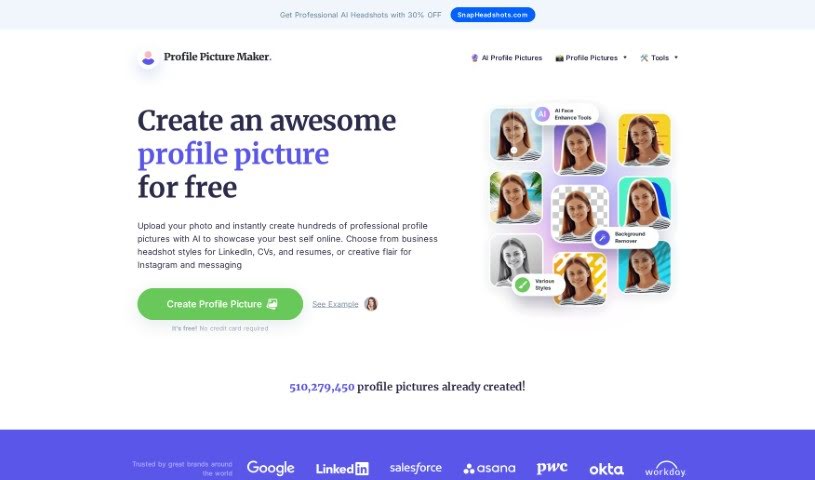
PFPMaker.com is a handy online tool that lets you create professional-looking profile pictures for all sorts of places – think LinkedIn, your CV, Instagram, or even just your messaging apps. It's designed to be super easy to use, so you can whip up these profile pics in no time. The platform offers a bunch of templates and tools specifically for different needs, whether you're updating your social media look, creating team photos, designing business cards, sprucing up your CV or resume, or making your email signature pop. With over 510 million profile pictures already made, it's a go-to resource for anyone wanting to make their online presence shine with a great photo.

Screenshot of Photo Spells

Photo Spells

Freemium

Photo Spells is a professional service that helps you edit your photos. It uses advanced AI technology to make your images look even better, aiming for top-quality results by blending the power of artificial intelligence with real editing expertise. You can easily retouch photos, add cool creative effects, remove things from the background, and bring out more detail. It’s designed to be super user-friendly, quick, and flexible, working well for all sorts of photo styles and what people like.

Screenshot of Photoroom AI Background Remover

Photoroom AI Background Remover

Freemium

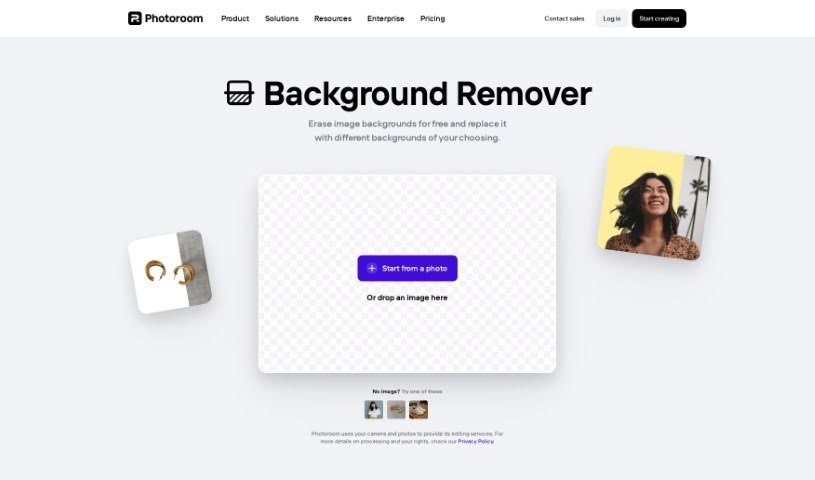
Photoroom's AI Background Remover is a handy tool that uses artificial intelligence to automatically cut out the background from your photos. It is a digital magic wand for your images! You can simply upload a picture, and Photoroom's AI technology takes care of removing the background for you, making it super easy to customize and edit your photos. Best of all, it's free to use. This tool is a real lifesaver for anyone working with visuals, whether you're managing social media, creating marketing materials, or just working on personal projects. It offers a really convenient way to make your images look great, whether for business or just for fun.

Stay Updated with AI Tools

Get weekly updates on the latest AI tools, trends, and insights delivered to your inbox

Join 25,000+ AI enthusiasts. No spam, unsubscribe anytime.