123RF AI Image Generator
Creative Image Generation
Learn more
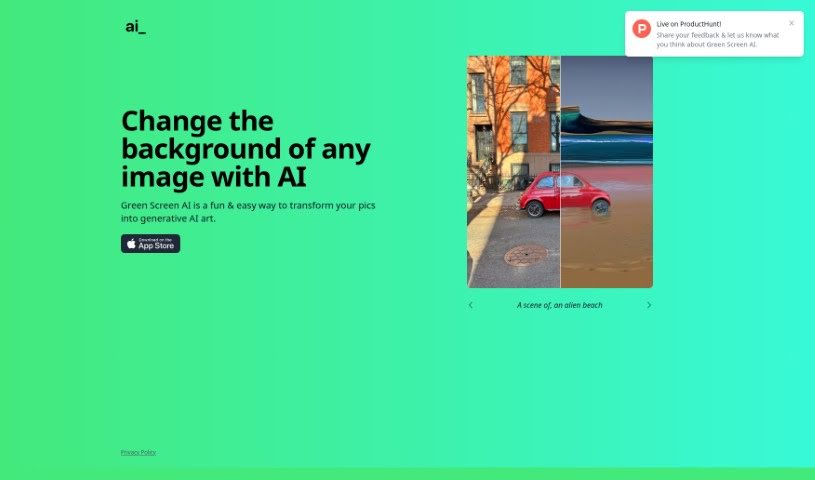
Discover what Green Screen AI is and how it removes photo backgrounds and replaces them with generative AI art scenes, effects, and filters.
Green Screen AI is a tool for turning photos into generative AI art. It removes backgrounds from pictures and replaces them with new scenes, such as tropical beaches or fantasy landscapes. Beyond cutting out the background, it adds realistic shadows and reflections so edited photos look natural. It also offers artistic effects and filters that can be applied at different styles and intensities.
The tool is designed to be user-friendly, making it suitable for beginners and experienced editors alike — useful for photographers, social media creators, or anyone who wants to enhance their photos with generative AI art.
Green Screen AI was founded by a creator who wanted to build an easy-to-use platform for turning photos into generative AI art. The company focuses on accessibility and creativity, making background removal and realistic effects available to people of all skill levels.
The interface is designed to be easy to navigate, so both beginners and experienced editors can access the advanced features and create generative AI art from their photos.
Related
Discover more tools in similar categories
Weekly picks of the best AI tools we've researched and added — no spam, unsubscribe anytime.
Join 25,000+ AI enthusiasts. No spam, unsubscribe anytime.