AI Tools for Web Development

Discover the best Web Development AI tools to enhance your productivity and creativity.

Page 2 of 58 • 694 total tools

Web development has really changed lately, and AI tools are a big part of that. What used to take a lot of coding and design skill can now be made much simpler with smart programs that speed things up. Today, AI-assisted development tools are changing how we build websites, making it easier for newcomers and more efficient for experienced pros.

These tools offer everything from easy design features to help with writing code, letting you create great-looking, functional sites more quickly. Developers don’t have to start from scratch or fix every single line of code manually anymore. Instead, AI can offer suggestions and even create whole parts of a website based on what you need.

Having worked in web development for years, I’ve seen firsthand how AI can make tasks simpler and more efficient. But with so many options out there, picking the right tool can feel overwhelming.

In this article, I’ll share the best AI web development tools you can find right now. Whether you want to improve your coding, automate routine jobs, or make your design process better, there’s something here for you. Let’s explore the tools that can really change your web development experience.

The best AI Web Development Tools

  1. Lovable: Great for making frontend design work smoother.
  2. Cursor: Helps with real-time code collaboration.
  3. Replit AI: Generates code snippets for web apps.
  4. Supabase: For teams to manage databases together.
  5. v0 by Vercel: Quickly creates UI kits for web projects.
  6. Replicate AI: Automates code generation for web apps.
  7. Carrd: Perfect for a single-page site to promote an event.
  8. AI Dungeon: Lets you create interactive web stories with code.
  9. Ollama: For quickly building early versions of web interfaces.
  10. Jimdo: Makes building and managing websites easy.
  11. Code Sandbox: Simplifies CSS preprocessor workflows.
  12. Tilda: Lets you create websites easily without coding.
  13. Bubble: A drag-and-drop tool for building web applications.
  14. Weights & Biases: Streamlines integrating ML models into web apps.
  15. Warp Terminal: Helps deploy web apps quickly.

How do AI web development tools work?

AI web development tools use smart algorithms to handle different parts of designing and building websites. These tools often use large language models, much like AI writing software, to look at coding patterns and make things more efficient. They offer suggestions, code pieces, or even build whole sections of code based on what you tell them.

Basically, these tools understand what you’re asking for, so you can describe what you want in simple terms. For example, you could say, “Create a navigation bar,” and the AI will generate the HTML, CSS, or JavaScript code needed. This makes web development more accessible, even if you don’t have a lot of programming experience.

Many AI web development platforms connect with popular coding environments and content management systems. This means they can improve tools like WordPress, Wix, or GitHub by offering smart code completions or finding errors as you type. With these connections, users can really smooth out their development process.

The data these AI systems learn from usually includes tons of source code, guides, and content created by users on sites like GitHub. This helps them learn different coding styles and the best ways to do things. Their effectiveness comes from spotting patterns and suggesting the best solutions based on what the user needs.

In short, AI web development tools make coding simpler, letting developers focus on creativity and solving problems instead of getting stuck on syntax. As technology keeps changing, these tools are expected to get even better, likely changing how web developers work.

Our best AI web development tools at a glance

RankNameBest forPlans and PricingRating
1LovableMaking frontend design work smoother.N/A4.84 (43 reviews)
2CursorReal-time collaboration on code projects.Paid plans start at $20/Month.4.83 (6 reviews)
3Replit AIGenerating code snippets for web apps.N/A4.70 (44 reviews)
4SupabaseCollaborative database management for dev teamsN/A5.00 (32 reviews)
5v0 by VercelQuickly creating UI kits for web projects.N/A4.73 (11 reviews)
6Replicate AIAutomating code generation for web apps.N/A4.82 (11 reviews)
7CarrdA single-page site for event promotion.Paid plans start at $19/year.4.72 (29 reviews)
8AI DungeonCreating interactive web story experiences.N/A4.54 (39 reviews)
9OllamaRapid prototyping of web interfaces.N/A4.63 (8 reviews)
10JimdoBuilding and maintaining websites easily.N/A4.64 (11 reviews)
11CodeSandboxSimplifying CSS preprocessor workflows.N/A4.45 (11 reviews)
12TildaEffortless website creation without coding.N/A4.75 (20 reviews)
13BubbleA drag-and-drop web applications builder.N/A4.73 (11 reviews)
14Weights & BiasesStreamlining ML model integration in web apps.N/A4.50 (12 reviews)
15Warp TerminalDeploying web apps swiftly.N/A4.79 (28 reviews)
Screenshot of AI Love Code

AI Love Code

Freemium

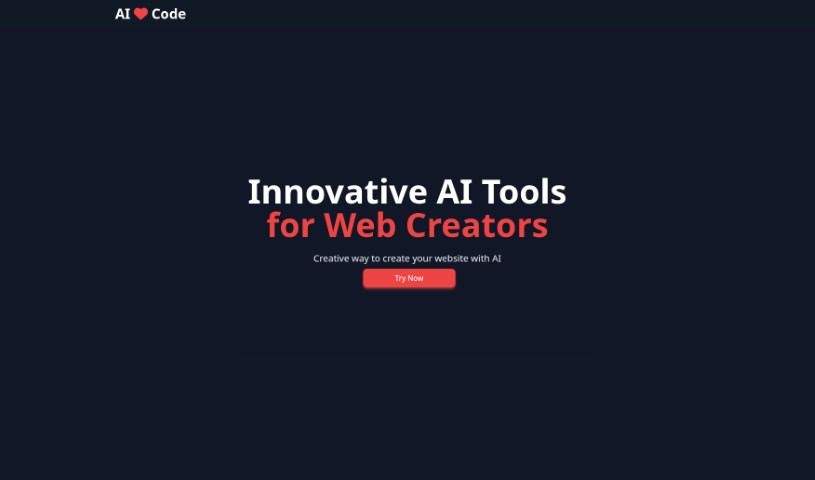
AI Love Code is a really neat tool that helps developers build gorgeous websites while also generating the necessary source code super fast. People who've used it say it's simple, quick, and lets them create website code in no time. The idea behind this tool is to use AI to make website development more productive and effective. Plus, AI Love Code offers different pricing options for its code library, so it's great for both folks just starting out and those who are more experienced.

Web Development View Tool →
Screenshot of AI Query

AI Query

Freemium

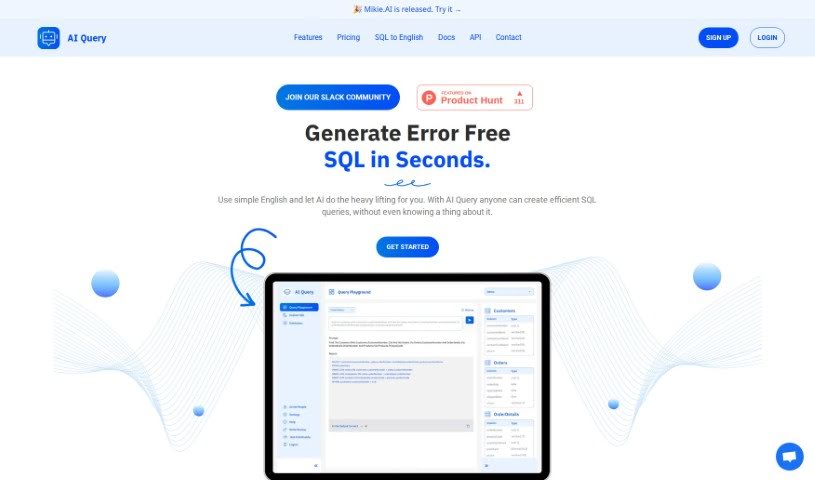
AI Query is a really neat tool that turns your simple English requests into complex SQL queries, and it does it quickly and smoothly. It uses powerful AI models, like OpenAI's GPT and Google's PaLM 2, to make sure everything is accurate and efficient. This means it's super helpful whether you're just starting out with SQL or you're a seasoned developer. With AI Query, you can easily create SQL queries that are free of errors. Plus, if you come across a complex query you don't quite understand, the SQL to English Translator feature can help you break it down. The platform also makes it simple to set up your database schemas, and they offer clear pricing plans to fit what you need. Basically, AI Query makes working with databases much easier, turning SQL query generation into a straightforward process for everyone.

Web Development View Tool →
Screenshot of AI2sql

AI2sql

Freemium

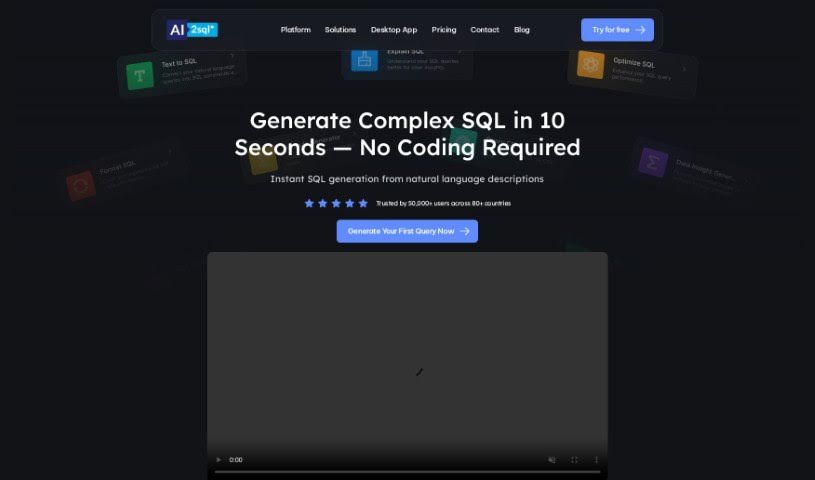
A SQL query builder is a really handy tool that helps you create SQL queries without needing to be a database expert. It makes working with data much simpler and can really boost your productivity, especially if you're new to databases. This tool lets you easily turn plain English questions into SQL commands, helps you understand your SQL queries better for clearer insights, improves how well your SQL queries run, and keeps your SQL code nicely organized. People have found it super useful for fixing tricky errors in SQL scripts and generally making data operations smoother.

Web Development View Tool →
Screenshot of Aicommit

Aicommit

Freemium

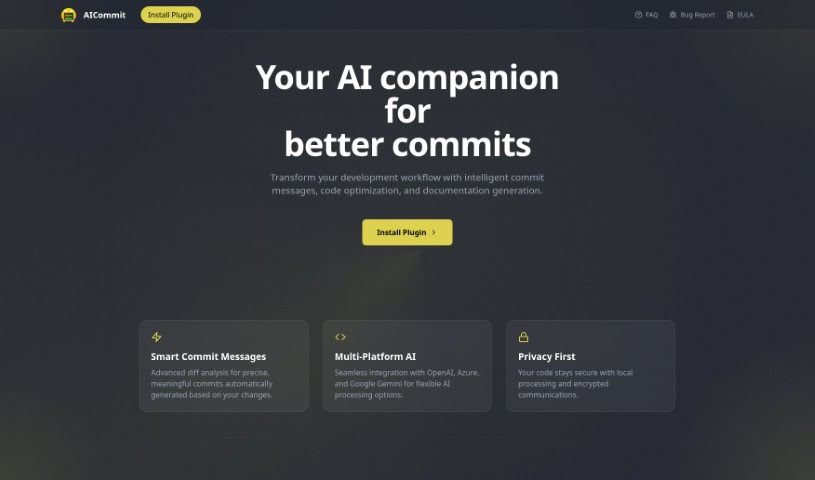
AICommit is a really neat programming assistant built to help developers be more productive right inside their JetBrains Integrated Development Environments (IDEs). It's powered by OpenAI's GPT technology, which means it brings some seriously smart coding features to the table. Think automated commit messages that actually make sense, suggestions for making your code run better, explanations for tricky code snippets, help with writing documentation, and even translating code between different languages. Basically, AICommit is designed to make your development process smoother by giving you tools for more efficient coding, making it easier to understand what's going on with your code, and helping you translate it when needed. You can find and interact with this plugin through the JetBrains Marketplace, and there's also a GitHub page if you're interested in joining the community or contributing.

Web Development View Tool →
Screenshot of Aider Chat

Aider Chat

Freemium

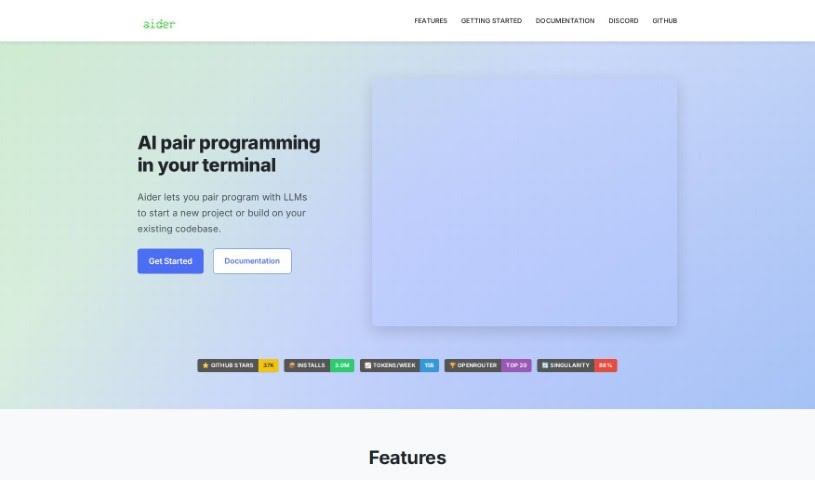
Aider Chat is a handy AI tool that acts like a pair programmer, specifically designed to help you edit code right within your local git repository. It is having an AI assistant, like Claude 3.5 Sonnet, DeepSeek V3, o1, or GPT-4o, working alongside you. Aider Chat can tackle all sorts of coding tasks – whether you need to add new features, write test cases, describe a tricky bug, refactor existing code, or update your documentation. It's pretty versatile, supporting many popular programming languages. What's really neat is that it can handle complex requests by editing multiple files at once, and it even automatically commits your changes to Git with smart, descriptive messages. Plus, you can chat with your AI assistant directly while you're editing files in your usual IDE or code editor, making sure everything stays in sync with the latest versions.

Web Development View Tool →
Screenshot of Ailogogenerator

Ailogogenerator

Freemium

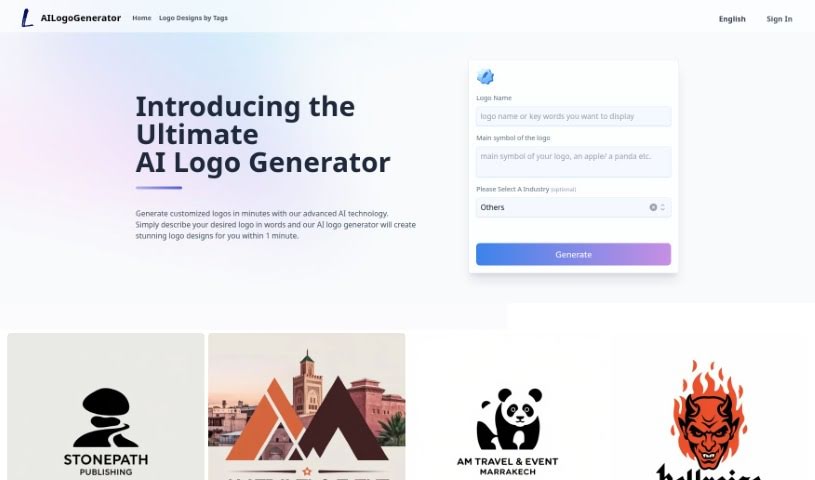
Ailogogenerator is a really neat tool that helps bring your branding ideas to life. It uses AI to create logos, making it a standout option if you're looking to 'make your own logo.' Best of all, it's free for everyone to use! This isn't just about making a basic logo; it's a smart way to craft AI brand logos that truly capture what your business is all about. By blending AI technology with creative design, Ailogogenerator makes sure every logo it creates is unique and reflects your brand's identity and values. It’s a smooth combination of technology and design.

Web Development View Tool →
Screenshot of Airbevel

Airbevel

Freemium

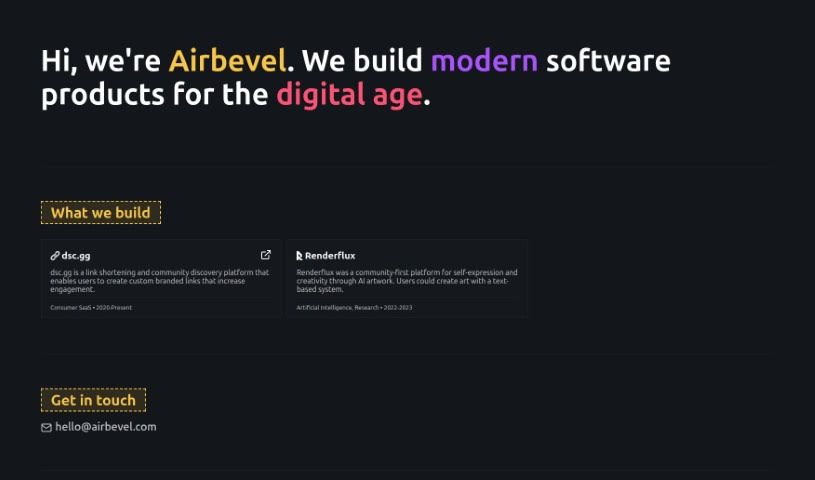
Airbevel is a software development company that really focuses on building modern software products designed specifically for our digital world. They're experts at creating clever solutions that keep up with what users actually need in today's fast-paced tech environment. One project they're known for is "dsc.gg." It's a platform that helps you shorten links and discover communities, making it easier to connect with people by using custom links that match your brand. By concentrating on this kind of advanced software development, Airbevel aims to offer solutions that truly fit what the modern digital space demands.

Web Development View Tool →
Screenshot of Aiterm (Beta)

Aiterm (Beta)

Freemium

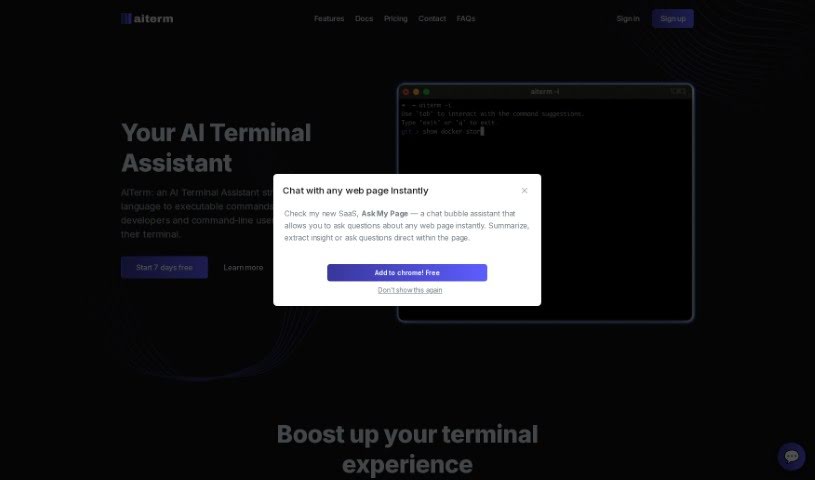
Aiterm (Beta) is an AI assistant built right into your terminal. It is your personal helper for turning everyday language into the commands your computer understands. It's designed to make working in the terminal much smoother and more productive for developers and anyone who uses command-line tools. Aiterm offers a bunch of helpful features, like an AI assistant that can pull up documentation whenever you need it, autocompletion that works like in your favorite code editor, ways to keep your terminal workflow organized, and generally just boosts your overall productivity. Plus, your privacy is a big deal here; Aiterm doesn't store any of your terminal activity on outside servers. You can use it with popular terminals like iTerm, VS Code Terminal, cmd, PowerShell, and many others. When it comes to paying, Midtrans handles all transactions securely, accepting major credit and debit cards. There are no ongoing subscriptions or hidden costs – you simply pay once for the amount of time you need.

Web Development View Tool →
Screenshot of Aitida Test Suite

Aitida Test Suite

Freemium

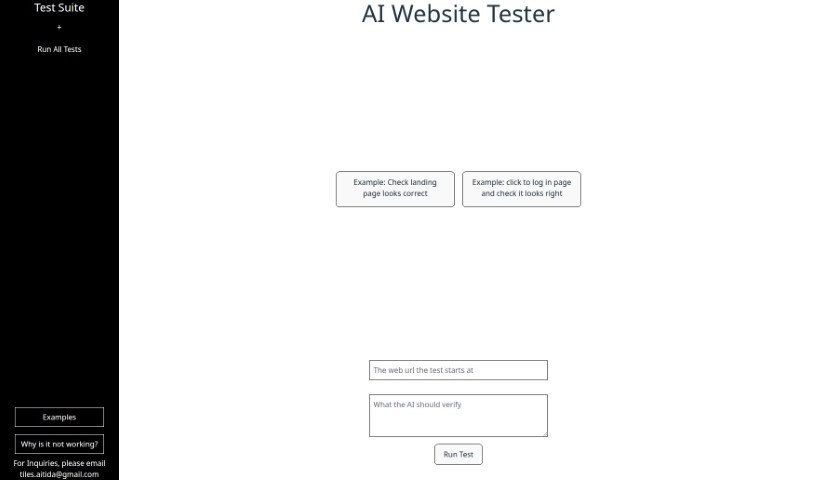
Aitida Test Suite is a handy tool built for automating website testing. Its main goal is to make sure your website works just right, looks good, and gives visitors a great experience. It does this by acting like a real visitor, clicking around your site, trying out the login, and checking how everything appears. You can use it to check user experience, analyze landing pages, test login flows, find errors, and just generally keep your website in good shape. If you ever get stuck or have questions, you can reach out to their customer support via email. It's a great way to spot problems so you can make your website even better.

Web Development View Tool →
Screenshot of All GPTs

All GPTs

Freemium

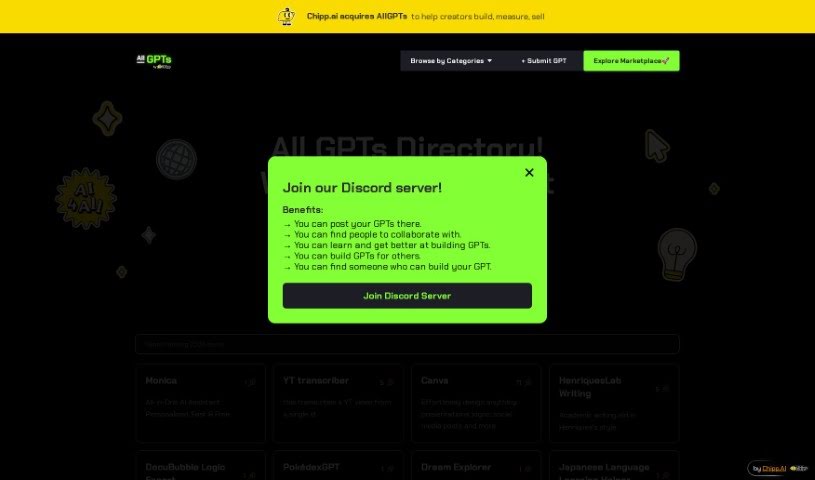
"All GPTs" is a central hub, a place built by John specifically for people who are creating their own custom GPTs, and for anyone who wants to dive in and discover what's out there. It really took off right after OpenAI launched custom GPTs, gaining a ton of attention in just 48 hours. Basically, the platform is all about making it easy for you to find cool, new AI models and to show off the custom GPTs you've made. If you want to learn more or check it out yourself, you can head over to their website.

Web Development View Tool →
Screenshot of All Llms

All Llms

Freemium

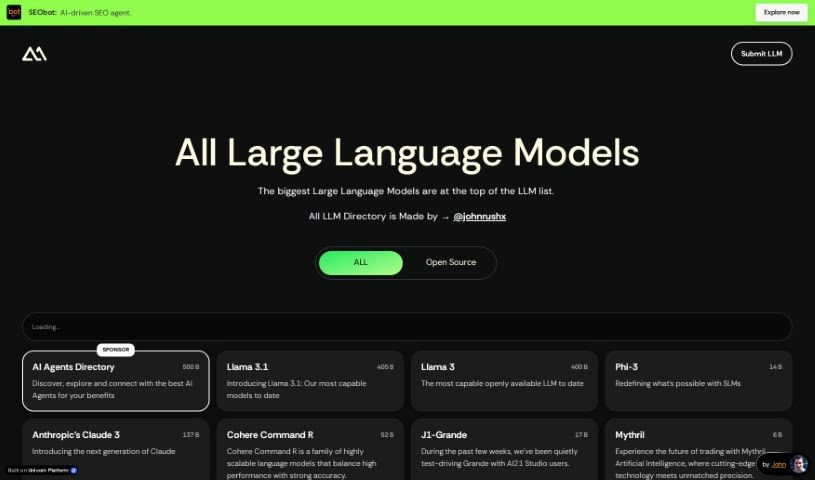
"All Llms" is a really handy, organized directory specifically for Large Language Models (LLMs). It’s a place where you can find a carefully put-together collection of these models, all sorted by what they're good for – things like analyzing data, helping with education, writing code, designing things, or even marketing. The website is designed to be super easy to use, whether you're just getting into AI or you're already an expert. It lets you explore and find all sorts of different LLMs. Some of the models you'll find there are completely free to use because they're open-source, like Alpaca or BLOOM. Others, especially the commercial ones made by big companies, might need you to pay for a subscription or a license to access them.

Web Development View Tool →
Screenshot of AlphaSense

AlphaSense

Freemium

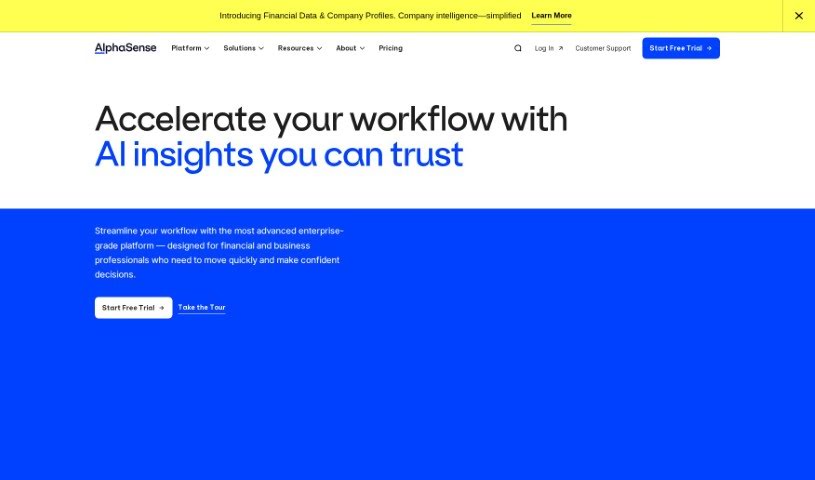
AlphaSense is a super-smart search engine specifically designed for market intelligence. It uses machine learning and natural language processing—basically, AI that understands language—to help professionals dig up insights from thousands of sources and billions of data points. Jack Kokko, the CEO and Founder, along with CTO Raj Neervannan, started AlphaSense back in 2011 because they saw how much time people were wasting on manual research. The platform gives you access to a huge library of content, saves you time with its AI tech, helps you avoid missing important details, and keeps your data safe with top-notch security. It's a go-to tool for many industries and roles, including IT, healthcare, consulting, asset management, and financial analysis. By giving professionals access to expert interviews, regulatory updates, and real-time data, AlphaSense empowers them to make confident strategic decisions.

Web Development View Tool →

Stay Updated with AI Tools

Get weekly updates on the latest AI tools, trends, and insights delivered to your inbox

Join 25,000+ AI enthusiasts. No spam, unsubscribe anytime.