AI Tools for Web Development

Discover the best Web Development AI tools to enhance your productivity and creativity.

Page 3 of 58 • 694 total tools

Web development has really changed lately, and AI tools are a big part of that. What used to take a lot of coding and design skill can now be made much simpler with smart programs that speed things up. Today, AI-assisted development tools are changing how we build websites, making it easier for newcomers and more efficient for experienced pros.

These tools offer everything from easy design features to help with writing code, letting you create great-looking, functional sites more quickly. Developers don’t have to start from scratch or fix every single line of code manually anymore. Instead, AI can offer suggestions and even create whole parts of a website based on what you need.

Having worked in web development for years, I’ve seen firsthand how AI can make tasks simpler and more efficient. But with so many options out there, picking the right tool can feel overwhelming.

In this article, I’ll share the best AI web development tools you can find right now. Whether you want to improve your coding, automate routine jobs, or make your design process better, there’s something here for you. Let’s explore the tools that can really change your web development experience.

The best AI Web Development Tools

  1. Lovable: Great for making frontend design work smoother.
  2. Cursor: Helps with real-time code collaboration.
  3. Replit AI: Generates code snippets for web apps.
  4. Supabase: For teams to manage databases together.
  5. v0 by Vercel: Quickly creates UI kits for web projects.
  6. Replicate AI: Automates code generation for web apps.
  7. Carrd: Perfect for a single-page site to promote an event.
  8. AI Dungeon: Lets you create interactive web stories with code.
  9. Ollama: For quickly building early versions of web interfaces.
  10. Jimdo: Makes building and managing websites easy.
  11. Code Sandbox: Simplifies CSS preprocessor workflows.
  12. Tilda: Lets you create websites easily without coding.
  13. Bubble: A drag-and-drop tool for building web applications.
  14. Weights & Biases: Streamlines integrating ML models into web apps.
  15. Warp Terminal: Helps deploy web apps quickly.

How do AI web development tools work?

AI web development tools use smart algorithms to handle different parts of designing and building websites. These tools often use large language models, much like AI writing software, to look at coding patterns and make things more efficient. They offer suggestions, code pieces, or even build whole sections of code based on what you tell them.

Basically, these tools understand what you’re asking for, so you can describe what you want in simple terms. For example, you could say, “Create a navigation bar,” and the AI will generate the HTML, CSS, or JavaScript code needed. This makes web development more accessible, even if you don’t have a lot of programming experience.

Many AI web development platforms connect with popular coding environments and content management systems. This means they can improve tools like WordPress, Wix, or GitHub by offering smart code completions or finding errors as you type. With these connections, users can really smooth out their development process.

The data these AI systems learn from usually includes tons of source code, guides, and content created by users on sites like GitHub. This helps them learn different coding styles and the best ways to do things. Their effectiveness comes from spotting patterns and suggesting the best solutions based on what the user needs.

In short, AI web development tools make coding simpler, letting developers focus on creativity and solving problems instead of getting stuck on syntax. As technology keeps changing, these tools are expected to get even better, likely changing how web developers work.

Our best AI web development tools at a glance

RankNameBest forPlans and PricingRating
1LovableMaking frontend design work smoother.N/A4.84 (43 reviews)
2CursorReal-time collaboration on code projects.Paid plans start at $20/Month.4.83 (6 reviews)
3Replit AIGenerating code snippets for web apps.N/A4.70 (44 reviews)
4SupabaseCollaborative database management for dev teamsN/A5.00 (32 reviews)
5v0 by VercelQuickly creating UI kits for web projects.N/A4.73 (11 reviews)
6Replicate AIAutomating code generation for web apps.N/A4.82 (11 reviews)
7CarrdA single-page site for event promotion.Paid plans start at $19/year.4.72 (29 reviews)
8AI DungeonCreating interactive web story experiences.N/A4.54 (39 reviews)
9OllamaRapid prototyping of web interfaces.N/A4.63 (8 reviews)
10JimdoBuilding and maintaining websites easily.N/A4.64 (11 reviews)
11CodeSandboxSimplifying CSS preprocessor workflows.N/A4.45 (11 reviews)
12TildaEffortless website creation without coding.N/A4.75 (20 reviews)
13BubbleA drag-and-drop web applications builder.N/A4.73 (11 reviews)
14Weights & BiasesStreamlining ML model integration in web apps.N/A4.50 (12 reviews)
15Warp TerminalDeploying web apps swiftly.N/A4.79 (28 reviews)
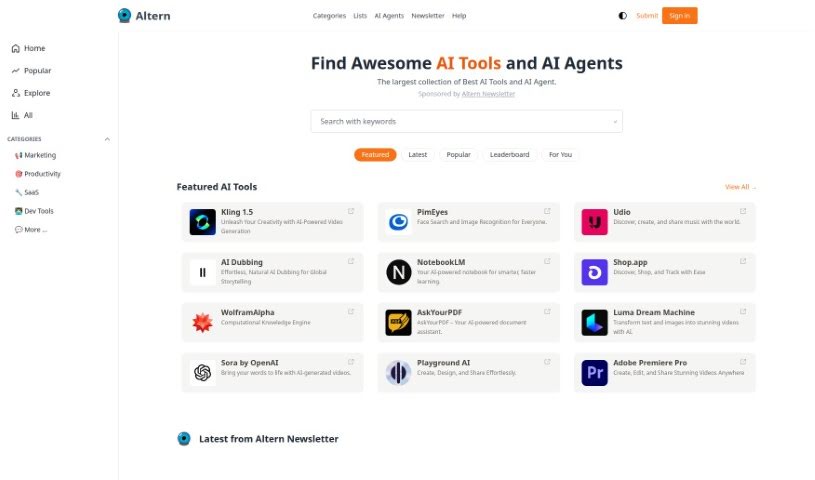
Screenshot of Altern

Altern

Freemium

Altern is much more than just a directory; it's a lively community all about the fast-paced world of AI. Whether you're a seasoned AI researcher, an aspiring programmer, or just curious about where technology is headed, Altern has something for you. You'll get access to a whole universe of AI tools, models, datasets, and hardware. Plus, users can submit their AI products for free, check out handpicked AI lists that match their interests, and even build their own professional AI profile. Altern's goal is to push AI's limits by creating smart solutions that spark innovation and change industries, helping businesses and individuals reach new levels of achievement.

Web Development View Tool →
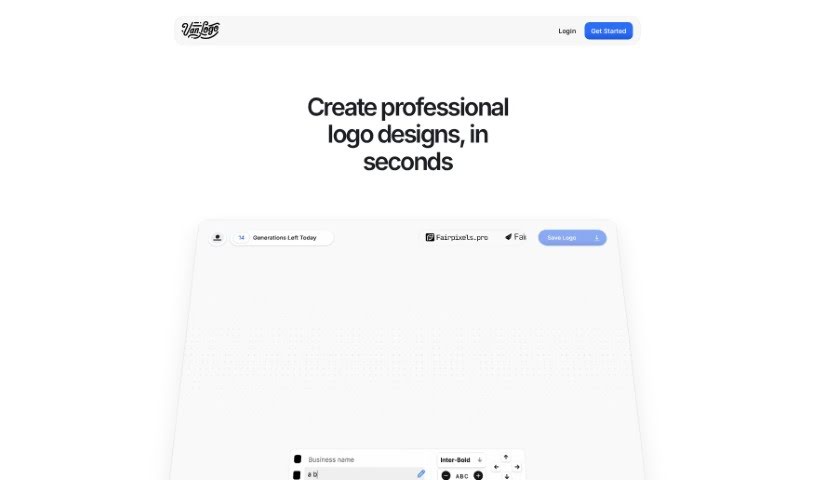
Screenshot of Ameela

Ameela

Freemium

Ameela is a platform designed to help startups create logos easily, offering a free AI-powered logo maker. It's built with a super intuitive interface, so even if you don't have any design experience, you can navigate the logo creation process without a hitch. You can easily edit your company name and download the logo as an .SVG file. This means you get a high-quality, scalable image that won't lose its crispness no matter how big or small you make it. Ameela's AI is pretty smart, too; it can suggest design elements based on your industry and what you like, making it a great option for startups that want a professional-looking logo without the hefty price tag of hiring a designer.

Web Development View Tool →
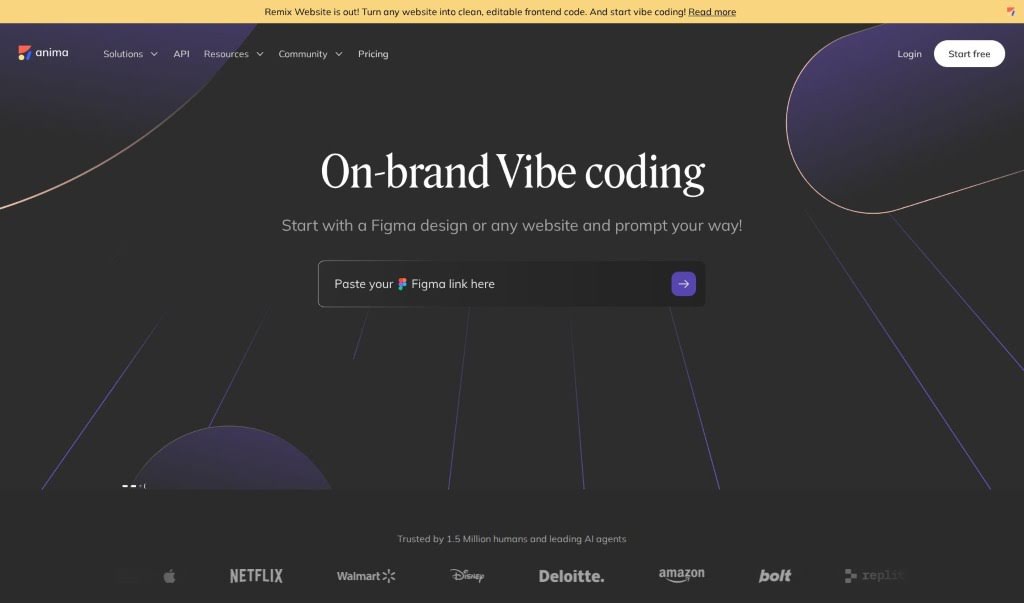
Screenshot of Anima App

Anima App

Freemium

Anima App is a really handy tool that turns your design files into websites that look great on any device, are fully interactive, and are perfectly polished. Basically, you can take your designs from Figma, Sketch, or Adobe XD and convert them into code with just a few clicks. No more wrestling with manual coding!

Web Development View Tool →
Screenshot of Anvil Works

Anvil Works

Freemium

StoryScroll is a web application built using the Anvil platform. Its main purpose is to help you quickly and reliably create full-stack web applications. Whether you're just starting out or you're already an experienced developer, StoryScroll's simple and intuitive interface makes it accessible to everyone. It's designed to be really responsive to what you do and can handle complicated, dynamic tasks smoothly. Because it's built on Anvil, making updates or changes to StoryScroll is fast and efficient. While the website doesn't go into specific details about its features, you can expect StoryScroll to offer the kind of modern, user-focused capabilities that Anvil-built applications are known for. There have been a few mentions of potential hiccups, like an error StoryScroll encountered, and some features that might need a bit more work. However, the platform itself offers some great advantages, such as making updates and revisions easy, and handling errors effectively – all hallmarks of Anvil applications.

Web Development View Tool →
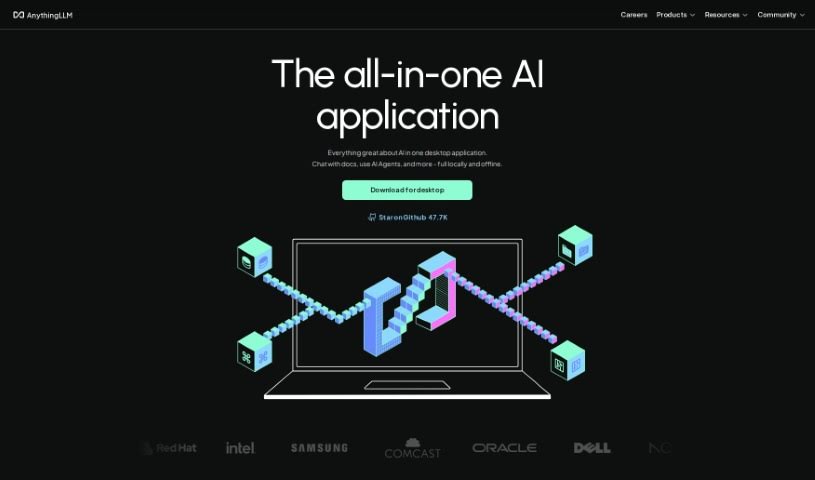
Screenshot of AnythingLLM

AnythingLLM

Freemium

AnythingLLM is a really smart AI tool for businesses that want total control over their documents and complete privacy when using Large Language Models (LLMs). It's designed to run easily on your desktop – whether you're on MacOS, Linux, or Windows – and it's super simple to install with just one click. Plus, it comes packed with powerful features.

Web Development View Tool →
Screenshot of Apiscout

Apiscout

Freemium

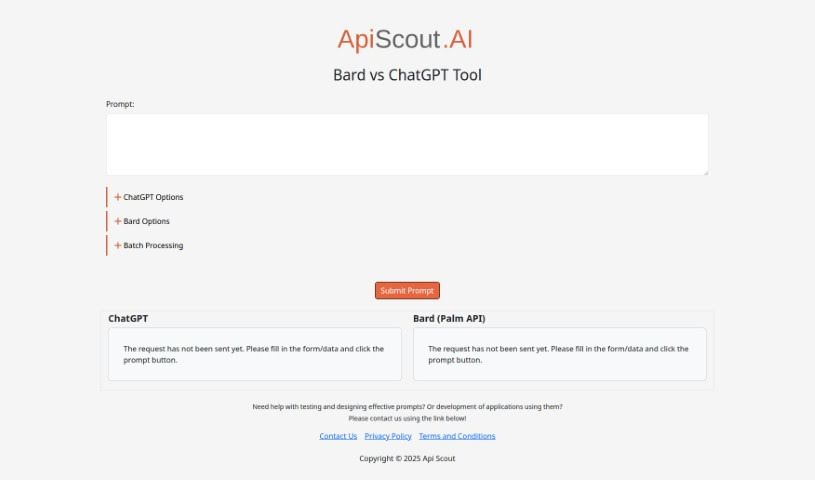
Apiscout is an AI-powered platform designed to help you with testing, creating effective prompts, and building applications that use prompts. It seems particularly good at working with tools like Bard (which uses the Palm API) and ChatGPT. If you'd like to learn more, you can always reach out to ApiScout via their website. They've also got links there to their Privacy Policy and Terms and Conditions pages.

Web Development View Tool →
Screenshot of App Quality Copilot

App Quality Copilot

Freemium

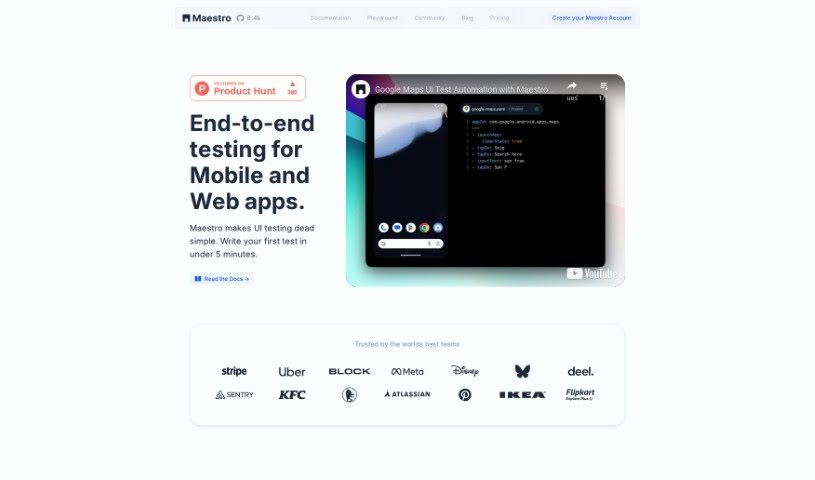
App Quality Copilot is an AI-powered tool designed to help with quality assurance and testing, and you can find it on Maestro Cloud. Essentially, it's built to make the app testing process smoother and better by handling a lot of the QA work automatically. This tool uses AI to look closely at mobile apps, giving you really detailed insights. It can spot all sorts of problems, like things not working correctly, issues with translations, user experience hiccups, missing information, or even images that aren't loading. The interface is pretty straightforward, so you can easily see how it's doing its job with automated testing. The main goal here is to save you time and money by moving away from older testing methods. By using AI for analysis, it aims to boost your app's overall quality and make the user experience much more enjoyable.

Web Development View Tool →
Screenshot of Appified.ai

Appified.ai

Freemium

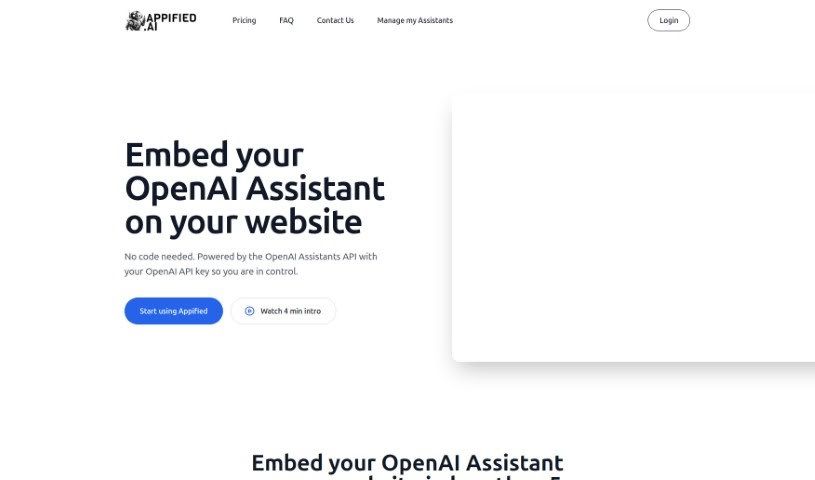
Appified.ai is a really neat platform developed by Aster. What it does is let you take an OpenAI Assistant you've created and turn it into a complete, working web application. The best part? You don't need to know any code at all! You can easily put your AI assistant right onto your own website, share it with friends or clients, or even make money by selling it as a product. Appified.ai also makes sure you keep complete ownership and control over all your data and the AI assistant you build. Appified.ai is the helpful connection that makes all this possible. It helps you build your AI assistant into a web app, share it, and even handle payments through Stripe integration. Plus, you can keep track of everything and manage user details using the admin dashboard Appified.ai provides. They really focus on keeping your data safe and private, so you can create, sell, and use your chat assistant without any coding headaches.

Web Development View Tool →
Screenshot of Appifytext

Appifytext

Freemium

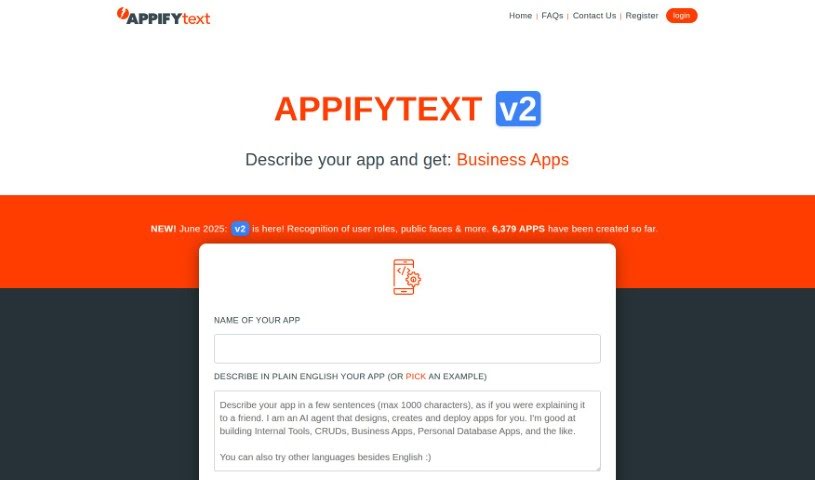
AppifyText.ai is an AI platform designed to help you build custom business applications quickly and easily. It offers a user-friendly interface, a range of customizable templates, and the flexibility to build apps from the ground up. You can choose from templates for managing customers, inventory, libraries, ERP systems, coffee bars, bike service shops, and even scooter rental services.

Web Development View Tool →
Screenshot of Applitools

Applitools

Freemium

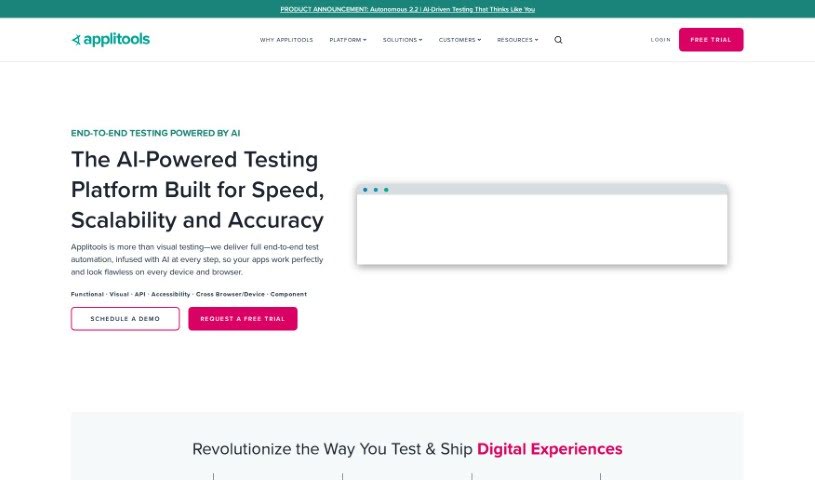
Applitools is a really comprehensive platform packed with tools designed to make your automation and testing processes smoother and more efficient. It offers several key features, including Autonomous, Eyes, and Preflight. Each of these is built to boost different parts of your testing and quality assurance efforts. Plus, Applitools plays nicely with other tools, offering a wide array of integrations so you can connect it seamlessly with your existing systems. They're big on innovation, too, constantly rolling out new features and improvements to stay at the forefront of software testing and quality assurance.

Web Development View Tool →
Screenshot of Appomate

Appomate

Freemium

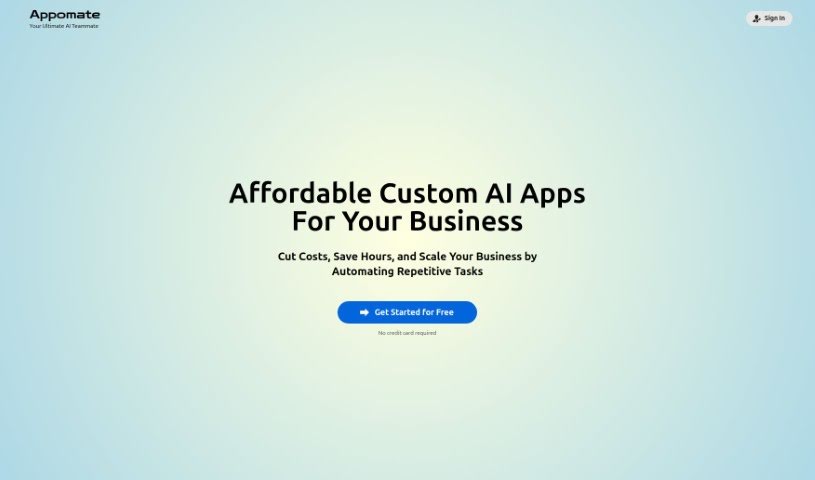
Appomate is your go-to platform for building AI-powered tools. It's designed to help you figure out and then fine-tune exactly what you need your AI automation to do. The best part? You don't need to know how to code at all. Appomate's smart AI tools guide you through describing your requirements, making the whole process really accessible. Plus, it offers custom workflows, a safe space to test everything out in a sandbox environment, and a neat revenue-sharing feature. This means you can actually earn a percentage from sales that come from the apps or agents you commission through the platform. Once your app or agent is ready, you can easily access it either through your Appomate dashboard or a special public web address. And don't worry about future issues – they provide free lifetime support for all the applications you develop.

Web Development View Tool →
Screenshot of AppsMakerStore

AppsMakerStore

Freemium

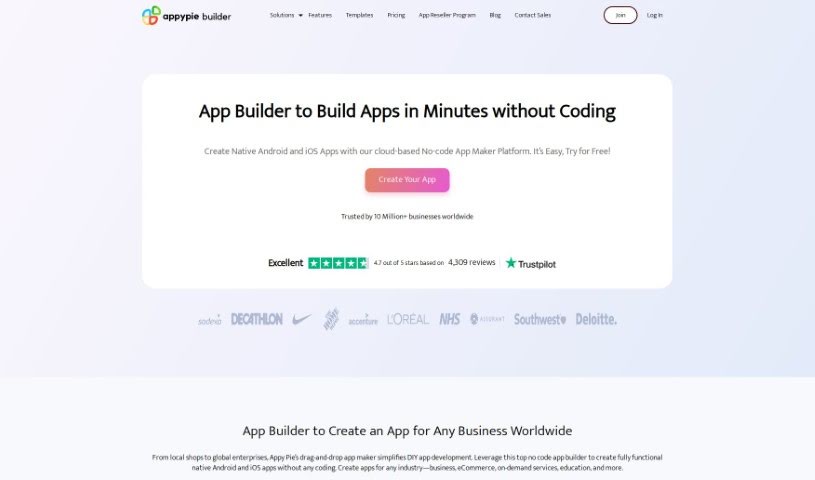
AppsMakerStore is a smart software tool that lets businesses build, manage, and share their own mobile apps. The best part? You don't need to know any code to use it! It handles secure payments, supports multiple languages, and even includes ways to keep your customers engaged, like loyalty stamps and reward points. Whether you run a restaurant, a beauty salon, a healthcare center, or an educational institution, AppsMakerStore has you covered. It's designed to be super user-friendly, offering templates for all sorts of industries. Plus, you can manage all your different apps from one central dashboard.

Web Development View Tool →

Stay Updated with AI Tools

Get weekly updates on the latest AI tools, trends, and insights delivered to your inbox

Join 25,000+ AI enthusiasts. No spam, unsubscribe anytime.