10Web
Web Development Website Builders
Learn more
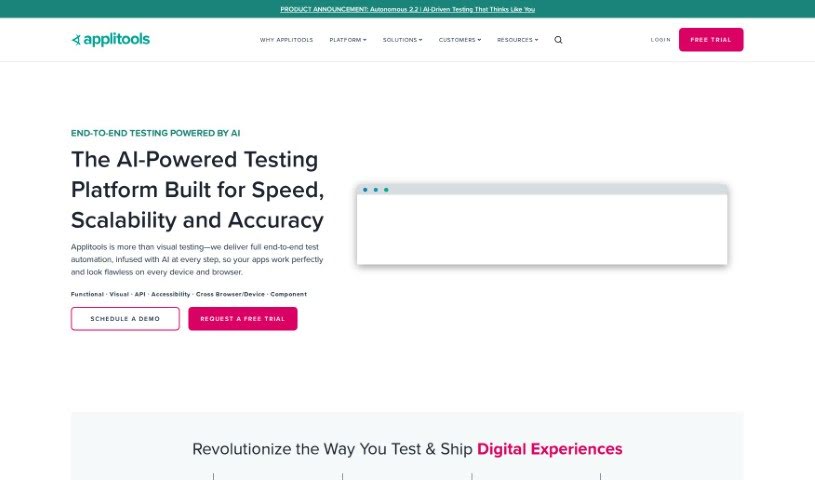
Discover what Applitools is and how its Visual AI platform handles visual validation, cross-browser testing, and accessibility testing for web and mobile.
Applitools is a platform for test automation and quality assurance. Its main products — Autonomous, Eyes, and Preflight — each target a different part of the testing process. The platform integrates with a wide range of other tools, and new features and improvements are added regularly.
Applitools was co-founded by Adam Carmi, who serves as Chief Technology Officer, and Moshe Milman, who serves as Chief Operating Officer.
Applitools is designed for software testers, QA engineers, developers, automation engineers, product managers, UI/UX designers, DevOps engineers, test automation architects, project managers, and technical leads.
A validation in Applitools is called a “page” and is created in your test code, even if the validation runs multiple times.
The platform supports testing PDFs, individual UI components, websites, web applications, and native mobile apps. Teams can build automation using the provided SDKs, the Codeless Recorder, and the NLP Builder.
For visual validation, Applitools offers Visual AI, Cross Browser Testing, Accessibility Testing, and Release Strategies. Tests run on its scalable infrastructure, including Test Orchestration.
Applitools provides a free course on Visual Testing, plus tutorials, extensive documentation, dedicated Eyes documentation and Eyes tutorials, an integrations section, and a “What’s New” page covering recent feature updates.
Related
Discover more tools in similar categories
Weekly picks of the best AI tools we've researched and added — no spam, unsubscribe anytime.
Join 25,000+ AI enthusiasts. No spam, unsubscribe anytime.