AI Tools for Testing

Discover the best Testing AI tools to enhance your productivity and creativity.

Page 1 of 7 • 76 total tools

In today’s fast-paced digital world, making sure software works well can feel like a real challenge. As apps get more complicated, we need good testing tools more than ever. Old ways of testing often just don’t cut it for modern development. That’s where AI steps in.

AI testing tools are changing the game. They automate tricky testing steps and give us much deeper insights. These tools use machine learning to keep improving how they test, helping teams find problems before users do.

I’ve spent a good amount of time looking at different AI testing solutions, and I’ve picked out the top ones in this fast-moving field. Whether you’re an experienced developer or just starting with software testing, these tools can help make your work smoother and boost your productivity.

So, if you’re ready to improve your testing and make sure your software is top-notch, let’s dive into the best AI testing tools out there right now.

The best AI Testing Tools

  1. LangChain for validating LLM responses automatically
  2. Jam for automatic bug tracking and reporting
  3. Google Search Labs for evaluating new search features
  4. Testsigma for automating web app regression testing
  5. Gooey.ai for simplifying testing with AI-driven analytics
  6. VWO for A/B testing to optimize websites
  7. Applitools for visual regression testing on web apps
  8. Testim for AI-driven web testing automation
  9. Eden AI for testing voice commands in applications
  10. Layer AI for helping teams quickly test concepts
  11. Promptfoo for generating test cases automatically
  12. Keploy for automating API test case generation
  13. Mabl for automating UI tests for faster releases
  14. ACCELQ for smooth API and web test automation
  15. AgentOps for testing and optimizing agent performance

How do AI testing tools work?

AI testing tools use smart algorithms and machine learning to check software applications, making sure they work as expected. Basically, these tools automate the testing process, which used to take a lot of manual work. By using AI, they can learn from past test results and make smart guesses about where problems might pop up in software.

The main idea is to run various test cases in different situations. AI testing tools look at how the application responds to these tests, spotting bugs or slowdowns. They often use supervised learning, meaning they’re trained on data showing both successful and failed tests. This helps them get better at spotting patterns.

They might also use natural language processing (NLP). This lets the tools understand requirements written in plain English and turn them into test cases. This makes communication between developers and testers easier, improving the whole software development process.

Plus, AI testing tools can keep getting better over time. As they run more tests, their algorithms become more accurate and effective, finding new ways to catch issues. This ability to learn on its own means less constant human supervision, freeing up testers for more complex tasks.

When it comes to specific features, many AI testing tools offer predictive analytics. This can forecast potential failures before they even happen. By simulating different conditions, these tools help teams fix vulnerabilities early, rather than waiting until after the software is released.

Ultimately, AI testing tools are changing how we ensure software quality. Their ability to predict issues and automate tasks not only speeds up testing but also makes applications more reliable, leading to a better experience for everyone using them.

Our best AI testing tools at a glance

RankNameBest forPlans and PricingRating
1LangChainValidating LLM responses automaticallyPaid plans start at $39/month.4.20 (5 reviews)
2JamAutomatic bug tracking and reportingN/A4.00 (11 reviews)
3Google Search LabsEvaluating new search featuresN/A4.73 (11 reviews)
4TestsigmaAutomating web app regression testingN/A4.25 (28 reviews)
5Gooey.aiSimplifying testing with AI-driven analyticsPaid plans start at $20/month.4.80 (10 reviews)
6VWOA/B testing for website optimizationPaid plans start at $392/month.4.23 (13 reviews)
7ApplitoolsVisual regression testing on web appsN/A4.82 (22 reviews)
8TestimAI-driven web testing automationN/A4.60 (5 reviews)
9Eden AITesting voice commands in applicationsPaid plans start at $41/month.4.83 (12 reviews)
10Layer AIHelping teams quickly test conceptsN/A3.33 (6 reviews)
11PromptfooGenerating test cases automaticallyN/A4.98 (40 reviews)
12KeployAutomating API test case generationN/A4.72 (29 reviews)
13MablAutomating UI tests for faster releasesN/A4.83 (23 reviews)
14ACCELQSmooth API and web test automationN/A4.83 (12 reviews)
15AgentOpsTesting and optimizing agent performanceN/A4.00 (13 reviews)
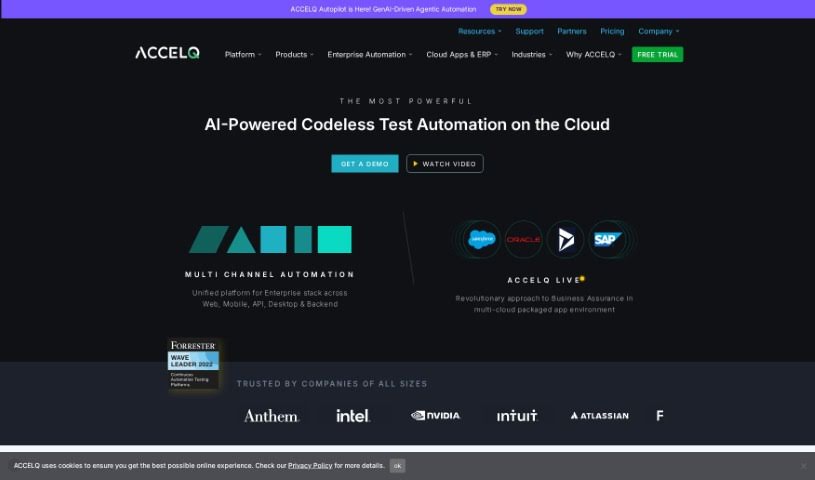
Screenshot of ACCELQ

ACCELQ

Freemium

ACCELQ is a platform designed to really shake up test automation and agile quality assurance. It aims to break down the old barriers and silos that often slow things down in the industry. Founded by Mahendra Alladi, ACCELQ puts quality right at the heart of how software is developed. This means you can deliver software continuously and incrementally, getting it out there faster and for less money. ACCELQ provides a range of tools for automating tests across web, mobile, and APIs, as well as for manual testing. What's neat is that it's all powered by AI, making continuous testing a reality in software development. It also boasts a 'no-code' capability, which means you don't need to be a coding expert to use it, making it both easy to pick up and scalable for handling even complex, real-world tests. Plus, ACCELQ offers training and certification programs to help you get the most out of the platform.

Web Development View Tool →
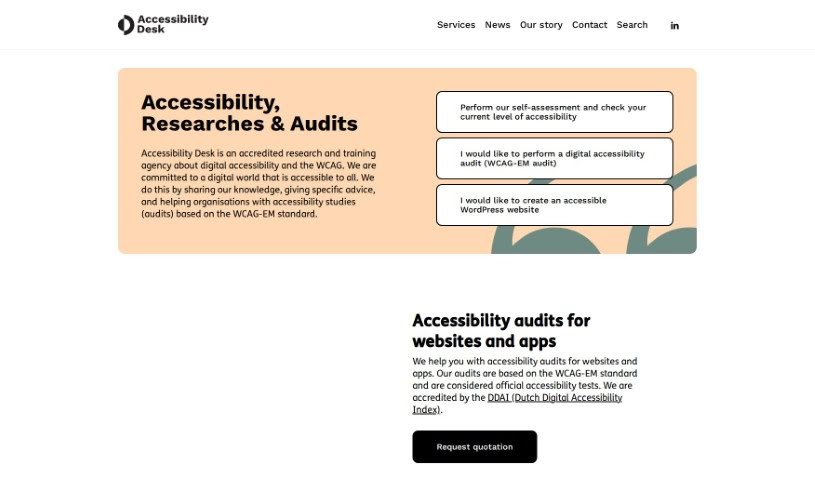
Screenshot of Accessibility Desk

Accessibility Desk

Freemium

Accessibility Desk offers a robust suite of tools designed to make digital content more accessible for everyone. At its core is the AI Accessibility Toolkit, which is packed with features to simplify text, create descriptive alternative text (alt text), improve readability, and help you assess and report on your digital accessibility efforts. It is your go-to resource for crafting clear alt text for images, videos, and more, checking your text against accessibility standards, building comprehensive accessibility statements, making sure your website code is up to par, and guiding you through self-assessments and reporting. You can dive deeper and access all these handy tools on their website: <https://accessibilitydesk.com/ai-toolkit/>.

Web Development View Tool →
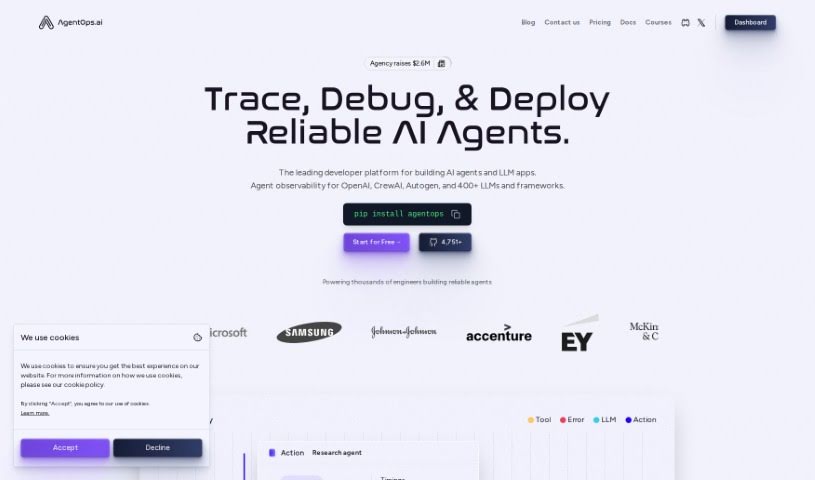
Screenshot of AgentOps

AgentOps

Freemium

AgentOps is a really helpful AI tool designed to give you better performance analytics when you're building AI agents. It is a way to really understand what your AI agents are doing, how well they're doing it, and how to make them even better. It offers analytics and debugging features specifically for AI agents, all with the goal of making them more transparent, performant, and reliable. The software helps you get a clearer picture of your AI agents' behavior through features like constant monitoring, visual graphs, and replay analytics. By keeping a close eye on what the agent does, watching its behavior, and digging into past interactions, you can spot problems, fix them, and ultimately boost how well your agent performs.

Web Development View Tool →
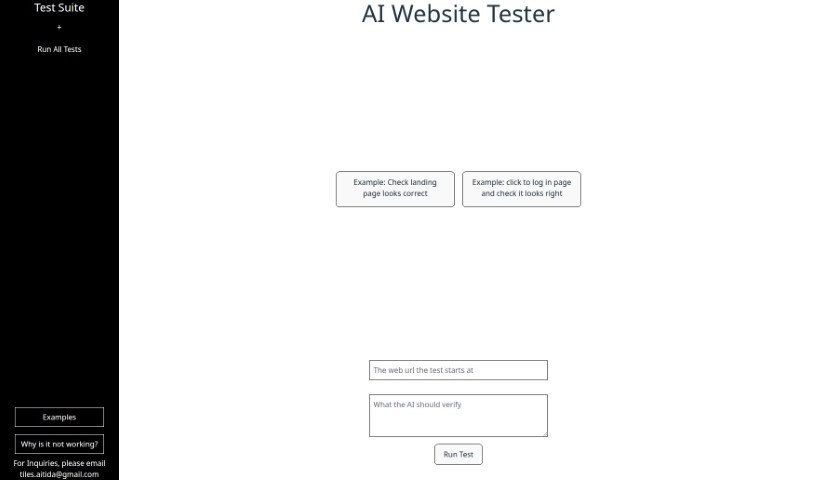
Screenshot of Aitida Test Suite

Aitida Test Suite

Freemium

Aitida Test Suite is a handy tool built for automating website testing. Its main goal is to make sure your website works just right, looks good, and gives visitors a great experience. It does this by acting like a real visitor, clicking around your site, trying out the login, and checking how everything appears. You can use it to check user experience, analyze landing pages, test login flows, find errors, and just generally keep your website in good shape. If you ever get stuck or have questions, you can reach out to their customer support via email. It's a great way to spot problems so you can make your website even better.

Web Development View Tool →
Screenshot of Apiscout

Apiscout

Freemium

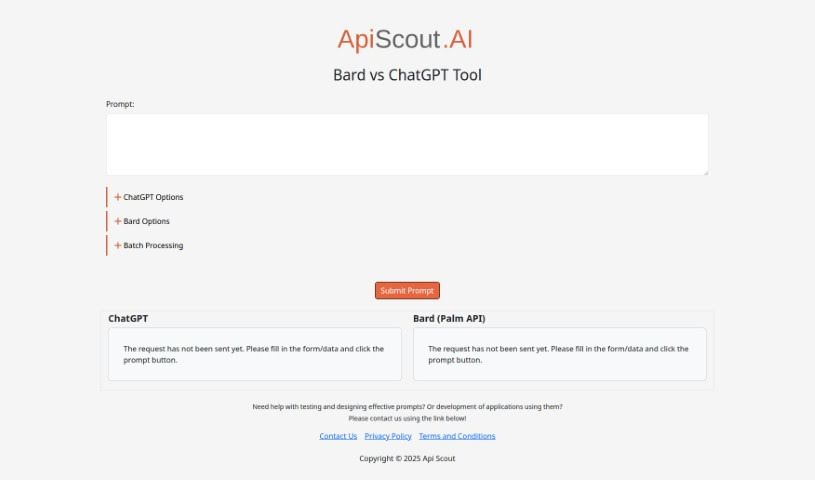
Apiscout is an AI-powered platform designed to help you with testing, creating effective prompts, and building applications that use prompts. It seems particularly good at working with tools like Bard (which uses the Palm API) and ChatGPT. If you'd like to learn more, you can always reach out to ApiScout via their website. They've also got links there to their Privacy Policy and Terms and Conditions pages.

Web Development View Tool →
Screenshot of App Quality Copilot

App Quality Copilot

Freemium

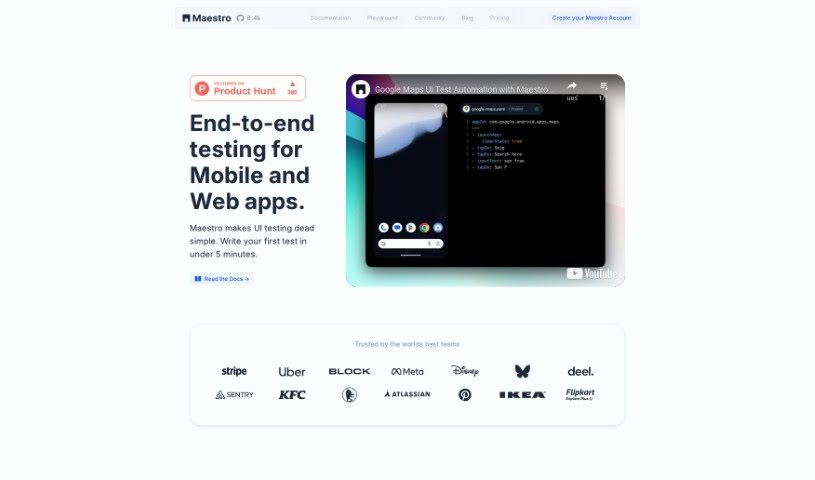
App Quality Copilot is an AI-powered tool designed to help with quality assurance and testing, and you can find it on Maestro Cloud. Essentially, it's built to make the app testing process smoother and better by handling a lot of the QA work automatically. This tool uses AI to look closely at mobile apps, giving you really detailed insights. It can spot all sorts of problems, like things not working correctly, issues with translations, user experience hiccups, missing information, or even images that aren't loading. The interface is pretty straightforward, so you can easily see how it's doing its job with automated testing. The main goal here is to save you time and money by moving away from older testing methods. By using AI for analysis, it aims to boost your app's overall quality and make the user experience much more enjoyable.

Web Development View Tool →
Screenshot of Applitools

Applitools

Freemium

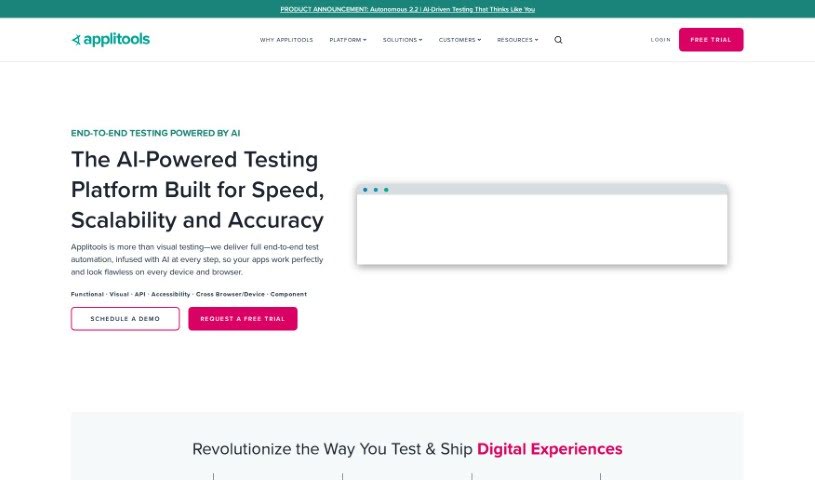
Applitools is a really comprehensive platform packed with tools designed to make your automation and testing processes smoother and more efficient. It offers several key features, including Autonomous, Eyes, and Preflight. Each of these is built to boost different parts of your testing and quality assurance efforts. Plus, Applitools plays nicely with other tools, offering a wide array of integrations so you can connect it seamlessly with your existing systems. They're big on innovation, too, constantly rolling out new features and improvements to stay at the forefront of software testing and quality assurance.

Web Development View Tool →
Screenshot of Aptori

Aptori

Freemium

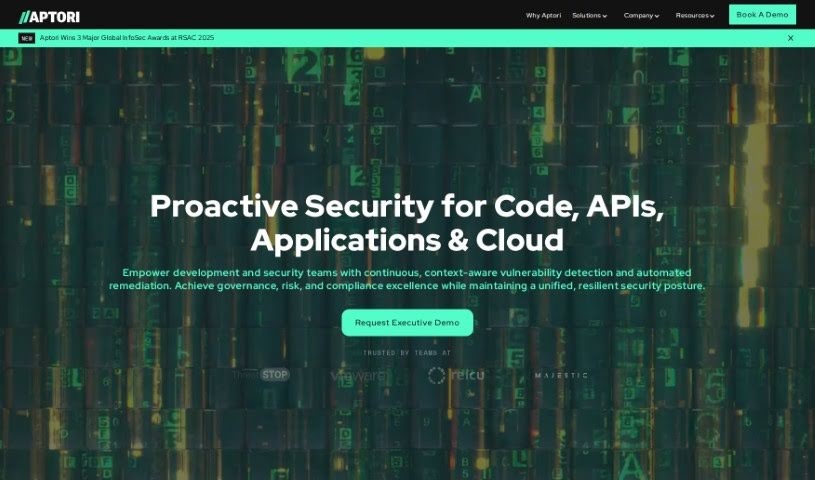
It seems the term "Aptori" isn't mentioned in the files you provided. No worries, though! I can give you a rundown based on what I know.

Web Development View Tool →
Screenshot of ApyHub

ApyHub

Freemium

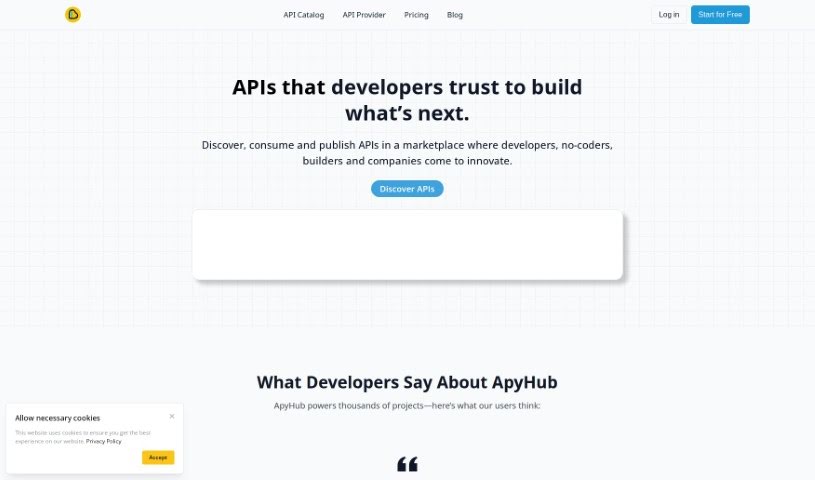
ApyHub is a really neat platform that offers a huge collection – over 100 – of APIs. They are ready-made tools for developers and teams looking to add special features to their apps. These aren't just basic tools; they range from simple, solid utilities to sophisticated solutions powered by AI. ApyHub makes it super easy to find and try out the APIs you need, and it also helps you manage them so you can smoothly put them into your projects and keep them running well. The goal here is to help developers and teams make their applications perform better and do more, acting as a partner dedicated to their success.

Web Development View Tool →
Screenshot of Athina AI

Athina AI

Freemium

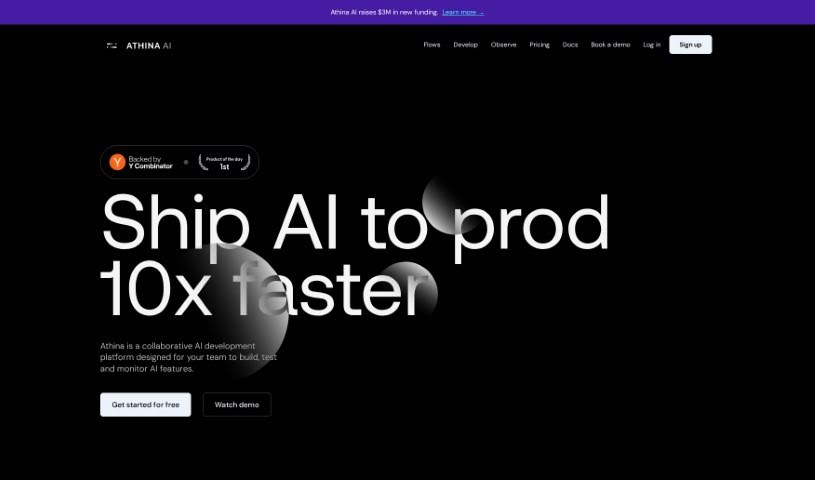
Athina AI is a platform designed to help teams build, test, and manage AI applications powered by large language models (LLMs). It is a comprehensive workbench where you can quickly prototype new AI ideas, experiment with different approaches, thoroughly evaluate how well your AI products are performing, and keep a close eye on them once they're live. It really speeds up the whole process of developing and testing AI products.

Web Development View Tool →
Screenshot of Autoblocks

Autoblocks

Freemium

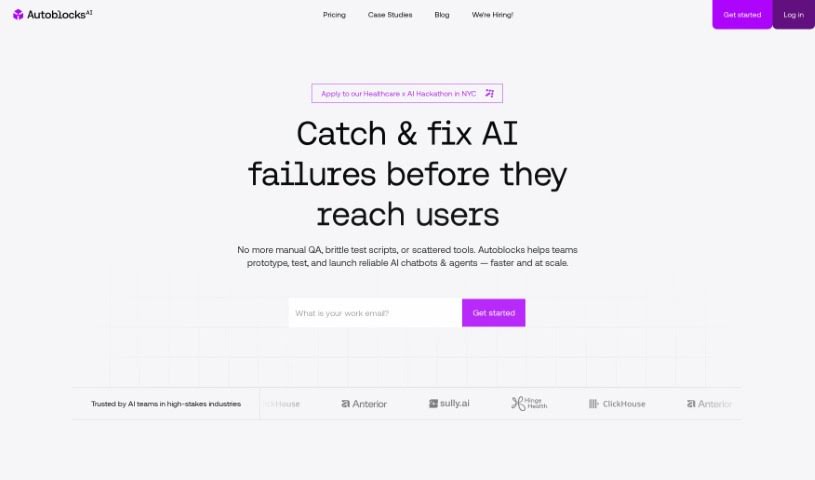
Autoblocks is a really flexible platform built to make your AI context pipeline work better, helping you get more accurate and relevant AI results. What's great about it is how adaptable it is – it can work with pretty much any codebase or tech stack you're using. This means you get complete control over your AI systems without being locked into anything specific. It's also designed for teamwork, making it easier for developers and product managers to improve AI products. You get tools for flexible development, online evaluations, guardrails to ensure a good user experience, debugging help, and analytics for your AI products. Plus, it's built with strong privacy and security in mind. People have found it really helps make AI-generated content more reliable and speeds up product development.

Web Development View Tool →
Screenshot of Based

Based

Freemium

It seems the provided document doesn't contain specific details about the meaning of "Based." Would you like me to search for this information elsewhere?

Web Development View Tool →
Previous 1 of 7 Next

Stay Updated with AI Tools

Get weekly updates on the latest AI tools, trends, and insights delivered to your inbox

Join 25,000+ AI enthusiasts. No spam, unsubscribe anytime.