AI Image Enhancers & Upscalers: Top Tools Compared

AI Tools for Image Enhancement

Discover the best Image Enhancement AI tools to enhance your productivity and creativity.

Page 1 of 9 • 97 total tools
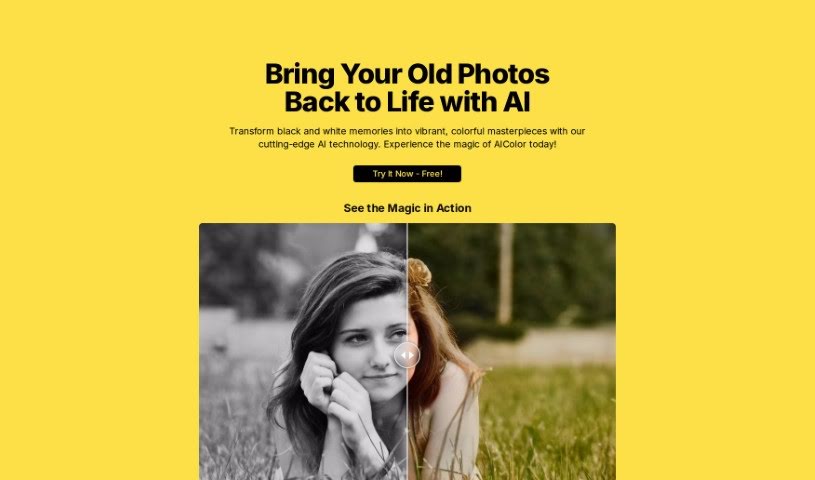
Screenshot of AI Color

AI Color

Freemium

AI Color is an artificial intelligence tool that adds color to old black and white photos. It is designed to restore faded pictures and turn them into vibrant, colorful images. The interface is straightforward, and the AI can reveal details that might otherwise be missed in monochrome photos.

Image Enhancement View Tool →
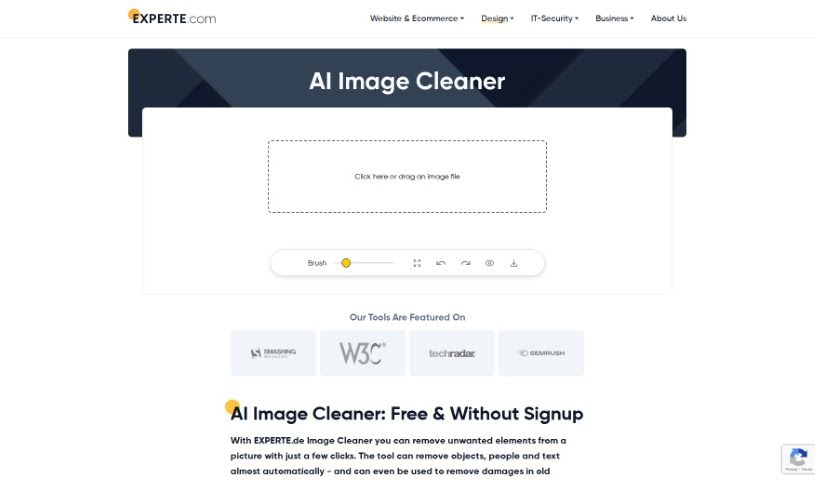
Screenshot of AI Image Cleaner By Experte

AI Image Cleaner By Experte

Freemium

AI Image Cleaner by Experte is an AI-powered photo tool that automatically spots and fixes common image problems such as graininess, blurriness, and off colors. It cleans and refines images, producing clearer, sharper results with minimal manual effort. It is available at [experte.com/image-cleaner](https://www.experte.com/image-cleaner).

Image Enhancement View Tool →
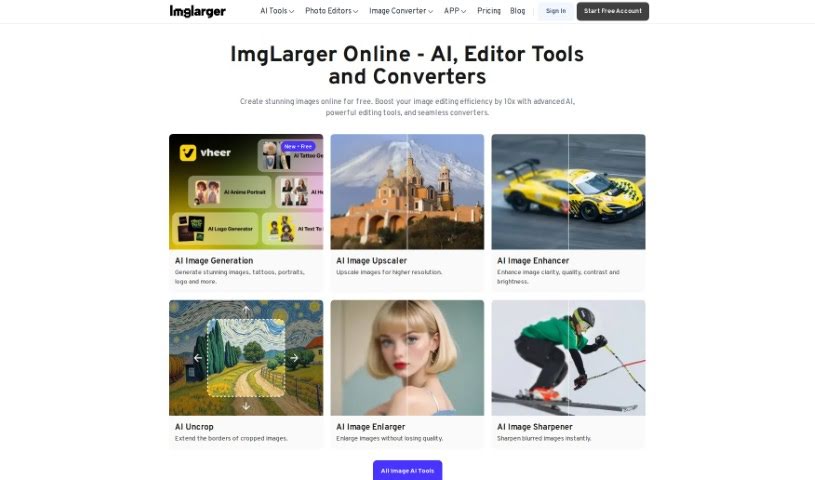
Screenshot of AI Image Enlarger

AI Image Enlarger

Freemium

AI Image Enlarger uses artificial intelligence to enlarge images and boost their resolution and quality without making them look blurry or pixelated. Upload an image, choose an enlargement amount, and the AI processes it. It is intended for individuals and businesses, and works for printing, online use, and other applications.

Image Enhancement View Tool →
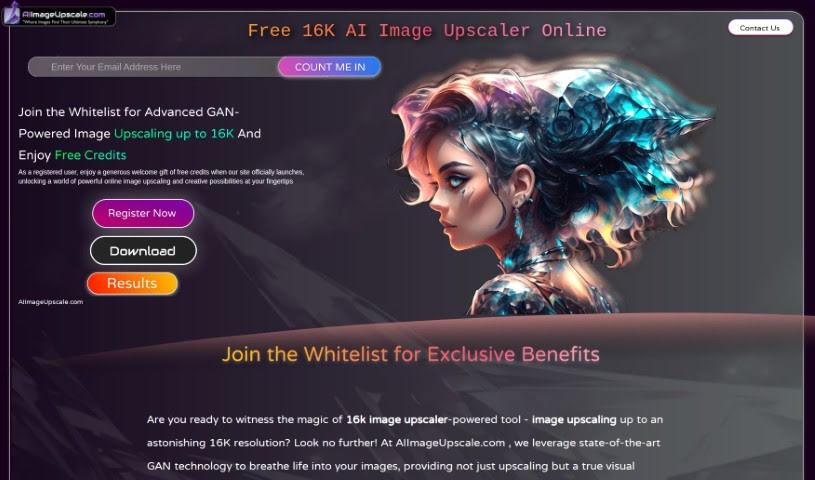
Screenshot of AI Image Upscale

AI Image Upscale

Freemium

AI Image Upscale is an image upscaling tool that enlarges pictures while improving their quality. It uses Generative Adversarial Networks (GAN) technology to increase resolution up to 16K, and includes smart color correction and an AI Art Generator. New users receive free usage credits along with early access. Two limitations to note: output is capped at 16K, and registration is required before use.

Image Enhancement View Tool →
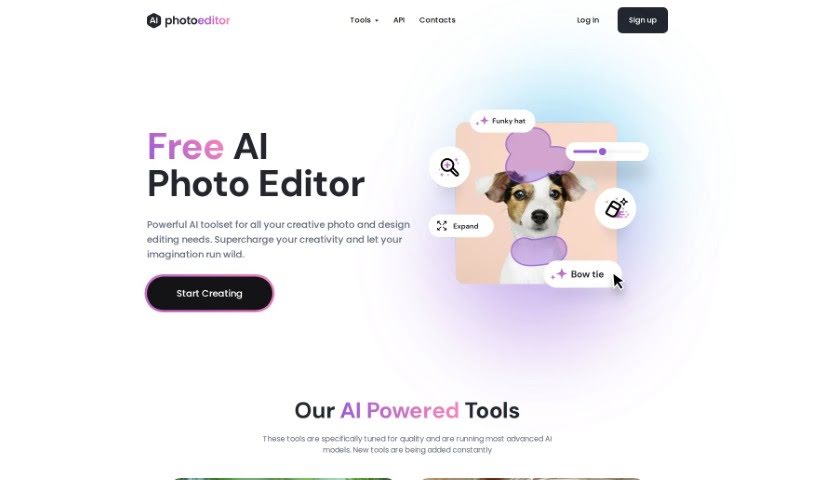
Screenshot of AI Photo Editor

AI Photo Editor

Freemium

AI Photo Editor (PhotoEditor.ai) is an AI-powered image editing platform. It removes unwanted objects, text, and people, adds elements with generative fill, and sharpens blurry images using the Upscale and Unblur tools. Results are often comparable to or better than traditional editing methods.

Image Enhancement View Tool →
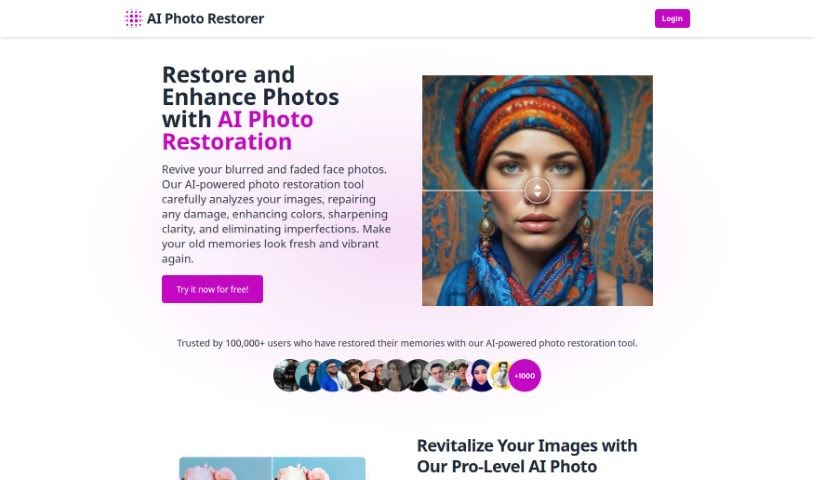
Screenshot of AI Photo Restorer

AI Photo Restorer

Freemium

AI Photo Restorer uses artificial intelligence to repair old, faded, or damaged photos. It addresses common problems such as blurriness, scratches, and fading, and can restore color, sharpen images, and improve overall quality. AI upscaling increases resolution by up to 4 times, making photos suitable for printing, ads, or wallpapers. A Pro-Level AI Portrait Enhancer boosts resolution and detail by up to 200% for clear, crisp portraits, targeting facial details like hair, eyes, and skin texture. Facial recognition and privacy measures are built in, and uploaded photos are permanently deleted after 24 hours.

Image Enhancement View Tool →
Screenshot of autoRetouch

autoRetouch

Freemium

autoRetouch is an AI-powered image editing platform for creating professional product and fashion photos. It works in the browser and offers an API for integration. Its batch editing feature processes thousands of images at once. It provides tools for background removal, ghost mannequin effects, shadow addition, fabric swatch extraction, face cropping, reframing, color harmonization, skin retouching, and high-resolution exports.

Image Enhancement View Tool →
Screenshot of Azen

Azen

Freemium

Azen is an AI suite that brings multiple AI tools together in one platform. It supports text analysis, image processing, video generation, image upscaling, and text-to-speech conversion. Users get up to 150 file uploads per month, about 5,000 instant messages per month, and access to models such as GPT-3.5 and GPT-4.

Image Enhancement View Tool →
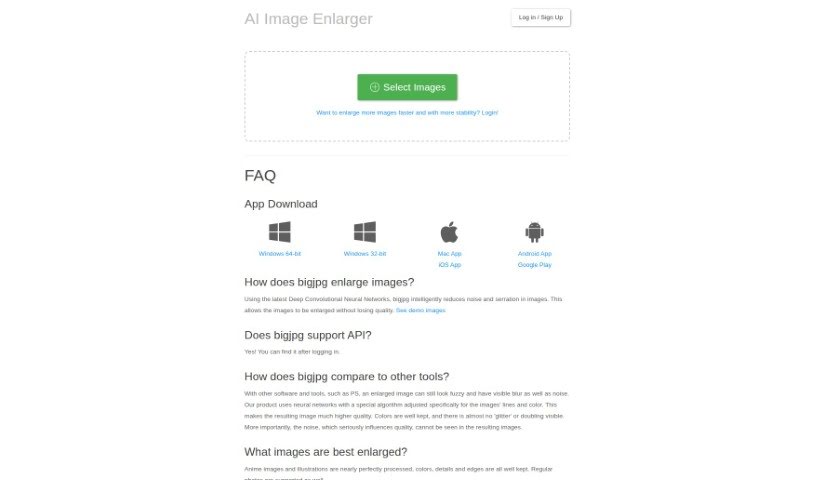
Screenshot of Bigjpg

Bigjpg

Freemium

Bigjpg enlarges images, especially Anime-style artwork and photos, using Deep Convolutional Neural Networks. It reduces graininess and noise while keeping colors, fine details, and edges sharp. Free and paid plans are available; paid plans offer faster, more reliable enlargements. Bigjpg uses encrypted links and deletes images automatically after 3 days. It also offers API support and desktop and mobile apps.

Image Enhancement View Tool →
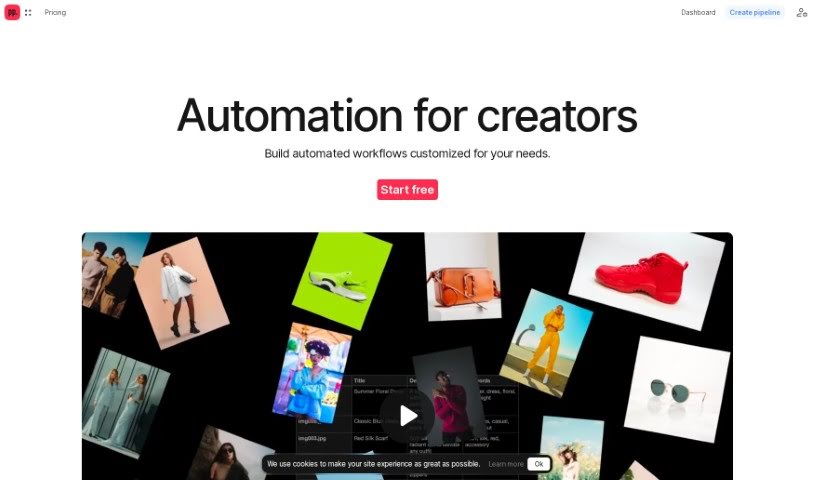
Screenshot of Ceacle Pipeline

Ceacle Pipeline

Freemium

Ceacle Pipeline is an AI-driven platform that helps artists, designers, and creators automate time-consuming, repetitive tasks so they can focus on creative work. It includes tools such as CeacleEffect for quickly adding effects, Mockupc for generating product mockups and scenes, and c. tools for fast content editing. Users can build custom workflows, generate inspiration boards, resize icons for web apps, classify images for e-commerce, vectorize and colorize images, smartly resize images for social media, and upscale, convert, and compress images. Pricing starts with a free plan that includes credits, with options up to enterprise pricing for custom solutions, team management, and priority support.

Image Enhancement View Tool →
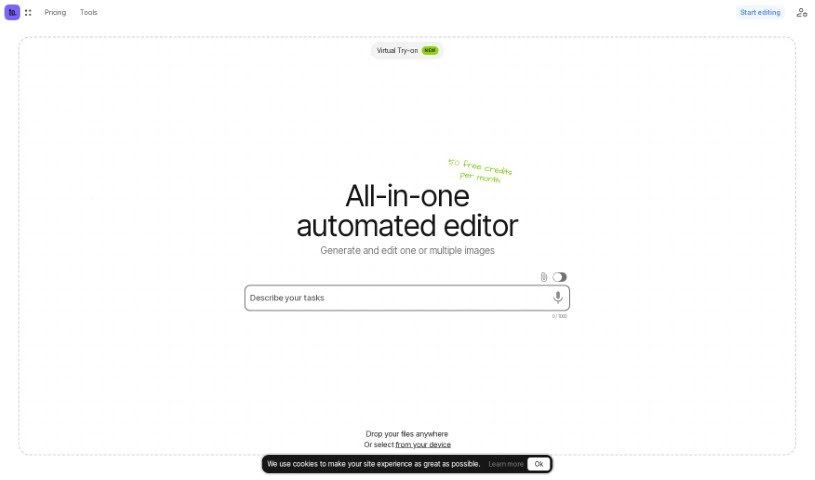
Screenshot of Ceacle Tools

Ceacle Tools

Freemium

Ceacle Tools is a platform for managing and processing large batches of files from a single interface. Its image editing tools cover background removal and replacement, format conversion, resizing, compression, text removal, icon generation, and mockup creation, and it can upscale both images and videos. Individual tools can be linked into automated workflows, customized, and shared with colleagues, and the platform receives regular updates with new tools and features.

Image Enhancement View Tool →
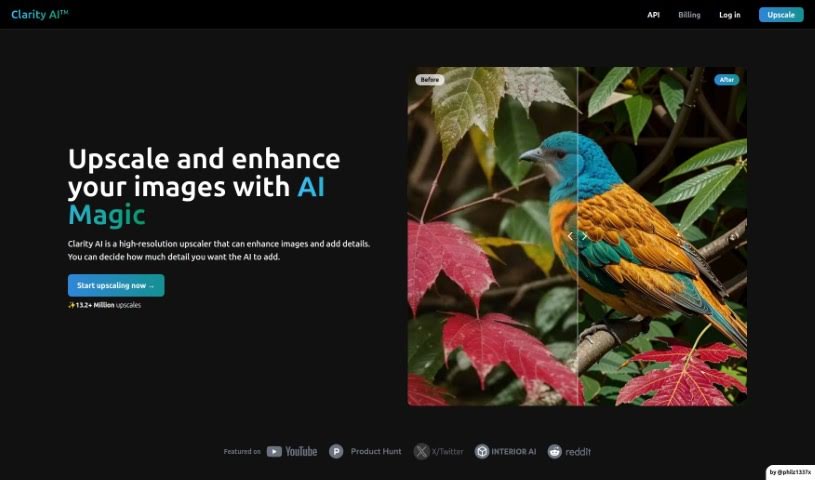
Screenshot of Clarityai

Clarityai

Freemium

ClarityAI is a browser-based AI image enhancement tool that increases resolution, adds depth and detail, and removes fuzziness and artifacts. The amount of detail it adds is adjustable, so you can control how strongly the output changes. It works across image types, including landscapes, portraits, illustrations, anime art, and interior images.

Image Enhancement View Tool →
Previous 1 of 9 Next

About Image Enhancement tools

Dealing with blurry, pixelated, or poorly lit photos is a common headache. Whether you’re scaling up an old family scan, cleaning low-res product shots for an online shop, or fixing a noisy low-light photo, traditional editing takes tedious manual effort. Spending hours with clone stamps, sharpening filters, and noise sliders can quickly drain your momentum.

Instead of replacing a photographer’s eye or saving a completely ruined shot, the restoration tools in this category act as high-speed editing helpers. They sharpen soft details, clean up digital grain, and boost file resolution in seconds.

Upscaling, Deblurring, and Photo Restoration

Standard digital scaling simply stretches existing pixels, creating blurry edges and blocky shapes. Smart upscaling models analyze image structures, infer missing texture details, and enlarge low-resolution files up to several times their original size while keeping edges crisp.

Fixing low-light noise and motion blur used to mean sacrificing sharpness. Pushing traditional noise reduction sliders too far often left photos looking plastic and flat. AI image tools distinguish unwanted sensor noise from true subject detail, stripping away grain while preserving fine hair, fabric textures, and sharp edges.

Restoring vintage prints or compressed web photos becomes far simpler, too. Scanned portraits often suffer from dust scratches, color fading, and heavy compression artifacts. Specialized detail-recovery models restore natural facial features, balance skin tones, and correct lighting without over-smoothing, giving old memories a second life.

Useful Features to Look For:

  • Generative upscaling: Tools that enlarge low-resolution images without creating pixelation or blurry edges.
  • Smart noise reduction: Features that remove grain from high-ISO or low-light shots while keeping fine textures intact.
  • Facial feature recovery: Models designed to restore facial clarity, eye detail, and natural skin textures in compressed portraits.
  • Old photo restoration: Tools that automatically repair scratches, fix color fading, and clean up scanned prints.
  • Batch processing: Systems that let you apply restoration settings across hundreds of catalog photos at once.

Lighting, composition, and human perspective will always drive great photography. Software can scale up pixels and clean up sensor noise, but recognizing what makes a photo special still requires your visual judgment.

Check out the image editing tools below to polish your photo collection.

The Best AI Image Enhancer & Upscalers

  1. Pixelcut: Great for improving image clarity and resolution.
  2. Cutout.pro: Helps boost photo clarity and resolution.
  3. Pica AI: Smoothly enhances and upscales anime images.
  4. Image Upscaler: Perfect for turning low-res images into print-ready files.
  5. Upscale.media: Quickly boosts visuals for e-commerce.
  6. Remini AI: Transforms low-res images into stunning visuals.
  7. Vectorizer.ai: Improves image quality for large prints.
  8. Let’s Enhance: Enhances images for vibrant large prints.
  9. Clip Drop: Boosts the quality of low-res images.
  10. Bigjpg: Enlarges anime art while keeping details sharp.
  11. AI Image Enlarger: Upscales images without blur, plus sharpen, denoise and colorize tools.
  12. Vance AI: Improves photo quality for prints.
  13. Passport Photo Online: Enhances photo quality for official documents.
  14. Reface: Improves image quality for clearer details.
  15. Magnific AI: Transforms low-res images into high-definition.
New tools, in your inbox.

Weekly picks of the best AI tools we've researched and added — no spam, unsubscribe anytime.

Join 25,000+ AI enthusiasts. No spam, unsubscribe anytime.