Best AI Infographics Tools: Top Picks & How They Work

AI Tools for Infographics

Discover the best Infographics AI tools to enhance your productivity and creativity.

Page 1 of 1 • 9 total tools
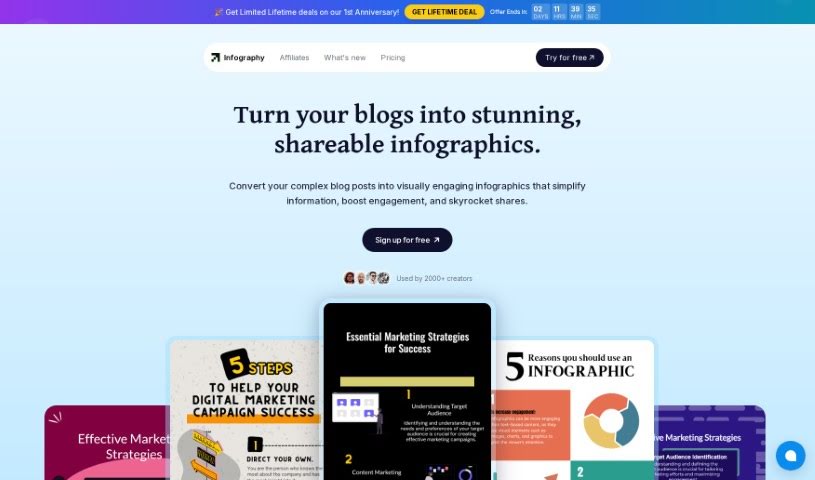
Screenshot of Infography

Infography

Freemium

An infographic is a visual story. Instead of relying on text alone, infographics blend images, charts, graphs, and concise text to communicate complex data clearly. You'll see them in news articles, textbooks, marketing materials, and presentations, because they make information easier to grasp and more engaging.

Infographics View Tool →
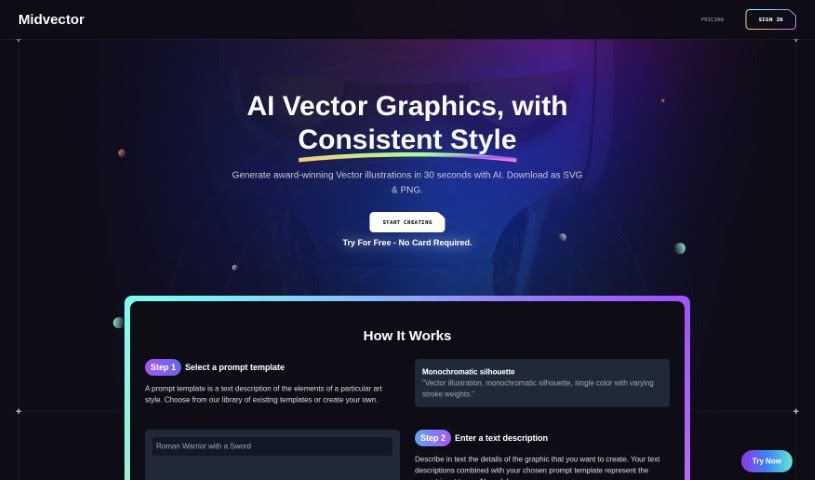
Screenshot of Midvector

Midvector

Freemium

MidVector is a tool that converts text into informative vector images. It analyzes different types of text, interprets their meaning, and generates scalable vector graphics suitable for both print and digital use. The technology relies on algorithms and machine learning to process text data, presenting information graphically so users can visualize data and make sense of complex content.

Infographics View Tool →
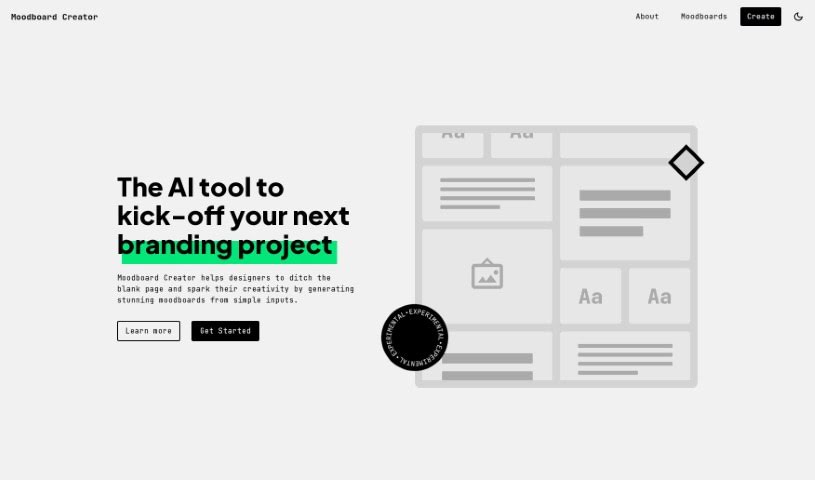
Screenshot of Moodboard Creator

Moodboard Creator

Freemium

Moodboard Creator is an AI tool that helps designers kickstart branding projects. It turns a few simple inputs into detailed visual moodboards, shaping design direction and providing inspiration from the start. Juan Ignacio Rios developed the tool.

Infographics View Tool →
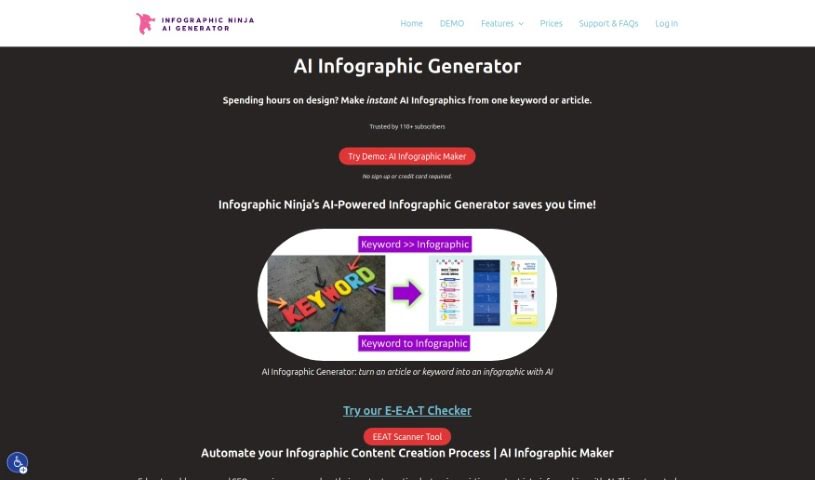
Screenshot of Outline Ninja

Outline Ninja

Freemium

Outline Ninja is an AI-powered tool for creating infographics. Its main benefits:

Infographics View Tool →
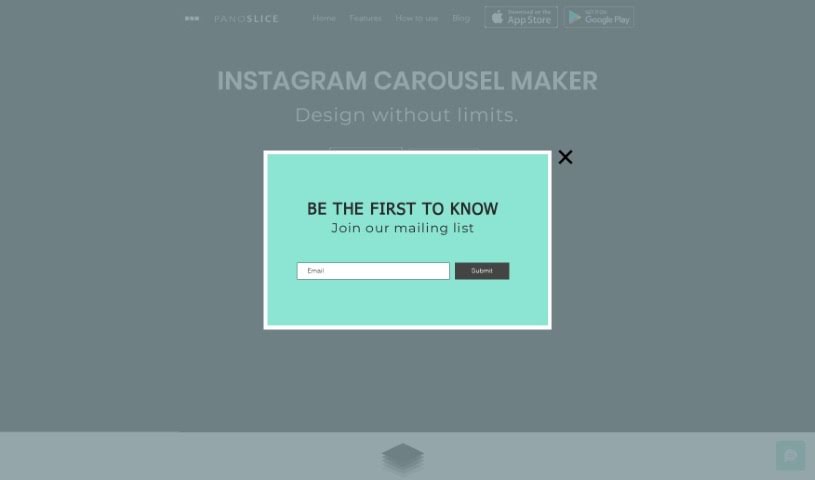
Screenshot of Panoslice

Panoslice

Freemium

Panoslice is a mobile design app for creating seamless carousels, collages, and slide presentations for Instagram, LinkedIn, and other social platforms. It is built for photographers, content creators, and personal brands that publish visual storytelling, announcements, educational posts, and Instagram Shops content.

Infographics View Tool →
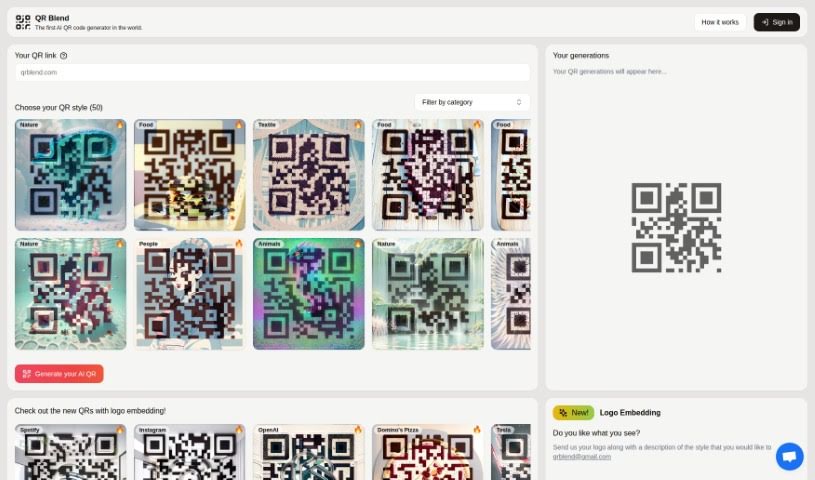
Screenshot of QR Blend

QR Blend

Freemium

QR Blend is an AI-powered QR code generator created by Albert and Gabriel, two siblings based in Barcelona.

Infographics View Tool →
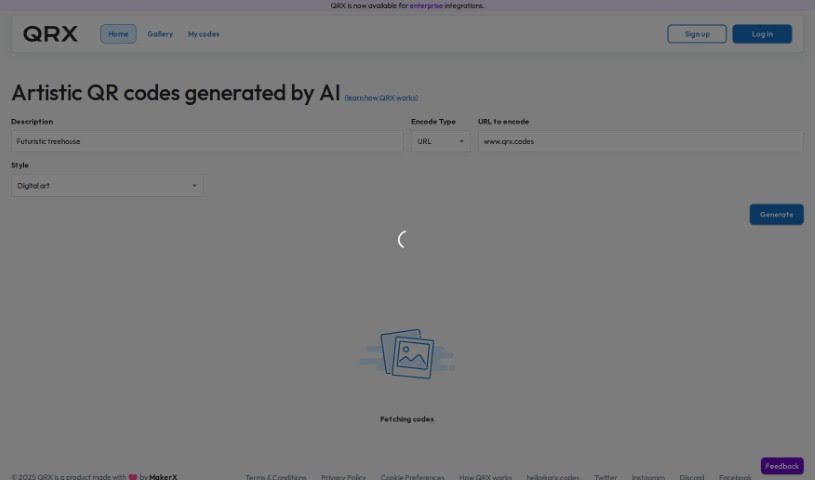
Screenshot of QRX Codes

QRX Codes

Freemium

QRX is a tool for creating QR codes that are colorful and artistic rather than standard black-and-white. Codes can be customized to match your brand's look and feel while remaining fully functional and scannable, leading users directly to your intended content. The platform includes a user-friendly editor and offers high-resolution export options suitable for both digital use and print.

Infographics View Tool →
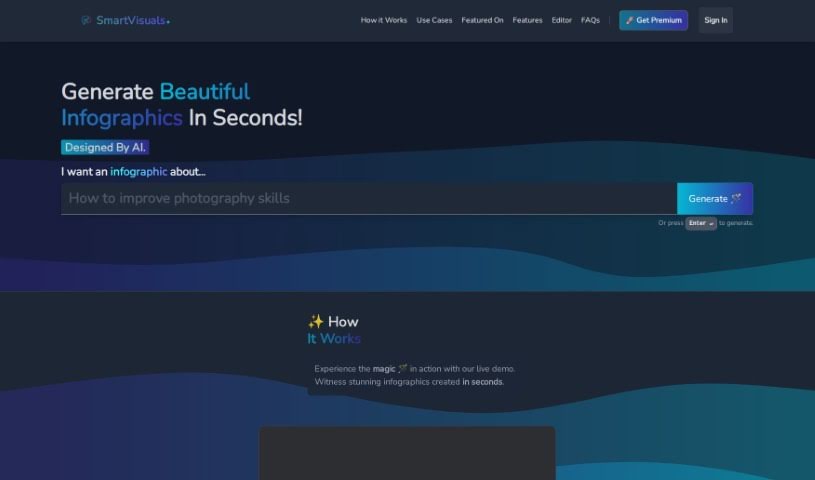
Screenshot of SmartVisuals

SmartVisuals

Freemium

SmartVisuals.app is a free, AI-powered online tool for creating infographics. You provide your data, and the AI helps assemble it into an informative, engaging visual. It includes editing features for text and images, so you can refine the result without design experience. It suits a range of purposes, including teaching, presenting data, and marketing materials.

Infographics View Tool →
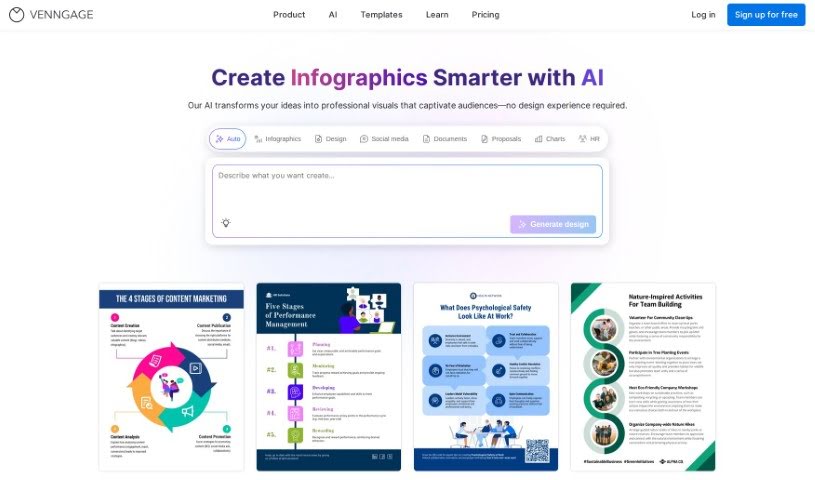
Screenshot of Venngage

Venngage

Freemium

Venngage is a design platform centered on its AI Infographic Generator, which helps you create infographics quickly with AI assistance. It offers a large library of templates for a variety of design needs, straightforward navigation, and site usage analytics that provide detailed insights for refining marketing efforts with visuals. The tool uses AI to speed up infographic creation so designs look polished and communicate their message clearly.

Infographics View Tool →
Previous 1 of 1 Next

About Infographics tools

Turning complex data into a clean, engaging infographic takes serious time and design skill. When you have a spreadsheet full of survey results or a twenty-page industry report, figuring out how to visualize that information without cluttering the page is tough. You can easily waste an entire afternoon struggling with alignment guides, picking color schemes, and reformatting bar charts in graphic design software.

The infographic tools in this section act as high-speed layout assistants. They won’t analyze your data or replace a professional designer’s artistic vision, but they convert raw text and numbers into structured visual drafts, clear charts, and ready-to-use graphics in minutes.

Turning Raw Data into Visual Stories

Converting long text reports into visual storyboards is one of the fastest ways to save time. When you feed a long article or document into an AI infographic tool, the software identifies core statistics, key takeaways, and sequential steps automatically. It then arranges those insights into a logical visual narrative, complete with headers, bullet points, and icon suggestions.

Designing charts and visual layouts becomes far easier for non-designers, too. Instead of building charts manually from scratch, smart design tools suggest effective layouts based on the type of data you have. Whether you need a timeline, a comparison table, or a process flowchart, the system applies clean spacing and balanced visual hierarchy with a single click.

Customizing brand styles and tweaking exports gets much simpler as well. Adjusting font pairings, color palettes, and graphic element sizes across a long canvas used to require endless clicking. Modern generators allow you to apply your company color palette and brand guidelines across the entire graphic instantly, giving you a polished output ready for social media, presentations, or blog posts.

Useful Features for Infographic Creation:

  • Text-to-infographic generation: Tools that convert long articles, blog posts, or PDFs into structured visual outlines and graphic layouts.
  • Automated data visualization: Features that turn spreadsheets and raw numbers into clean charts, graphs, and process diagrams.
  • Brand kit integration: Systems that apply your custom fonts, logos, and color palettes across the entire design with one click.
  • Smart layout adjustment: Software that resizes text boxes, aligns visual elements, and keeps spacing consistent as you edit content.
  • Flexible export formats: Download settings that deliver crisp PNG, PDF, or vector SVG files suitable for print and social media.

Communicating complex ideas clearly will always depend on accurate data, thoughtful story structure, and human insight. Software can build chart layouts, align graphics, and format text boxes, but knowing which story your data tells remains your responsibility.

Explore the infographic tools below to simplify your visual content workflow.

The Best AI Infographics Tools

  1. Venngage: for creating data-driven visual stories
  2. Infography: for visual data storytelling for presentations
  3. SmartVisuals: Free AI infographic generator that turns data into editable visuals.
  4. Moodboard Creator: for visualizing data for engaging storytelling
  5. QRX Codes: for engaging users with branded infographics
  6. Outline Ninja: for quickly turning data into stunning infographics.
  7. Panoslice: for crafting visually engaging infographics.
  8. Smart Visuals: for visual storytelling for social media posts
  9. Midvector: for transforming text into engaging visuals.
  10. QR Blend: for dynamic data visualization with QR codes
New tools, in your inbox.

Weekly picks of the best AI tools we've researched and added — no spam, unsubscribe anytime.

Join 25,000+ AI enthusiasts. No spam, unsubscribe anytime.