AI Data Visualization Tools

AI Tools for Data Visualization

Discover the best Data Visualization AI tools to enhance your productivity and creativity.

Page 1 of 14 • 166 total tools
Screenshot of 5-Out

5-Out

Freemium

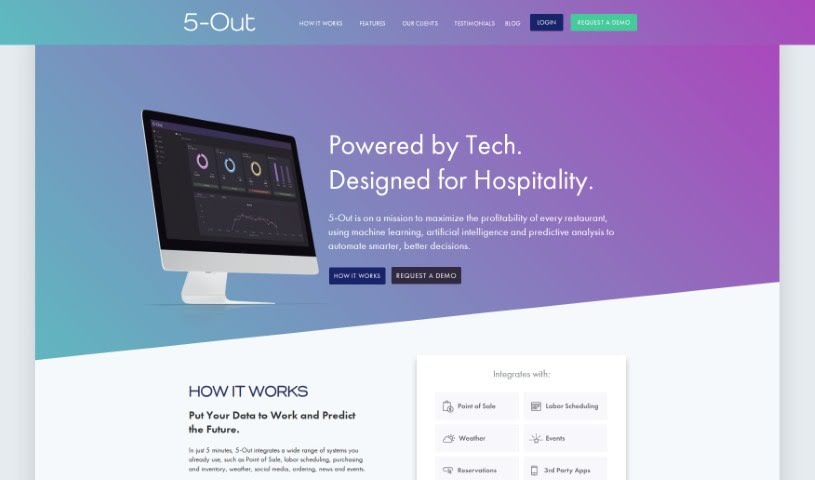
5-Out is a sales forecasting software for restaurants. It uses algorithms and data analysis to predict sales, typically in less than 5 minutes. Features include predictive intelligence, instant recommendations, and lookback reports for past performance. The tool helps improve purchasing, staffing, and overall business planning, with clear dashboards that make sales data easy to review and support data-backed decisions.

Data Visualization View Tool →
Screenshot of Aible

Aible

Freemium

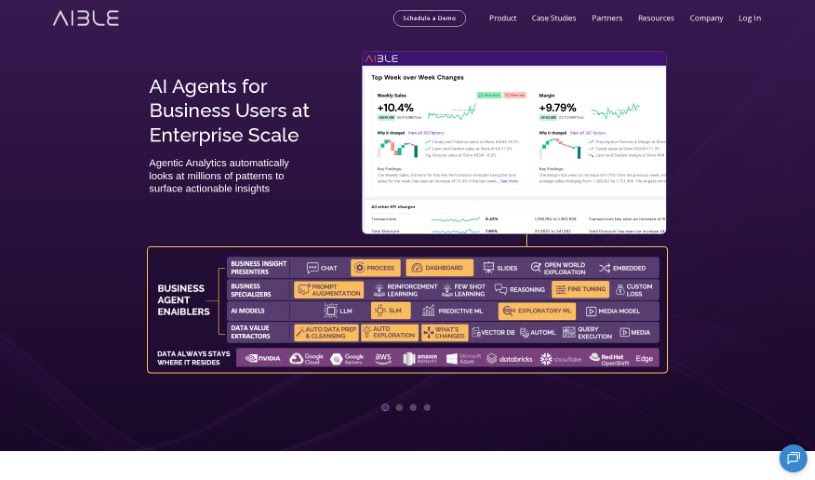
ChatAible is an explainable AI data analytics tool from Aible. It automatically sifts through your data, asking millions of questions to surface the most important insights, then uses generative AI to summarize those findings in plain language for business leaders. It doesn't require data science skills; it's built for Chief Data Officers, business managers, data engineers, business analysts, and everyday end users.

Data Visualization View Tool →
Screenshot of AirOps

AirOps

Freemium

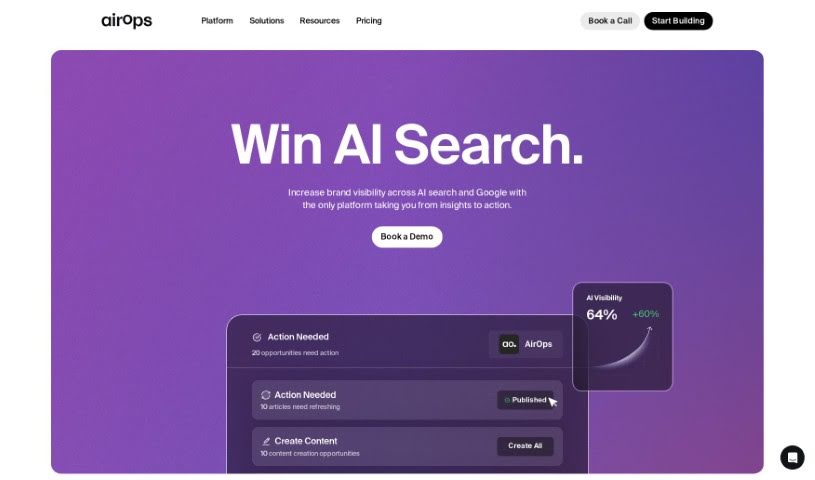
AirOps is an AI-powered data tool for exploring data, building reusable datasets, and turning them into live documents, APIs, and custom apps. It handles image and audio inputs, large text workloads, and vector database retrieval, and supports app linking plus pre-built templates in AirOps Studio. Users can choose their AI model, bring their own API keys, and set up SAML/SSO with team management. The tool is available as a Chrome or Firefox extension, through an API, and integrates with Google Sheets and Snowflake, with bulk CSV upload.

Data Visualization View Tool →
Screenshot of Aitable

Aitable

Freemium

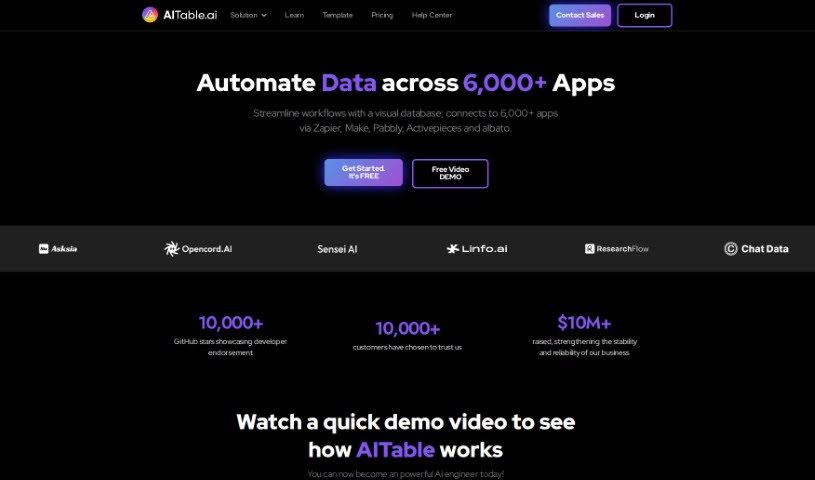
Aitable is a software company that uses AI to automate business tasks. It applies machine learning to repetitive jobs and decision-making, with the goal of increasing efficiency and simplifying workflows. Businesses can use it to make data-backed decisions, improve customer experiences, and identify growth opportunities, while its interface and customizable options are designed to help them adapt to market changes.

Data Visualization View Tool →
Screenshot of Align AI

Align AI

Freemium

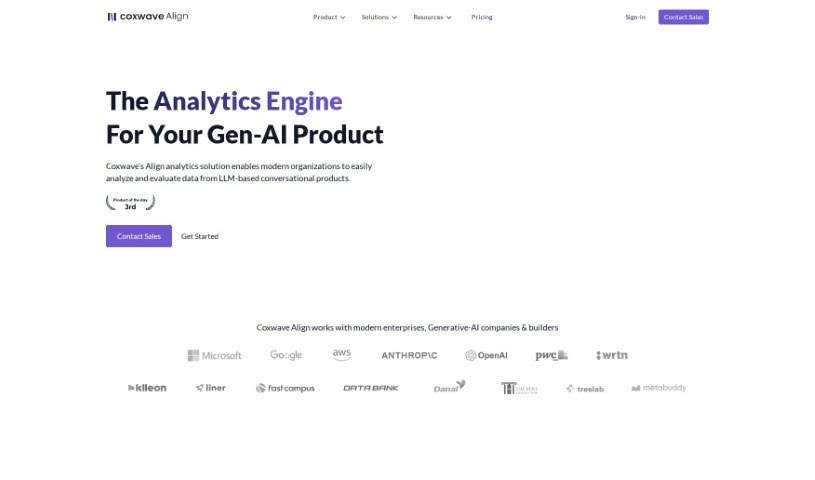
Align AI, formerly Ex-Impaction.ai, was founded in 2021. The team behind it previously built two of Korea's first generative-AI powered consumer products: Hama, an AI tool for editing images, and Enterpix, a search engine for AI-generated images. Those products attracted over 1.3 million users, and when standard analytics tools proved unable to handle the conversational, text, and image data their generative AI products produced, the team built Align AI's analytics for their own use. Sandoll Group later acquired the company, marking Korea's first acquisition of a generative AI product.

Data Visualization View Tool →
Screenshot of Ask String

Ask String

Freemium

Ask String (also referred to as STRING) is an AI-powered analytics platform for data analysis. It integrates data from multiple sources and applies machine learning to surface trends, patterns, and anomalies. The founder of STRING is not mentioned in the available information. Its core capabilities include:

Data Visualization View Tool →
Screenshot of AskCSV

AskCSV

Freemium

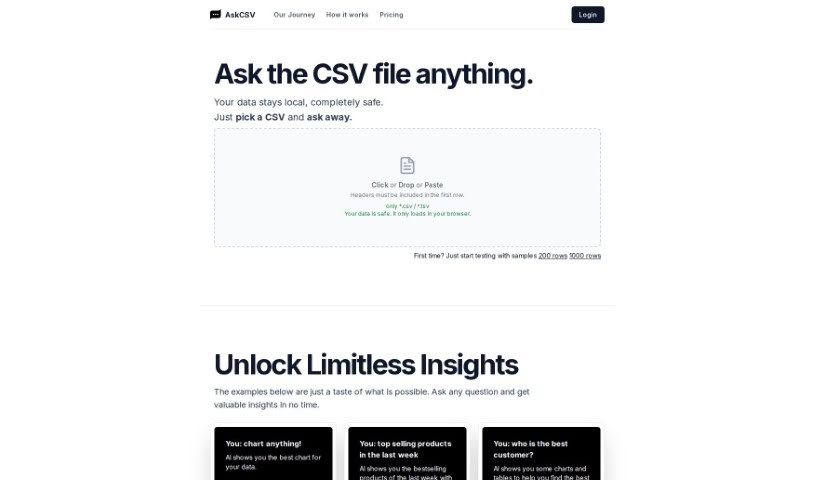
AskCSV is a browser-based tool for analyzing CSV files through conversation. Load a file, ask questions in plain language, and the AI returns insights as charts and tables. All processing happens locally in your browser—files are never uploaded to a server, so your data stays private and intact.

Data Visualization View Tool →
Screenshot of AskYourDatabase

AskYourDatabase

Freemium

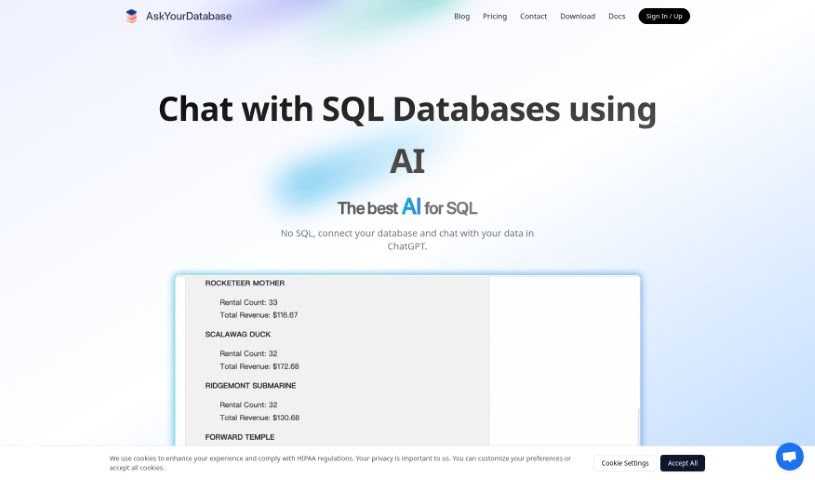
AskYourDatabase is an AI-powered tool that works as a database client, letting you chat with your SQL or NoSQL databases in everyday language. It is the first AI-native client of its kind: you can pull insights, create charts, design database tables, and handle other data tasks without writing SQL or Python code. It is often described as the "ChatGPT for SQL databases," covering business intelligence, data visualization, schema design, migrations, and Excel integration. It supports popular databases including MySQL, PostgreSQL, MongoDB, and SQL Server. In short, you talk to your database to get answers, see trends, plan your data structure, and analyze information.

Data Visualization View Tool →
Screenshot of Athena Intelligence

Athena Intelligence

Freemium

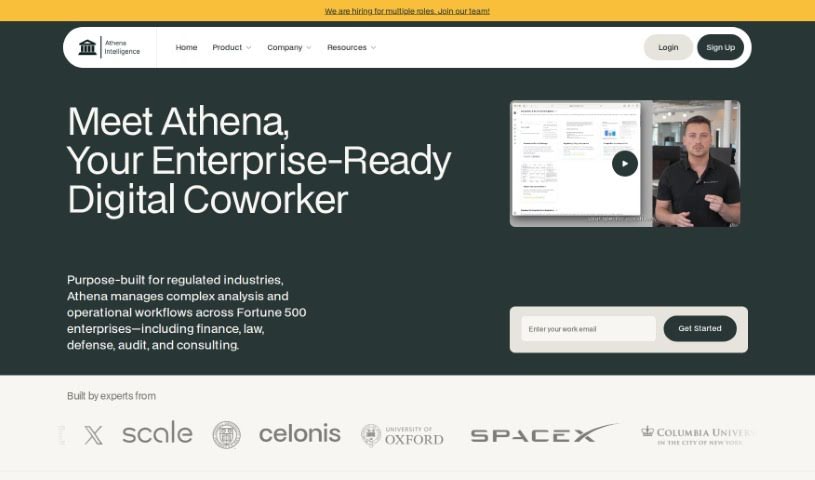
Athena Intelligence is a New York City-based technology company that streamlines analytic workflows for enterprise teams. The platform combines an AI agent, Athena, with an AI-native platform called Olympus. Athena operates as a co-pilot or as a fully autonomous agent that explores data, compiles reports, and answers follow-up questions on its own. In co-pilot mode, it learns how your team works.

Data Visualization View Tool →
Screenshot of Athenic AI

Athenic AI

Freemium

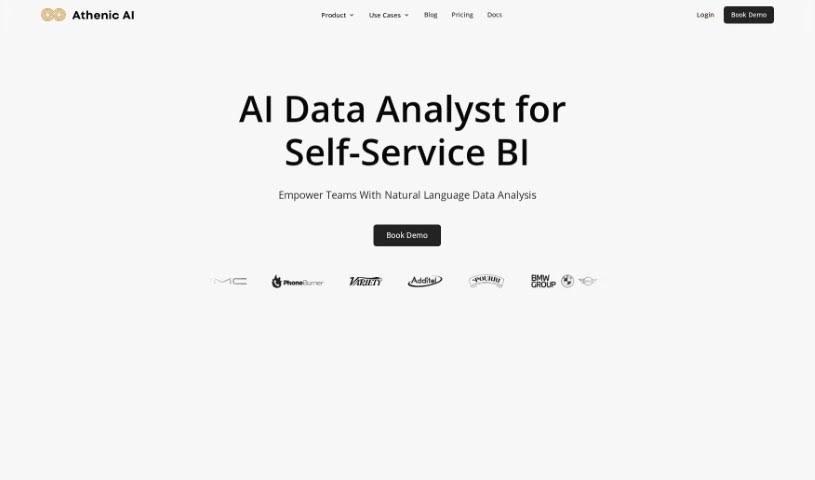
Athenic AI is a data analytics tool that lets teams explore and analyze company data by asking questions in plain English. It uses AI to generate SQL queries, so people across the team can make data-driven decisions without needing SQL expertise or IT support. Athenic AI connects to databases, CRMs, ERPs, and other applications, and presents insights through reports, graphs, and other visualizations. The company is SOC2 Type 2 compliant, reflecting its focus on customer data security. A demo is available to see the tool in action.

Data Visualization View Tool →
Screenshot of Avanty

Avanty

Freemium

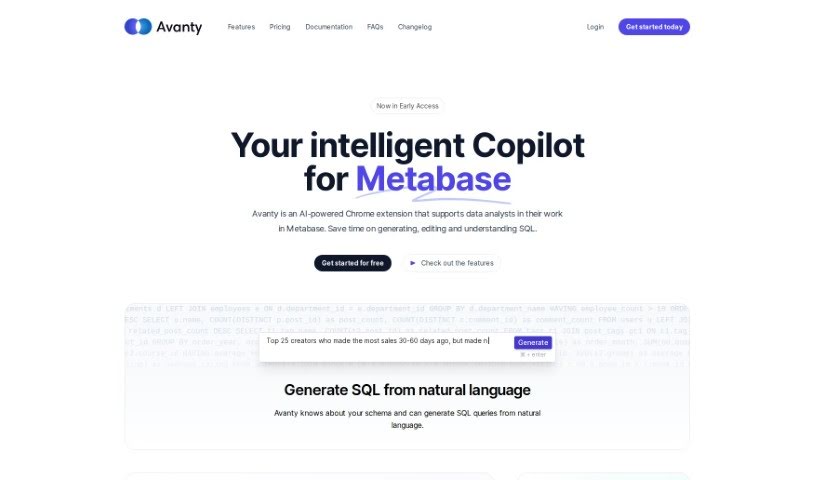
Avanty is a Chrome extension for Metabase that helps you write, edit, understand, and comment on SQL queries. It detects SQL queries in Metabase and offers features such as generating SQL from plain English, fixing errors, and automatically editing and formatting code. It works with self-hosted Metabase and Metabase Cloud. It handles metadata securely and does not access customer data. It can also help you learn SQL by generating queries and explaining them step by step.

Data Visualization View Tool →
Screenshot of Breadcrumb

Breadcrumb

Freemium

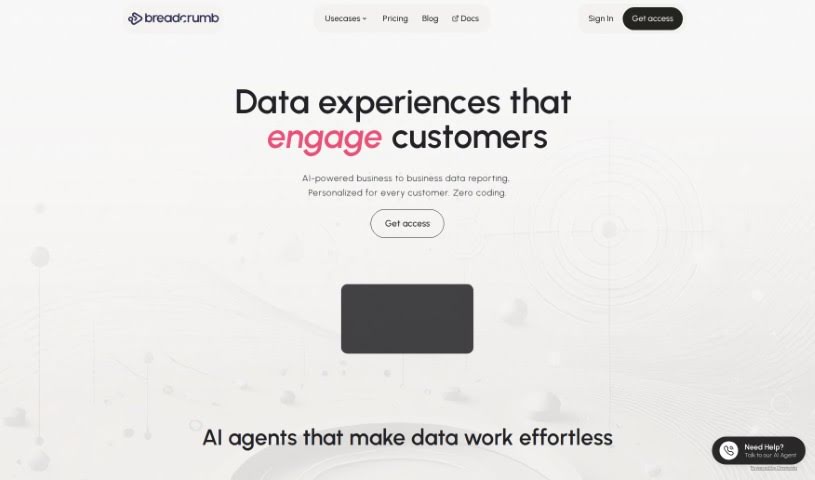
Breadcrumb is a data analysis platform that turns raw data into interactive, personalized views. It uses built-in AI to analyze data immediately and transform it into understandable stories, with an interface that lets users move from a big-picture overview to specific details via clicks or dropdown menus. It includes over 418 pre-built data source connections, personalized data views, recommendations, and real-time filtering.

Data Visualization View Tool →
Previous 1 of 14 Next

About Data Visualization tools

Turning raw spreadsheets into clean, compelling graphics can easily feel like a slog. You spend hours adjusting chart axes, picking color palettes, and wrestling with dashboard settings just to present last week’s performance numbers. By the time you fix the legend formatting, your presentation deadline is minutes away.

These visual platforms convert complex datasets into presentation-ready charts and dynamic dashboards without the usual design friction.

Building Visuals Without the Formatting Headache

Setting up custom dashboards traditionally meant learning complex business intelligence software or sitting through endless drag-and-drop steps. Modern visualization tools skip that hassle with simple prompt-based controls. Upload a dataset, type a request like “plot monthly recurring revenue by region,” and the system selects an effective visual layout to render an interactive chart instantly.

Selecting the wrong chart format is an easy trap (like using a crowded pie chart for time-series data). Smart visualization engines evaluate your underlying metrics and recommend the most readable layout—whether your data calls for a stacked bar chart, a scatter plot, or a heatmap.

Graphics also become easier to present because these platforms generate written narrative summaries alongside your charts. They highlight key percentage shifts, call out anomalies, and point out trends directly on the screen, saving you from typing up explanatory slides for every team review.

Features Worth Looking For

  • Natural language chart creation: Tools that let you type plain-text prompts to generate custom charts instantly.
  • Automated chart selection: Software that analyzes your dataset structure to recommend the clearest visual layout.
  • Written narrative generation: Features that provide concise text summaries and key takeaways alongside your graphics.
  • Interactive dashboard controls: Platforms that convert static charts into dynamic visual boards viewers can filter on the fly.
  • Custom brand styling: Settings that apply your company colors, typography, and logos across every generated visual.

A polished visual means very little if the underlying numbers are flawed. While algorithms format charts and suggest color scales, verifying data accuracy and framing the narrative for your audience still rests on your shoulders.

Check out the tools below to turn your raw data into clear visual stories.

The Best AI Data Visualization Tools

  1. Databricks: Great for interactive dashboards that give you sales insights.
  2. Visme: Helps you turn data into stunning visuals.
  3. Julius AI: Lets you craft dynamic graphs for clear insights.
  4. Scale AI: Useful for visualizing security threat patterns efficiently.
  5. Text Cortex: Streamlines creating visuals for reports, effortlessly.
  6. Dataminr: Offers visual analytics tools for crisis response.
  7. Rapidminer: Provides interactive dashboards for sales performance.
  8. KNIME: Offers interactive dashboards for sales analysis.
  9. Kanaries: Delivers streamlined visual insights for data trends.
  10. Piktochart AI Infographic Maker: Perfect for data dashboard infographics.
  11. Strawpoll: Lets you create engaging visual reports from polls.
  12. Powerdrill: Helps with dynamic data dashboard creation.
  13. Quadratic: Ideal for visualizing quadratic regression trends.
  14. Insightjini: Generates dynamic charts from your datasets.
  15. Aitable: Transforms data into insightful charts.
New tools, in your inbox.

Weekly picks of the best AI tools we've researched and added — no spam, unsubscribe anytime.

Join 25,000+ AI enthusiasts. No spam, unsubscribe anytime.