AI Tools for Data Visualization

Discover the best Data Visualization AI tools to enhance your productivity and creativity.

Page 2 of 15 • 178 total tools

Data’s everywhere these days, but just having it doesn’t really help. To turn that raw information into useful insights, you need the right tools. And with AI becoming so common, we now have some really powerful data visualization tools. They can take complicated data and turn it into simple, eye-catching visuals without much fuss.

You know, gone are the days when you needed a ton of technical skill just to make a basic graph. Today’s AI-powered platforms let anyone—whether you’re a business analyst or just curious—create visuals that quickly get the main points across. The best part? They make the whole process feel natural and straightforward.

I’ve spent a good chunk of time playing around with different AI data visualization tools to see which ones really stand out. From real-time updates to fancy charting options, these tools are ready to tackle all sorts of data challenges.

So, whether you want to make your presentations pop or just get a better handle on your own data, these tools have you covered. Let’s jump into some of the most impressive AI data visualization tools out there right now.

The best AI Data Visualization Tools

  1. Databricks: Great for interactive dashboards that give you sales insights.
  2. Visme: Helps you turn data into stunning visuals.
  3. Julius AI: Lets you craft dynamic graphs for clear insights.
  4. Scale AI: Useful for visualizing security threat patterns efficiently.
  5. Text Cortex: Streamlines creating visuals for reports, effortlessly.
  6. Dataminr: Offers visual analytics tools for crisis response.
  7. Rapidminer: Provides interactive dashboards for sales performance.
  8. KNIME: Offers interactive dashboards for sales analysis.
  9. Kanaries: Delivers streamlined visual insights for data trends.
  10. Piktochart AI Infographic Maker: Perfect for data dashboard infographics.
  11. Strawpoll: Lets you create engaging visual reports from polls.
  12. Powerdrill: Helps with dynamic data dashboard creation.
  13. Quadratic: Ideal for visualizing quadratic regression trends.
  14. Insightjini: Generates dynamic charts from your datasets.
  15. Aitable: Transforms data into insightful charts.

How do AI data visualization tools work?

AI data visualization tools are built to make it simple to turn complex data into visuals that are easy to understand. They use algorithms and machine learning to look at data, finding patterns, trends, and insights you might not spot otherwise. By sifting through lots of information, these tools help you grasp important findings quickly.

Basically, these tools often use different statistical methods to make sense of data. They pull information from databases or spreadsheets and use these methods to change raw numbers into useful visuals like charts, graphs, and infographics. This makes it much easier to intuitively understand what the data is telling you.

Many of these apps have smart systems that automatically suggest visualizations based on the type of data you give them. For example, if your data shows a trend over time, the tool might suggest a line chart. This flexibility makes them accessible even if you don’t have a deep background in data analysis.

AI data visualization tools also get better with user feedback. They learn from how people use the visuals they create, constantly improving their accuracy and relevance. This ongoing process makes the insights they offer more precise and tailored to what you need.

By integrating AI, these tools can even offer predictive analytics. This means they can forecast future trends based on past data, giving businesses a heads-up on potential opportunities or problems. So, they don’t just show you the past; they help you plan for the future, too.

Ultimately, AI’s strength in data visualization is making data more accessible and actionable. With more and more information being generated every day, these tools will keep playing a key role in helping us make decisions more smoothly.

Our best AI data visualization tools at a glance

RankNameBest forPlans and PricingRating
1Databricksinteractive dashboards for sales insightsN/A4.82 (11 reviews)
2Vismetransform data into stunning visuals.N/A4.50 (12 reviews)
3Julius AIcraft dynamic graphs for clear insightsN/A4.84 (61 reviews)
4Scale AIvisualizing security threat patterns efficientlyN/A4.73 (11 reviews)
5TextCortexstreamlining report visuals effortlessly.Paid plans start at $23.99/month.4.50 (10 reviews)
6Dataminrcrisis response with visual analytics toolsN/A3.80 (5 reviews)
7Rapidminerinteractive sales performance dashboardsN/A4.69 (39 reviews)
8KNIMEinteractive dashboards for sales analysisN/A4.73 (26 reviews)
9Kanariesstreamlined visual insights for data trendsN/A4.54 (24 reviews)
10Piktochart AI Infographic Makerdata dashboard infographicN/A4.60 (10 reviews)
11Strawpollcreate engaging visual reports from polls.Paid plans start at $10/mo.4.73 (33 reviews)
12Powerdrilldynamic data dashboards creationN/A4.71 (28 reviews)
13Quadraticvisualizing quadratic regression trendsN/A4.78 (27 reviews)
14Insightjinigenerate dynamic charts from datasetsN/A4.00 (6 reviews)
15Aitabletransform data into insightful charts.N/A4.09 (11 reviews)
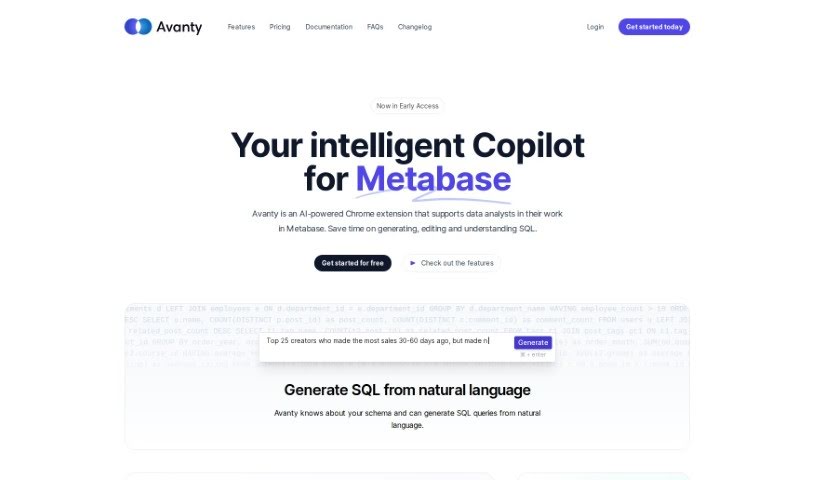
Screenshot of Avanty

Avanty

Freemium

Avanty is a handy Chrome extension that works with Metabase, adding some really useful features to help you write, edit, understand, and comment on your SQL queries. It automatically spots SQL queries when you're using Metabase, then makes the whole process smoother with things like generating SQL from plain English, fixing errors, and automatically editing and formatting your code. It works with both Metabase you host yourself and Metabase Cloud, and it's designed to handle metadata securely without ever looking at your actual customer data. Plus, it's a great tool for learning SQL, as it can generate queries for you and explain them step-by-step.

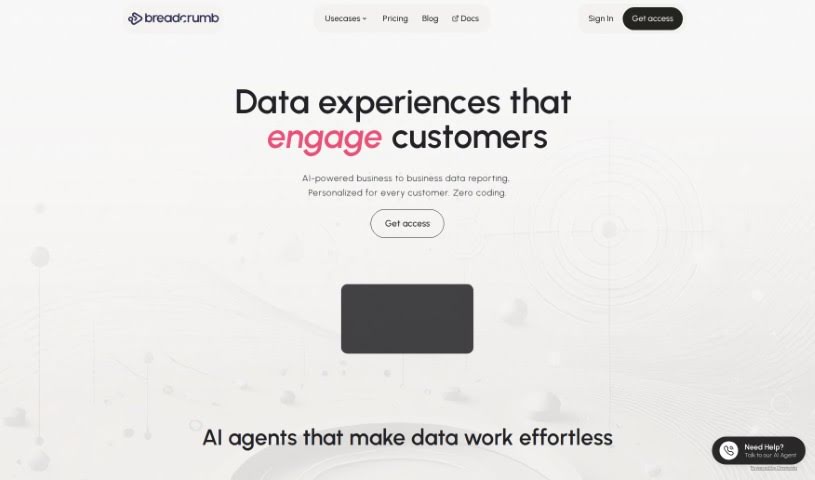
Screenshot of Breadcrumb

Breadcrumb

Freemium

Breadcrumb is your go-to data analysis platform. It's designed to take your raw data and turn it into interactive, personalized views that anyone can understand, even if you don't have advanced data skills. It uses built-in AI to analyze data right away, transforming it into engaging stories and ensuring your AI data processing is always 100% accurate. Breadcrumb's interface is really easy to use; it lets you go from a big-picture overview to super-specific details with just a click or a dropdown menu. Plus, it comes with over 418 pre-built ways to connect to different data sources. You get personalized data views, helpful recommendations, and real-time filtering, which makes exploring and presenting your data much simpler.

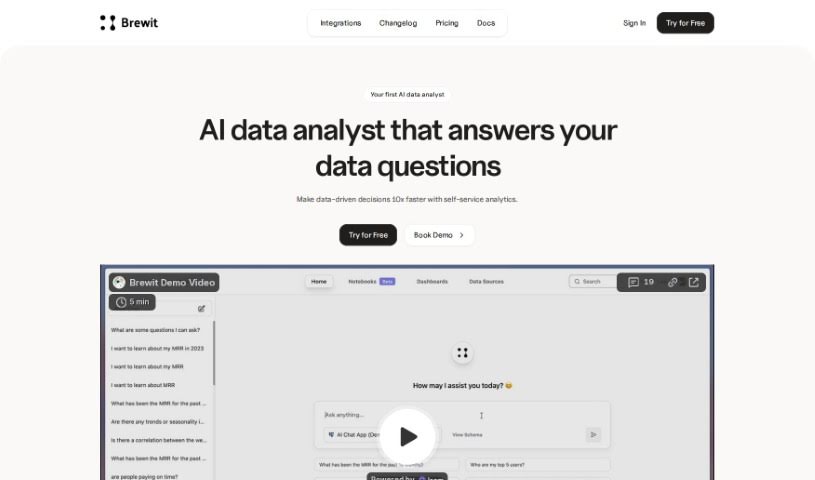
Screenshot of Brewit

Brewit

Freemium

Brewit is an AI-powered tool designed to help businesses really get a handle on their performance by analyzing data. It is your smart assistant for understanding what your data is telling you. It makes managing your data much simpler, offering features like an intelligent semantic layer, a smooth workflow for reviewing data, and specialized AI agents tailored for different roles. Brewit really shines when it comes to making decisions together, giving you insights right when you need them, and making it easy to visualize your data with simple drag-and-drop dashboards.

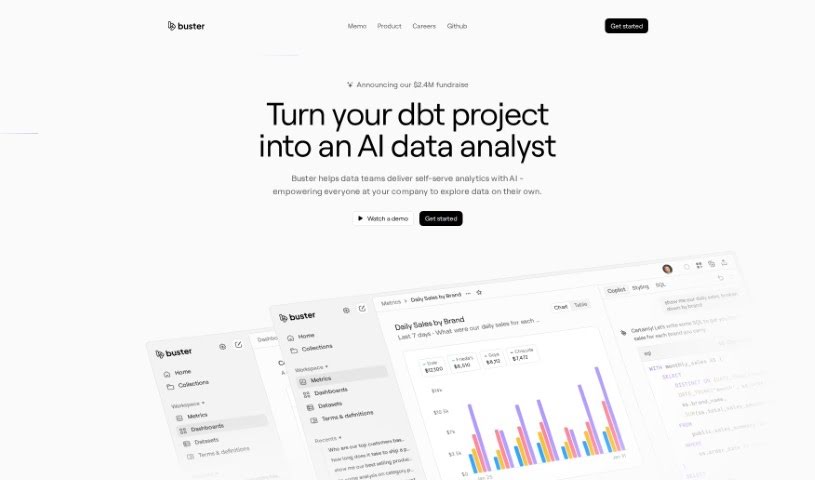
Screenshot of Buster.so

Buster.so

Freemium

Buster.so is a powerful tool that uses Artificial Intelligence to help with data analytics. It brings data insights right into your web applications, letting you build dashboards just by typing what you're looking for in plain language. Buster also offers a no-code builder, so you can create custom UI components without any coding. Plus, it provides API access for turning text into SQL queries and connects smoothly with major databases and data warehouses. Buster's AI-driven reporting makes it easy to create dashboards and visualize information with impressive accuracy and quick setup. The system gets smarter over time, constantly improving its model accuracy through a learning process. It also keeps an eye on performance to quickly spot and fix any quality issues. You can easily change colors, fonts, charts, and other parts of the user interface without needing to code. Buster can even learn to write optimized queries based on what you prefer. All in all, Buster.so is a really capable data analytics tool packed with features to make exploring and reporting on your data more interactive and efficient.

Screenshot of Byterat

Byterat

Freemium

Byterat is a really advanced website that uses machine learning to give you accurate predictions about how your batteries will perform. It digs into data using smart algorithms to offer insights into things like how long a battery will last, its capacity, and its overall health. Basically, Byterat helps you make smarter choices about how you use, maintain, and when to replace your batteries. You get real-time analysis to keep an eye on performance and catch any issues early on. Plus, it offers tools to help you get the most out of your batteries, make eco-friendly choices, and it's useful for everyone, from big industries to everyday users.

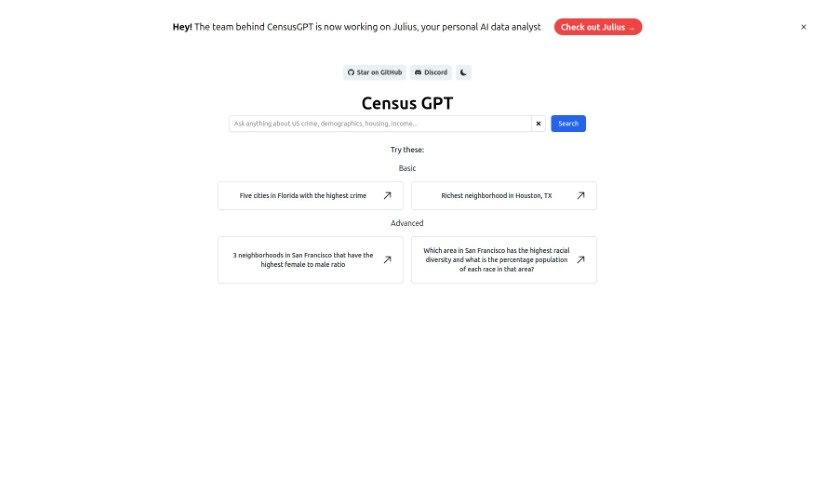
Screenshot of Census GPT

Census GPT

Freemium

Census GPT is a platform built to really improve how you handle data analysis and reporting, all thanks to AI. It's specifically designed for folks like data scientists and market analysts, or anyone who needs top-notch data interpretation. You get real-time analytics powered by smart algorithms, which means your data analysis is precise, and you get genuinely insightful statistics. Plus, it's super user-friendly, making it easy to turn raw data into detailed, understandable reports. We've also made sure the platform is optimized for search engines, so it's easy for people looking for solid data processing tools to find it.

Screenshot of Cerebri AI

Cerebri AI

Freemium

Cerebri AI Inc. is a company that really digs into data science and AI to offer analytics tools. They're especially good at helping businesses optimize their travel and meetings. They are providing near real-time data and analytics through their Cerebri AIQ platform, which is built on data engineering and AI modeling. This helps business managers make smarter, more informed decisions. Cerebri AI uses a mix of human smarts, big data, and machine learning to turn complicated data into knowledge you can actually use. This knowledge helps across marketing, sales, travel, finance, and even ESG data management, basically giving businesses the power to move forward confidently with decisions backed by solid data.

Screenshot of ChainFuse

ChainFuse

Freemium

ChainFuse is a smart AI tool built for community and product managers. Its main job is to help organize user feedback, making feature requests stronger and leading to better products. By using artificial intelligence, ChainFuse can sort through and categorize huge amounts of unstructured user data that comes in from all sorts of places. This tool automatically sorts feedback, creates AI-powered reports, collects data as it happens, and even includes Clair AI for talking through your data. Because it connects smoothly with different tech systems, teams can easily get valuable insights. They can figure out what users are feeling, what their pain points are, and what features they really want. This really helps to organize feedback more smoothly and makes it easier to come up with and find new features.

Screenshot of ChartAI

ChartAI

Freemium

ChartAI is a really neat AI tool built specifically for making charts and diagrams. Thanks to its smart technology and easy-to-use design, ChartAI lets you create eye-catching, informative visuals in just minutes. It's perfect for anyone – whether you're in business, crunching numbers as a data analyst, or teaching. ChartAI helps you explain complicated stuff clearly. Just pop in your data, pick a chart style you like, and let ChartAI handle the rest. It'll look at your data and whip up beautiful, accurate charts that you can tweak to perfectly show what you mean.

Screenshot of Chartpixel

Chartpixel

Freemium

ChartPixel is a really straightforward tool that helps you get a handle on your data and visualize it clearly. It is your go-to for making sense of numbers. It's packed with features like cleaning up messy data, making your charts look just right, spotting trends, and even giving you insights backed by solid statistics. You can take raw data, spreadsheets, or even tables from websites and turn them into interactive charts and helpful insights. It really simplifies things by automatically picking the best chart types, writing out what the data means, and even offering forecasts. It’s designed to be super easy to use, with a guided way to explore your data and the ability to easily export your charts and insights straight into PowerPoint for your presentations.

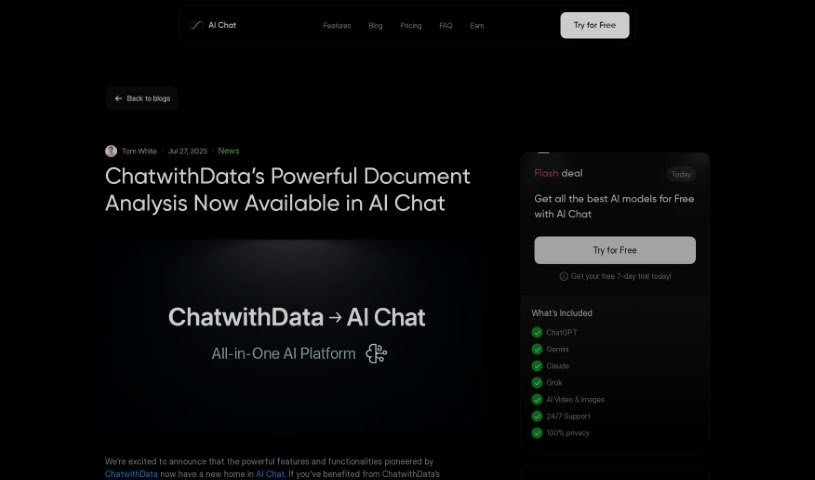
Screenshot of CHAT WITH DATA

CHAT WITH DATA

Freemium

ChatwithData.ai is a really handy tool that works with all sorts of data files. Think PDFs, spreadsheets (XLSX), Word documents (DOCX), CSV files, and even SQL databases. It’s designed to help you pull out useful information from these different formats. Whether you're looking at financial statements, company procedures, mailing lists, or databases for managing inventory, this tool can help you make sense of it all. For example, you can use it to figure out where your company is spending too much money, identify different groups of customers, understand what's going on with your inventory, or analyze purchase orders. Plus, it’s great for getting quick answers from your data, letting you ask specific questions, cutting down on boring data tasks, and generally improving how your business performs financially. Just type your questions directly into the software, and it’ll dig into your data sets to find the answers you need.

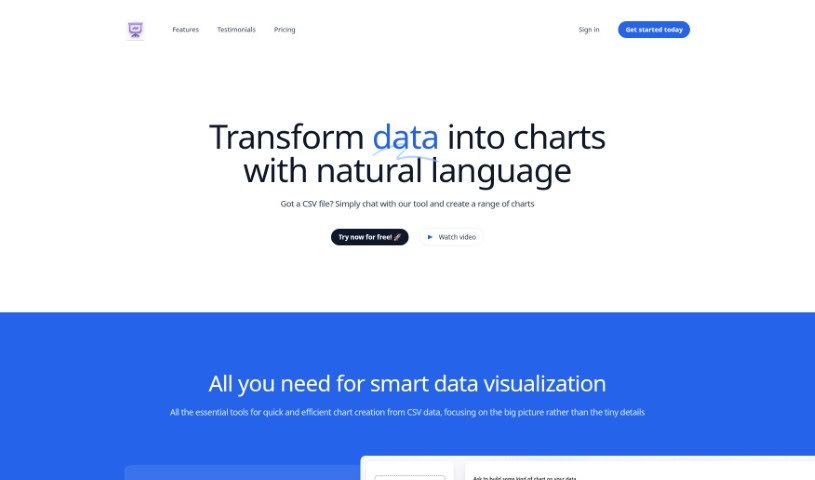
Screenshot of Chat2CSV

Chat2CSV

Freemium

Chat2CSV is a really neat platform that makes turning your CSV data into all sorts of charts super easy. You just use plain English commands, and it does the work for you. Want a pie chart, a scatter plot, a line graph, or a bar chart? No problem! You don't need to know any coding or scripting at all. Plus, the AI built into the platform is pretty smart; it can even suggest the best types of charts for your specific data, which really helps you get better insights. And don't worry about your data's safety – that's a huge priority. The server only handles the metadata, meaning your actual data stays right where it belongs: with you. This keeps everything private and secure. Ultimately, Chat2CSV is all about making data visualization simple and accessible for everyone, whether you're an individual or a business, anywhere in the world.

Stay Updated with AI Tools

Get weekly updates on the latest AI tools, trends, and insights delivered to your inbox

Join 25,000+ AI enthusiasts. No spam, unsubscribe anytime.