Top AI PDF Tools

AI Tools for PDF

Discover the best PDF AI tools to enhance your productivity and creativity.

Page 1 of 4 • 38 total tools
Screenshot of Arc53

Arc53

Freemium

Arc53 is the company behind DocsGPT (also known as DocsGPT Live), an open-source assistant that delivers instant answers from your documents. It connects to data sources, chatbots, and internal tools to support team productivity and customer interactions, and it works with PDFs, plain text files, and Microsoft Office documents.

Screenshot of Askmydocs

Askmydocs

Freemium

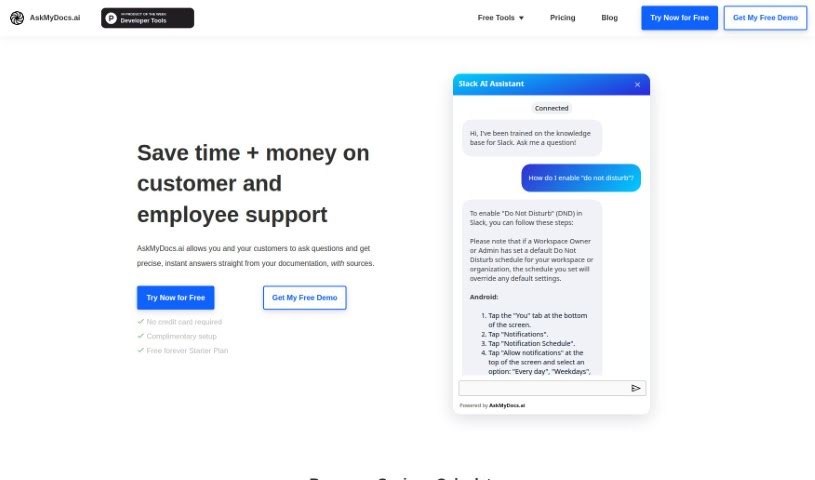
AskMyDocs.ai reduces the time and cost of customer and employee support by delivering precise, instant answers drawn from your documentation. The tool connects to services like Zendesk and Gitbook, trains on your knowledge bases, and answers questions using that information.

Screenshot of Axsar

Axsar

Freemium

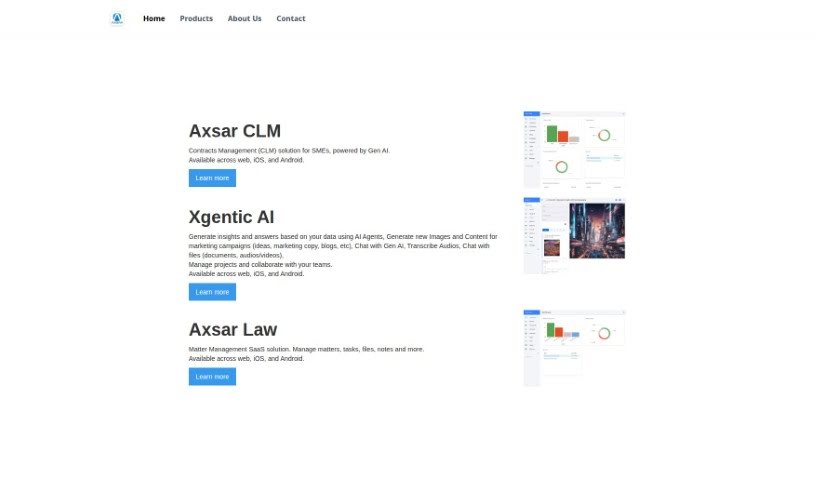
Axsar is a document management tool built for working with PDFs. It combines editing, annotation, and AI-assisted features: summarizing long texts, answering questions about document content, and extracting key information quickly. It also includes online proofing, so teams can comment, review, and approve files in one place. Axsar supports Kanban-style document tracking and is available on mobile.

Screenshot of Beam

Beam

Freemium

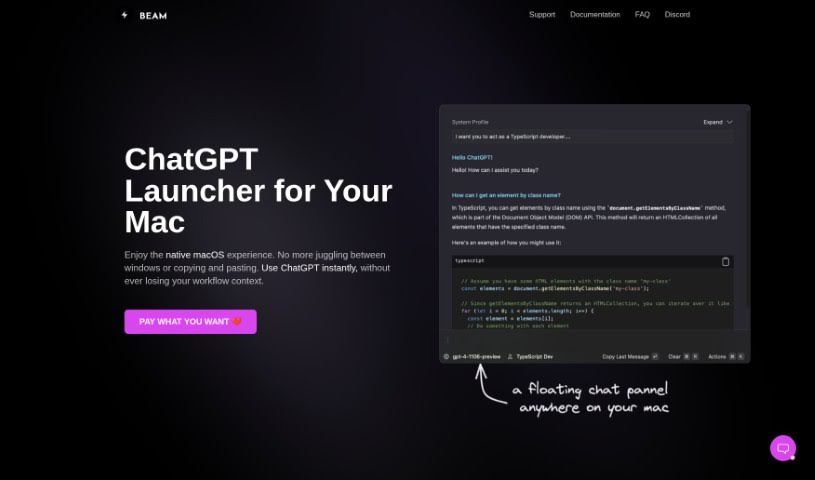
Beam is a ChatGPT interface for macOS that puts the AI one keyboard shortcut away, in any application. Instead of switching apps or copying and pasting text back and forth, you press a shortcut and a floating chat window opens over whatever you're working on — another app, a website, or a document. The app is lightweight and follows the interface conventions Mac users expect.

Screenshot of Chatdox

Chatdox

Freemium

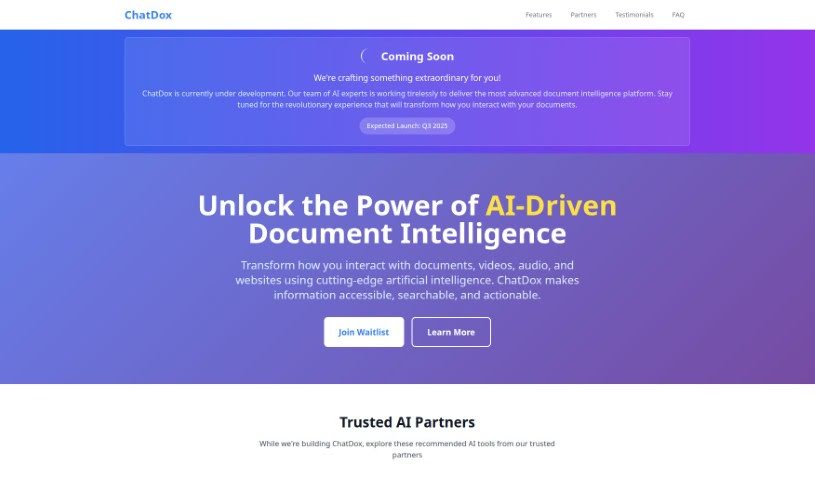
Chatdox is an AI document assistant for getting answers from your files. Upload documents in common formats such as PDF, DOCX, TXT, and CSV, then ask questions and receive responses drawn from them. It uses GPT-3.5 and GPT-4 for language processing, supports multiple languages, and can query several documents at once. Files are organized in a Digital Library and stored with secure, encrypted cloud storage on Amazon Web Services S3. Custom API integration is available for connecting Chatdox to other workflows, the interface is easy to use, and real-time live support is included.

Screenshot of ChatWithDocs

ChatWithDocs

Freemium

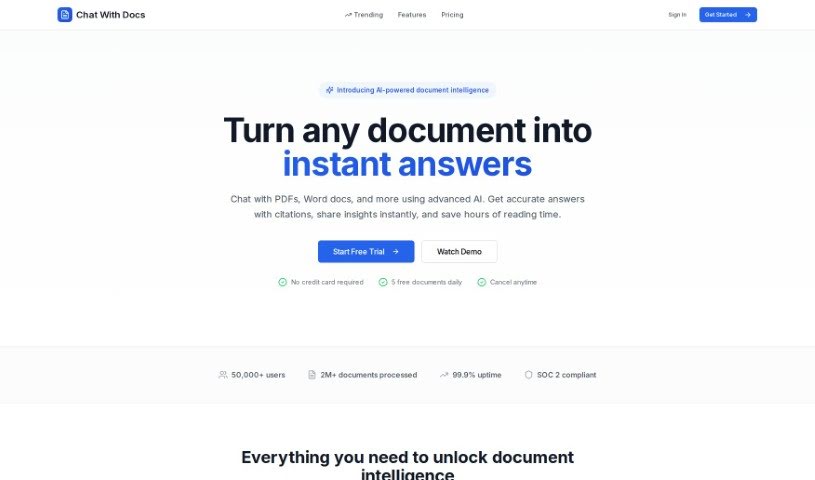
ChatWithDocs is a platform for interacting with your documents conversationally. Integration is minimal: the API requires about two lines of code, works with many programming languages, and returns immediate answers. It supports a wide range of file types, including PDF, DOCX, DOC, PPTX, and TXT, among others.

Screenshot of Cotyper

Cotyper

Freemium

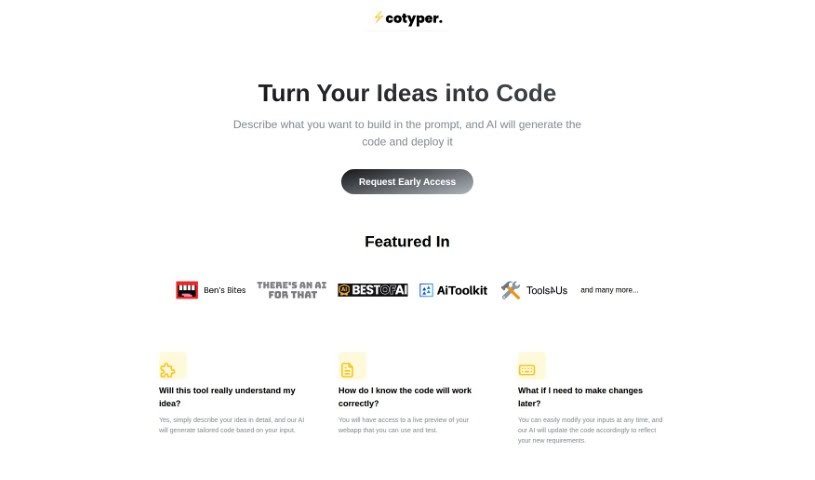
Cotyper is a browser extension for building personal AI assistants — "web copilots" — that run directly in your browser. These copilots can pull information from sites like LinkedIn and YouTube, chat with your PDFs, and run custom AI tools you create yourself. The focus is on faster browsing, less repetitive work, and a more personalized experience, with an emphasis on privacy and data security. Founder and company details are not publicly available.

Screenshot of DeadPan Scanboy

DeadPan Scanboy

Freemium

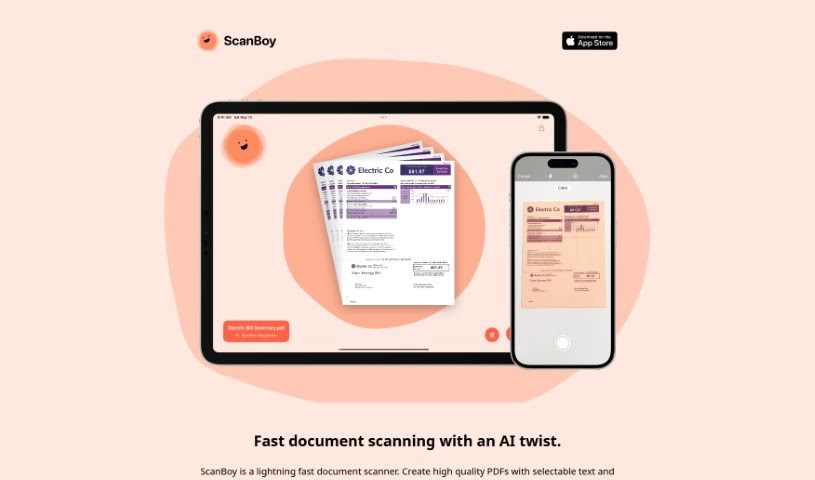
ScanBoy is a document scanning app built specifically for iPhones and iPads, available on the Apple App Store. It creates high-quality PDFs with selectable text and uses optical character recognition (OCR) so you can extract and interact with the text inside your scans.

Screenshot of Discute

Discute

Freemium

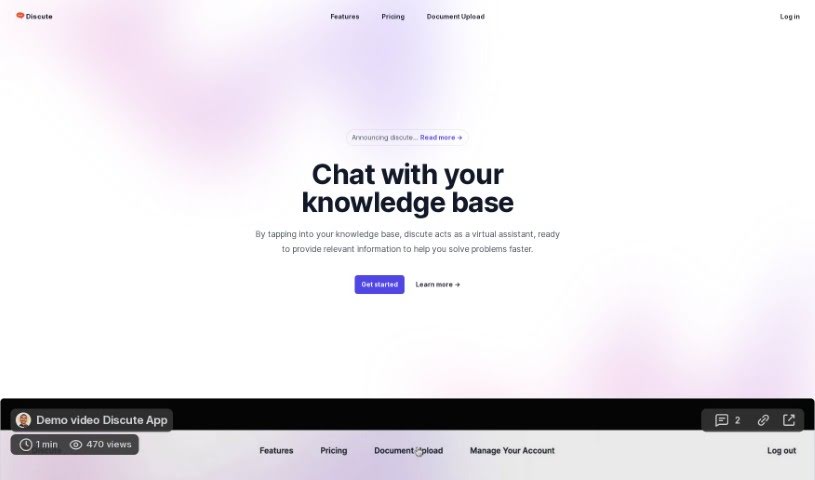
Discute is an AI tool that lets you hold conversations with your own knowledge base. It works as a virtual assistant for finding information and solving problems. You can chat with PDF, DOCX, and TXT files to locate what you need, and support for databases and websites is planned.

Screenshot of DOConvert

DOConvert

Freemium

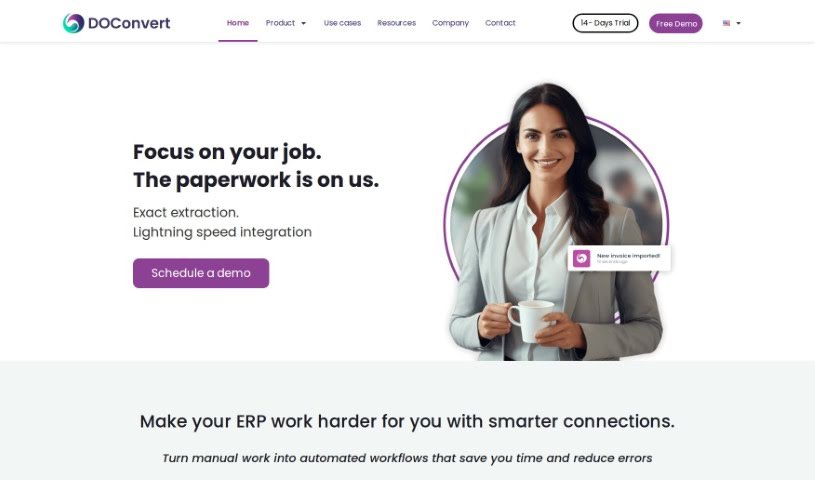
DOConvert is a system designed to help businesses manage and process documents. It is quick to set up, works with a variety of ERP platforms, and can be installed either on your own servers or in the cloud. It handles document management and offers solutions for dealing with large volumes of documents.

Screenshot of FileGPT

FileGPT

Freemium

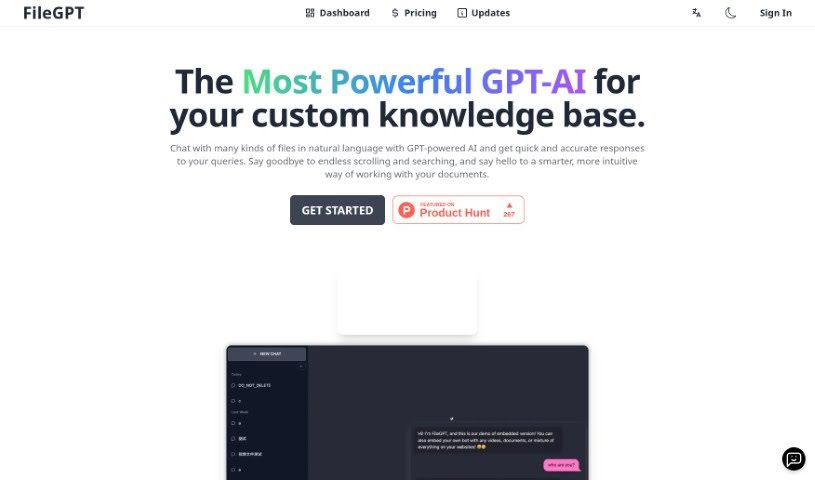
FileGPT is an AI tool that lets you chat with your files using everyday language. Built on GPT technology, it answers questions about your documents, spreadsheets, presentations, and more. You ask questions in plain English, and it pulls the relevant information from your files. All processing happens locally on your own computer, keeping your data private. You can also customize the interface and train it to understand industry-specific terms.

Screenshot of Formix PDF

Formix PDF

Freemium

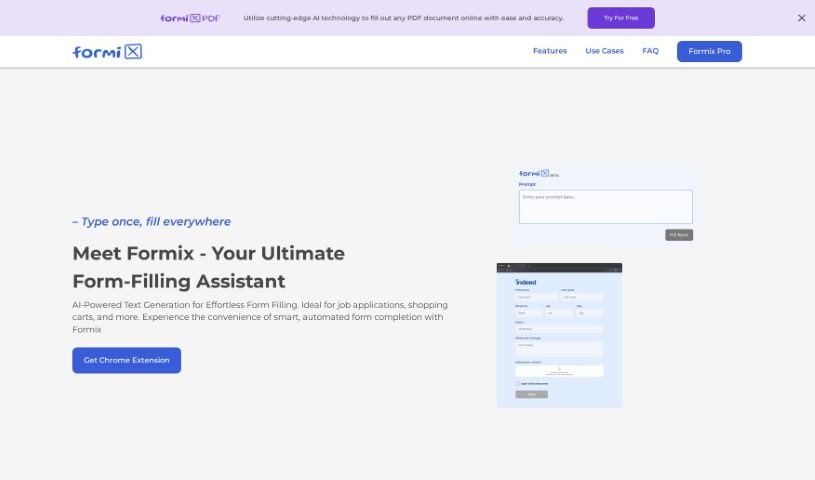
Formix PDF is an AI-powered online assistant for filling out forms. It predicts and fills in form fields almost instantly, saving time on repetitive tasks like job applications, online checkouts, and classified ad postings. You enter your details once, and the AI populates them across different websites, keeping entries consistent.

Previous 1 of 4 Next

About PDF tools

Wrestling with static PDF files is one of the most common productivity headaches in modern work. Whether you’re trying to extract structured data from financial tables, convert scanned pages into editable text, merge split documents, or fill out non-interactive forms, handling portable document files often feels frustratingly rigid.

These AI tools act as high-speed document utility assistants. They clean up scanned text, reformat stubborn layouts, and extract structured data in seconds without compromising administrative care or security protocols.

Smart OCR, Table Extraction, and Form Filling

Converting scanned files into clean, editable text takes far less effort with intelligent Optical Character Recognition (OCR). Trying to edit a scanned invoice or historic document usually means retyping text line by line. Modern OCR tools analyze page layouts, recognize fonts, and convert flat images into editable text while preserving margins, headers, and column structures.

Extracting tables and structured data directly into spreadsheets saves hours of manual data entry. Copying financial statements or product catalogs out of a PDF often turns into a messy cleanup job with broken rows and misaligned numbers. AI parsing tools identify table boundaries, clean up data fields, and export information cleanly into Excel or CSV files ready for analysis.

Editing page structures, compressing file sizes, and filling forms becomes much simpler, too. Splitting giant files, organizing page orders, or filling out non-interactive form fields manually takes unnecessary time. Smart PDF platforms detect form fields automatically, suggest text placement, and let you reorder or compress documents without destroying file quality.

Practical Features to Look For:

  • Advanced OCR text recognition: Tools that accurately extract text from scanned documents and images while preserving original page layouts.
  • Clean format conversion: Software that converts PDFs to Word, Excel, or HTML without breaking tables, lists, or custom fonts.
  • Smart form filling and signing: Applications that detect form fields automatically, allowing you to fill, edit, and sign documents quickly.
  • Batch file processing: Features that allow you to convert, compress, or extract data from dozens of PDF files simultaneously.
  • Strict data privacy and encryption: Platforms built with automatic file deletion and strong privacy controls to protect sensitive business records.

Managing documents effectively will always depend on your attention to detail, organization, and security awareness. Software can reformat a page, parse a table, and convert file types, but reviewing final documents for accuracy requires your human eye.

Take a look through the PDF tools below to simplify your document tasks.

The Best AI PDF Tools

  1. SmallPDF.com: Great for editing and organizing PDFs easily.
  2. Tenorshare: Offers AI-powered PDF summaries for research.
  3. LightPDF: Lets you edit and convert PDFs without any fuss.
  4. PDFgear: Perfect for editing and annotating your PDF documents.
  5. HiPDF: Split and merge PDFs online with ease.
  6. Ocr Best: Converts PDFs to editable text effortlessly.
  7. Go PDF: Edit and secure PDFs seamlessly.
  8. Chatdox: For efficient PDF analysis and management.
  9. Thetoolbus: Makes PDF editing for job applications simple.
  10. Cotyper: Browser extension for building custom AI copilots that automate web tasks.
  11. File GPT: Easily extract insights from PDFs.
  12. Styler GPT: Converts chats to PDFs for simple sharing.
  13. Getsearchable PDF: Turns scanned documents into editable text.
  14. PDF Pals: Streamlines document analysis and data extraction.
  15. Formix PDF: Automates document merging and editing.

New tools, in your inbox.

Weekly picks of the best AI tools we've researched and added — no spam, unsubscribe anytime.

Join 25,000+ AI enthusiasts. No spam, unsubscribe anytime.