AI Deepfake Makers Explained: Tools, Uses & Risks

AI Tools for Deepfakes

Discover the best Deepfakes AI tools to enhance your productivity and creativity.

Page 1 of 3 • 29 total tools
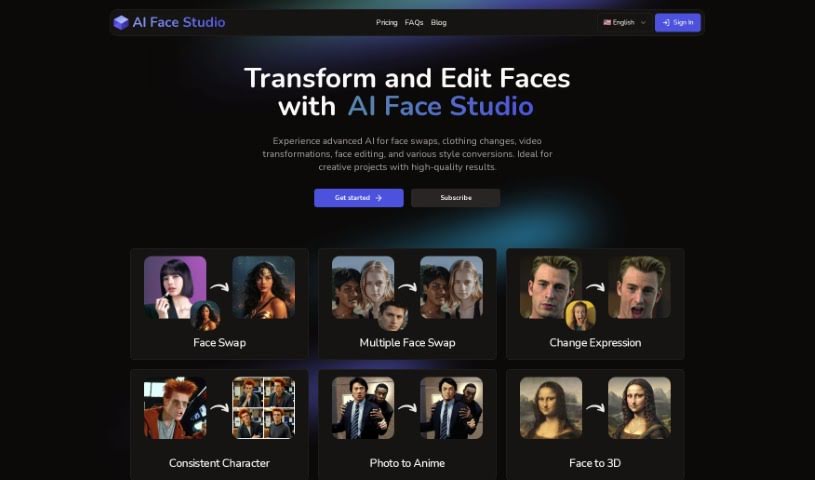
Screenshot of AI Face Studio

AI Face Studio

Freemium

AI Face Studio is an AI tool for face swaps, clothing changes, video transformations, face editing, and style conversion. It emphasizes lifelike, high-resolution output and a simple interface, and new users receive free credits.

Deepfakes View Tool →
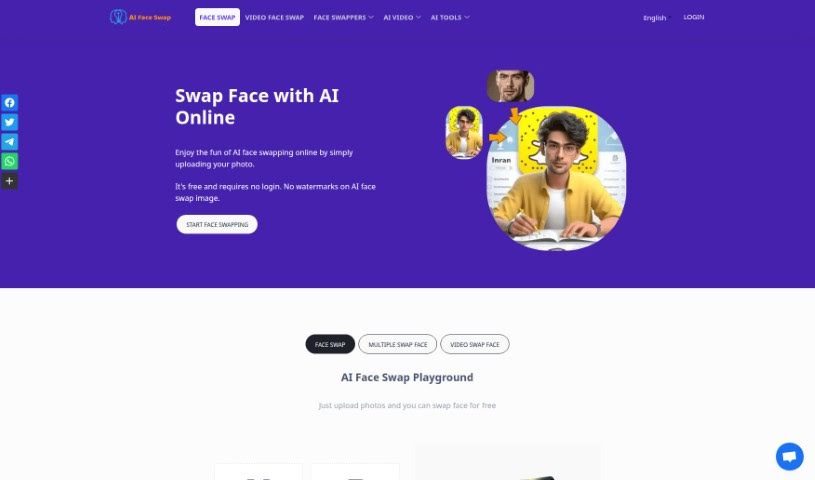
Screenshot of AI Face Swap

AI Face Swap

Freemium

AI Face Swap is a free tool that uses AI to digitally swap one person's face in a photo or video with another's. It analyzes facial features, expressions, and movements to blend faces naturally. No login is required, images can be uploaded in JPG, PNG, or WebP format, and swapped images can be downloaded on desktop or mobile. Results work best when the source photo shows one person with clear facial features. The service states it does not store your information unless you explicitly give permission.

Deepfakes View Tool →
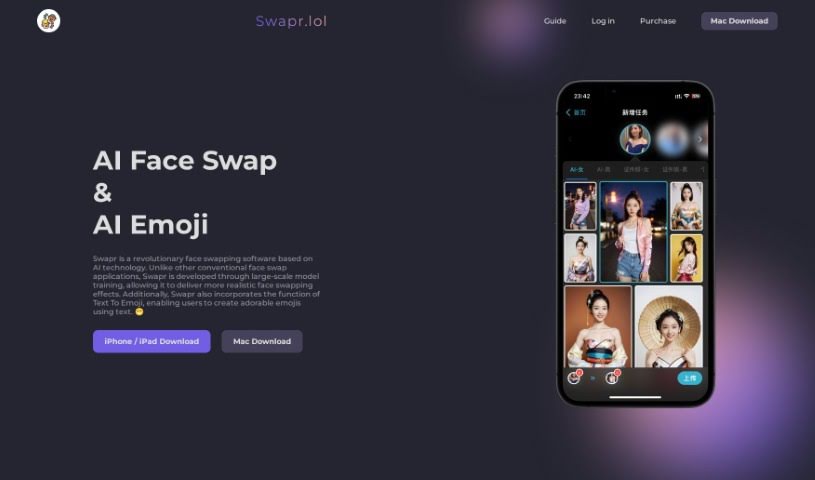
Screenshot of AI Face Swap Swapr

AI Face Swap Swapr

Freemium

Swapr is an AI face-swapping app that creates realistic face swaps. It was trained on a large dataset, which improves the quality of the results. The developers focused on extensive model training to make the face-swapping effects lifelike, and the app also includes a Text To Emoji feature that turns text messages into emojis.

Deepfakes View Tool →
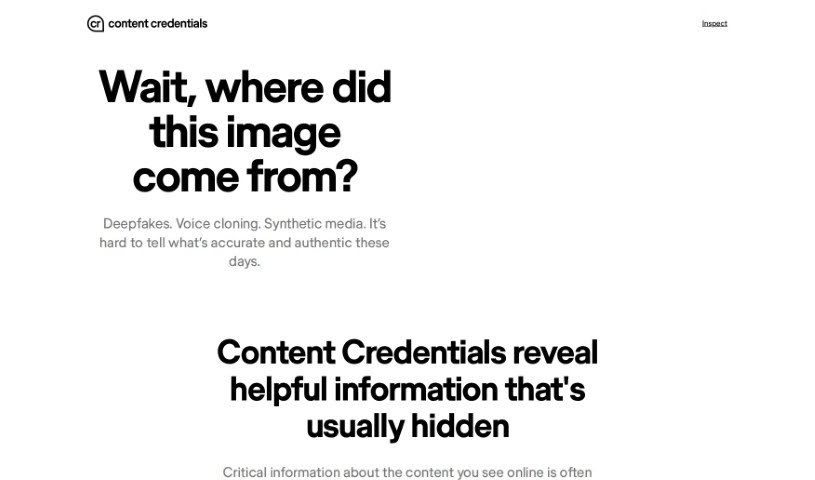
Screenshot of Content Credentials

Content Credentials

Freemium

Content Credentials act like a resume for your work: verifiable qualifications attached to the content itself. They can take many forms — university degrees, professional certifications, official licenses, or awards — anything that validates your abilities and expertise in a specific field. For professionals, they demonstrate knowledge, skills, and trustworthiness to clients, employers, and colleagues. Maintaining up-to-date credentials helps build reputation, earn trust, and open career opportunities.

Deepfakes View Tool →
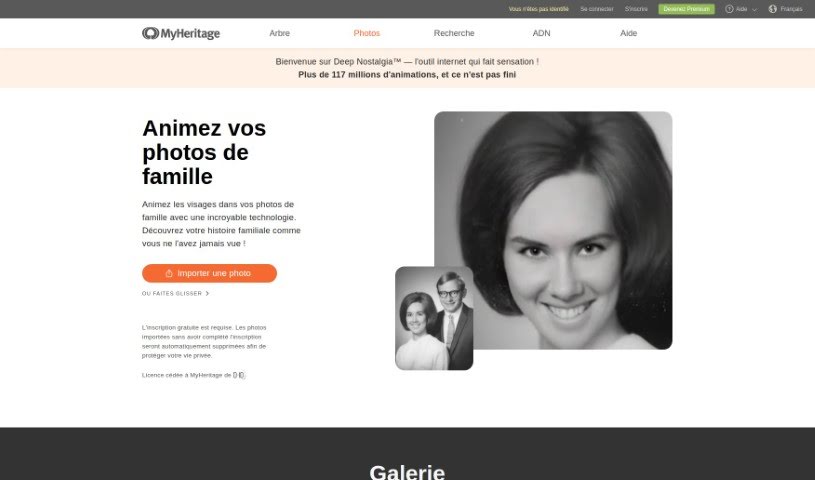
Screenshot of Deep Nostalgia

Deep Nostalgia

Freemium

Deep Nostalgia is a feature from MyHeritage that animates the faces in old photos, turning still images into short, lifelike video clips. MyHeritage licensed the underlying technology from D-ID, and it uses deep learning to generate the animations.

Deepfakes View Tool →
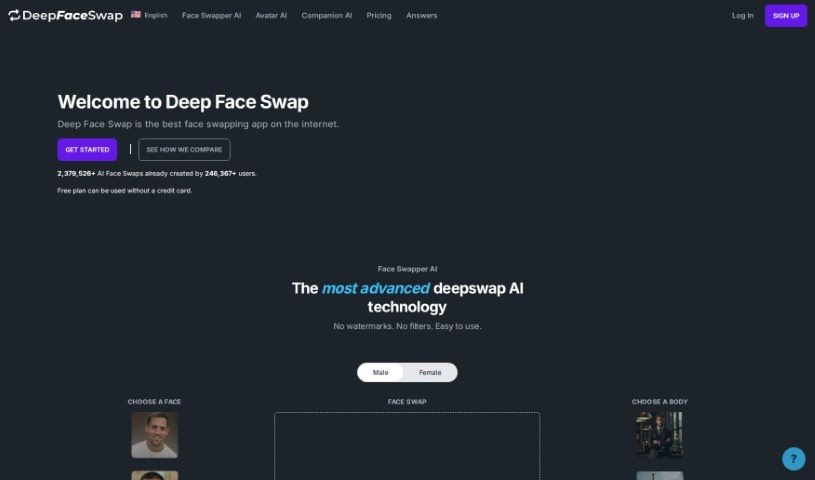
Screenshot of Deepfaceswap

Deepfaceswap

Freemium

Deepfaceswap is an AI-powered app for swapping faces in images. It uses GANs and neural networks to produce realistic face swaps with no watermarks or filters. Beyond face swapping, it includes two additional features: Avatar AI, which generates custom avatars from text descriptions, and Companion AI, which lets you chat with AI-powered chatbots.

Deepfakes View Tool →
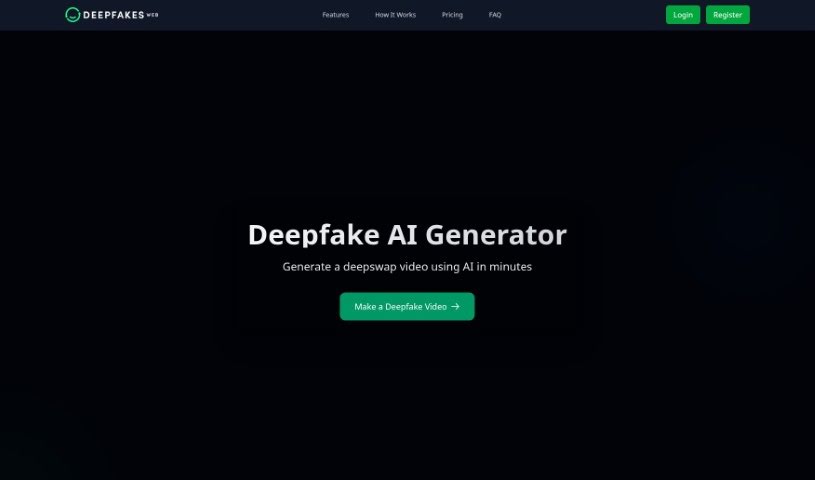
Screenshot of Deepfakes Web

Deepfakes Web

Freemium

Deepfakes Web is an online tool for creating deepfake videos using AI and deep learning. You upload your source and target videos to the cloud-based software, and the app swaps faces for you. The platform is built around responsible use: output videos include visible watermarks and intentional imperfections to keep the results transparent and accountable. You can also reuse trained models, which improves results and saves time and resources. Pricing is about $4 per hour of processing.

Deepfakes View Tool →
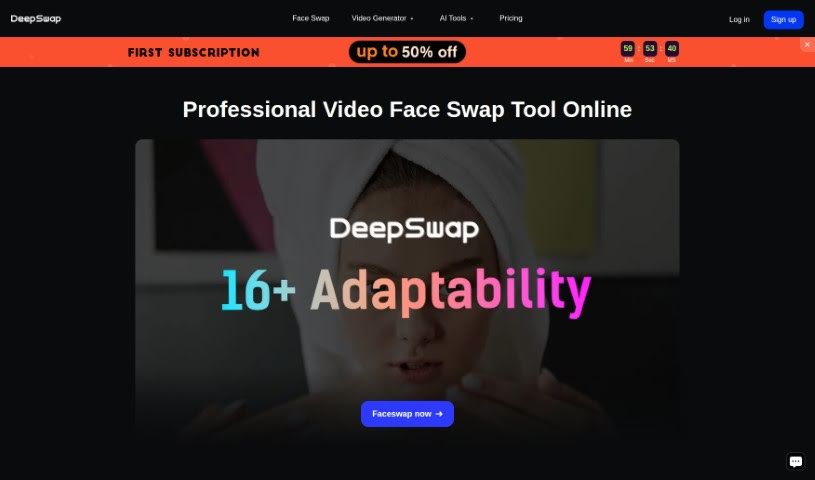
Screenshot of Deepswap

Deepswap

Freemium

Deepswap is an online app for creating face-swapped videos, photos, and GIFs. It claims over 150 million users. Use cases include refacing yourself into movie roles, switching genders in photos, and making face memes. It uses AI technologies including AI Inpainting and AI Outpainting, which support precise editing and expanding images beyond their original borders. It also includes an AI Girl Generator for creating characters, from realistic portraits to anime-style designs, and supports movie role-play videos and character swaps.

Deepfakes View Tool →
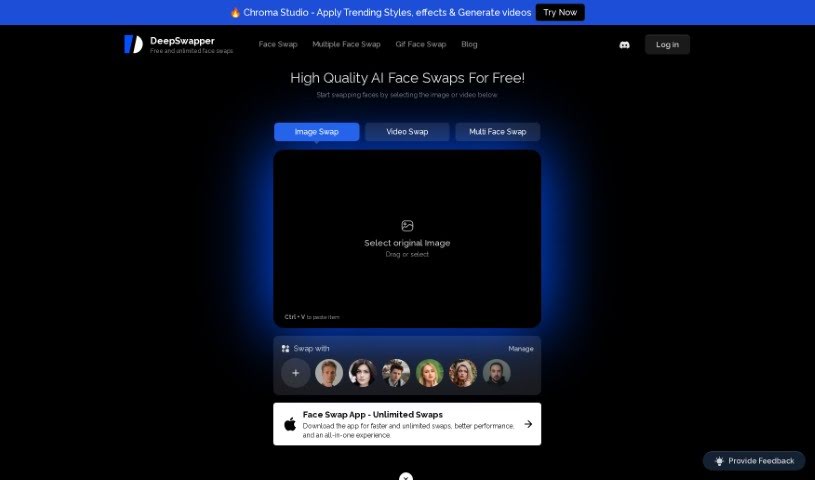
Screenshot of DeepSwapper

DeepSwapper

Freemium

DeepSwapper is an online service that uses AI to swap faces in pictures and videos. It offers unlimited swaps, high-quality results, and no watermark on your creations. The AI is designed to produce realistic, natural-looking results whether you're swapping one face or several, and it handles group photos, letting you choose exactly which people to swap. Results are generated in seconds and can be saved or discarded.

Deepfakes View Tool →
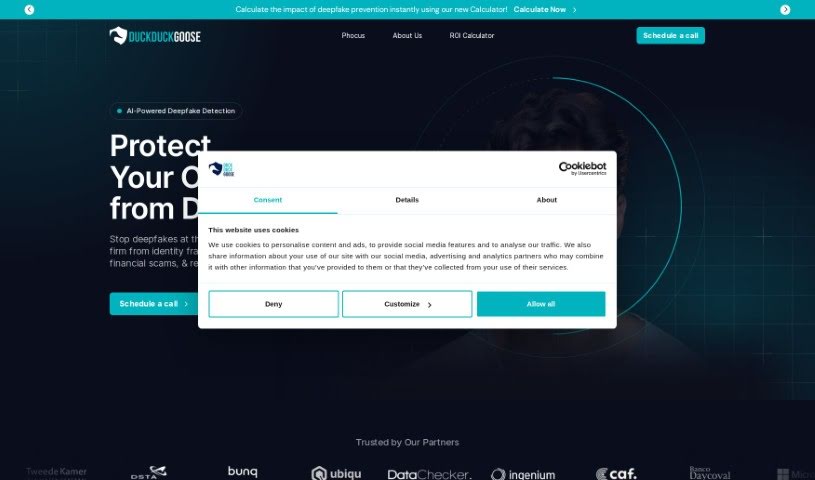
Screenshot of Duckduckgoose Deepdetector

Duckduckgoose Deepdetector

Freemium

Duckduckgoose Deepdetector is an AI software solution built to detect deepfakes. It uses deep learning networks to find and analyze faces in images and videos that have been created or altered by AI. Beyond spotting faces, it identifies subtle signs of manipulation such as face swaps, altered lip-syncs, and fake audio, with a reported accuracy rate of up to 95% (and up to 99% in some claims) and analysis times as low as one second.

Deepfakes View Tool →
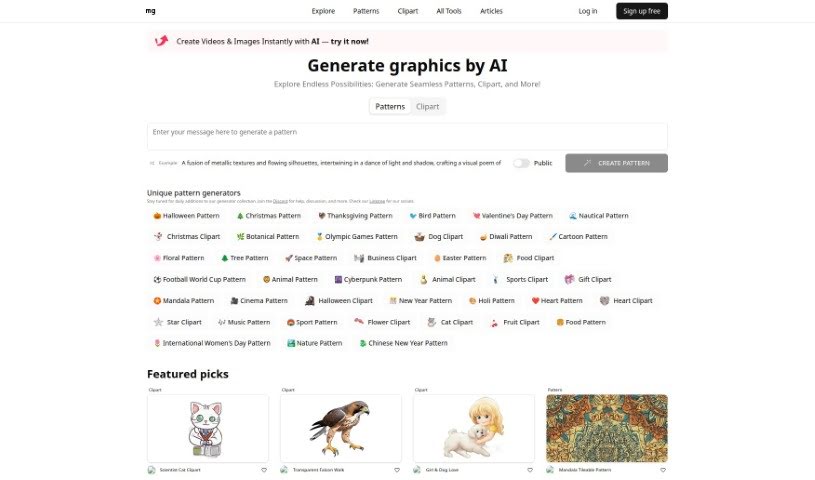
Screenshot of Face AI Sticker Generator

Face AI Sticker Generator

Freemium

The Face AI Sticker Generator is an AI tool that turns selfies into custom stickers for digital chats. Upload a selfie, and the AI generates a set of expressive stickers based on your photo, ready to export to messaging apps like WhatsApp, Telegram, Discord, Snapchat, and WeChat. The tool was developed by mr.graphics, and the website provides specific export instructions for each supported messaging app.

Deepfakes View Tool →
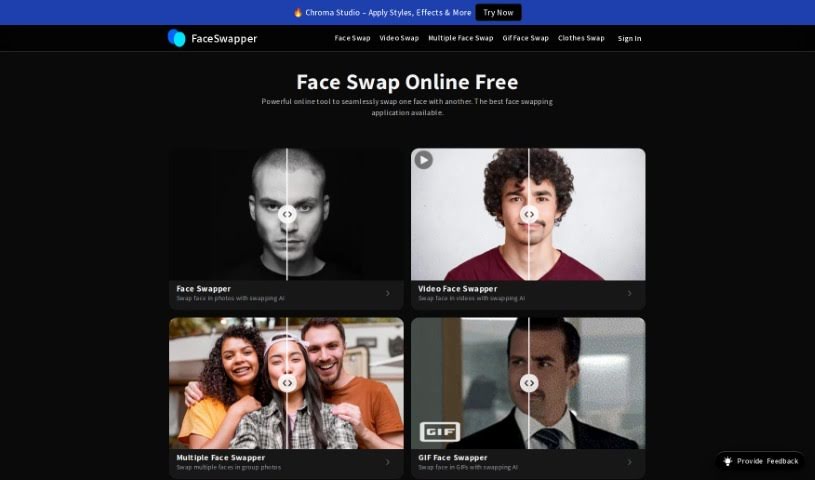
Screenshot of Face Swapper

Face Swapper

Freemium

Face Swapper is an online platform that uses AI to perform face swaps in photos. It aims for natural-looking, precise results while keeping the original image quality intact. The platform runs entirely in the browser — no downloads required — and outputs are watermark-free. A 50% discount is currently available on all plans, and new users receive free credits just for signing up.

Deepfakes View Tool →
Previous 1 of 3 Next

About Deepfakes tools

Creating realistic visual effects, voice dubbing, or virtual presenters used to require high-end production studios, visual effects specialists, and weeks of rendering time. If a commercial needed dubbing into three languages with matching lip movements, costs quickly spiraled out of reach for independent teams.

The tools in this section focus on ethical synthetic media and video effects. They help video editors, translators, and creators produce smooth face swaps, localized lip-syncing, and virtual presenter videos in minutes.

Streamlining Video Localization and Visual Effects

Video localization is one of the most practical applications for synthetic video tools. When translating a marketing campaign or training series, standard dubbing often looks unnatural because the speaker’s mouth doesn’t match the new audio track. AI lip-syncing tools modify facial movements to align with translated audio, making multi-language content look natural to international viewers.

Presenter avatars and visual effects save substantial production time, too. Corporate trainers and video creators can generate realistic presenter videos straight from text scripts—skipping studio rentals, camera gear setups, and filming delays. For filmmakers, these tools simplify complex visual tasks like de-aging actors, substituting stunt doubles, or restoring historical footage without manual frame-by-frame edits.

Ethics and consent controls form the core of legitimate platforms. Because synthetic media carries risks of misuse, reputable deepfake tools integrate identity verification, digital watermarking, and provenance metadata to confirm that voice clones and facial likenesses are created with explicit permission.

Essential Safety & Production Features

  • Lip-sync alignment: Software that modifies mouth movements in video files to match translated audio tracks seamlessly.
  • Voice cloning and dubbing: Systems that replicate tone, pacing, and accents across languages with strict consent verification.
  • Digital watermarking and provenance: Built-in security tags and metadata that clearly identify synthetic media for transparency.
  • Identity verification controls: Safety protocols that require user confirmation before generating or editing personal likenesses.
  • High-definition face swapping: Rendering engines that blend lighting, skin tones, and motion smoothly for video editing workflows.

Synthetic video and audio tools offer powerful options for filmmakers, educators, and global marketing teams. Software can align audio tracks, render realistic frames, and generate digital avatars, but responsible storytelling and genuine consent always depend on the creator.

Explore the options below to discover ethical synthetic video tools for your next project.

The Best AI Deepfake Makers

  1. AI Face Swap: Great for making lifelike deepfake videos.
  2. Face Swapper: Perfect for realistic character animation in videos.
  3. Deepswap: Ideal for creating synthetic characters.
  4. Deepfakes Web: Use this for creative character customization in games.
  5. Deep Swapper: Make viral content with deepfakes here.
  6. DeepSwapper: Face swap tool for images and videos with unlimited swaps.
  7. Wefaceswap: Swap faces effortlessly for your deepfake projects.
  8. Picsi: Get realistic face swaps for video editing.
  9. Kapwing AI Deepfake: Create personalized video parodies.
  10. Duckduckgoose Deepdetector: Detects AI-manipulated faces, audio and text.
  11. Wavel Deepfake Maker: Create realistic character animations.
  12. AI Face Studio: Craft authentic video characters.
  13. InsightFace AI: Swap faces in videos creatively.
  14. Deepfaceswap: Seamlessly replace faces with celebrities.
  15. Content Credentials: Authenticate your realistic media creations.
New tools, in your inbox.

Weekly picks of the best AI tools we've researched and added — no spam, unsubscribe anytime.

Join 25,000+ AI enthusiasts. No spam, unsubscribe anytime.