123RF AI Image Generator
Creative Image Generation
Learn more
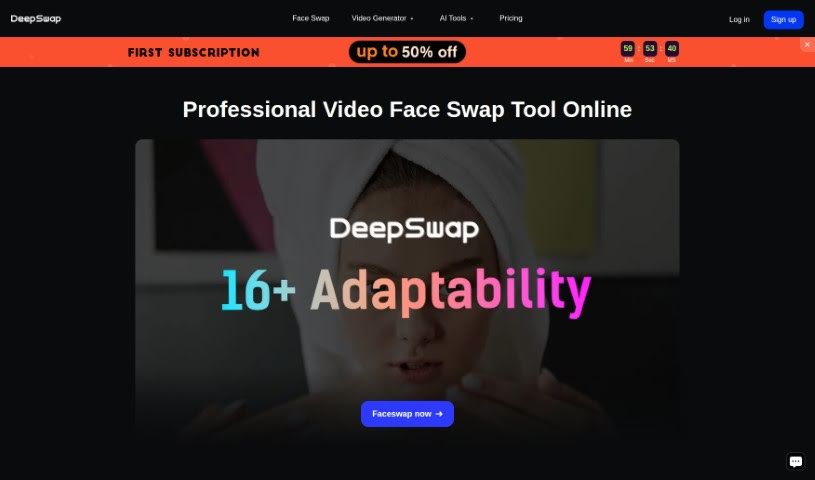
Discover what Deepswap is, its key features, and how it creates face-swap videos, photos, and GIFs. A quick look at how it stacks up against other Deepfake
Deepswap is an online app for creating face-swapped videos, photos, and GIFs. It claims over 150 million users. Use cases include refacing yourself into movie roles, switching genders in photos, and making face memes. It uses AI technologies including AI Inpainting and AI Outpainting, which support precise editing and expanding images beyond their original borders. It also includes an AI Girl Generator for creating characters, from realistic portraits to anime-style designs, and supports movie role-play videos and character swaps.
Dan L. is the person behind Deepswap. The company, also called Deepswap, focuses on face-swap videos, photos, and GIFs. The platform is designed to be smooth, ad-free, and watermark-free.
Deepswap suits anyone interested in:
For best results, use content where faces are clear and facing forward. Beyond simple face swaps, Deepswap also supports group photos, personalized headshots, and meme generation, with a user-friendly design for creating entertaining content.
Related
Discover more tools in similar categories
Weekly picks of the best AI tools we've researched and added — no spam, unsubscribe anytime.
Join 25,000+ AI enthusiasts. No spam, unsubscribe anytime.