AI Short Video Makers: Top Tools Compared

AI Tools for Short Video Makers

Discover the best Short Video Makers AI tools to enhance your productivity and creativity.

Page 1 of 3 • 35 total tools
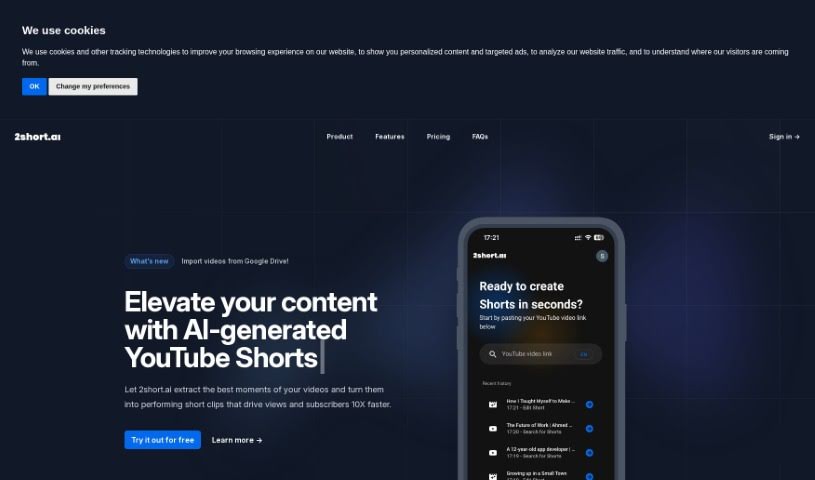
Screenshot of 2Short AI

2Short AI

Freemium

2Short AI is an AI tool for creating short videos for YouTube Shorts, TikTok, and Reels. It identifies the most interesting moments from longer videos and turns them into clips, making it easier to repurpose existing content and grow a channel.

Short Video Makers View Tool →
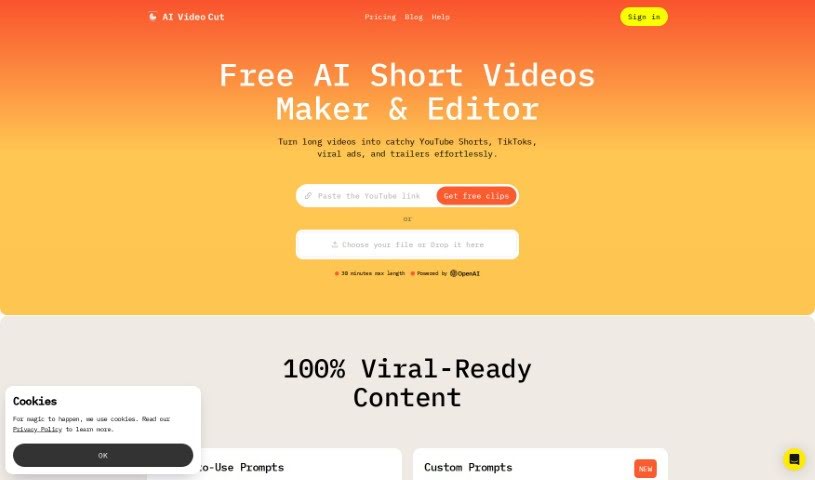
Screenshot of AI Video Cut

AI Video Cut

Freemium

AI Video Cut converts long videos into short, shareable clips — trailers, shorts, and video ads for platforms such as YouTube, TikTok, and ad channels. It is built for audiences that watch short-form content.

Short Video Makers View Tool →
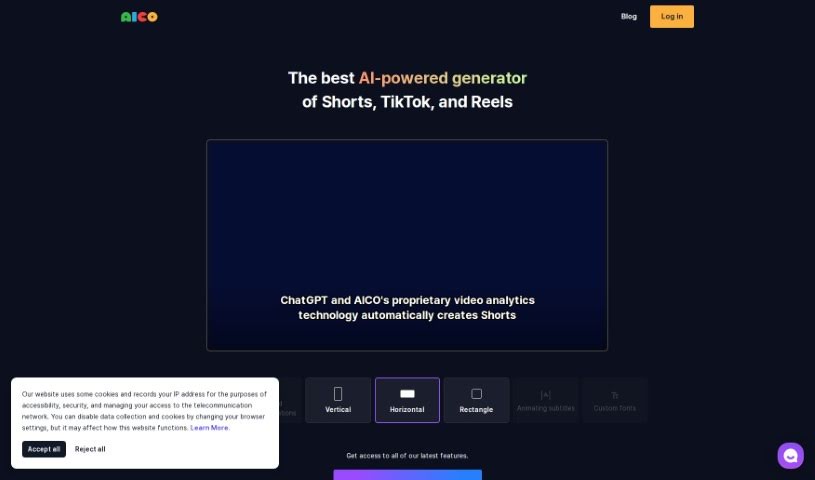
Screenshot of Aico

Aico

Freemium

AICO is an AI tool that turns YouTube videos into ready-to-edit shorts. Sign in with a YouTube account, paste a video link, and it generates AI-edited clips with AI subtitles in three clicks, ready for further editing.

Short Video Makers View Tool →
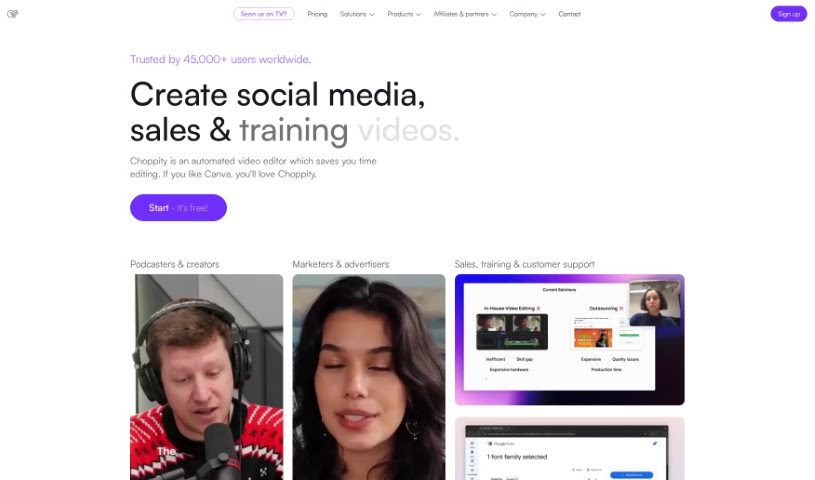
Screenshot of Choppity

Choppity

Freemium

Choppity is an AI-powered video editing tool that turns long videos into short clips for social media. Its magic clips™ feature automatically finds the most engaging parts of your footage, so you don't have to scrub through hours of video manually. The AI edits in a human-like style, and the automated features are backed by human customer support. Users highlight how much time it saves and how easy it is to use.

Short Video Makers View Tool →
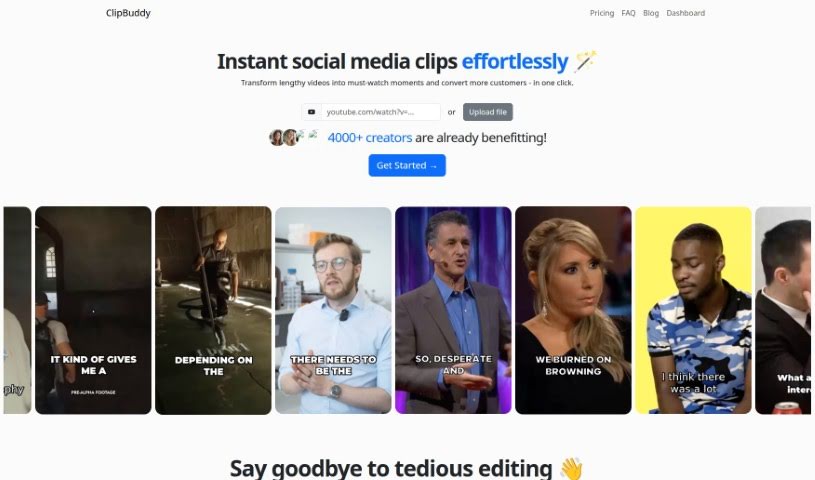
Screenshot of ClipBuddy

ClipBuddy

Freemium

ClipBuddy is an AI-powered tool that turns long videos into short clips for social media platforms including TikTok, Instagram Reels, YouTube Shorts, Facebook, LinkedIn, and Snapchat. It identifies the most engaging moments in your footage, adds dynamic captions, ensures smooth transitions between visuals and audio, and automatically resizes videos to the 9:16 vertical format.

Short Video Makers View Tool →
Screenshot of ClipFM

ClipFM

Freemium

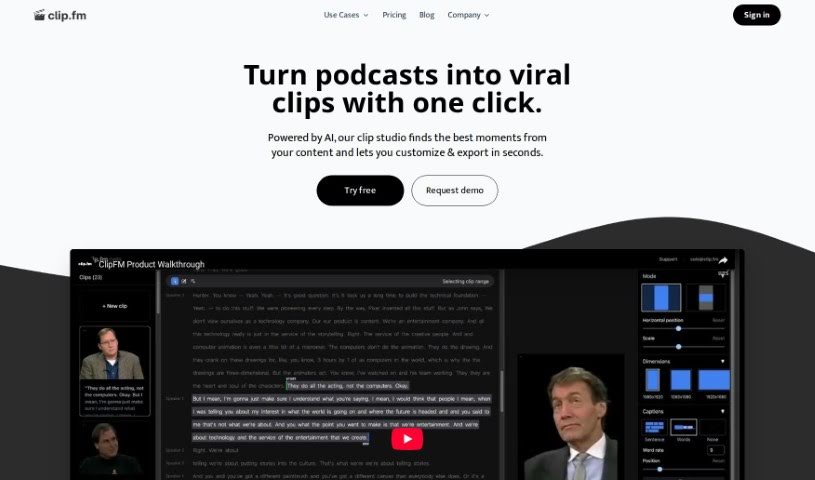
ClipFM is an AI tool that turns long videos and podcasts into short, shareable clips for social media. Its AI identifies the most interesting parts of your footage and produces ready-to-post clips in minutes, which you can adjust and share. It targets podcasters, video editors, marketers, agencies, and studios, and serves as a more affordable alternative to hiring traditional editing services. The interface also lets you fine-tune the AI's clip selections, including manually adjusting start and end points.

Short Video Makers View Tool →
Screenshot of Clipmaker

Clipmaker

Freemium

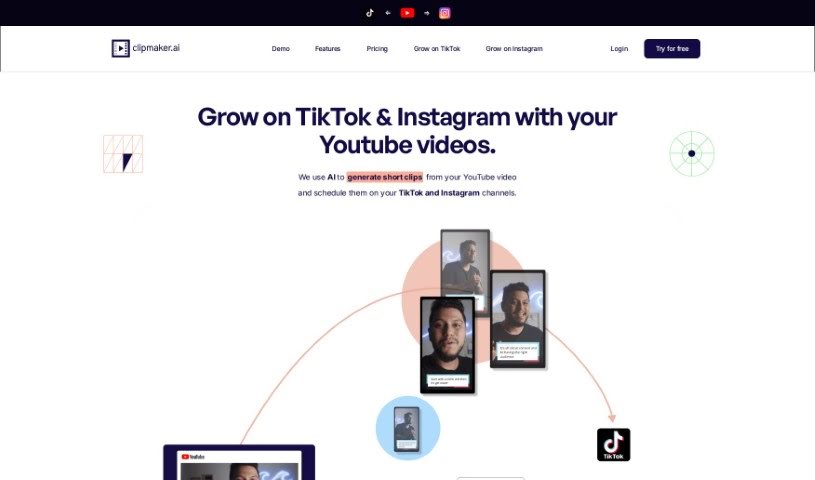
Clipmaker is an AI-powered tool that turns YouTube videos into short clips for platforms like TikTok and Instagram. It generates clips automatically, offers customizable templates for consistent branding, adds subtitles automatically, and includes an auto-schedule feature for posting directly to TikTok and Instagram.

Short Video Makers View Tool →
Screenshot of ContentFries

ContentFries

Freemium

ContentFries is a software tool for repurposing content. It takes longer videos you've already made and turns them into shorter, bite-sized pieces that are easy to share across different platforms. Key features include drag-and-drop content multiplication, smart subtitles, and templates for producing polished videos. It also removes silent segments and fixes typos automatically, so you can create social media content with less manual editing.

Short Video Makers View Tool →
Screenshot of Crayo AI

Crayo AI

Freemium

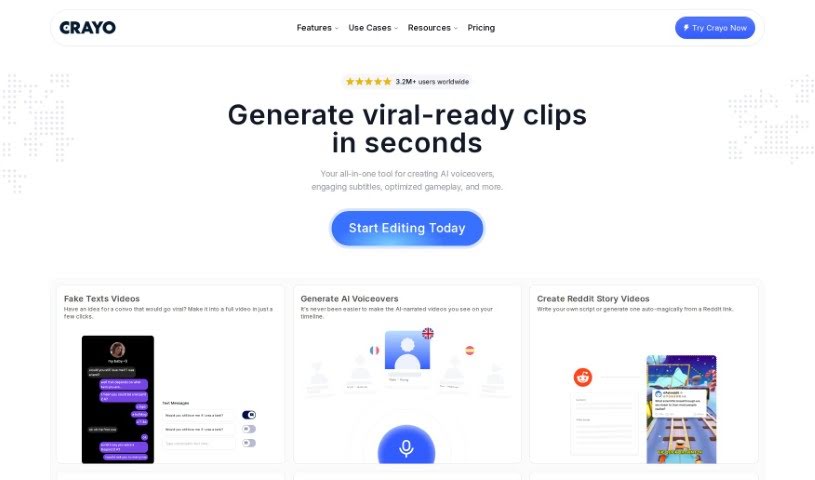
Crayo AI is a platform that uses artificial intelligence to create short videos for social media platforms like TikTok, Instagram Reels, and YouTube Shorts. It automates much of the video production process, handling captions, effects, backgrounds, and music selection automatically.

Short Video Makers View Tool →
Screenshot of Dumme

Dumme

Freemium

Dumme is an AI-powered tool that turns longer videos and podcasts into short-form content. Upload your material, and its algorithms scan it to find the segments most likely to work as standalone clips — rather than grabbing random excerpts — while preserving the original context and structure so each clip stays coherent.

Short Video Makers View Tool →
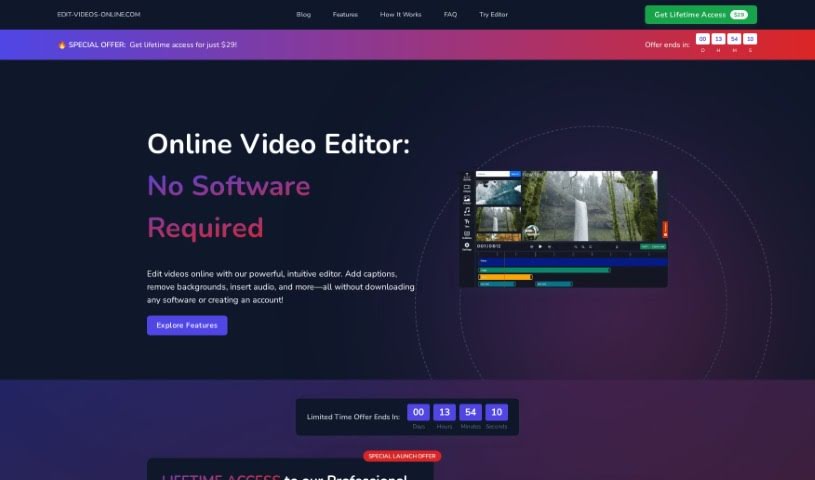
Screenshot of Edit-Videos-Online

Edit-Videos-Online

Freemium

Edit-Videos-Online is a browser-based tool for editing and creating videos without signing up or installing software. You can add text, captions, subtitles, music, voiceovers, and other audio tracks using built-in tools. Audio can be uploaded from a file, recorded directly, or generated with the built-in Text-to-Speech tool. It supports popular video formats including MP4, AVI, MOV, WMV, and FLV, and lets you export your video in the format and resolution you need.

Short Video Makers View Tool →
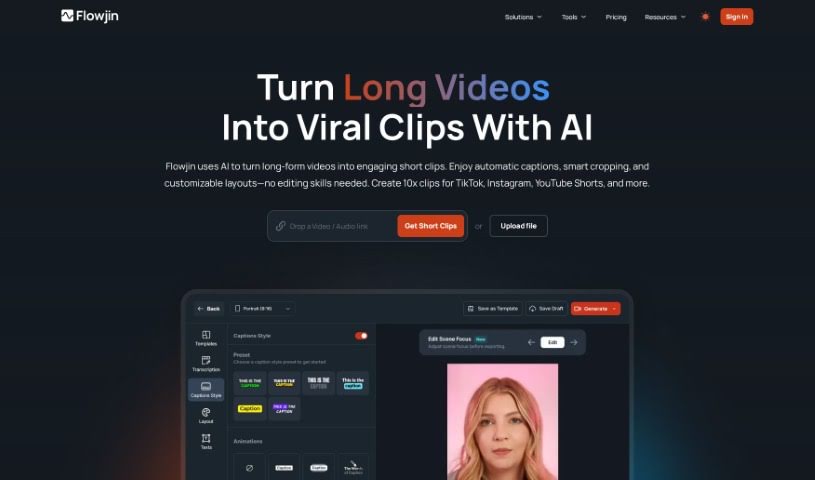
Screenshot of Flowjin

Flowjin

Freemium

Flowjin is an AI tool that automatically turns video and audio productions into short videos, social media posts, and blog articles. YouTubers can quickly create YouTube Shorts to share on TikTok, and marketers can repurpose existing assets into Reels and TikTok videos, extending the life of content already created. You can edit short-form videos, generate many clips from longer pieces, and schedule posts. The AI analyzes your content to find the most important ideas and converts them into formats suited to YouTube, TikTok, and Instagram Reels.

Short Video Makers View Tool →
Previous 1 of 3 Next

About Short Video Makers tools

Staring at a timeline full of raw, unedited footage while trying to keep up with daily publishing schedules can drain the excitement right out of content creation. I remember sitting at my desk for four straight hours, painstakingly cutting out silent pauses, timing word-by-word captions, and reframing horizontal clips into 9:16 vertical layouts, only to realize I’d barely finished a single clip. Between tracking viral trends, formatting videos for TikTok, Instagram Reels, and YouTube Shorts, and adding dynamic text overlays, short-form editing takes substantial time.

Think of these applications as high-speed post-production assistants. They auto-trim dead air, generate dynamic captions, reframe horizontal shots, and turn long recordings into social-ready shorts in seconds without replacing your creative vision or storytelling instincts.

Clipping Long Videos, Animated Captions, and Pacing

Repurposing long-form content into vertical clips takes minutes instead of hours. Scrubbing through an hour-long podcast, webinar, or YouTube video to find three engaging 30-second moments used to mean manual timeline hunting. Modern AI clipping tools analyze full video files, identify high-engagement hooks, crop the frame to 9:16 automatically, and re-center the camera on whoever is speaking.

Styling dynamic, animated captions keeps viewers watching even when their sound is off. Typing out subtitles line by line, correcting typos, and setting animated word highlights by hand can slow your schedule to a crawl. Intelligent captioning engines transcribe audio instantly, highlight key phrases with bold colors, and position text safely within mobile display boundaries so app buttons never cover your words.

Trimming filler words and generating supplementary visual assets keeps your video pacing fast. Pauses, repeated words, and awkward hesitations often make short videos feel slow. AI editing assistants detect and cut silent gaps with a single click, while generative visual engines can produce matching background b-roll or text-driven video clips to fill visual lulls without requiring extra footage.

Key Capabilities to Look For:

  • Automated long-to-short reframing: Software that extracts key moments from horizontal recordings and reformats them into vertical 9:16 layouts with active speaker tracking.
  • Animated captioning and translation: Tools that transcribe audio into styled, animated captions with custom color highlights, emoji triggers, and multi-language support.
  • One-click silence and filler word removal: Systems that scan your audio track to automatically trim dead air, “ums,” and duplicate takes.
  • AI b-roll and scene insertion: Features that suggest or generate context-relevant visual overlays and transitions to maintain fast pacing.
  • Platform-safe layout previews: Editors that display interface overlays for TikTok, Instagram Reels, and YouTube Shorts to ensure text and visual elements remain visible.

Building a strong presence with short video will always depend on your unique perspective, authentic voice, and creative ideas. Software can cut dead air, generate colorful captions, and reframe horizontal shots, but creating content that resonates requires your personal touch.

Take a look through the video tools below to level up your short-form content.

The Best AI Short Video Makers

  1. Vizard AI: Great for crafting eye-catching clips for social media.
  2. Submagic: Effortlessly create engaging short videos.
  3. Ssemble: Turn long videos into engaging shorts.
  4. 2Short AI: Maximize impact with quick edits.
  5. Send Short: Edit and share short videos with ease.
  6. Choppity: Turns long videos into social-ready clips with captions and reframing.
  7. Klap: Quickly turn YouTube content into viral shorts.
  8. Crayo AI: Effortlessly craft eye-catching TikTok clips.
  9. Syllaby: Create captivating shorts easily.
  10. Woxo Short: Make quick edits for catchy social clips.
  11. Wisecut: Streamline edits for quick content sharing.
  12. Powder: Simplify creating catchy social clips.
  13. AI Video Cut: Streamline edits for engaging clips.
  14. Get Munch: Turn videos into captivating shorts.
  15. Flowjin: Transform long videos into catchy shorts.
New tools, in your inbox.

Weekly picks of the best AI tools we've researched and added — no spam, unsubscribe anytime.

Join 25,000+ AI enthusiasts. No spam, unsubscribe anytime.