AI Tools for Short Video Makers

Discover the best Short Video Makers AI tools to enhance your productivity and creativity.

Page 2 of 3 • 36 total tools

Creating short videos has never been easier. With platforms like TikTok and Instagram Reels becoming so popular, there’s a huge demand for snappy, engaging video content. But while many of us have footage and ideas, turning them into polished videos can take a lot of time. That’s where AI short video makers really shine.

These smart tools use artificial intelligence to simplify the video creation process. They can help with everything from editing clips to suggesting music, letting you craft eye-catching videos much faster than before.

As more and more options pop up, the market’s getting really competitive. The best AI short video makers offer easy-to-use interfaces, smart editing features, and lots of assets to make your content stand out.

I spent weeks exploring and testing a bunch of these tools to find the most impressive ones. Whether you’re a creator looking to boost your social media or just want to relive some memories, this guide will help you find the right AI short video maker for you. Let’s get started!

The Best AI Short Video Makers

  1. Vizard AI: Great for crafting eye-catching clips for social media.
  2. Submagic: Effortlessly create engaging short videos.
  3. Ssemble: Turn long videos into engaging shorts.
  4. 2Short AI: Maximize impact with quick edits.
  5. Send Short: Edit and share short videos with ease.
  6. Vidyo AI: Simplify sharing videos across multiple platforms.
  7. Klap: Quickly turn YouTube content into viral shorts.
  8. Crayo AI: Effortlessly craft eye-catching TikTok clips.
  9. Syllaby: Create captivating shorts easily.
  10. Woxo Short: Make quick edits for catchy social clips.
  11. Wisecut: Streamline edits for quick content sharing.
  12. Powder: Simplify creating catchy social clips.
  13. AI Video Cut: Streamline edits for engaging clips.
  14. Get Munch: Turn videos into captivating shorts.
  15. Flowjin: Transform long videos into catchy shorts.

How Do AI Short Video Makers Work?

AI short video makers use advanced algorithms and machine learning to make video creation simpler. They look at what you input—like text prompts, images, and existing video clips—to create coherent and visually appealing content. At their core, these tools rely on huge datasets of multimedia elements. This helps them understand how stories are told and how visuals work together.

When you give the AI a prompt, it processes it to figure out the main themes and styles. Using deep learning, it predicts how to edit, sequence, and improve the footage to tell a specific story effectively. This means it not only recognizes what’s already there but can also generate new visuals that fit what you need.

Many of these platforms include pre-made templates and assets to make editing easier. You can pick from a library of clips, music, and effects, which lets you customize things quickly. This means you don’t need a lot of editing experience, making video creation accessible to everyone, from marketers to hobbyists.

Collaboration is also a key feature in AI short video makers. They often let multiple people work together in real-time, offering comments and edits to improve the final product. This teamwork boosts creativity and helps make sure the output meets everyone’s goals.

As AI technology keeps advancing, these tools get better at understanding what users want and improving video quality. By learning from how people use them and what they prefer, they consistently offer more helpful suggestions and features, making the video-making experience faster and more intuitive.

Ultimately, AI short video makers are changing how content is made. They blend automation with your creativity, letting you easily produce engaging videos perfect for different platforms and audiences.

Our Best AI Short Video Makers at a Glance

RankNameBest ForPlans and PricingRating
1Vizard AICrafting eye-catching clips for social mediaN/A4.75 (20 reviews)
2SubmagicEffortlessly craft engaging short videos.Paid plans start at $50/month.4.82 (11 reviews)
3SsembleTransform long videos into engaging shorts.Paid plans start at $30/month.4.98 (40 reviews)
42Short AIMaximize impact with quick editsN/A4.25 (12 reviews)
5SendShortEffortless short video editing and sharingN/A5.00 (30 reviews)
6Vidyo AIStreamline multi-platform video sharing.Paid plans start at $29.99/month.4.80 (25 reviews)
7KlapTransform YouTube into viral shorts quickly.Paid plans start at $29/month.4.82 (11 reviews)
8Crayo AIEffortlessly craft eye-catching TikTok clips.N/A4.70 (10 reviews)
9SyllabyCreate captivating shorts easily.N/A4.82 (11 reviews)
10Woxo ShortQuick edits for catchy social clips.N/A4.73 (70 reviews)
11WisecutStreamlining edits for quick content sharing.N/A4.69 (13 reviews)
12PowderStreamline creating catchy social clips.N/A4.73 (11 reviews)
13AI Video CutStreamline edits for engaging clips.N/A4.69 (13 reviews)
14Get MunchTransform videos into captivating shorts.N/A4.76 (34 reviews)
15FlowjinTransforming long videos into catchy shortsN/A4.81 (32 reviews)
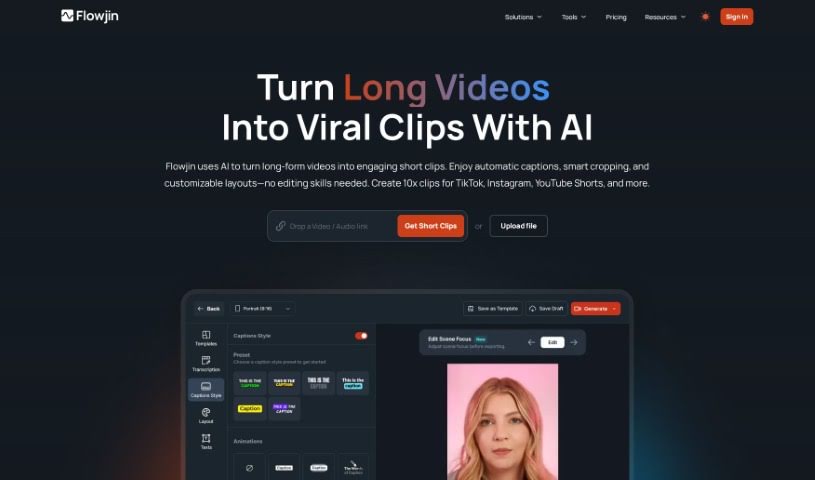
Screenshot of Flowjin

Flowjin

Freemium

Flowjin is an AI tool that automatically turns your video and audio productions into short videos, social media posts, and blog articles. It is your content's best friend, helping YouTubers quickly create YouTube Shorts to share on TikTok, and allowing marketers to easily repurpose their existing marketing assets into engaging Reels and TikTok videos. This really helps extend the life of the content you've already created. With Flowjin, you can efficiently edit short-form videos, generate lots of clips from longer pieces, and even schedule posts to keep your audience engaged regularly. The AI actually analyzes your content to find the most important ideas and then converts them into different engaging formats perfect for platforms like YouTube, TikTok, and Instagram Reels.

Video Generation View Tool →
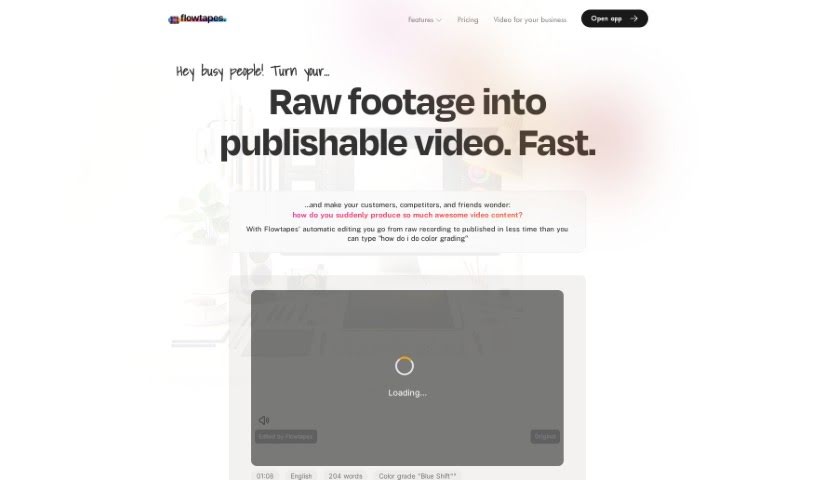
Screenshot of Flowtapes

Flowtapes

Freemium

Flowtapes is a video editing tool built to make the editing process much simpler for everyone. It automates a lot of the tedious work, like cutting out silences and repeated words, adding those cool zoom jump cuts, improving your audio, tossing in background music, creating animated captions, and even making short clips from your longer videos. The big idea behind Flowtapes is to save you time, money, and the headache of manual editing.

Video Generation View Tool →
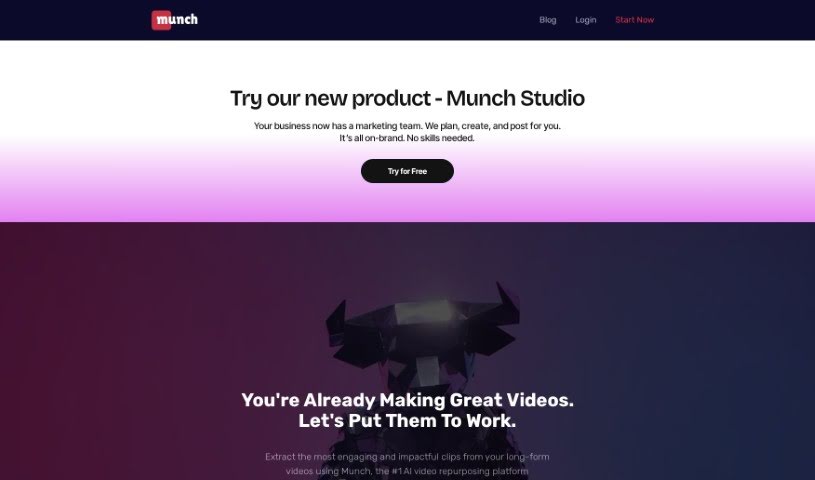
Screenshot of Get Munch

Get Munch

Freemium

Get Munch is a platform that uses smart AI, including GPT, OCR, and NLP, to go through long videos and pull out interesting, relevant clips perfect for social media. Think TikTok, Instagram, Twitter, LinkedIn, and YouTube Shorts. It's designed to help you find the most engaging parts of your content, match it with what's trending in marketing, adjust the video's focus so it performs best on any platform, create social media posts directly from your videos, and even produce content in different languages. Plus, Get Munch can automatically edit videos, add captions, and offers ways to get the most out of your long-form video content.

Video Generation View Tool →
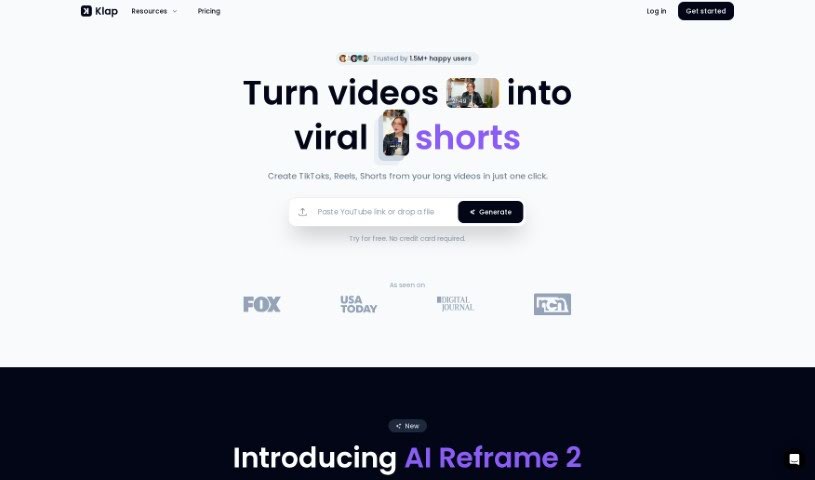
Screenshot of Klap

Klap

Freemium

Klap is a handy tool designed to help you easily create short videos, like TikToks, Reels, and Shorts, from your longer videos. It uses AI to automatically find and generate engaging clips from whatever you upload. This really saves you time on editing, and it helps you grow your audience by letting you easily repurpose your existing videos for different social media channels. You can upload videos up to 2 hours long if you're using Klap Pro, or up to 30 minutes with the free plan. The tool is built to create content that's likely to go viral, and it even provides AI-generated captions, making it super simple to share your content everywhere.

Video Generation View Tool →
Screenshot of Klipme

Klipme

Freemium

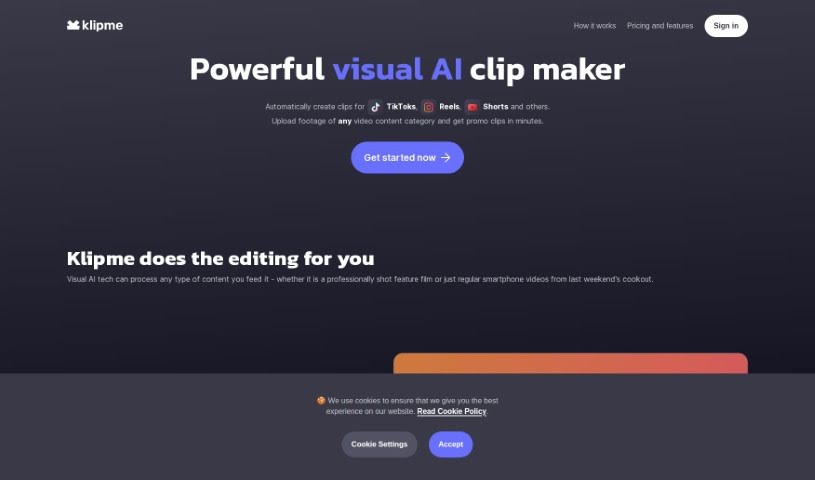
Klipme is a smart AI tool that makes creating eye-catching promo videos and summaries for platforms like TikTok, Reels, and Shorts much simpler. It uses AI to handle a lot of the editing work for you. Think automatic speech-based subtitles and videos that perfectly match music beats with its AI Beatpulse feature. Klipme also includes smart AI cropping, which is great for making sure your videos look their best on mobile screens. Plus, you get lots of ways to customize clips for different types of content. Just upload your video footage, and Klipme's generative AI will whip up trendy, animated, and stylish clips that fit exactly what you need.

Video Generation View Tool →
Screenshot of Lude

Lude

Freemium

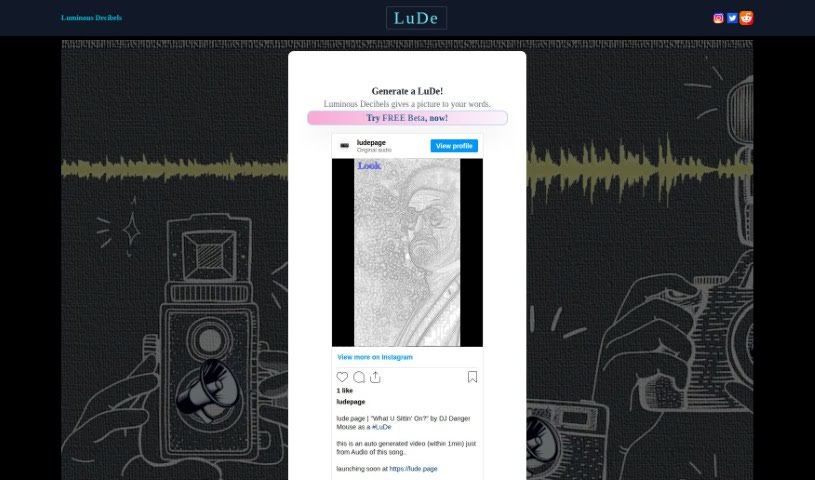
LuDe is an AI tool built for making short videos, especially those lyrical ones you see on YouTube Shorts or Instagram Reels. You can give it an audio file or just type in some text, and it'll create the video for you. Right now, LuDe is in beta, but it already has some neat features. You can pick different backgrounds, tweak the script, and use something called 'Luminate' processing to generate visuals based on what you input. If you want to upload audio, LuDe accepts files like wav, mp3, m4a, aac, and flac, with a maximum file size of 64MB. It also lets you edit scripts, trim longer audio clips down to 30 seconds, and basically create those short, catchy videos you're used to seeing on Instagram Reels. They even have a demo video to walk you through how it all works.

Video Generation View Tool →
Screenshot of MakeShorts

MakeShorts

Freemium

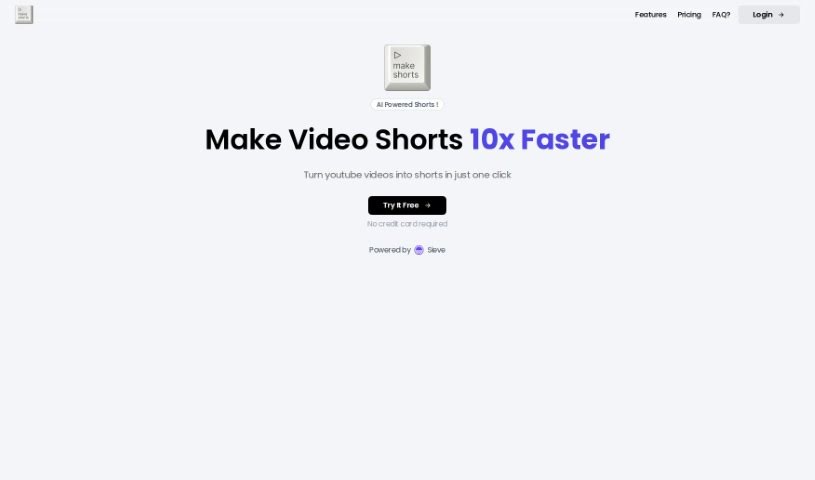
MakeShorts is a smart tool that uses AI to make creating short videos from your YouTube content super easy. It is your go-to for repurposing longer videos into engaging clips for platforms like YouTube Shorts, TikTok, and Reels. It's designed to automatically find the most interesting parts of your videos, switch them to a vertical format with smart cropping that keeps the focus on the speaker, and even add fast, accurate AI-powered subtitles. Plus, it helps you get noticed by suggesting AI-generated descriptions and hashtags. MakeShorts offers different pricing plans based on how many minutes of video you upload, with options like lite, plus, and pro to fit what you need and your budget. The AI works to transform your videos while keeping the original meaning and flow intact. It's especially handy for things like video podcasts, lectures, interviews, and webinars, as the AI is good at spotting captivating subjects and highlighting the most exciting moments.

Video Generation View Tool →
Screenshot of Nüz

Nüz

Freemium

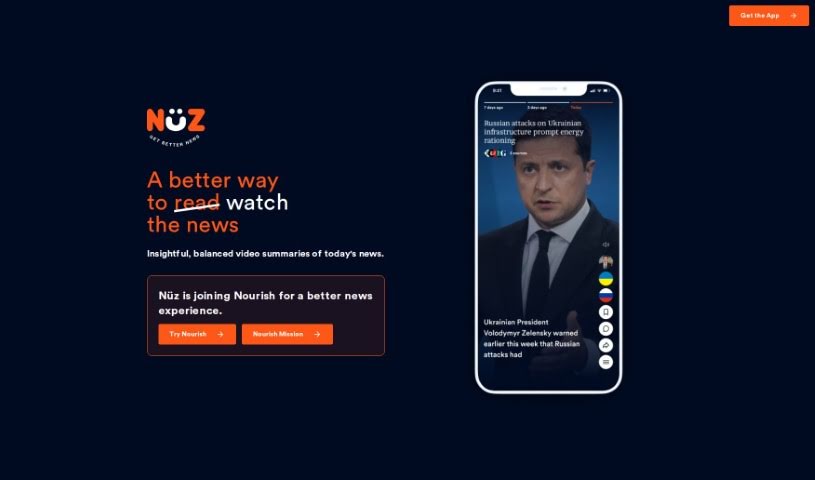
Nüz is a personalized video news platform developed by OneSub. It offers insightful and balanced video summaries of current events, presenting them as short, informative video stories that give you a broad perspective on global happenings. The whole idea behind Nüz is to be super-quick, super-informative, and super-balanced. It uses AI to understand the biases of various reputable news sources, aiming to give you a clear view of the world in just minutes. Plus, it's free to install, doesn't use cookies, trackers, or ads, and really focuses on giving you a balanced news perspective without ever compromising your privacy.

Video Generation View Tool →
Screenshot of Polymorf

Polymorf

Freemium

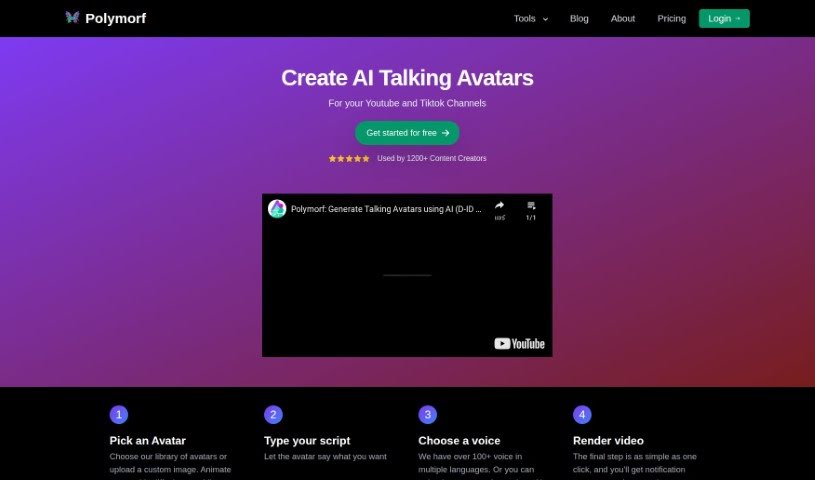
Polymorf is a Text-to-Video Avatar generator developed by Yomu Labs Inc, a company based in Montreal, Canada. It's designed to help you create talking head animations easily. You can pick from a selection of avatars or upload your own image, then simply type in your text or upload custom audio. The tool then generates a video of an avatar speaking your words. It's especially great for making short videos for platforms like TikTok or YouTube Shorts. You can even animate still images to make them look like they're talking.

Video Generation View Tool →
Screenshot of Powder

Powder

Freemium

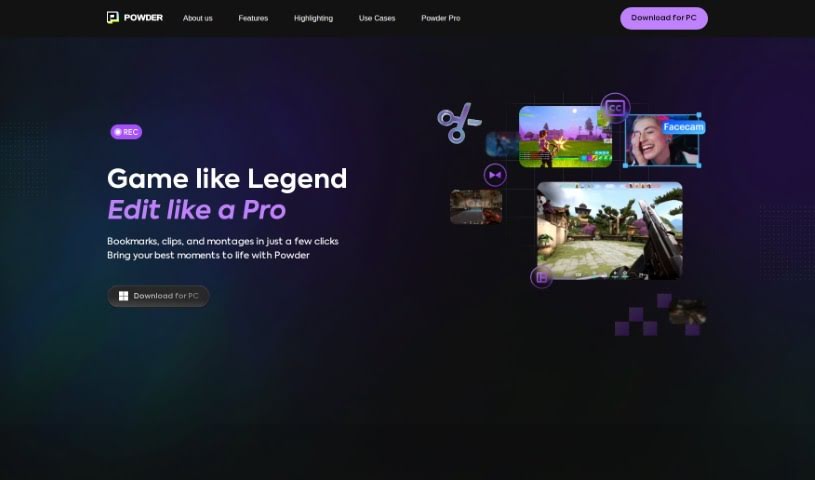
From what I've gathered, Powder is a handy tool built for gamers. It uses AI to help you turn those super long gaming streams into short, shareable clips for social media. It is an automatic clip generator that polishes your best moments so they're ready to share in just a few clicks. With Powder, you can record your gaming sessions, easily grab those standout moments, edit your game clips and montages, and even analyze your content without any limits. It's a PC app that works exclusively on Windows. You get features like screen recording, automatic clip creation for popular games, and smart AI video editing tools.

Video Generation View Tool →
Screenshot of SendShort

SendShort

Freemium

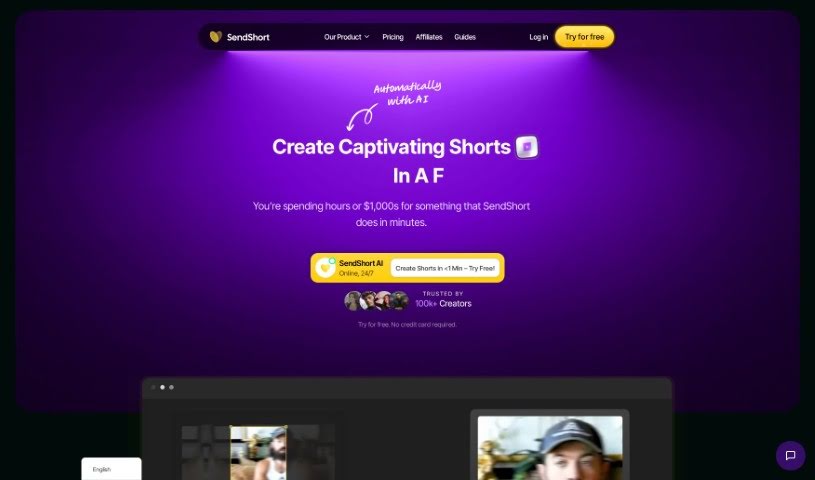
SendShort is a video editing tool that over 100,000 creators trust to help grow their social media accounts. It offers features like auto-subtitles in more than 50 languages, smart auto-cropping, custom templates, and the ability to triple your output on short clips. Many users have shared that they've seen significant improvements in efficiency, saved a lot of time, and become more productive since they started using SendShort. Plus, the tool has different subscription plans to fit various needs, including a free trial with limited features and paid options for more advanced users and agencies.

Video Generation View Tool →
Screenshot of Shortdeo

Shortdeo

Freemium

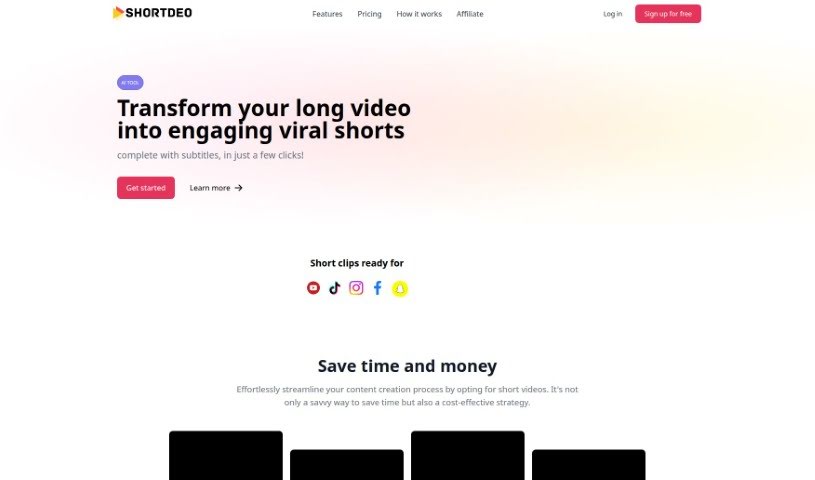
Shortdeo is an online platform that uses smart AI, called Magic Scene detection, to automatically break down your videos into shorter clips. You can then easily edit each of these clips, tweak the subtitles, adjust how long they are, and do even more. Shortdeo offers a few different pricing plans to fit what businesses need. There's a free option with basic features, and then professional plans that give you more exports, longer video clips, and higher resolutions. Basically, Shortdeo is designed to save you time and money by handling the work of creating short videos automatically. It supports popular social media sites like YouTube and TikTok, and you can even use their customizable text templates for your captions. It's powered by AI, really easy to use, and lets you create short videos without needing any professional video editing skills. Plus, Shortdeo has a straightforward, intuitive interface that makes the whole video creation process simple, even if you've never edited a video before. You'll also find features like auto-captions, AI-generated subtitles, and text templates that you can customize to make your videos more accessible and unique.

Video Generation View Tool →

Stay Updated with AI Tools

Get weekly updates on the latest AI tools, trends, and insights delivered to your inbox

Join 25,000+ AI enthusiasts. No spam, unsubscribe anytime.