10LevelUp
Video Generation Video Editing
Learn more
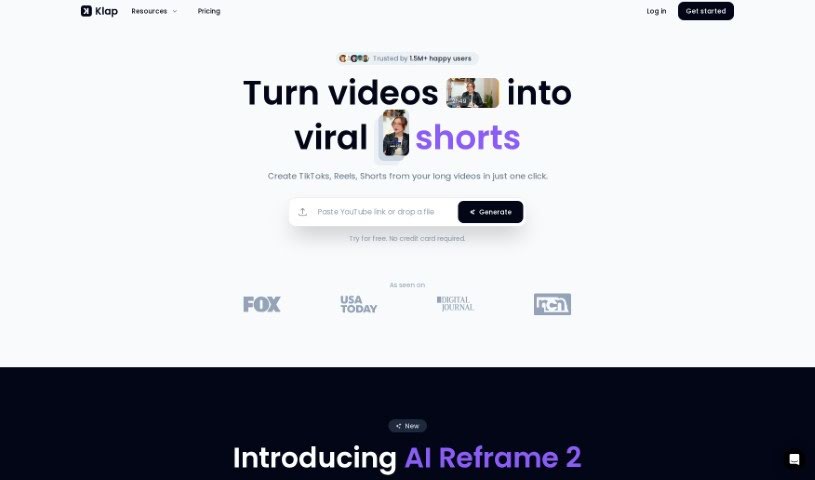
Discover what Klap is and how it turns long videos into ready-to-publish TikToks, Reels, and Shorts with AI editing, face-detecting reframing, and.
Klap is an AI tool that turns long videos into short clips for TikToks, Reels, and Shorts. It automatically finds the most engaging parts of an uploaded video, edits them into clips, reframes shots to keep faces in view, and adds AI-generated captions. This saves editing time and makes it easy to repurpose existing videos across social media channels.
Upload limits depend on the plan: up to 2 hours with Klap Pro, or up to 30 minutes on the free plan.
Klap was developed by a team of developers using technologies including GPT-4, Netlify, React, Stripe, Tailwind CSS, and Next.js. The platform reports over 650,000 creators using it. Its goal is to help content creators turn long videos into engaging short clips for Reels, TikTok, and Shorts, with users often citing the time saved through AI-powered editing.
Klap offers a free trial, with Klap Pro starting at $29 per month. The free plan supports uploads up to 30 minutes; Klap Pro supports uploads up to 2 hours.
Related
Discover more tools in similar categories
Weekly picks of the best AI tools we've researched and added — no spam, unsubscribe anytime.
Join 25,000+ AI enthusiasts. No spam, unsubscribe anytime.