A
ArtificialStudio
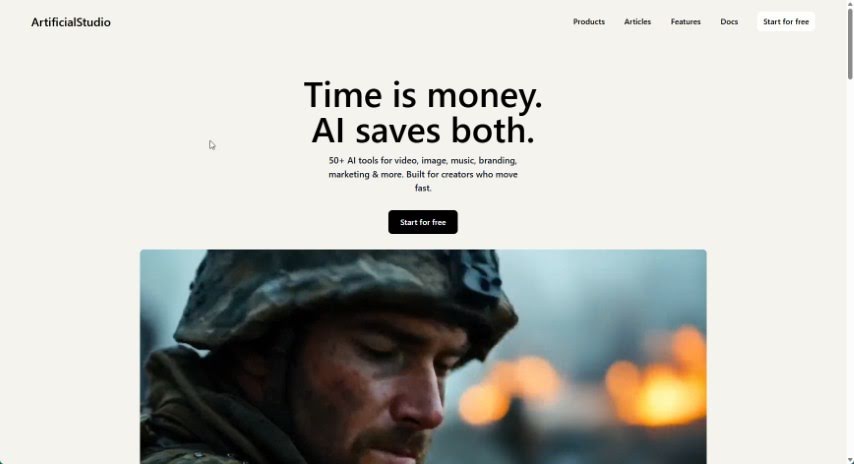
FreemiumArtificialStudio is a platform for automating creative projects, bringing AI tools for image, video, audio, and 3D work together in one place:
Image To Video
View Tool →
Discover the best Image To Video AI tools to enhance your productivity and creativity.
ArtificialStudio is a platform for automating creative projects, bringing AI tools for image, video, audio, and 3D work together in one place:
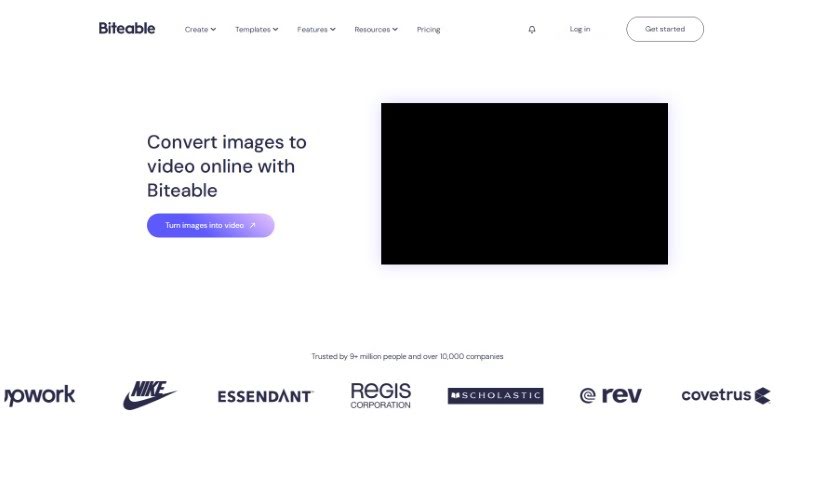
Biteable Image to Video is an online tool that turns photos into videos. You upload images from your own device or choose from Biteable's image library, then arrange them on a timeline. You can add movement effects such as pans or swipes, transitions between scenes, animated text, icons, and background music. After previewing the result, you can export or share the video in high resolution.
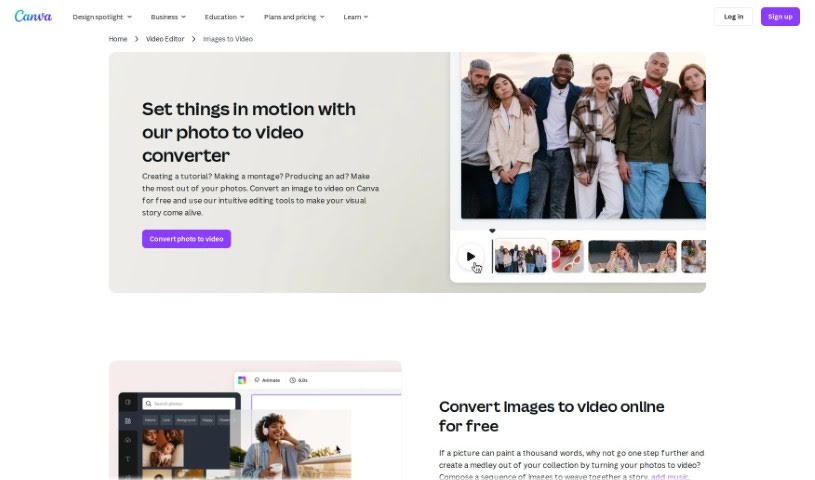
Canva's Photo to Video Converter is a feature built into Canva that turns a collection of photos into a video slideshow. You can import images, add transitions between them, overlay text, and include background music. The result is a video presentation suitable for social media, presentations, or personal projects — all without leaving the Canva platform.
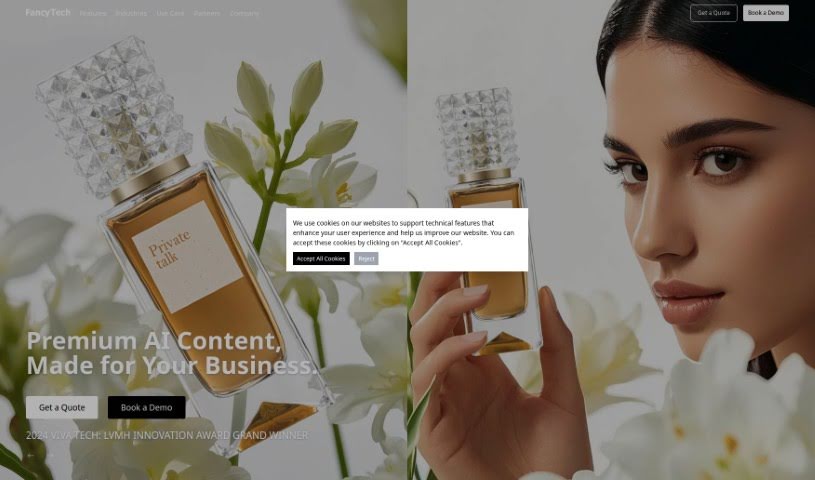
FancyTech is an AI-powered platform and winner of the LVMH Innovation Award. It converts standard product images into dynamic, shareable videos, allowing businesses to produce professional-looking video content quickly, even without prior video editing experience. The platform's goal is to boost online visibility, increase audience engagement, and drive more traffic to your website through visually appealing video content.
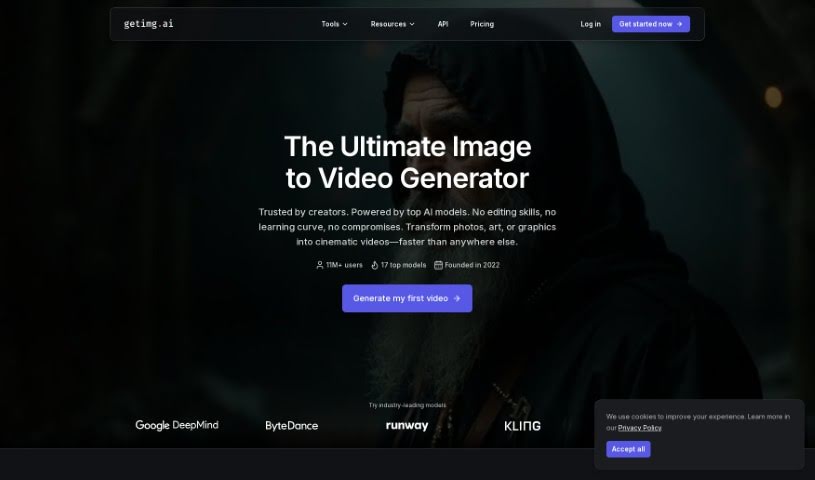
Getimg.ai's AI Image to Video tool turns still images into short video clips. It uses the Runway Gen-3 model to generate motion from a single picture. Rather than simply sequencing images, the tool generates multiple frames by analyzing the context of your image and learning from patterns, producing coherent motion and smooth transitions.
Haiper AI is a content creation tool that uses artificial intelligence to turn text and still images into videos. It includes Video Repainting, which lets you change parts of existing videos, plus tools to animate static images. It also offers controls for AI camera movement, lighting adjustment, character poses, and motion. Haiper AI is designed to help individuals and businesses produce video content.
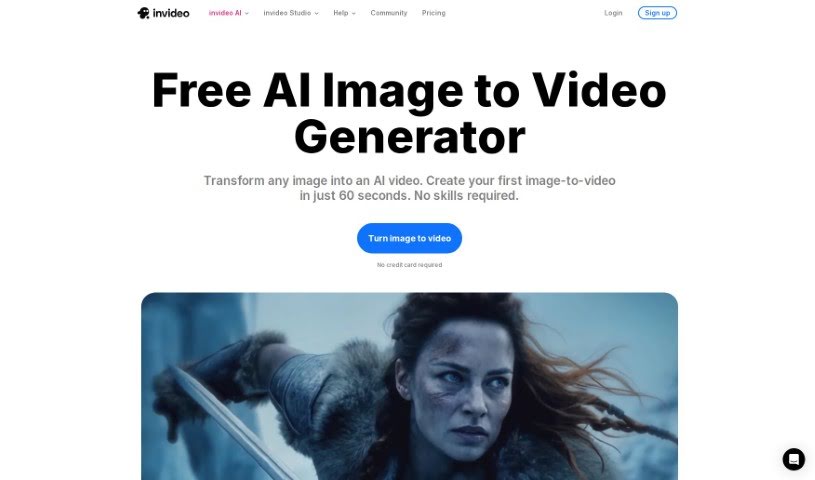
InVideo AI's Image to Videos feature converts static images into videos using artificial intelligence. You upload your pictures and provide a text prompt describing what you want, and the AI generates a video for you. It handles much of the production work automatically, including background music, voiceovers, and subtitles, reducing the need for manual editing.
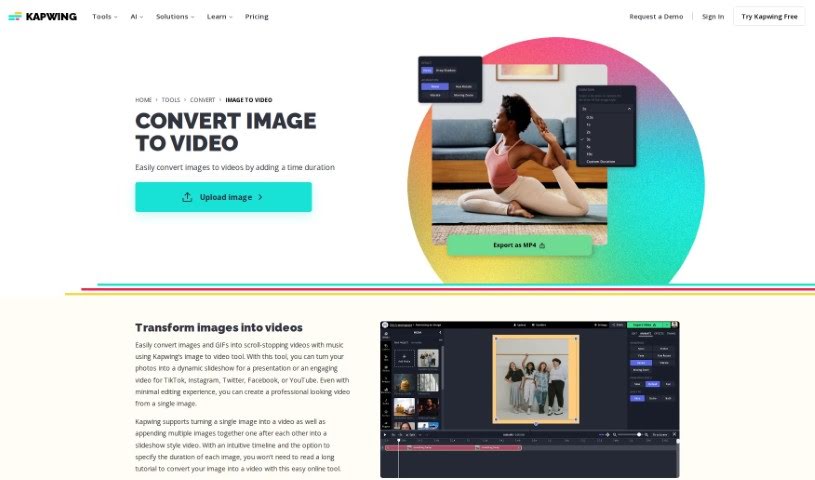
Kapwing's AI Image to Video tool turns still images into dynamic video clips. It supports common image formats like JPG, PNG, and GIFs, and handles a range of image-to-video tasks, from converting a single photo into a video clip to creating freeze frames or editing existing video segments.
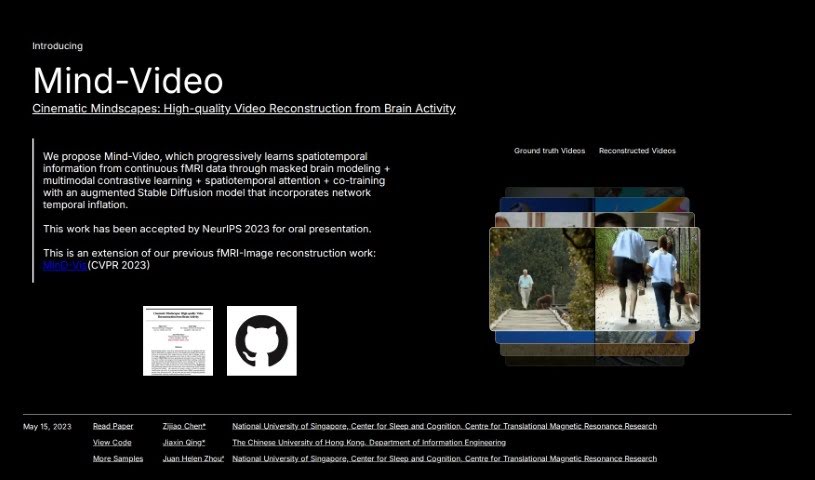
Mind Video is a two-part model that reconstructs video from brain fMRI signals, bridging the gap between decoding images and decoding video from brain activity. It learns progressively across several stages to capture the meaning behind what a person is seeing.
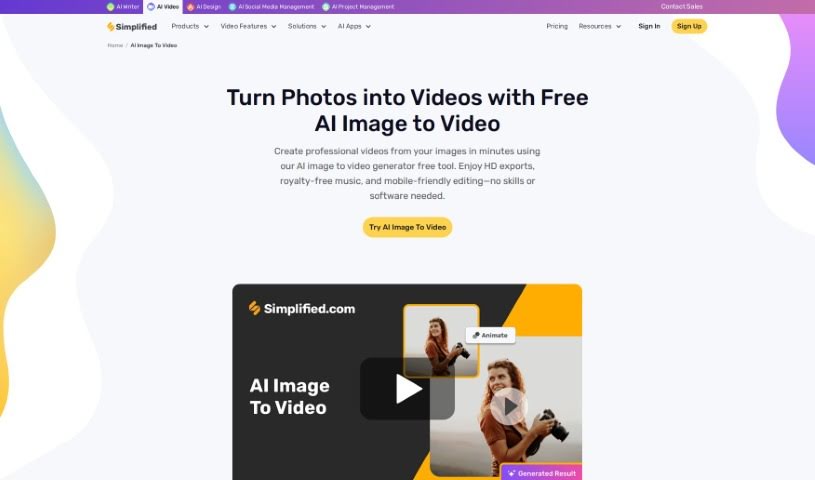
Simplified AI Image to Video is a tool that turns still images into videos using the Stable Video Diffusion Image to Video model. It requires no prior video editing or design experience and is built to be user-friendly.
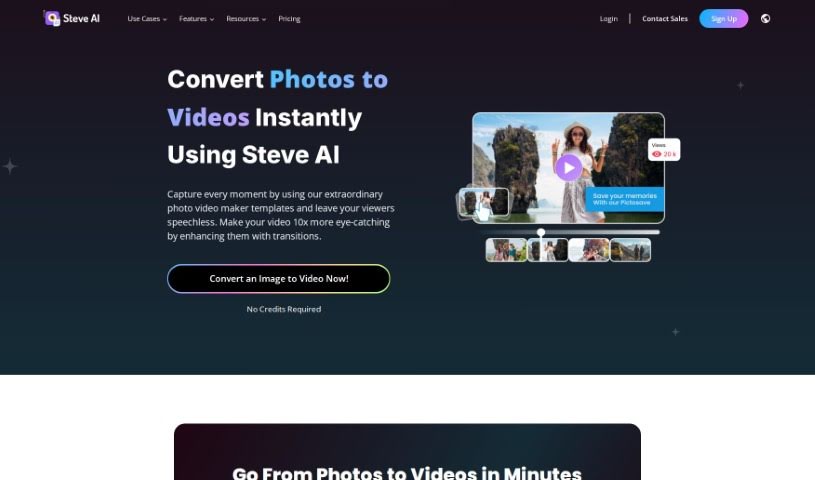
Steve.ai Photo Video Maker is a tool for turning photos into videos. Its advertised capabilities include 4K rendering, access to media libraries, and animation features.

Twinsync is an AI tool for modifying existing videos without any special training. Its core features—TalkSync, FaceShift, LipSync, and VideoChat—let you make videos speak chosen audio, swap faces, adjust lip-sync across multiple languages, and hold video conversations with an AI chatbot. The platform can also turn photos into videos, support social interactions, and assist with setting personal goals. Businesses get API options, including free API support each month for select projects.
Bringing a still photo or graphic to life used to take hours of painstaking frame-by-frame animation or complex visual effects work. Whether you want to turn a product picture into an eye-catching video ad, animate a character concept, or add subtle motion to a website background, setting up manual keyframes drains your time and budget fast.
Think of the image-to-video tools in this category as motion design assistants. They don’t replace directorial judgment or narrative storytelling, but they transform static artwork and photographs into fluid video clips in just a few minutes.
Creating video content for social channels gets much faster when you start from a finished still image. Instead of setting up studio lights, hiring a camera crew, or spending days in editing software, you can take existing photos and apply realistic movement. Add camera pans, subtle facial expressions, or environmental motion like flowing water and drifting clouds with a few simple clicks.
Pre-visualization and storyboarding for larger film and ad projects see immediate speed improvements, too. Testing visual pacing or building a concept teaser before full production begins can get expensive fast. Image-to-video generators allow directors and concept artists to convert static storyboard frames into moving preview clips, helping production teams visualize scene timing long before stepping onto set.
Giving old visual assets new life is another huge advantage. Digital media folders are often packed with great photography and graphics that get used once and forgotten. Converting those static images into short looping videos, dynamic product teasers, or animated social posts gives your existing creative library fresh engagement on video-first platforms like Instagram, TikTok, and YouTube.
Practical Features to Look For:
- Camera movement controls: Settings that let you direct specific camera paths like panning, zooming, orbiting, or tilting around your subject.
- Motion brush and area masking: Tools that give you precise control over which parts of the image move while keeping the rest perfectly still.
- Text-guided motion prompts: Features that allow you to describe specific movements, speed changes, or visual actions using plain English instructions.
- Seamless video looping: Controls that render smooth, repeating animations ideal for website headers, digital signage, and social graphics.
- HD video exports: Rendering options that deliver crisp 1080p or 4K resolution suitable for professional marketing campaigns.
Captivating video will always depend on pacing, mood, and thoughtful visual direction. Software can animate pixels and simulate physical movement, but knowing what story to tell and how to connect with your audience remains your job.
Take a look through the tools below to start animating your visual library.
Weekly picks of the best AI tools we've researched and added — no spam, unsubscribe anytime.
Join 25,000+ AI enthusiasts. No spam, unsubscribe anytime.