AI Content Creator Tools: Top Picks & How They Work

AI Tools for Content Creators

Discover the best Content Creators AI tools to enhance your productivity and creativity.

Page 1 of 7 • 75 total tools
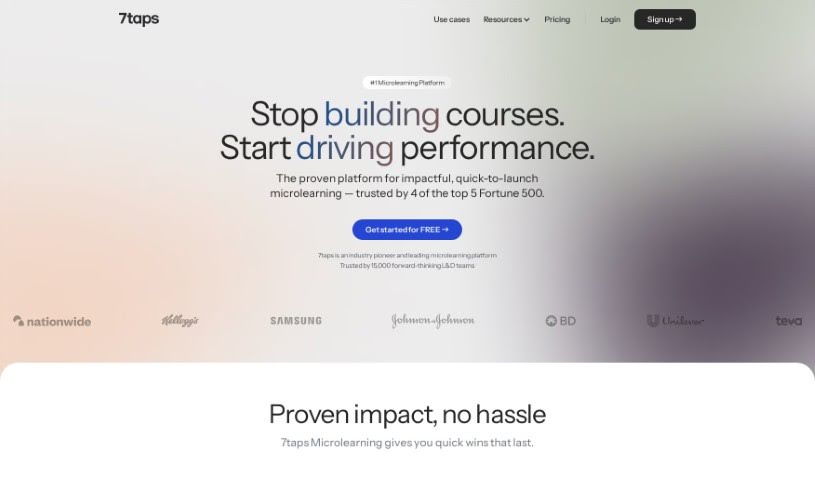
Screenshot of 7Taps

7Taps

Freemium

7Taps is a microlearning platform for creating and sharing bite-sized training content. Lessons are short and easy to digest, and built-in AI assistance speeds up course creation. Pre-designed templates can cut content development time by up to 90%, and courses can be shared via email, QR code, SMS, or directly within tools like MS Teams and Slack. SCORM is supported, and learners access content with one click on any device — no app downloads or accounts required.

Content Creators View Tool →
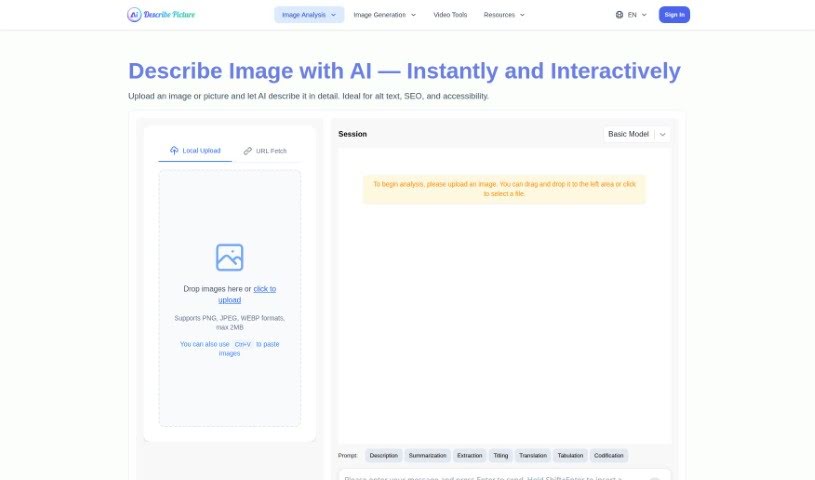
Screenshot of AI Describe Picture

AI Describe Picture

Freemium

AI Describe Picture is an AI-powered tool that generates detailed, context-rich descriptions for images. Upload one or more images, and the AI analyzes the visual elements and translates them into descriptive text. The platform includes an interactive chat feature for asking questions about image interpretation, along with social sharing options for publishing descriptions across social media. Regular updates add new features.

Content Creators View Tool →
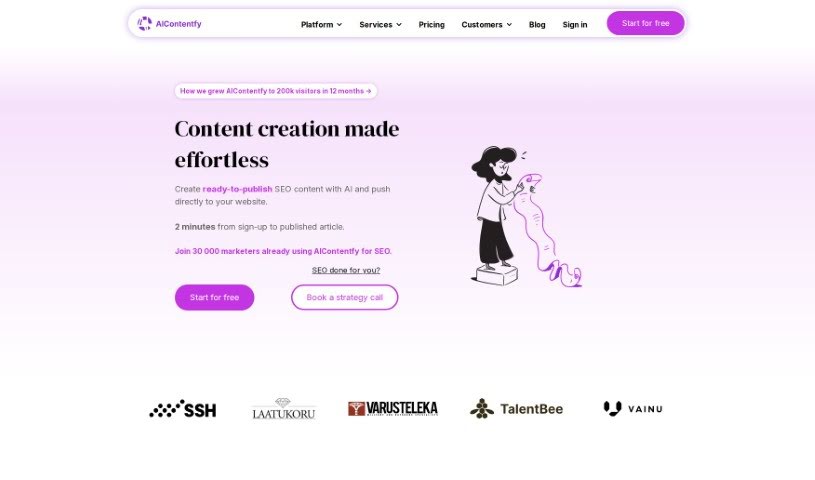
Screenshot of AIContentfy

AIContentfy

Freemium

AIContentfy is an AI-powered platform that automates content creation, helping you produce high-quality articles while cutting content costs. It combines current AI models with custom elements to raise article quality, and it can build topic clusters from a single keyword, track SEO trends, and draft content modeled on articles that already rank well. A built-in Content Score guides your SEO efforts even if you're not an expert, and the platform integrates with major CMS platforms. You can try AIContentfy for free to see how it affects your site's organic traffic.

Content Creators View Tool →
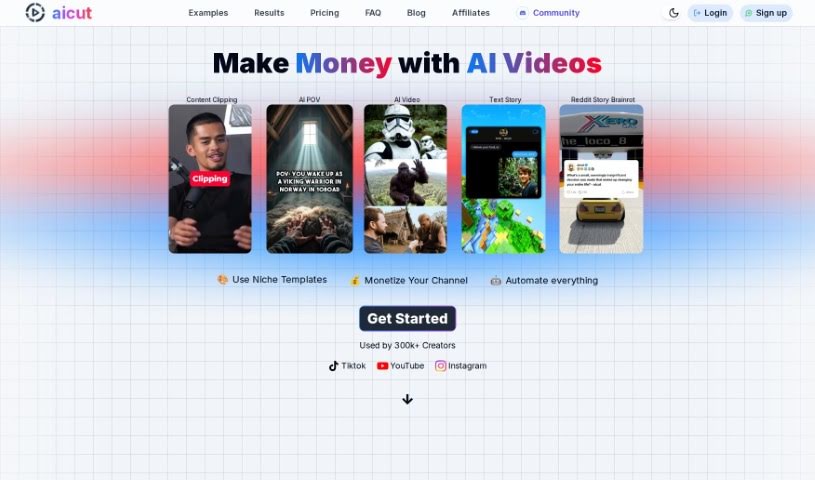
Screenshot of Aicut

Aicut

Freemium

Aicut is an AI platform that turns text into videos for social media platforms like TikTok, YouTube, and Instagram. Users type in their text, pick video and font styles, and get a video in minutes — no editing skills required. It is aimed at bloggers, tweeters, influencers, and digital marketers who want to produce video content quickly. Aicut offers subscription tiers ranging from a free option to monthly packages, with features like fast video generation and multimedia integration.

Content Creators View Tool →
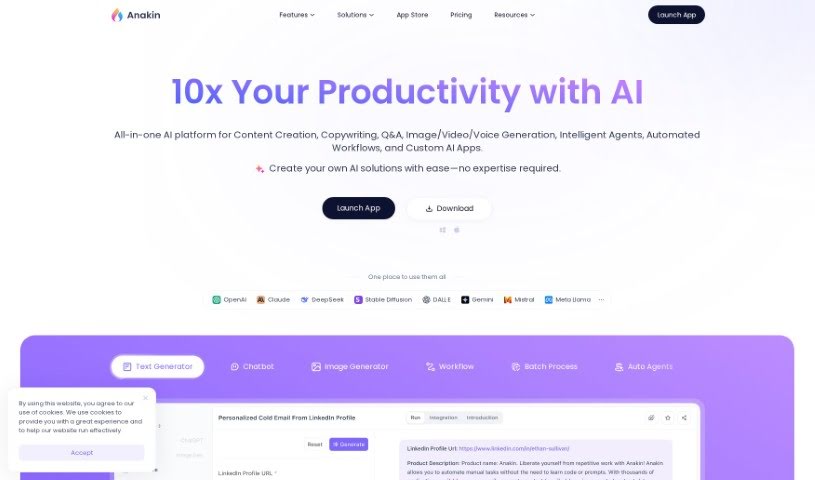
Screenshot of Anakin

Anakin

Freemium

Anakin.ai is a no-code platform for building AI applications. It ships with a library of ready-made apps for creating content, answering questions, and automating processes. Each app can be customized through a visual interface and connected to the tools and services you already use. The goal is to reduce repetitive work for individuals and teams.

Content Creators View Tool →
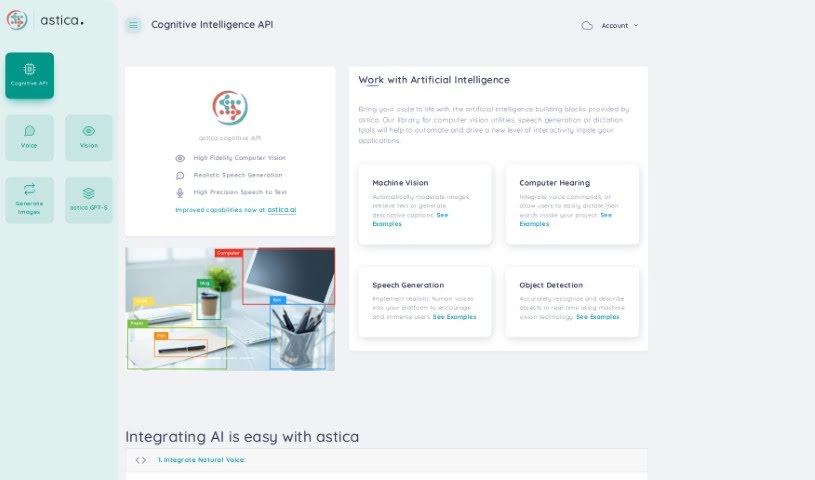
Screenshot of Astica

Astica

Freemium

Astica is an AI platform built around three core services:

Content Creators View Tool →
Screenshot of AutoCaption

AutoCaption

Freemium

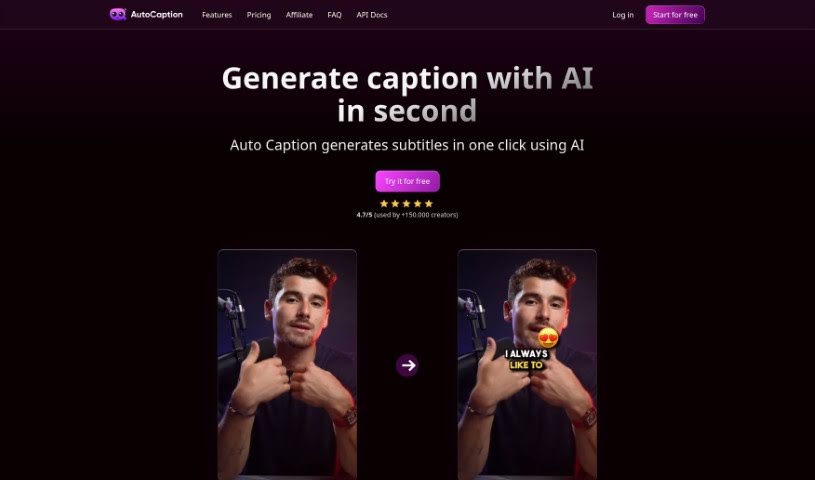
AutoCaption is an AI caption generator that automatically transcribes videos and adds animated emojis. It is built for vertical content on platforms like Instagram, TikTok, and YouTube, rendering in Full HD (1080x1920) at 60 frames per second with fast processing. Captions can be generated in over 56 languages, eliminating hours of manual editing.

Content Creators View Tool →
Screenshot of Beacons

Beacons

Freemium

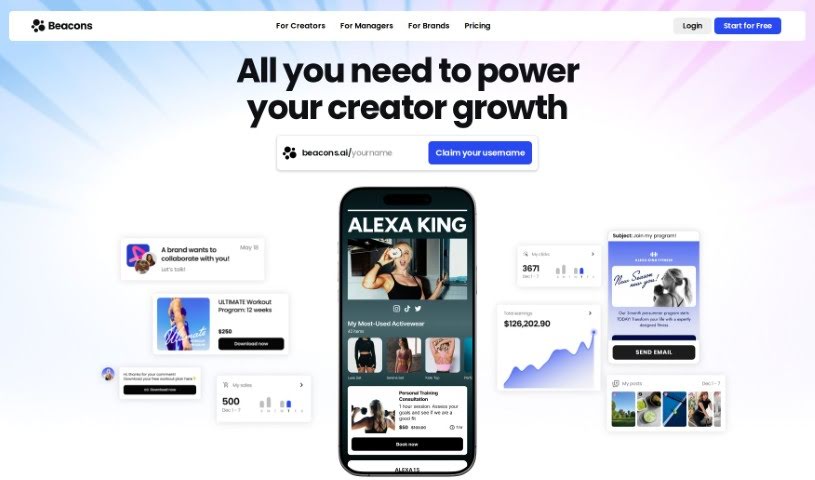
Beacons is an all-in-one platform for creators who want to manage their online presence and business from one place. At its core is a link-in-bio tool that keeps your important links together, paired with customizable creator pages that reflect your brand. On top of that, it includes built-in email marketing, an online storefront for selling products or services, financial tracking, audience management, short URL creation, and post activity tracking. It also helps manage sponsorships and generate tax forms, and its AI tools assist with brand outreach and writing pitch emails. Beacons is free to use and is built with creators on platforms like Instagram and TikTok in mind.

Content Creators View Tool →
Screenshot of Bestever AI

Bestever AI

Freemium

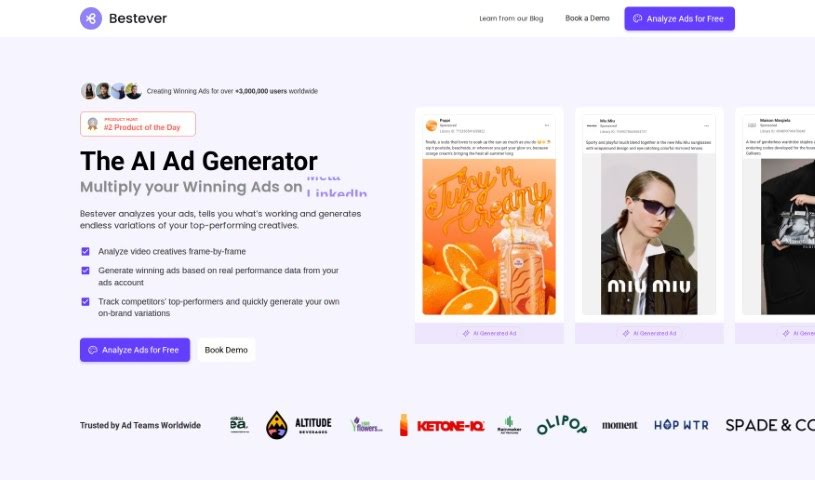
Bestever AI is a marketing visual creation tool. Its Gen-AI Ads feature generates videos and images quickly, letting users adjust visuals for different social media platforms, resize them to various aspect ratios, and remix content. Bestever AI is part of Bestever AI, Inc., and the company provides social media, legal, and careers links on its site.

Content Creators View Tool →
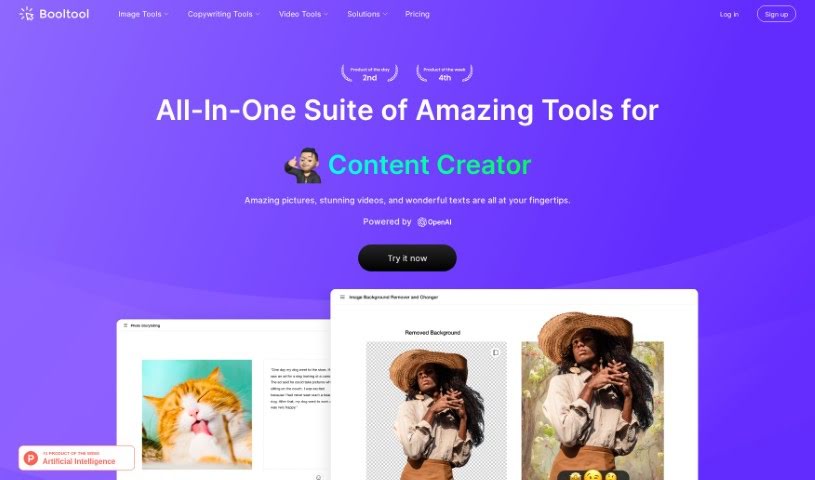
Screenshot of BOOLV Booltool

BOOLV Booltool

Freemium

BOOLV Booltool is a tool for building Boolean searches. It combines keywords with operators like AND, OR, and NOT to narrow search results and improve relevance. Its user-friendly interface makes it accessible to users at any skill level.

Content Creators View Tool →
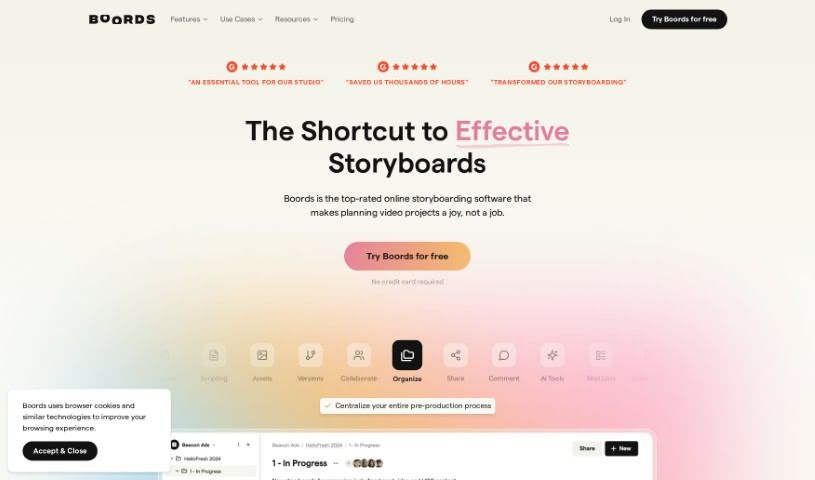
Screenshot of Boords

Boords

Freemium

Boords is a storyboard tool built around an easy-to-use interface, collaboration features, and an AI Storyboard Generator that produces finished storyboards without any drawing skills. It removes repetitive tasks, supports quick changes, simplifies client feedback, and keeps every storyboard organized in one place.

Content Creators View Tool →
Screenshot of Bridge

Bridge

Freemium

Bridge is a platform that helps content creators connect more deeply with their audience by simplifying feedback management. It supports gathering audience input, fostering conversations, understanding trends with analytics, and improving content, products, or services. Bridge focuses on helping creators use direct user input to meet audience needs and preferences.

Content Creators View Tool →
Previous 1 of 7 Next

About Content Creators tools

Creating content for a living often feels like running on an endless treadmill. One day you need three video scripts, a dozen social media graphics, an email newsletter, and a polished blog post. It doesn’t take long before burnout sets in, leaving you staring at an empty calendar and wondering how you’ll keep up with the latest algorithm shifts.

The tools in this collection act as extra production support. They handle tedious editing, formatting, and drafting so you can spend more time actually creating and connecting with your audience.

Streamlining Video, Visuals, and Repurposing

Speeding up video production is one of the biggest wins for modern creators. Editing a ten-minute video usually means spending hours cutting out silence, adding subtitles, and hunting down stock footage. Smart video editing platforms transcribe your footage automatically, removing awkward pauses, background noise, and filler words with a single click. You can turn long video takes into crisp short-form clips for TikTok or Shorts in minutes.

Visual design gets a major upgrade, too. High click-through rates usually come down to eye-catching thumbnails and graphics, but designing unique visuals for every post takes time. AI image generators let you build custom channel art, thumbnail backgrounds, and social graphics from simple text prompts, giving your channels a consistent look without needing expensive software or design degrees.

Repurposing your best work across multiple channels is another massive time saver. Instead of rewriting a single idea five different ways, content assistants help reformat long-form videos or articles into social media threads, email highlights, and quick summaries. You extract far more value out of every single piece of content you produce.

Features Worth Exploring:

  • Short-form video clipping: Tools that scan long videos to automatically extract, crop, and caption the most engaging moments for social media.
  • Automatic subtitle generation: Systems that create accurate, styled captions in seconds to keep viewers watching on mute.
  • Custom visual generation: Software that builds thumbnail graphics, channel banners, and original illustrations from text prompts.
  • Multi-platform content repurposing: Assistants that convert blog posts or long videos into newsletter drafts and social updates.
  • Voice cleanup and voiceovers: Applications that eliminate background noise and let you fix minor audio mistakes without re-recording.

Audience loyalty comes from authentic stories, genuine reactions, and unique perspectives—software can’t forge real connections for you. But handing off tedious video cuts, visual design, and social reformatting gives you back the energy needed to show up at your best.

Explore the tools below to streamline your production schedule.

The Best AI Content Creator Tools

  1. Beacons: Great for making your own custom creator pages that look good and fit your brand.
  2. LimeWire: Offers AI tools that make content creation feel seamless.
  3. Vondy: Provides customizable templates perfect for social media.
  4. Anakin: Helps you generate video scripts that really grab attention.
  5. Meta AI: Gives you suggestions for editing videos automatically.
  6. DupDub: Creates engaging voiceovers that make your videos more compelling.
  7. Podcastle: Makes it easy to create and edit audio content.
  8. GravityWrite: Specifically for generating YouTube video scripts.
  9. Aicut: Quickly turns your text into engaging videos.
  10. Kreadoai: Helps you produce engaging video content.
  11. Promo AI Content Planner: Great for creating engaging social media video ads.
  12. LogicBalls: Offers ideas and outlines for video scripts.
  13. Eklipse: Makes it effortless for influencers to share clips.
  14. Boords: Helps you create visual stories easily.
  15. 7Taps: Microlearning platform for bite-sized training content, no app download needed.
New tools, in your inbox.

Weekly picks of the best AI tools we've researched and added — no spam, unsubscribe anytime.

Join 25,000+ AI enthusiasts. No spam, unsubscribe anytime.