AI Project Management Tools

AI Tools for Project Management

Discover the best Project Management AI tools to enhance your productivity and creativity.

Page 1 of 21 • 251 total tools
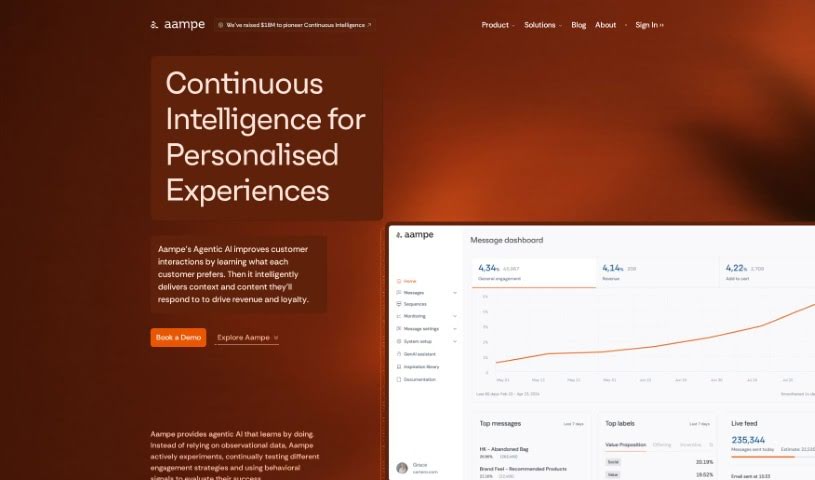
Screenshot of Aampe

Aampe

Freemium

Aampe is a platform for data analysis and machine learning. Users can create projects, upload data files, or connect existing data sources, then analyze data using statistical tools and visualizations. The platform also supports collaboration with team members, building and training machine learning models, evaluating model performance, and exporting results in various formats.

Project Management View Tool →
Screenshot of Adam.ai

Adam.ai

Freemium

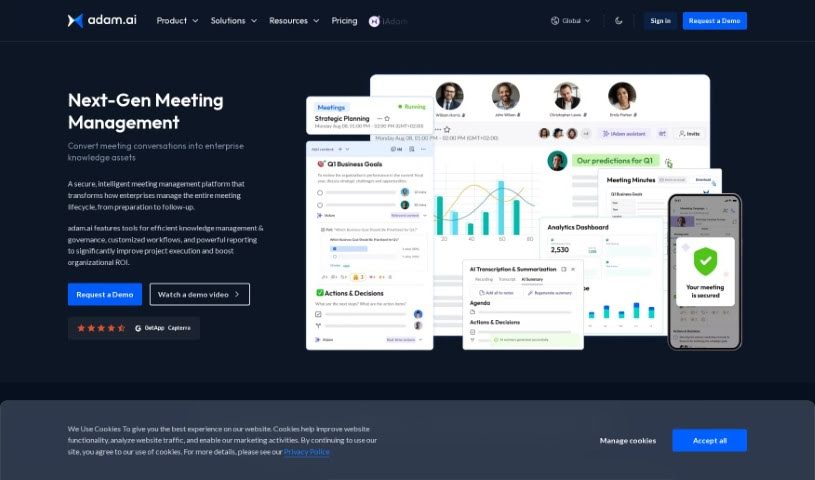
Adam.ai is a project management platform for team collaboration and communication. It helps assign and track tasks, manage documents, create meeting minutes, and integrate with tools like Google Drive and Slack. The platform centralizes project information and supports real-time collaboration, with an interface focused on efficiency, organization, transparency, and communication.

Project Management View Tool →
Screenshot of Agile Loop

Agile Loop

Freemium

Agile Loop's AL OS1 is a platform built on a Foundation Large Action Model. It lets you deploy AI agents that automate tasks across software interfaces using plain-English instructions. The system includes self-learning action models that help agents learn and complete tasks, with the goal of making human-machine interaction seamless.

Project Management View Tool →
Screenshot of AI Agent

AI Agent

Freemium

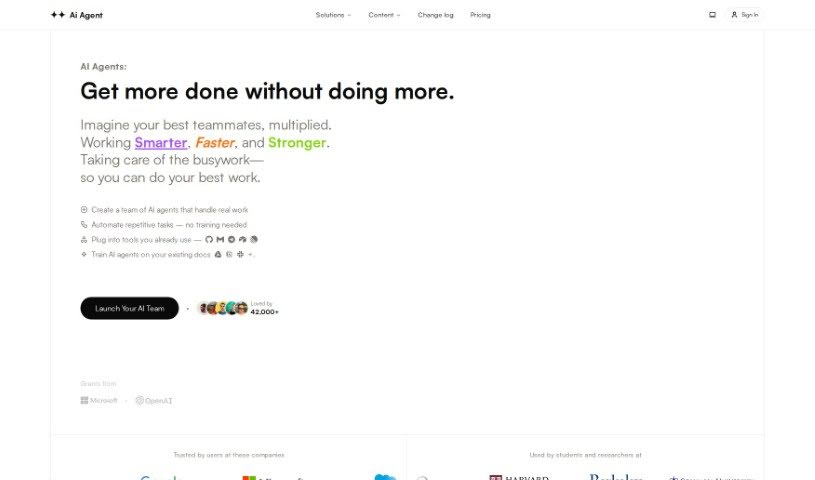
AI Agent is a web application that takes a user-defined goal, breaks it down into manageable steps, prioritizes them, and executes them one by one. You can run multiple agents simultaneously. It provides access to GPT-4 without requiring deep technical expertise, includes clear code visualization, and lets agents browse the web.

Project Management View Tool →
Screenshot of AI ChatDocs

AI ChatDocs

Freemium

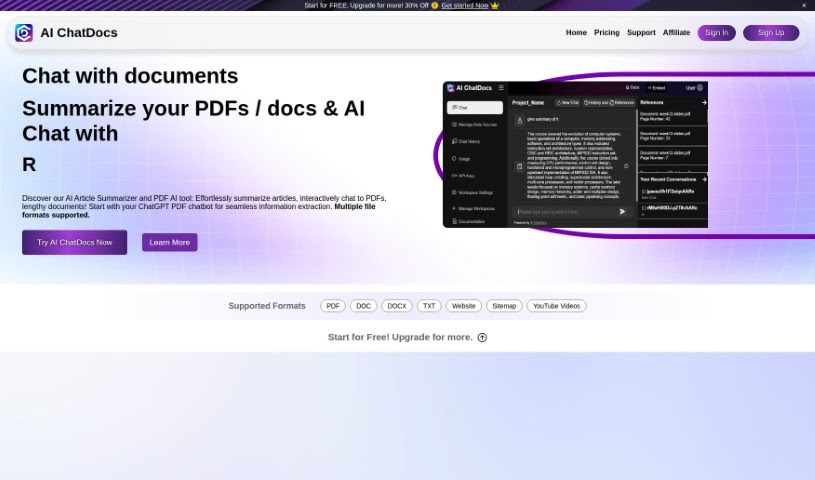
AI ChatDocs is a no-code chatbot built on OpenAI's ChatGPT technology. It learns from documents you upload—research papers, manuals, legal files, and other formats—then answers questions in natural language. It can answer customer questions about a product and guide visitors through its features and benefits, and it can be embedded on any website to give visitors a conversational way to get information.

Project Management View Tool →
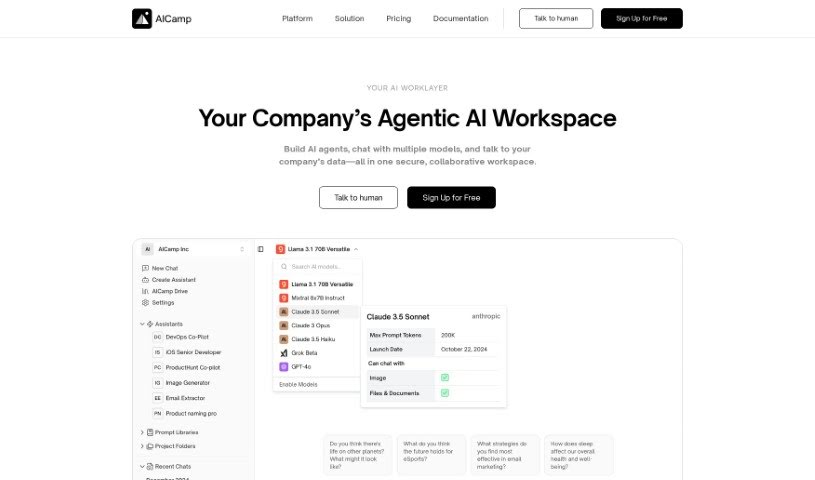
Screenshot of Aicamp

Aicamp

Freemium

Aicamp is a team platform for working with AI. It brings multiple AI models into a single dashboard where teams can organize, share, and refine prompts. It supports LLMs including GPT-4, Bard, Claude, and Llama 2, with an emphasis on smoother AI interactions and team productivity. Aicamp follows GDPR rules, offers workflow automation, and provides access to a growing knowledge library. Its stated aim is to make AI integration simple, affordable, and collaborative for businesses of any size.

Project Management View Tool →
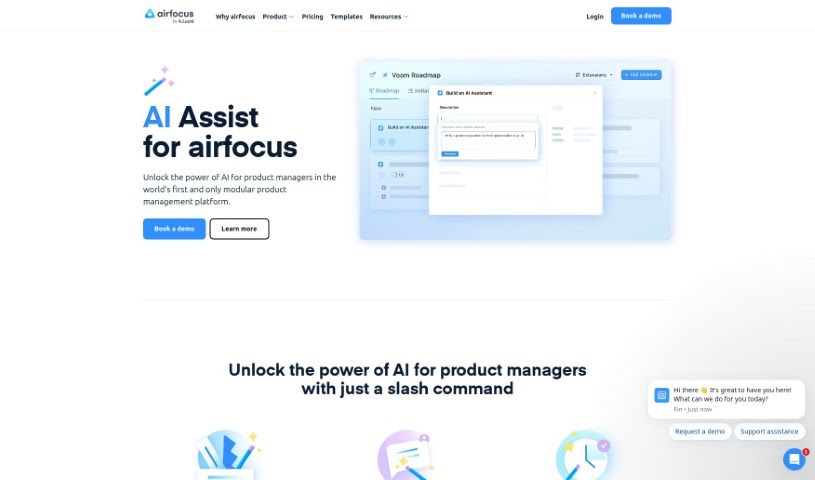
Screenshot of Airfocus AI Assist

Airfocus AI Assist

Freemium

Airfocus AI Assist is an AI assistant for product management. It helps product managers make data-driven decisions, prioritize work, and forecast product outcomes. The tool streamlines product management workflows, integrates with existing tools, and is built for product managers.

Project Management View Tool →
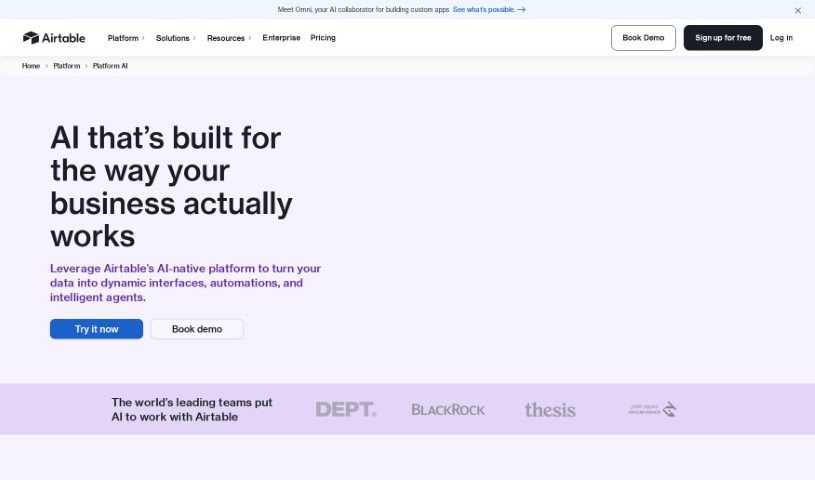
Screenshot of Airtable

Airtable

Freemium

Airtable is a platform for building custom business applications with built-in artificial intelligence, no coding required. It brings AI into everyday workflows to centralize and analyze data, track progress, automate repetitive tasks, and create custom reports. Teams can embed AI into existing processes, customize AI models to fit their needs, and make informed decisions while maintaining control over their data. The platform also supports customer relationship data management, keeps information secure, and connects with tools such as Slack, Google Drive, and Salesforce.

Project Management View Tool →
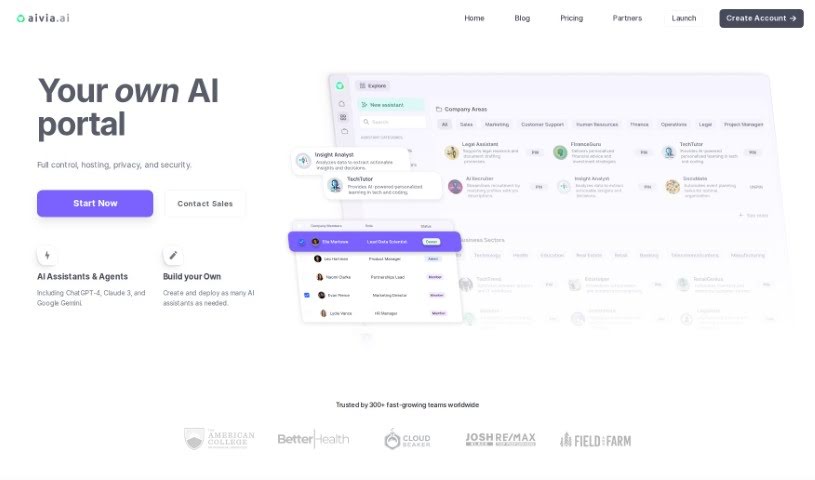
Screenshot of Aivia

Aivia

Freemium

Aivia is an AI adoption platform for businesses. It provides a private, encrypted workspace where teams can access AI models such as ChatGPT-4 and Google AI, train custom AI assistants on their own data without coding, and deploy pre-trained Specialist Assistants for marketing, sales, finance, operations, and engineering. The platform also includes collaboration tools, a database of over 2,500 prompts, an AI Academy for professional development, and team management features covering billing, permissions, and privacy settings.

Project Management View Tool →
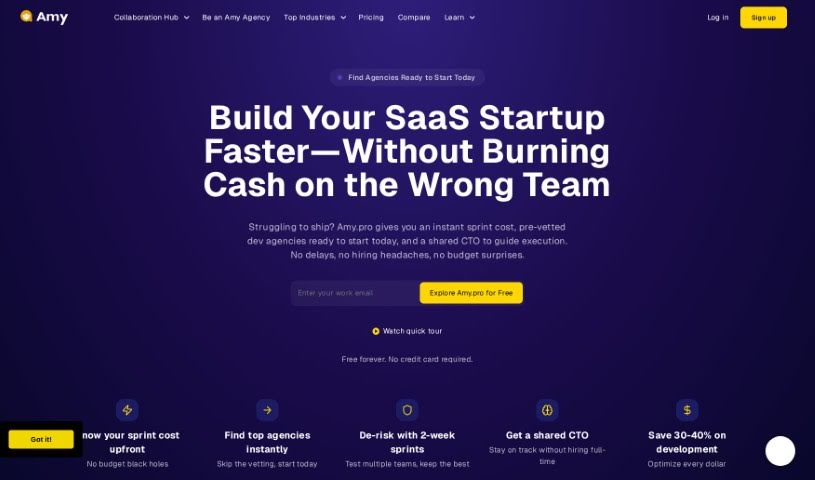
Screenshot of Amy Pro

Amy Pro

Freemium

Amy Pro is a conversational AI assistant that automates everyday work tasks: scheduling, to-do lists, HR duties, website updates, recruitment, and project tracking. It connects to the workspace apps teams already use for file sharing, chat, and video calls. The platform is PCI DSS compliant and stores data in U.S.-based data centers.

Project Management View Tool →
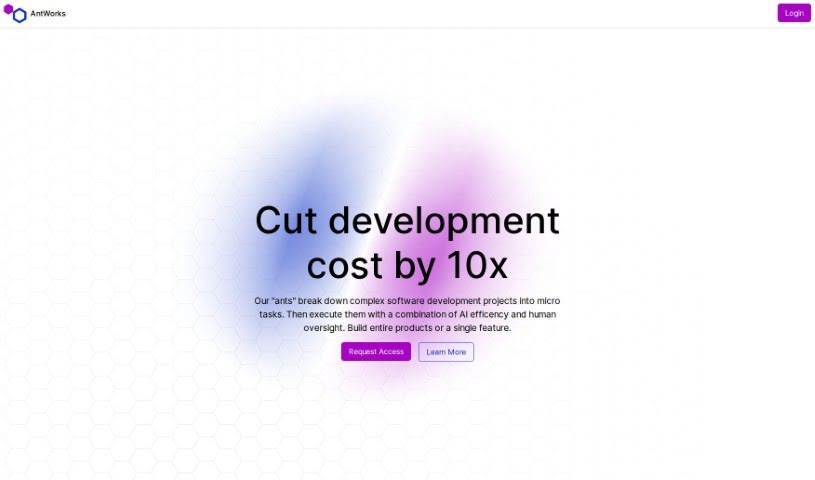
Screenshot of Antworks

Antworks

Freemium

Antworks is an AI-powered product development platform that breaks complex software projects into microtasks, combining AI automation with human review. You describe your idea through a chat interface, and Antworks turns that description into a project plan with progress tracking. The plan is split into microtasks that you review and approve — you only pay for approved work, with pricing that adjusts based on task complexity.

Project Management View Tool →
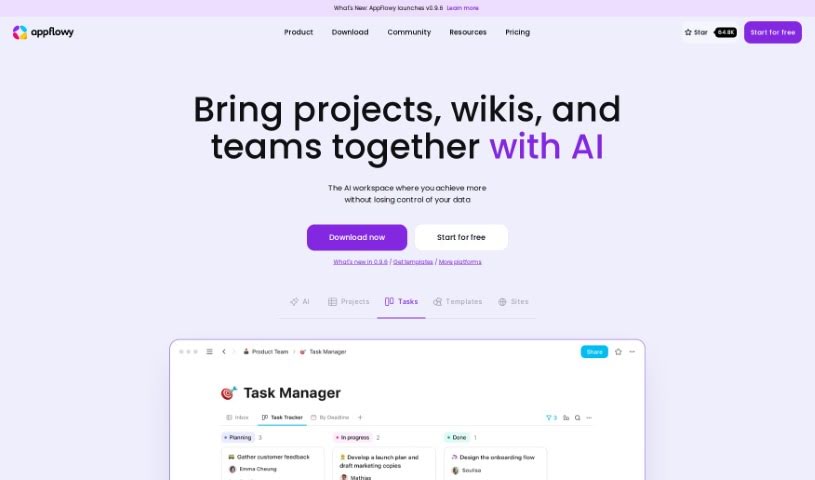
Screenshot of Appflowy

Appflowy

Freemium

AppFlowy is an open-source, AI-powered workspace for managing wikis, projects, notes, and tasks. It works offline, offers end-to-end encryption, and is customizable, with a rich-text editor at its core. Native apps run on macOS, Windows, Linux, iOS, and Android, and the project has a community of contributors from over 50 countries.

Project Management View Tool →
Previous 1 of 21 Next

About Project Management tools

Keeping a complex project moving when team deadlines shift and task dependencies get tangled is a constant juggling act. (I once spent two full hours updating Gantt chart dependencies after a developer went on sick leave, only to realize I’d pushed three client deliverables into the wrong week.) Between tracking status updates, reallocating team workloads, summarizing status meetings, and hunting down missing deliverables, administrative upkeep drains your day. When managing the project board takes more time than guiding the actual work, staying on schedule gets tough.

These AI platforms act as high-speed operations assistants for project managers, Scrum masters, operations leads, and team coordinators. They handle routine status tracking, predict scheduling bottlenecks, and generate clear project reports in seconds so you can focus on leading your team.

Automating Updates, Timeline Risks, and Action Items

Automating routine status tracking and project updates keeps your team focused on real work. Sifting through dozens of Slack messages or checking individual board cards just to build a weekly progress update eats up valuable time. Smart project assistants read team activity across your workspace, pull out completed milestones, and draft concise status reports for stakeholders automatically.

Predicting timeline risks and balancing team workloads prevents burnout before deadlines hit. Trying to spot hidden scheduling overlaps or resource bottlenecks across multiple simultaneous projects can feel overwhelming. AI scheduling engines analyze task durations, evaluate historical team velocity, and flag potential delays early, giving you room to adjust assignments before a crunch happens.

Synthesizing meeting action items and updating task boards keeps everyone aligned after every call. Listening through recorded syncs or reading raw transcripts just to assign follow-up tasks manually takes unnecessary effort. Intelligent meeting tools pull out key decisions, create new task cards on your project board, and tag the right team members automatically, ensuring nothing falls through the cracks.

Key Capabilities to Look For:

  • Automated status report generation: Systems that scan workspace activity to draft progress updates and executive summaries.
  • Predictive timeline and risk analysis: Software that evaluates team capacity and task dependencies to flag potential project bottlenecks early.
  • Natural language task creation: Tools that let you create, assign, and schedule tasks by typing plain English commands or uploading call transcripts.
  • Workload and resource balancing: Features that track team bandwidth across projects to prevent over-allocation and burnout.
  • Cross-platform workspace integration: Connectors that sync tasks seamlessly across apps like Jira, Asana, Trello, Slack, and email.

Successful project management will always depend on personal leadership, clear communication, and keeping people motivated. Software can update a board, predict a delay, or draft a status summary, but guiding a team through unexpected changes requires human empathy and judgment.

Take a look through the tools below to find the right project management helper for your team.

The Best AI Project Management Tools

  1. Odoo: for making team collaboration on tasks easier.
  2. N8N: for automatically updating project tools.
  3. Servicenow: for smoother project tracking and reporting.
  4. Whimsical: for simplifying project planning tasks.
  5. Mermaid Chart: for creating visual project timelines.
  6. Pitch: for getting real-time team updates and tracking progress.
  7. Git Mind: for making project timelines and tasks run more smoothly.
  8. Motion: for better team task coordination.
  9. Mindmap: for visualizing project milestones and tasks.
  10. Contra: for managing projects and contracts without a hitch.
  11. Creately: for real-time project tracking and updates.
  12. Spike: for making team communication effortless.
  13. Sintra: for simplifying how team tasks are assigned.
  14. Reclaim AI: for fitting project tasks into your calendar.
  15. Lucid: for managing project timelines and workflows.
New tools, in your inbox.

Weekly picks of the best AI tools we've researched and added — no spam, unsubscribe anytime.

Join 25,000+ AI enthusiasts. No spam, unsubscribe anytime.