AI Tools for Project Management

Discover the best Project Management AI tools to enhance your productivity and creativity.

Page 2 of 23 • 270 total tools

Project management has always been about staying organized, communicating well, and planning ahead. But as teams get bigger and projects more complicated, keeping everything on track can feel like a lot. That’s where AI comes in—it’s changing the game for how we manage teams and get things done.

Today’s AI project management tools do more than just basic scheduling. They offer smart features that can predict delays, handle routine tasks automatically, and improve communication, helping to turn potential chaos into clear progress. The right tool can really make workflows better and boost collaboration, which ultimately means more gets done.

I’ve spent weeks looking at different AI project management platforms to see which ones really shine in this busy market. No matter if you’re managing a small team or several big projects, there’s a solution out there for you.

If you’re ready to change how you manage projects and help your team perform better, keep reading. Here’s a look at some of the top AI project management tools available right now.

The best AI Project Management Tools

  1. Odoo for making team collaboration on tasks easier.
  2. N8N for automatically updating project tools.
  3. Servicenow for smoother project tracking and reporting.
  4. Whimsical for simplifying project planning tasks.
  5. Mermaid Chart for creating visual project timelines.
  6. Pitch for getting real-time team updates and tracking progress.
  7. Git Mind for making project timelines and tasks run more smoothly.
  8. Motion for better team task coordination.
  9. Mindmap for visualizing project milestones and tasks.
  10. Contra for managing projects and contracts without a hitch.
  11. Creately for real-time project tracking and updates.
  12. Spike for making team communication effortless.
  13. Sintra for simplifying how team tasks are assigned.
  14. Reclaim AI for fitting project tasks into your calendar.
  15. Lucid for managing project timelines and workflows.

How do AI project management tools work?

AI project management tools use smart algorithms and data analysis to help teams plan, carry out, and keep an eye on their projects more effectively. Basically, these tools use machine learning models that look at lots of project data. This helps them guess where problems might pop up and suggest ways to fix them. Because they can predict issues, managers can make decisions ahead of time and stay on top of things.

When you enter project details, like deadlines, what resources you have, and the project’s scope, the AI algorithms analyze it all. Then, they give you actionable insights. These might include better timelines, how to best allocate resources, and what risks to watch out for, which really simplifies the planning stage. In short, the tools take complex data and make it easier to understand, helping teams see their progress more clearly.

Collaboration is also a key part of AI project management tools. These platforms often include ways for team members to talk about tasks and share updates as they happen. The AI can even summarize conversations, point out important decisions, and remind people about deadlines. This makes sure everyone is on the same page and accountable throughout the project.

As the project moves forward, AI tools keep learning from how people use them and what the results are. This feedback loop makes their suggestions better and more personalized over time. By looking at data from past projects, the algorithms can suggest the best ways to work based on your organization’s specific needs, which ultimately boosts overall productivity.

So, AI project management tools work by combining smart data analysis with easy-to-use interfaces. They offer a powerful way to manage projects, pulling insights from past data and making it easier for team members to work together. The future of project management looks bright, with AI playing a big part in how teams collaborate effectively.

Our best AI project management tools at a glance

RankNameBest forPlans and PricingRating
1OdooMaking team collaboration on tasks easier.N/A4.67 (6 reviews)
2N8NAutomatically updating project tools.Paid plans start at $50/month.4.58 (12 reviews)
3ServicenowSmoother project tracking and reporting.N/A4.45 (11 reviews)
4WhimsicalSimplifying project planning tasks.Paid plans start at $10/month.4.67 (27 reviews)
5Mermaid ChartCreating visual project timelines.N/A4.84 (19 reviews)
6PitchGetting real-time team updates and tracking progress.N/A4.75 (12 reviews)
7GitMindMaking project timelines and tasks run more smoothly.Paid plans start at $Free Trial/month.4.67 (6 reviews)
8MotionBetter team task coordination.N/A4.18 (11 reviews)
9MindmapVisualizing project milestones and tasks.N/A4.82 (11 reviews)
10ContraManaging projects and contracts seamlessly.N/A4.75 (12 reviews)
11CreatelyReal-time project tracking and updates.N/A5.00 (27 reviews)
12SpikeMaking team communication effortless.N/A4.15 (26 reviews)
13SintraSimplifying how team tasks are assigned.Paid plans start at $39/month.4.76 (17 reviews)
14Reclaim AIFitting project tasks into your calendar.Paid plans start at $10/month.4.25 (12 reviews)
15LucidManaging project timelines and workflows.N/A4.77 (13 reviews)
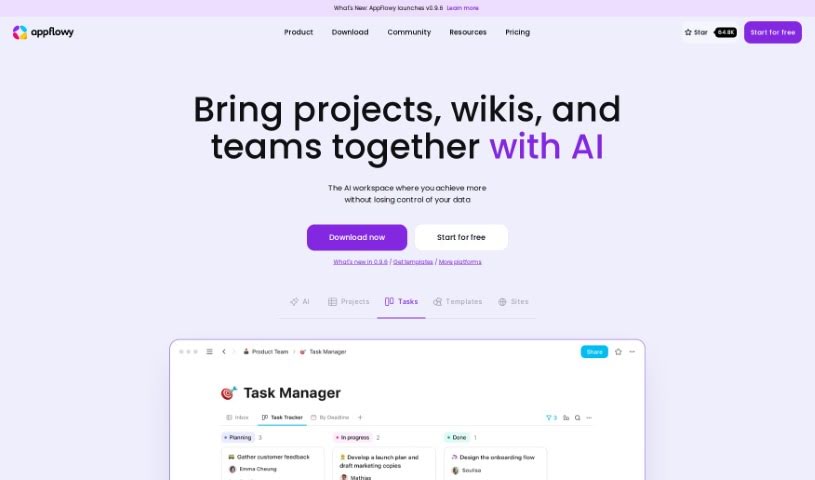
Screenshot of Appflowy

Appflowy

Freemium

AppFlowy is a really neat, open-source workspace built to help you be more productive, all while keeping your data super secure and under your control. It is an AI-powered space where you can easily manage your wikis, projects, notes, and tasks. What's great is that it works even when you're offline, offers end-to-end encryption for top-notch security, and you can customize it to look and feel just right for you. Plus, its user-friendly interface comes with a powerful rich-text editor. You can use AppFlowy on pretty much any device – macOS, Windows, Linux, iOS, and Android – so it's always with you. It’s a project that’s really grown thanks to its community, with people from over 50 countries contributing, meaning you can truly tailor AppFlowy to fit exactly what you need.

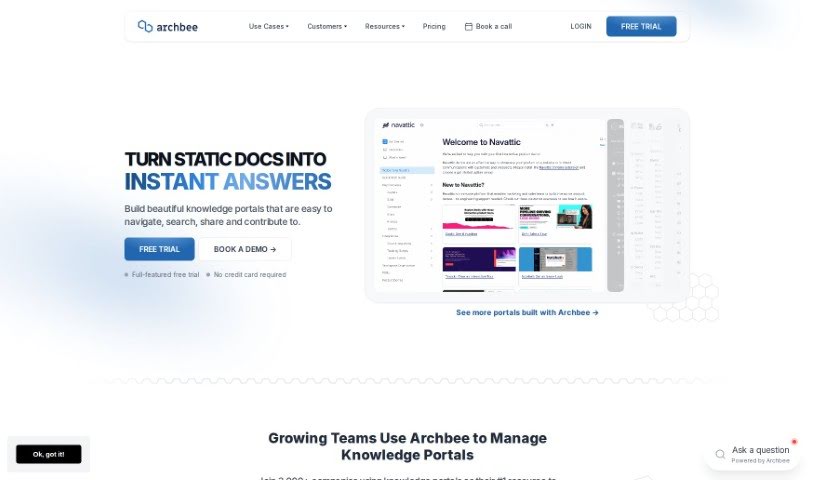
Screenshot of Archbee

Archbee

Freemium

Archbee is a really thorough platform for building and managing your documentation. It is your go-to place for creating documentation portals that can instantly answer questions for both your users and your developers. It's packed with features like Generative AI to help you get quick answers, tools for creating content together with your team, and integrations that make your whole workflow smoother. People often mention how easy Archbee is to use, especially when they need to create technical documentation fast.

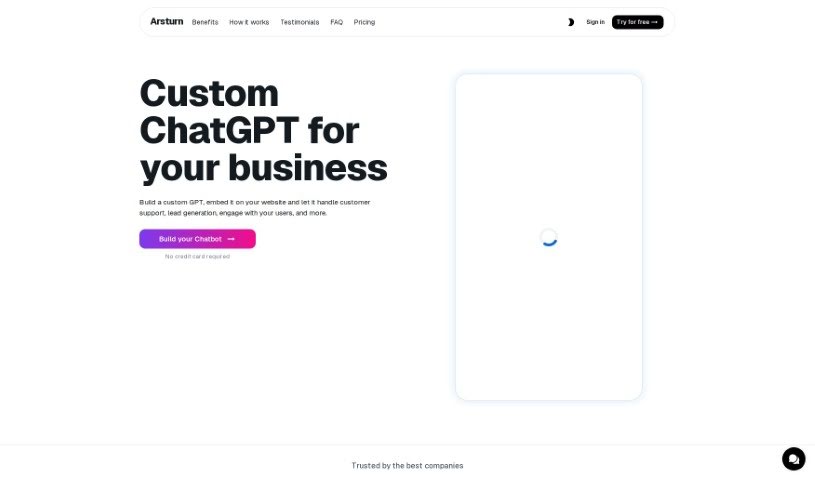
Screenshot of Arsturn

Arsturn

Freemium

Arsturn is a platform built to make your digital life smoother and more productive. It offers smart, user-friendly solutions designed to help you tackle all sorts of tasks efficiently. It is a toolkit packed with advanced technology that really gets things done, focusing on performance and dependability. It's all about boosting your productivity and making sure you have great support whenever you need it. Arsturn's goal is to completely change how you approach tasks, whether they're simple or really complex, by blending the latest tech with interfaces that are genuinely easy to use.

Screenshot of Asknova

Asknova

Freemium

Asknova is your digital sidekick, ready to help you brainstorm, plan your next big move, create content, and manage your to-do list. What's really neat is that it lets you customize your own agents, manage commands, and even tweak how it behaves. It can also look back at your old notes, give you reminders, and switch between different ways of working. Plus, Asknova is built for teamwork, so you can use it to design services or even build games together with others.

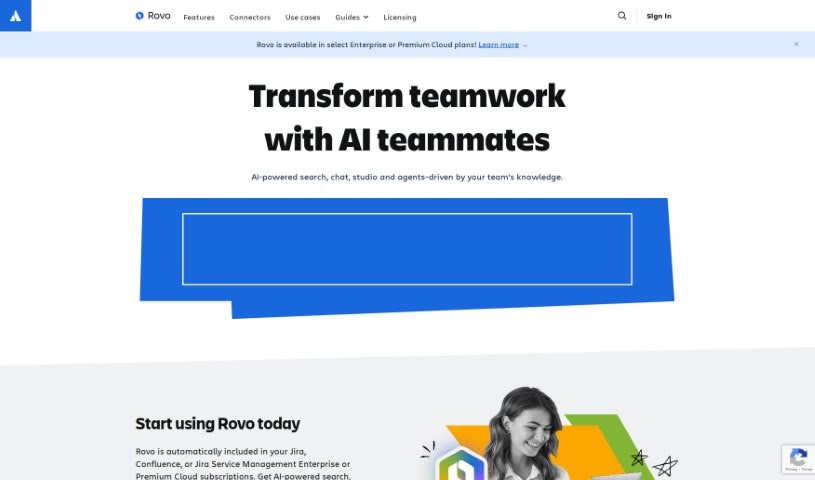
Screenshot of Atlassian Rovo

Atlassian Rovo

Freemium

Rovo is a really handy platform built to help teams work better together and get more done. It offers powerful workflows that can be adjusted for all sorts of team setups and tasks, really changing the game when it comes to boosting efficiency and output. You can make your operations much smoother by easily plugging Rovo Agents into your existing workflows. Think about using them directly in Rovo Chat, the Confluence editor, or even with Automation. Plus, Rovo offers these cool 'Embedded Experiences' that make interacting with your workflows even better. It also plays nicely with other apps – it has connectors for popular ones like Google Drive, SharePoint, Microsoft Teams, Figma, and GitHub. And if you have your own special data sources, you can even build custom connectors for those, making sure it integrates smoothly with pretty much any software you're using.

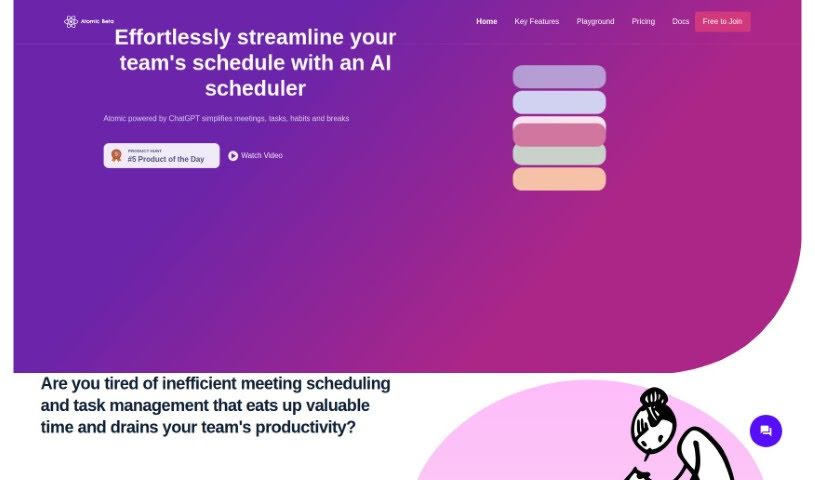
Screenshot of Atomic

Atomic

Freemium

Atomic is an AI-powered calendar assistant that's designed to make scheduling meetings and managing tasks for teams much smoother. It is your smart helper for keeping your team's schedule organized. It's got cool features like Autopilot, which automatically finds the best times for meetings based on everyone's availability, and a smart search that lets you use custom event templates. Basically, Atomic wants to take the hassle out of scheduling and task management so your team can really focus on getting their work done.

Screenshot of Atwork

Atwork

Freemium

Atwork is a really comprehensive software solution for managing work. Its main goal is to automate and simplify how things get done in the workplace, making workflows smoother and boosting overall productivity. It is a central hub that brings together a lot of different tools. You get features for managing tasks and projects, making team communication easier, allocating resources, getting insights from data and analytics, supporting remote work, managing your time, helping with performance reviews, storing documents, ensuring security and compliance, and generally encouraging collaboration.

Screenshot of Augmentir

Augmentir

Freemium

Augmentir is a software company that provides tools to help organizations digitize and streamline processes for their frontline staff. It is a comprehensive system that supports your team from the moment they're hired all the way through their career. Augmentir's connected worker solutions are designed to help businesses of any size make their operations smoother and boost productivity. It's recognized as the world's only AI-Powered Connected Worker Platform, specifically built to help manufacturing and service companies empower their frontline workers. The goal? To consistently improve safety, quality, and productivity year after year.

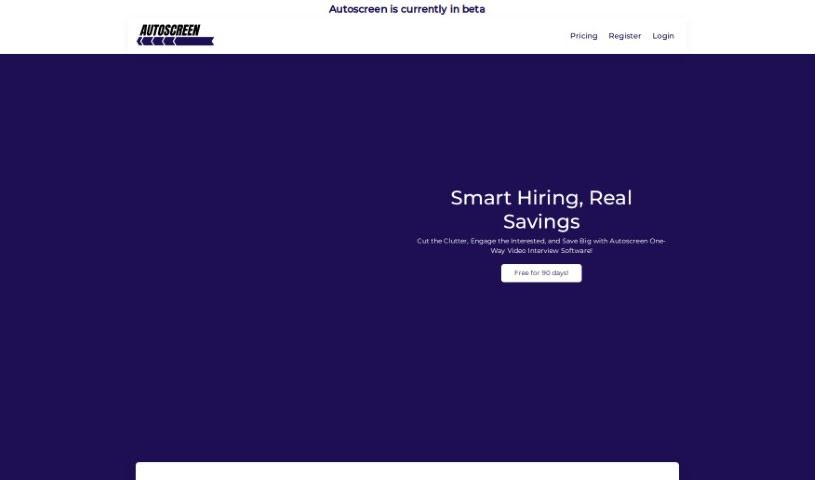
Screenshot of Autoscreen Ai

Autoscreen Ai

Freemium

Autoscreen Ai is a really smart tool designed to make interacting with digital screens much smoother and better. It's packed with features to help you manage your screen time and activities more effectively. Whether you're using it for personal projects or for work, the Autoscreen app is super user-friendly. It aims to make your digital life more organized and less stressful. Built with the latest technology, Autoscreen promises a seamless experience, whether you're automating tasks, organizing your work, or just trying to keep your digital space tidy.

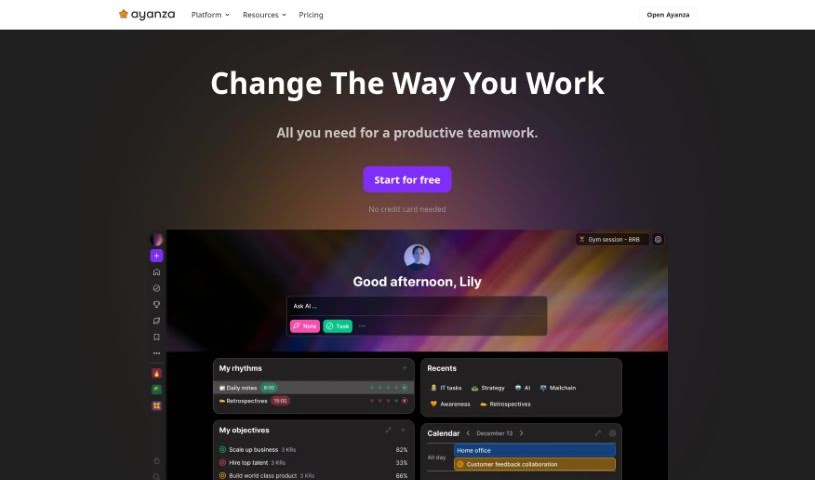
Screenshot of Ayanza

Ayanza

Freemium

Ayanza is a collaborative project management software designed to help teams reach their full potential. It does this by simplifying how projects are managed, making sure everyone on the team is on the same page with clear goals, and improving how work gets done. It also encourages a culture where team members openly share their work experiences. Ayanza offers different subscription options to fit various needs, starting with a free plan for startups and going up to enterprise solutions that include advanced features like AI writing help and various integrations. The company was founded in 2021 and is currently self-funded by its co-founders, who are looking for mission-driven investors to help them grow.

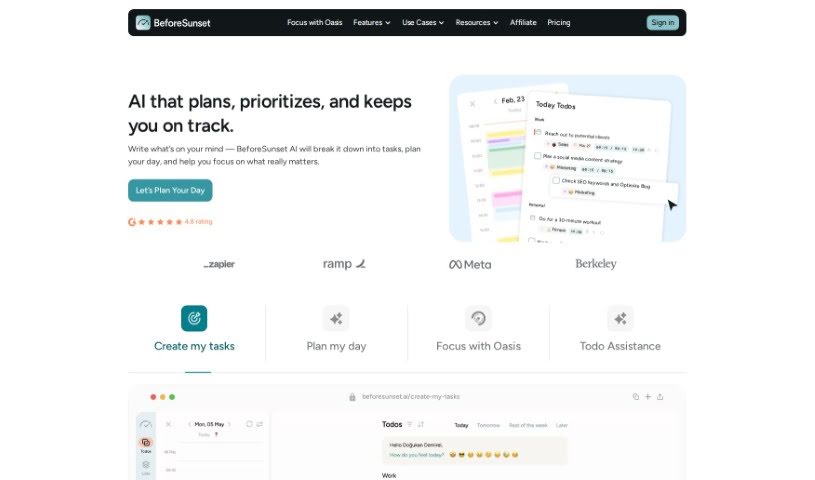
Screenshot of BeforeSunset AI

BeforeSunset AI

Freemium

BeforeSunset AI is a sophisticated artificial intelligence system built to make your experience better through personalized interactions and smart automation. This AI technology uses machine learning algorithms, which means it learns from how you use it. It figures out what you like and how you tend to behave, so it can offer recommendations and replies that are just right for you. What really makes BeforeSunset AI stand out is its ability to adapt and learn from every conversation, getting better and better over time. By using natural language processing (which helps computers understand human language) and predictive analytics (which forecasts future trends), BeforeSunset AI makes communication smooth and processes simpler. You'll find it useful in many areas, like customer service, acting as a virtual assistant, or delivering content tailored just for you. With its innovative features, BeforeSunset AI is set to change how we engage with technology and improve efficiency across all sorts of industries.

Screenshot of BGBye

BGBye

Freemium

It looks like the term "BGBye" didn't bring up any specific matches in the documents I have. This means I don't have any information available about it right now. If you could share a bit more about BGBye, maybe some extra details or context, I'd be happy to give you a more helpful explanation.

Stay Updated with AI Tools

Get weekly updates on the latest AI tools, trends, and insights delivered to your inbox

Join 25,000+ AI enthusiasts. No spam, unsubscribe anytime.