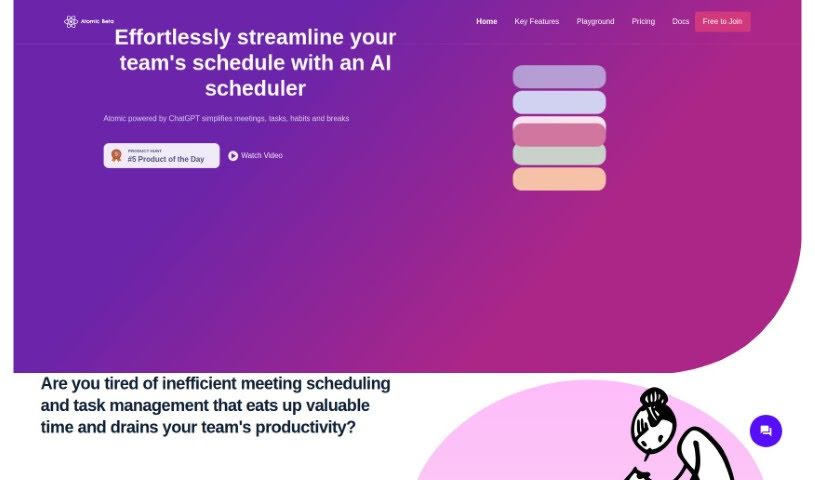
What is Atomic?
Atomic is an AI-powered calendar assistant that’s designed to make scheduling meetings and managing tasks for teams much smoother. It is your smart helper for keeping your team’s schedule organized. It’s got cool features like Autopilot, which automatically finds the best times for meetings based on everyone’s availability, and a smart search that lets you use custom event templates. Basically, Atomic wants to take the hassle out of scheduling and task management so your team can really focus on getting their work done.
Who created Atomic?
Atomic was actually developed by ChatGPT, an AI calendar assistant. The company behind it focuses on making meeting scheduling and task management simpler for teams. They offer features like Autopilot, which effortlessly streamlines schedules. Atomic also brings a fresh approach with its semantic search, automatic event tagging, and customizable time blocking to really boost productivity. Plus, you can even host the AI locally if you want more control over your data and a setup that perfectly fits your needs.
What is Atomic used for?
Atomic is super versatile and can help with a lot of things:
- Task Management: You can create an unlimited number of tasks for flexible time blocking, helping you adapt your schedule as needed.
- Smart Tagging: New events get automatically tagged and have attributes applied using AI, making them easier to sort and manage.
- Deadlines: You can set clear deadlines for your tasks.
- Calendar Sync: It syncs with an unlimited number of Google Calendars, so everything’s in one place.
- Flexible Meetings: Whether it’s regular 1:1s or spontaneous team meetings, Atomic handles them.
- Respecting Time: Atomic always considers everyone’s calendar when scheduling new meetings, ensuring no one’s double-booked.
- Work-Life Balance: It helps you create a priority-managed work-life balance.
- Autopilot: Just turn on Autopilot, and Atomic will manage your calendar in the background.
- Hosting Options: You can choose between a cloud-hosted option or self-hosting, both with immediate updates and support.
- Customization: Get a tailored experience with 1 year of support.
- Detailed Scheduling: It handles unlimited tasks for adaptive time blocking with a single Google calendar.
- Event Attributes: You can add details like time preferences, priority, buffer time, productivity ratings, and other attributes to events for smarter scheduling.
- Attribute Copying: For similar events, you can easily copy over color, availability, and other attributes.
- Recurring & Ad Hoc Meetings: It’s great for setting up recurring 1:1s or flexible team meetings.
- Augmenting Events: You can enrich events with time preferences, tags, colors, and more.
- Automated Time Blocking: Tasks get automatically blocked out based on their deadlines and priority.
Who is Atomic for?
Atomic is a great fit for:
- Teams that find scheduling a hassle: If your team struggles with inefficient meeting setups, Atomic can help.
- Busy professionals: If you’re looking to organize your schedule better and get more done, this tool is for you.
- Teams tired of scheduling chaos: If the constant back-and-forth for meetings and disorganized tasks are a pain point, Atomic offers a solution.
- Anyone needing better task management: It’s also ideal for teams who need help managing their tasks more effectively.
How to use Atomic?
To really make the most of Atomic for scheduling and task management, here’s a simple guide:
- Get Started: First, sign up for Atomic and connect your Google Calendar. This makes syncing your schedule super smooth.
- Schedule Meetings: Setting up 1:1s or team meetings is a breeze. You can easily add details like preferred times, priority levels, and even tags or colors to events.
- Manage Your Tasks: Use Atomic’s automated time blocking. It helps you allocate time for tasks based on when they’re due and how important they are.
- Let the AI Help: The AI planner is a real game-changer. It looks at everyone’s calendars to find meeting times that work for all attendees, avoiding conflicts.
- Activate Autopilot: For hands-off calendar management, just turn on Autopilot. It works in the background to keep your schedule organized without you needing to do much.
- Customize Your Experience: Make Atomic work just for you! Use features like semantic search to apply templates to new events, or experiment with how it matches events.
- Consider Pro Features: If you need more, the Pro version offers benefits like unlimited meeting and schedule assists, plus immediate updates and support.
By following these steps, you’ll find your scheduling process gets much smoother, your task management improves, and your overall productivity gets a nice boost. Give Atomic a try today and see how much more organized and efficient your workday can be!