AI Tools for Project Management

Discover the best Project Management AI tools to enhance your productivity and creativity.

Page 3 of 23 • 270 total tools

Project management has always been about staying organized, communicating well, and planning ahead. But as teams get bigger and projects more complicated, keeping everything on track can feel like a lot. That’s where AI comes in—it’s changing the game for how we manage teams and get things done.

Today’s AI project management tools do more than just basic scheduling. They offer smart features that can predict delays, handle routine tasks automatically, and improve communication, helping to turn potential chaos into clear progress. The right tool can really make workflows better and boost collaboration, which ultimately means more gets done.

I’ve spent weeks looking at different AI project management platforms to see which ones really shine in this busy market. No matter if you’re managing a small team or several big projects, there’s a solution out there for you.

If you’re ready to change how you manage projects and help your team perform better, keep reading. Here’s a look at some of the top AI project management tools available right now.

The best AI Project Management Tools

  1. Odoo for making team collaboration on tasks easier.
  2. N8N for automatically updating project tools.
  3. Servicenow for smoother project tracking and reporting.
  4. Whimsical for simplifying project planning tasks.
  5. Mermaid Chart for creating visual project timelines.
  6. Pitch for getting real-time team updates and tracking progress.
  7. Git Mind for making project timelines and tasks run more smoothly.
  8. Motion for better team task coordination.
  9. Mindmap for visualizing project milestones and tasks.
  10. Contra for managing projects and contracts without a hitch.
  11. Creately for real-time project tracking and updates.
  12. Spike for making team communication effortless.
  13. Sintra for simplifying how team tasks are assigned.
  14. Reclaim AI for fitting project tasks into your calendar.
  15. Lucid for managing project timelines and workflows.

How do AI project management tools work?

AI project management tools use smart algorithms and data analysis to help teams plan, carry out, and keep an eye on their projects more effectively. Basically, these tools use machine learning models that look at lots of project data. This helps them guess where problems might pop up and suggest ways to fix them. Because they can predict issues, managers can make decisions ahead of time and stay on top of things.

When you enter project details, like deadlines, what resources you have, and the project’s scope, the AI algorithms analyze it all. Then, they give you actionable insights. These might include better timelines, how to best allocate resources, and what risks to watch out for, which really simplifies the planning stage. In short, the tools take complex data and make it easier to understand, helping teams see their progress more clearly.

Collaboration is also a key part of AI project management tools. These platforms often include ways for team members to talk about tasks and share updates as they happen. The AI can even summarize conversations, point out important decisions, and remind people about deadlines. This makes sure everyone is on the same page and accountable throughout the project.

As the project moves forward, AI tools keep learning from how people use them and what the results are. This feedback loop makes their suggestions better and more personalized over time. By looking at data from past projects, the algorithms can suggest the best ways to work based on your organization’s specific needs, which ultimately boosts overall productivity.

So, AI project management tools work by combining smart data analysis with easy-to-use interfaces. They offer a powerful way to manage projects, pulling insights from past data and making it easier for team members to work together. The future of project management looks bright, with AI playing a big part in how teams collaborate effectively.

Our best AI project management tools at a glance

RankNameBest forPlans and PricingRating
1OdooMaking team collaboration on tasks easier.N/A4.67 (6 reviews)
2N8NAutomatically updating project tools.Paid plans start at $50/month.4.58 (12 reviews)
3ServicenowSmoother project tracking and reporting.N/A4.45 (11 reviews)
4WhimsicalSimplifying project planning tasks.Paid plans start at $10/month.4.67 (27 reviews)
5Mermaid ChartCreating visual project timelines.N/A4.84 (19 reviews)
6PitchGetting real-time team updates and tracking progress.N/A4.75 (12 reviews)
7GitMindMaking project timelines and tasks run more smoothly.Paid plans start at $Free Trial/month.4.67 (6 reviews)
8MotionBetter team task coordination.N/A4.18 (11 reviews)
9MindmapVisualizing project milestones and tasks.N/A4.82 (11 reviews)
10ContraManaging projects and contracts seamlessly.N/A4.75 (12 reviews)
11CreatelyReal-time project tracking and updates.N/A5.00 (27 reviews)
12SpikeMaking team communication effortless.N/A4.15 (26 reviews)
13SintraSimplifying how team tasks are assigned.Paid plans start at $39/month.4.76 (17 reviews)
14Reclaim AIFitting project tasks into your calendar.Paid plans start at $10/month.4.25 (12 reviews)
15LucidManaging project timelines and workflows.N/A4.77 (13 reviews)
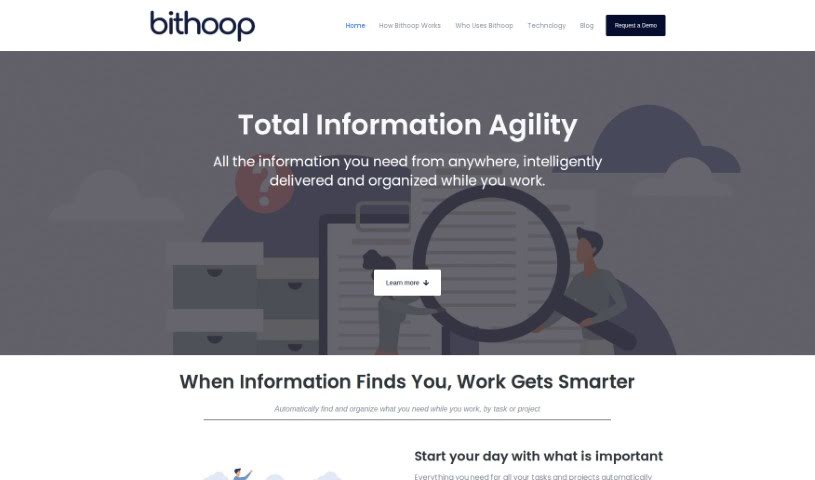
Screenshot of Bithoop

Bithoop

Freemium

Bithoop is your smart assistant for handling information. It's designed to make gathering and managing data much smoother for everyone, whether you're working alone or as part of a team. What's really neat is that it proactively finds and delivers the information you need, so you don't have to waste time searching manually.

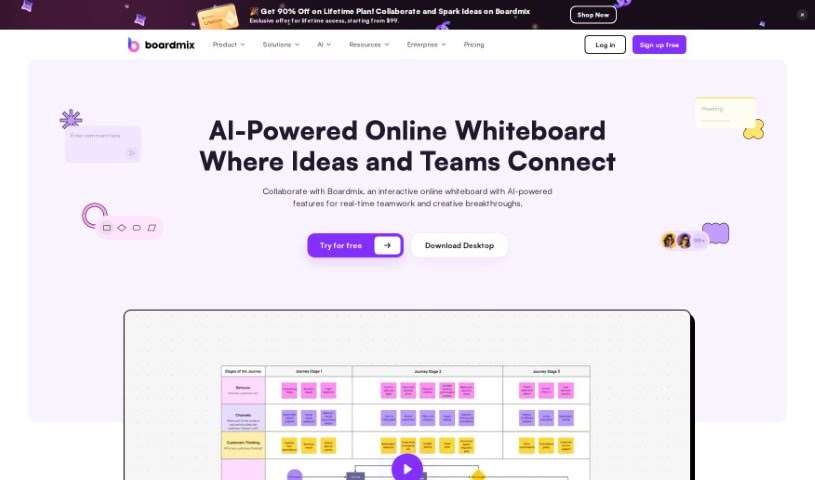
Screenshot of Boardmix

Boardmix

Freemium

Boardmix is a really neat online whiteboard that uses AI to help teams work together better and faster. It is a digital space where you can brainstorm, plan, and create content with others in real-time. It brings together tools like a whiteboard, mind map, and flowchart maker all in one place. What's cool is that up to 500 people can actively collaborate on a board at once, and over 1,000 can view it live! You can use it for everything from brainstorming sessions and strategic planning to just creating content together. It's packed with features like digital notes, fun stickers and emojis, presentation modes, timers, and it even lets you easily integrate files from other apps. Boardmix is especially great for remote teams, as it works with other apps and is available on different platforms.

Screenshot of BoomPop

BoomPop

Freemium

BoomPop is an event planning company that really knows how to blend expert planning with super-modern software to create events people won't forget. Their platform is designed to make planning company events—think kickoffs, client summits, and team retreats—much simpler. It gives you all the tools you need, like managing guests, keeping an eye on finances, and building agendas, all in one place. It's pretty impressive: over 5,000 companies have already used BoomPop, bringing more than 150,000 people together! They team up with experienced Event Designers to offer easy-to-book, specially curated offsites. BoomPop helps companies connect their teams through carefully planned events and smart tools for managing agendas, finances, and attendees. People who've used BoomPop often mention how precise and detail-oriented they are, and how they really take the stress out of event day.

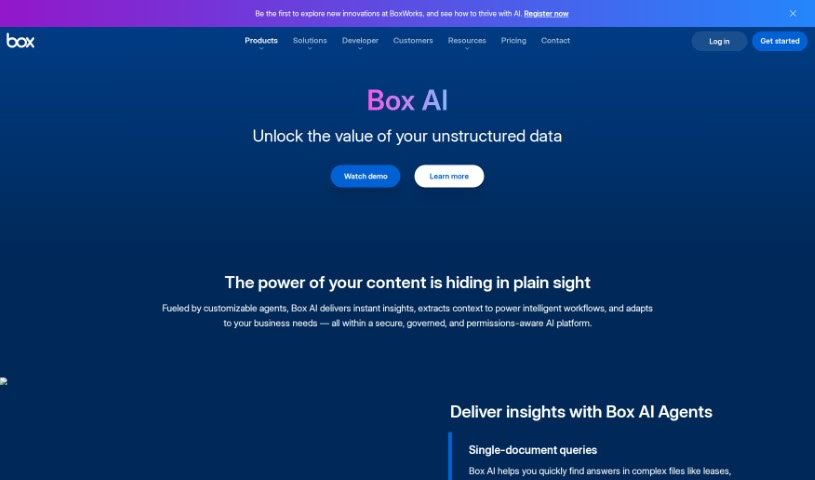
Screenshot of Box Ai

Box Ai

Freemium

Box AI is a smart new platform from Box Inc. It brings advanced artificial intelligence capabilities right into your Box cloud storage, making content management and teamwork much smoother. It is a helpful assistant that uses machine learning to do things like automatically tag your content, pull out important metadata, and even suggest files you might need. This means you can search for information more intelligently, classify documents with ease, and get predictive insights to make your workflow more efficient. Plus, it can recognize images and understand natural language, which really speeds up how you find and manage information. By weaving AI into its platform, Box wants to give you powerful tools to organize, use, and keep your digital content safe and sound.

Screenshot of Broadcast

Broadcast

Freemium

Broadcast is a really helpful platform designed to make sending out weekly updates much simpler. It uses AI and automation to turn what could be a boring chore into something efficient and even enjoyable. It connects with tools you probably already use, like Slack, Email, JIRA, Looker, GitHub, and Linear. This means it can gather and share project information for you, so you don't have to do it manually. With Broadcast, you get help drafting updates automatically, you can easily assign sections to team members for collaborative updates, see who's actually reading your messages, and generally make your workflows smoother, all in one place. It's great for making communication clearer, more concise, and consistent across your organization. Managers, leaders, and teams working across different departments will find it especially useful for tidying up communication and freeing up time to focus on the important stuff.

Screenshot of Bubbletea

Bubbletea

Freemium

BubbleTea App is a set of secure, encrypted AI tools built for Slack. It offers a variety of features to help teams work better together, like polls, quizzes, group tasks, greeting cards, stand-up meetings, and announcements. The main goal is to boost team productivity without flooding your Slack channels with messages you don't need. Bubbletea really focuses on security and privacy, using end-to-end encryption for data as it travels and strong encryption for data stored on their servers. If you opt for the premium plan, you'll get even more advanced encryption and AI features.

Screenshot of Cardinal

Cardinal

Freemium

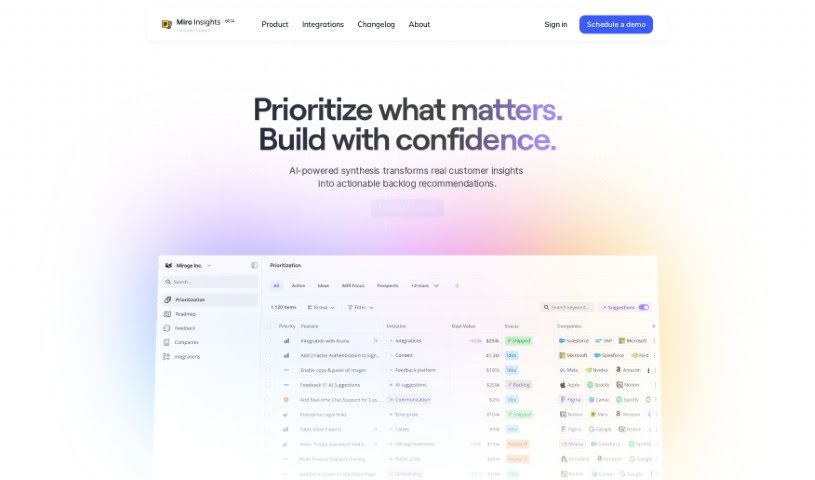
Based on the "cardinal.pdf" document, Cardinal is a tool built specifically to help product teams get a clear, big-picture view of their products. It's designed to make it easier to weave customer feedback directly into how you develop new features. It is a way to really improve your product management and encourage a more data-driven approach to building things. Cardinal offers a bunch of helpful features, like reports that are generated automatically, real-time updates so you can always see your goals and how you're progressing, and it can connect with all sorts of data sources and services. Plus, it uses AI to help pull out and link customer feedback directly to specific features. Ultimately, Cardinal aims to simplify product management by giving teams a single, shared platform and making it easier for everyone involved to collaborate.

Screenshot of ChatScope AI

ChatScope AI

Freemium

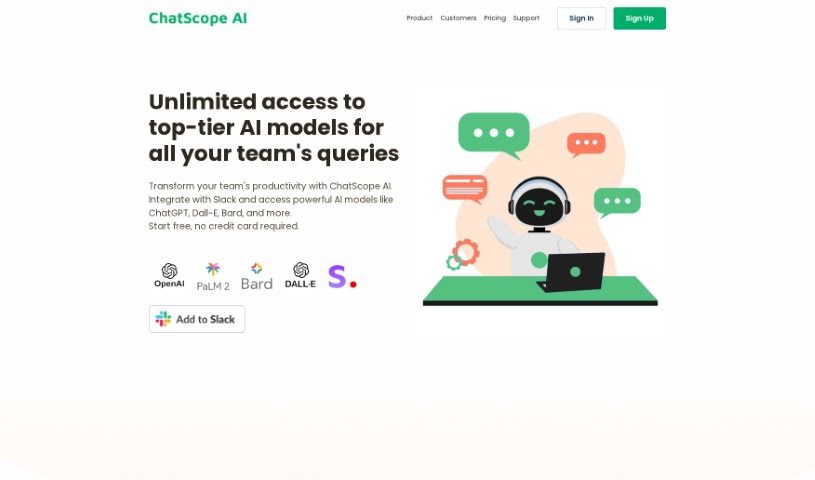
ChatScope AI is a smart tool built to make teams work better together. It fits right into Slack, giving you access to powerful AI like ChatGPT, Dall-E, and Bard. This means you can speed up your work and come up with new ideas much faster. One really handy feature is its thread summarizer, which gives you a clear rundown of long conversations. This helps everyone stay on track and boosts productivity.

Screenshot of Chaturji

Chaturji

Freemium

Chaturji is your team's AI assistant, designed to make collaboration and sharing much simpler. It gives you access to some of the best AI systems out there, like Claude 3 (Opus, Haiku, Sonnet), GPT4, and Gemini Pro, all in one place. You can use it to write, save, and organize your prompts, and it even offers analytics to help your team get the most out of AI. Plus, it really focuses on keeping your data private and secure, creating a safe space for sharing knowledge.

Screenshot of Cheat Layer

Cheat Layer

Freemium

Cheat Layer actually got its start during the pandemic. The founders wanted to help people who had lost their jobs or seen their businesses suffer. They began by offering pro bono assistance, and later incorporated GPT-3 into their efforts. It's pretty remarkable that Cheat Layer was the very first startup authorized by OpenAI to sell GPT-3 for automation, which happened back in August 2021. Just a year later, in July 2022, they released Project Atlas, their framework for AI agents.

Screenshot of Checklist.gg

Checklist.gg

Freemium

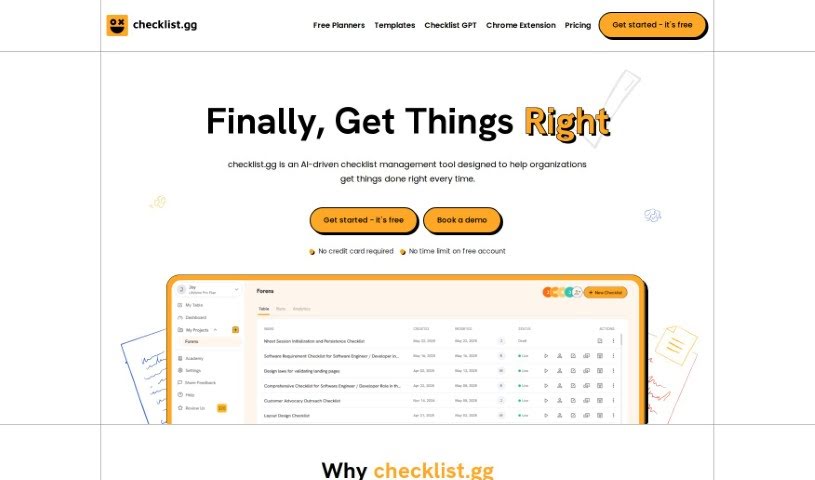
Checklist.gg is your smart assistant for making sure things get done right. It's an AI-powered tool designed to help businesses and teams run smoother by improving their processes and cutting down on mistakes. You can easily create, tweak, and share all sorts of checklists, step-by-step processes, and standard operating procedures (SOPs). It's packed with handy features like task management, workflow management, and real-time collaboration, so everyone stays on the same page. Plus, it plays nicely with other tools you might already be using and offers a huge library of over 1,000 templates to get you started quickly. You can tailor everything to your specific needs, and the best part? You can start for free, with paid plans kicking off at a very reasonable $8 per month per person. This platform comes to us from Team BlockSurvey and is built using modern tech like React, Angular, Next.js, Vercel, and TypeScript.

Screenshot of Clockk

Clockk

Freemium

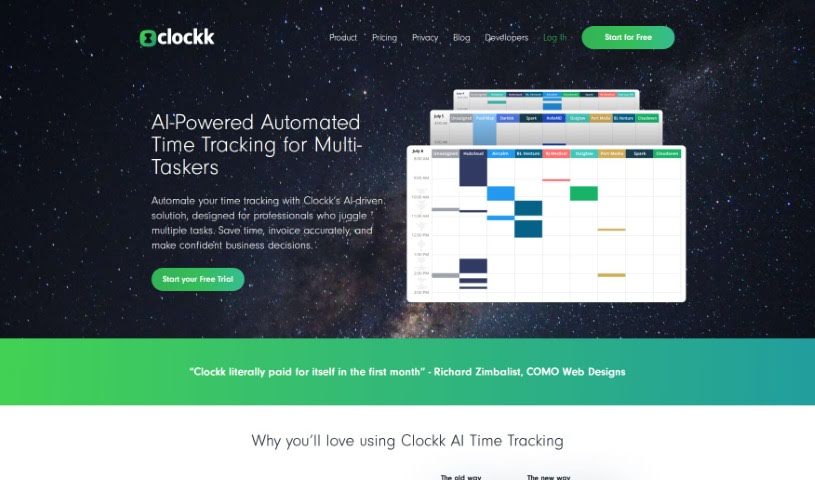
Clockk is a smart time tracking tool that uses AI to help professionals accurately keep tabs on the time they spend on client projects. Forget about those old-school manual timers you have to start and stop. Clockk works quietly in the background, automatically logging your tasks without you needing to fill out timesheets. This means you can bill clients precisely, avoid guesswork, and boost your profits. You can easily check your tasks and send them off, making your time tracking much more efficient and accurate. Plus, Clockk is great at capturing the natural flow of your workday. You can switch between different tasks or projects without missing a beat, all while keeping your time records spot-on. Basically, Clockk makes time tracking simple, ensures you bill correctly, and lets you concentrate on doing your best work.

Stay Updated with AI Tools

Get weekly updates on the latest AI tools, trends, and insights delivered to your inbox

Join 25,000+ AI enthusiasts. No spam, unsubscribe anytime.