Project management has always been about staying organized, communicating well, and planning ahead. But as teams get bigger and projects more complicated, keeping everything on track can feel like a lot. That’s where AI comes in—it’s changing the game for how we manage teams and get things done.
Today’s AI project management tools do more than just basic scheduling. They offer smart features that can predict delays, handle routine tasks automatically, and improve communication, helping to turn potential chaos into clear progress. The right tool can really make workflows better and boost collaboration, which ultimately means more gets done.
I’ve spent weeks looking at different AI project management platforms to see which ones really shine in this busy market. No matter if you’re managing a small team or several big projects, there’s a solution out there for you.
If you’re ready to change how you manage projects and help your team perform better, keep reading. Here’s a look at some of the top AI project management tools available right now.
- Odoo for making team collaboration on tasks easier.
- N8N for automatically updating project tools.
- Servicenow for smoother project tracking and reporting.
- Whimsical for simplifying project planning tasks.
- Mermaid Chart for creating visual project timelines.
- Pitch for getting real-time team updates and tracking progress.
- Git Mind for making project timelines and tasks run more smoothly.
- Motion for better team task coordination.
- Mindmap for visualizing project milestones and tasks.
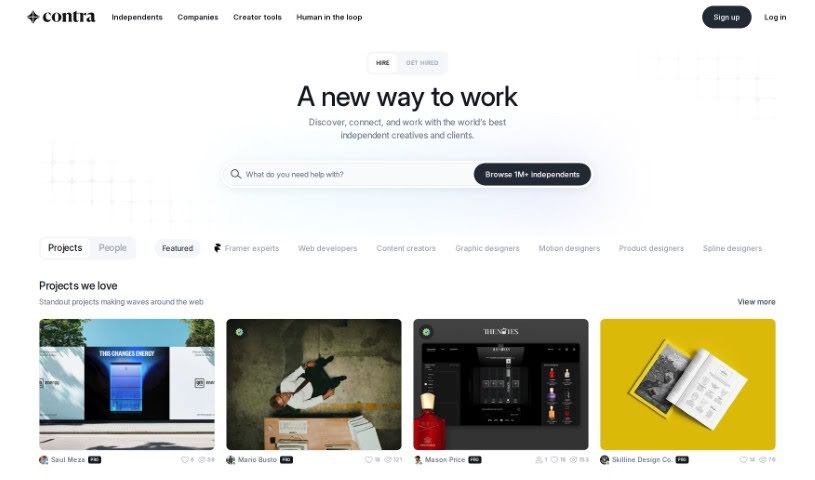
- Contra for managing projects and contracts without a hitch.
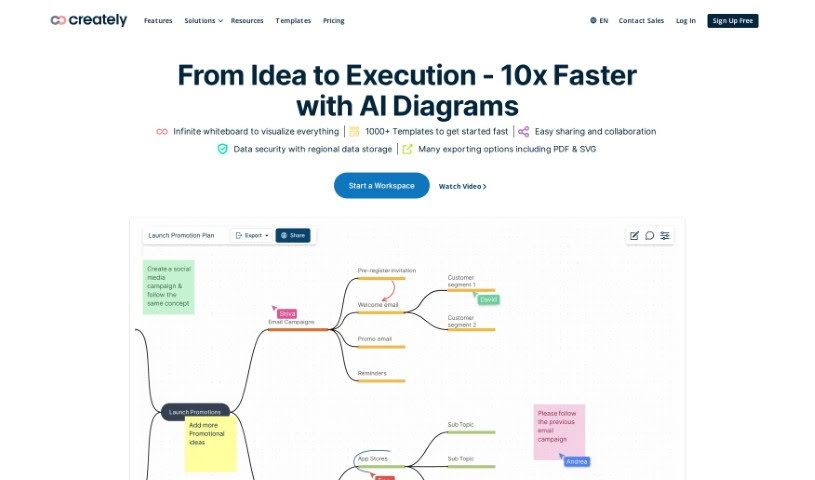
- Creately for real-time project tracking and updates.
- Spike for making team communication effortless.
- Sintra for simplifying how team tasks are assigned.
- Reclaim AI for fitting project tasks into your calendar.
- Lucid for managing project timelines and workflows.
AI project management tools use smart algorithms and data analysis to help teams plan, carry out, and keep an eye on their projects more effectively. Basically, these tools use machine learning models that look at lots of project data. This helps them guess where problems might pop up and suggest ways to fix them. Because they can predict issues, managers can make decisions ahead of time and stay on top of things.
When you enter project details, like deadlines, what resources you have, and the project’s scope, the AI algorithms analyze it all. Then, they give you actionable insights. These might include better timelines, how to best allocate resources, and what risks to watch out for, which really simplifies the planning stage. In short, the tools take complex data and make it easier to understand, helping teams see their progress more clearly.
Collaboration is also a key part of AI project management tools. These platforms often include ways for team members to talk about tasks and share updates as they happen. The AI can even summarize conversations, point out important decisions, and remind people about deadlines. This makes sure everyone is on the same page and accountable throughout the project.
As the project moves forward, AI tools keep learning from how people use them and what the results are. This feedback loop makes their suggestions better and more personalized over time. By looking at data from past projects, the algorithms can suggest the best ways to work based on your organization’s specific needs, which ultimately boosts overall productivity.
So, AI project management tools work by combining smart data analysis with easy-to-use interfaces. They offer a powerful way to manage projects, pulling insights from past data and making it easier for team members to work together. The future of project management looks bright, with AI playing a big part in how teams collaborate effectively.
| Rank | Name | Best for | Plans and Pricing | Rating |
|---|
| 1 | Odoo | Making team collaboration on tasks easier. | N/A | 4.67 (6 reviews) |
| 2 | N8N | Automatically updating project tools. | Paid plans start at $50/month. | 4.58 (12 reviews) |
| 3 | Servicenow | Smoother project tracking and reporting. | N/A | 4.45 (11 reviews) |
| 4 | Whimsical | Simplifying project planning tasks. | Paid plans start at $10/month. | 4.67 (27 reviews) |
| 5 | Mermaid Chart | Creating visual project timelines. | N/A | 4.84 (19 reviews) |
| 6 | Pitch | Getting real-time team updates and tracking progress. | N/A | 4.75 (12 reviews) |
| 7 | GitMind | Making project timelines and tasks run more smoothly. | Paid plans start at $Free Trial/month. | 4.67 (6 reviews) |
| 8 | Motion | Better team task coordination. | N/A | 4.18 (11 reviews) |
| 9 | Mindmap | Visualizing project milestones and tasks. | N/A | 4.82 (11 reviews) |
| 10 | Contra | Managing projects and contracts seamlessly. | N/A | 4.75 (12 reviews) |
| 11 | Creately | Real-time project tracking and updates. | N/A | 5.00 (27 reviews) |
| 12 | Spike | Making team communication effortless. | N/A | 4.15 (26 reviews) |
| 13 | Sintra | Simplifying how team tasks are assigned. | Paid plans start at $39/month. | 4.76 (17 reviews) |
| 14 | Reclaim AI | Fitting project tasks into your calendar. | Paid plans start at $10/month. | 4.25 (12 reviews) |
| 15 | Lucid | Managing project timelines and workflows. | N/A | 4.77 (13 reviews) |