AI Tools for Project Management

Discover the best Project Management AI tools to enhance your productivity and creativity.

Page 5 of 23 • 270 total tools

Project management has always been about staying organized, communicating well, and planning ahead. But as teams get bigger and projects more complicated, keeping everything on track can feel like a lot. That’s where AI comes in—it’s changing the game for how we manage teams and get things done.

Today’s AI project management tools do more than just basic scheduling. They offer smart features that can predict delays, handle routine tasks automatically, and improve communication, helping to turn potential chaos into clear progress. The right tool can really make workflows better and boost collaboration, which ultimately means more gets done.

I’ve spent weeks looking at different AI project management platforms to see which ones really shine in this busy market. No matter if you’re managing a small team or several big projects, there’s a solution out there for you.

If you’re ready to change how you manage projects and help your team perform better, keep reading. Here’s a look at some of the top AI project management tools available right now.

The best AI Project Management Tools

  1. Odoo for making team collaboration on tasks easier.
  2. N8N for automatically updating project tools.
  3. Servicenow for smoother project tracking and reporting.
  4. Whimsical for simplifying project planning tasks.
  5. Mermaid Chart for creating visual project timelines.
  6. Pitch for getting real-time team updates and tracking progress.
  7. Git Mind for making project timelines and tasks run more smoothly.
  8. Motion for better team task coordination.
  9. Mindmap for visualizing project milestones and tasks.
  10. Contra for managing projects and contracts without a hitch.
  11. Creately for real-time project tracking and updates.
  12. Spike for making team communication effortless.
  13. Sintra for simplifying how team tasks are assigned.
  14. Reclaim AI for fitting project tasks into your calendar.
  15. Lucid for managing project timelines and workflows.

How do AI project management tools work?

AI project management tools use smart algorithms and data analysis to help teams plan, carry out, and keep an eye on their projects more effectively. Basically, these tools use machine learning models that look at lots of project data. This helps them guess where problems might pop up and suggest ways to fix them. Because they can predict issues, managers can make decisions ahead of time and stay on top of things.

When you enter project details, like deadlines, what resources you have, and the project’s scope, the AI algorithms analyze it all. Then, they give you actionable insights. These might include better timelines, how to best allocate resources, and what risks to watch out for, which really simplifies the planning stage. In short, the tools take complex data and make it easier to understand, helping teams see their progress more clearly.

Collaboration is also a key part of AI project management tools. These platforms often include ways for team members to talk about tasks and share updates as they happen. The AI can even summarize conversations, point out important decisions, and remind people about deadlines. This makes sure everyone is on the same page and accountable throughout the project.

As the project moves forward, AI tools keep learning from how people use them and what the results are. This feedback loop makes their suggestions better and more personalized over time. By looking at data from past projects, the algorithms can suggest the best ways to work based on your organization’s specific needs, which ultimately boosts overall productivity.

So, AI project management tools work by combining smart data analysis with easy-to-use interfaces. They offer a powerful way to manage projects, pulling insights from past data and making it easier for team members to work together. The future of project management looks bright, with AI playing a big part in how teams collaborate effectively.

Our best AI project management tools at a glance

RankNameBest forPlans and PricingRating
1OdooMaking team collaboration on tasks easier.N/A4.67 (6 reviews)
2N8NAutomatically updating project tools.Paid plans start at $50/month.4.58 (12 reviews)
3ServicenowSmoother project tracking and reporting.N/A4.45 (11 reviews)
4WhimsicalSimplifying project planning tasks.Paid plans start at $10/month.4.67 (27 reviews)
5Mermaid ChartCreating visual project timelines.N/A4.84 (19 reviews)
6PitchGetting real-time team updates and tracking progress.N/A4.75 (12 reviews)
7GitMindMaking project timelines and tasks run more smoothly.Paid plans start at $Free Trial/month.4.67 (6 reviews)
8MotionBetter team task coordination.N/A4.18 (11 reviews)
9MindmapVisualizing project milestones and tasks.N/A4.82 (11 reviews)
10ContraManaging projects and contracts seamlessly.N/A4.75 (12 reviews)
11CreatelyReal-time project tracking and updates.N/A5.00 (27 reviews)
12SpikeMaking team communication effortless.N/A4.15 (26 reviews)
13SintraSimplifying how team tasks are assigned.Paid plans start at $39/month.4.76 (17 reviews)
14Reclaim AIFitting project tasks into your calendar.Paid plans start at $10/month.4.25 (12 reviews)
15LucidManaging project timelines and workflows.N/A4.77 (13 reviews)
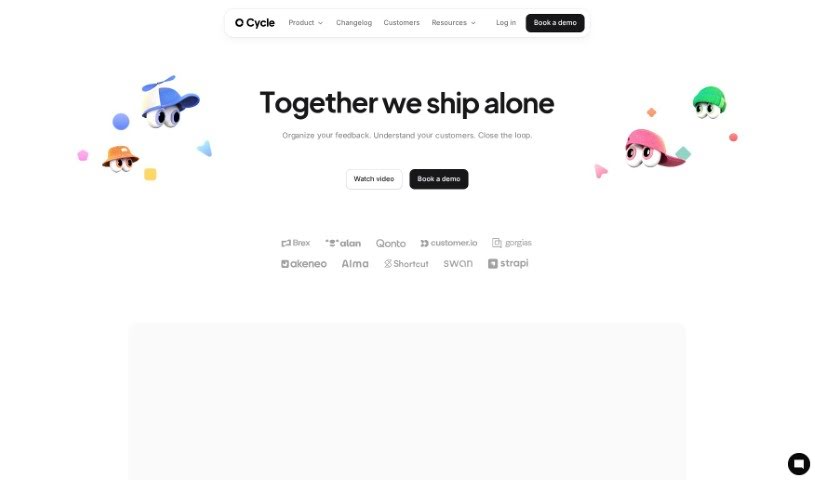
Screenshot of Cycle App

Cycle App

Freemium

A 'cycle' in the Cycle App platform is a complete workflow. It covers everything from gathering feedback and planning your product roadmap to managing releases and using AI for commands. You can also update your workspace settings, handle billing, and work together on roadmaps with different team members. The pricing for Cycle App depends on how many 'maker' seats you need, any extra add-ons you choose, and whether you pay monthly or yearly.

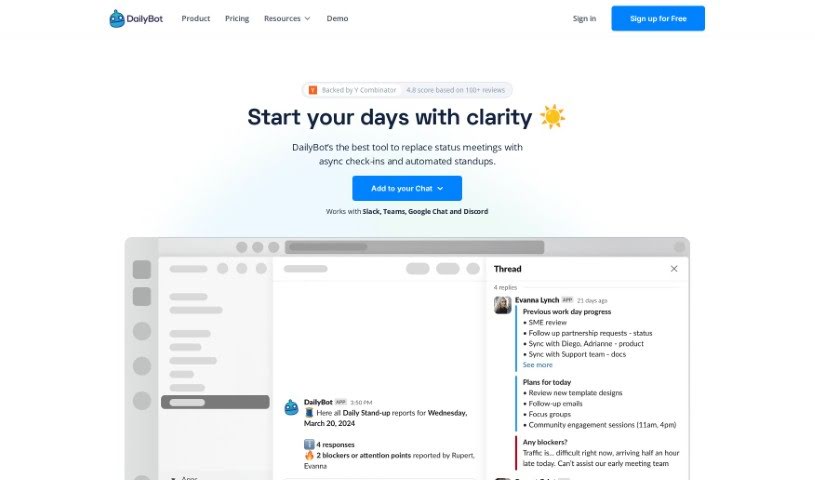
Screenshot of DailyBot

DailyBot

Freemium

DailyBot is an AI-powered chat assistant built to really boost how your team works together and gets things done, no matter the industry. It is an upgrade for your team's collaboration, offering key features like regular check-ins, ways to give kudos, custom forms, and even fun extras like watercoolers. DailyBot uses smart AI to automate tasks, let you create your own commands, and even connect with other tools you already use through its API. The main goal here is to make work processes smoother, improve how you report on things, offer lots of customization, and bring in AI capabilities to handle all sorts of team needs. Plus, they take security seriously, following the best practices to keep your user data safe.

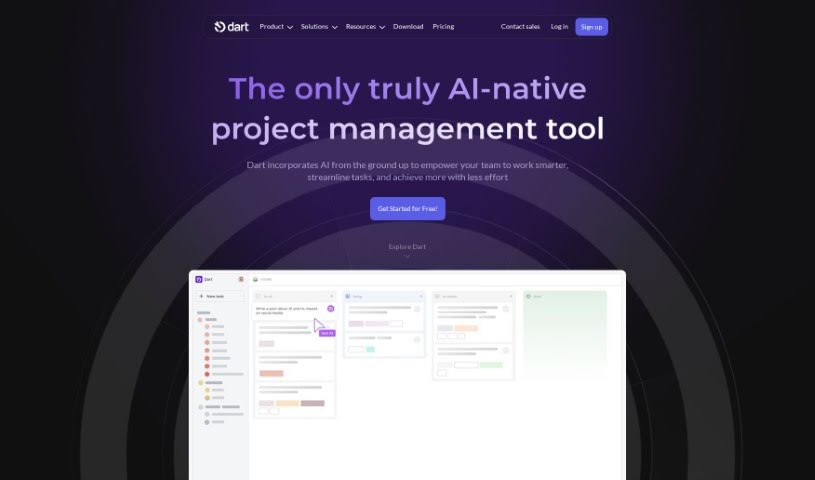
Screenshot of Dart

Dart

Freemium

Dart is a really smart project management tool that uses AI, specifically GPT-4 technology, to make managing projects much smoother and help teams get more done. It can handle those everyday tasks for you, like creating, organizing, and scheduling tasks, which can actually make your team work up to 182% faster! Some of Dart's coolest features include its AI-powered automation, letting you create tasks just by talking or typing naturally, super-easy keyboard controls, a workspace you can set up just how you like it, and smooth connections with tools like ChatGPT and GitHub. Plus, it offers AI-driven planning and ways to make teamwork better.

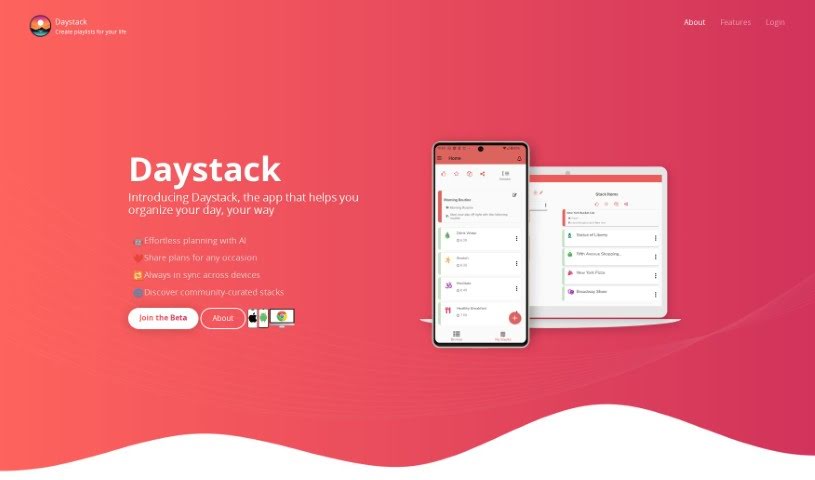
Screenshot of Daystack

Daystack

Freemium

Daystack is a handy app, available on both mobile and the web, that helps you get your day organized. Think of it like creating personalized playlists, which they call "stacks," for whatever you need to do. Whether you're planning a trip, mapping out a workout, or just need to manage your to-do list, Daystack has you covered. You can build your own custom stacks from scratch, or if you're looking for ideas, you can browse through stacks that other users have already created.

Screenshot of Deepform

Deepform

Freemium

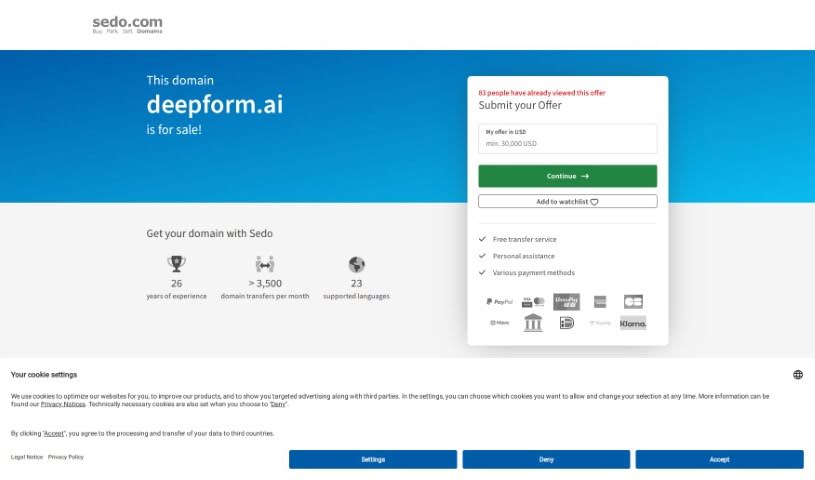
Deepform is a software designed specifically for customer feedback. It is a dedicated portal where software teams can gather, organize, and really dig into product feedback all in one spot. It gives your customers a place to share their ideas, vote on features they like, and even chat about them. This helps your team build products that customers genuinely want and love.

Screenshot of Dewey

Dewey

Freemium

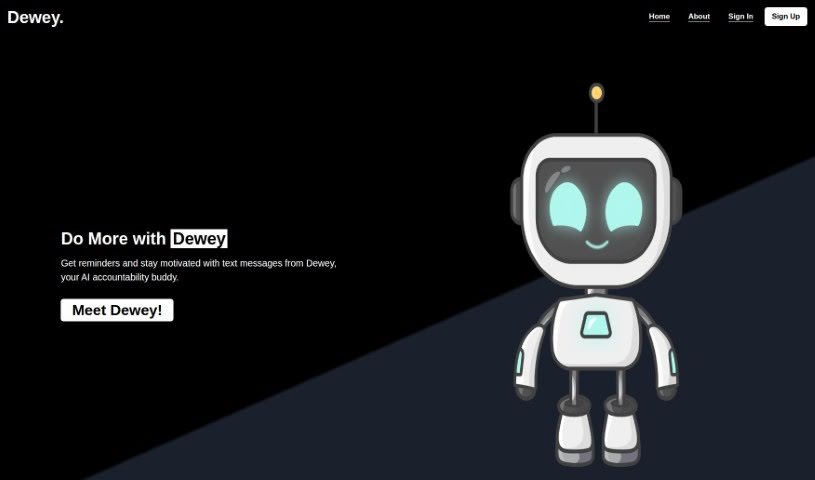
Dewey is your personal AI accountability buddy. It's designed to help you stay organized, productive, and really focused on hitting your goals and getting tasks done. It offers support that feels tailored just for you, sending reminders, tracking how you're doing, adjusting your schedule as needed, and even giving you a motivational nudge when you need it most. Essentially, Dewey helps you be more productive and achieve what you set out to do. It works through simple SMS text messages, providing encouragement that keeps you accountable for your tasks and commitments.

Screenshot of Diagramming AI

Diagramming AI

Freemium

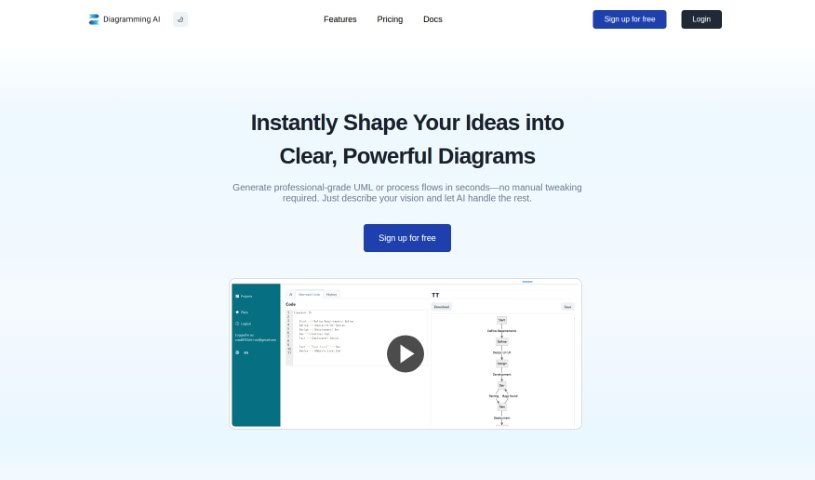
Diagramming AI is all about creating visual representations of information or data, and it does this using tools like Diagramming AIAI. It is instantly generating diagrams with AI-powered technology. This means you can quickly create all sorts of diagrams – flowcharts, sequence diagrams, Gantt charts, and many more. Diagramming AIAI also lets you keep your diagrams organized by project, so you can save and manage multiple diagrams within each project. Plus, you can change the color themes, export your diagrams as SVG or PNG files, and even use an AI Chat feature to discuss and improve your diagrams. It's designed for a wide range of people, including software developers, educators, business analysts, researchers, students, and marketing professionals, helping everyone communicate ideas and concepts more clearly through visuals.

Screenshot of Doo

Doo

Freemium

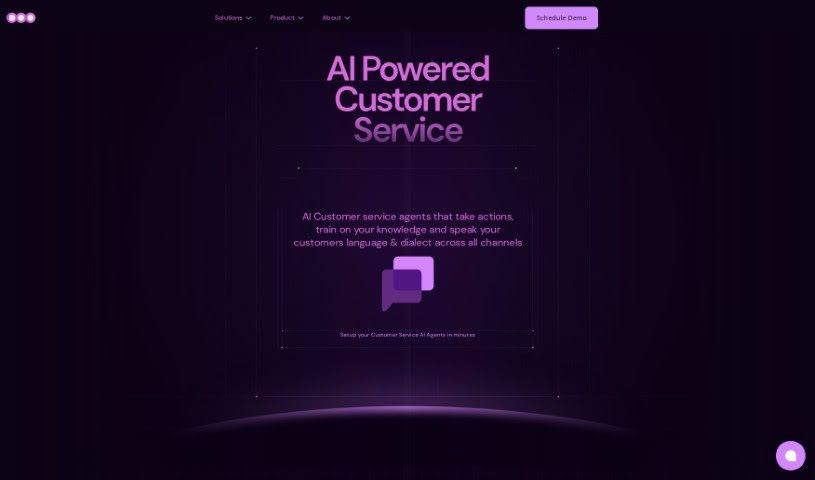
Doo is a platform that gives you AI-Powered Teammates, which we call AI Mates. They are skilled AI collaborators designed to make your team more efficient and creative. They fit right into your workflow. Doo has 40 different AI Mates, all trained very carefully, so you can find just the right skills for whatever your project needs. This really helps boost productivity. Plus, you can customize these AI Mates to match your team's unique culture and style. This makes working together much smoother. Ultimately, Doo wants to change how we work by mixing AI smarts with human creativity. This creates amazing collaboration experiences and helps you get real results, often in just minutes.

Screenshot of DryMerge

DryMerge

Freemium

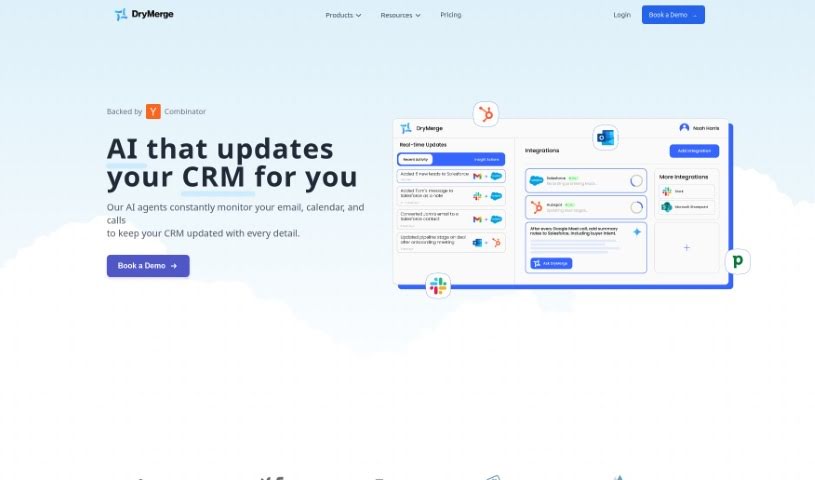
DryMerge is a really neat tool that helps automate your team's workflows just by using plain English descriptions. It is a way to tell your computer what you need done, and it figures out how to do it. This means teams in operations, sales, and support can automate tasks without needing a developer to write any code. It's pretty clever! The tool has a built-in chatbot that can handle connecting to different services (APIs) and setting up the logic for your automations. It works smoothly with tools you probably already use, like Slack, Gmail, and Notion, thanks to its easy software integrations. DryMerge uses natural language processing, which is a fancy way of saying it's good at understanding the nuances of how people describe their workflows. Plus, it uses AI to get better at automating things over time, and it even gives you notifications if something goes wrong or if an automation is taking a while.

Screenshot of DTiQ

DTiQ

Freemium

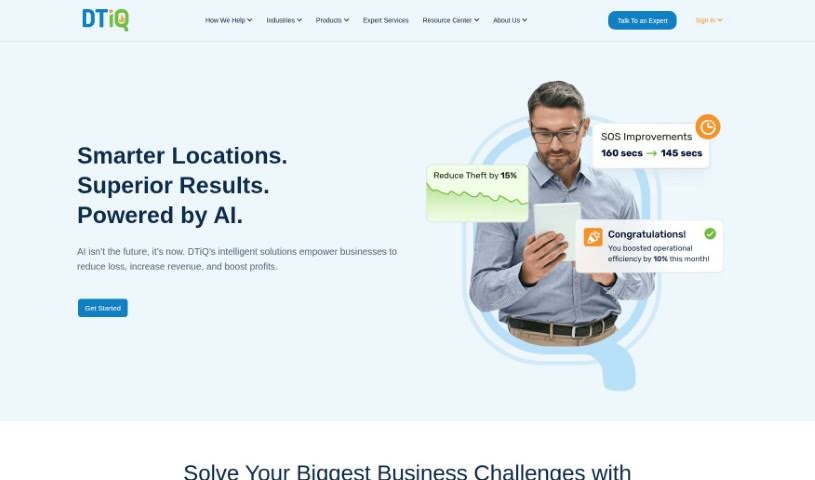
DTiQ is a leading provider of advanced loss prevention and intelligent video solutions, specifically designed for businesses like restaurants, convenience stores, and retailers. With over 25 years of experience under their belt, DTiQ offers innovative video analytics and surveillance systems. These tools are built to boost safety, cut down on losses, and generally improve how businesses run. Their SmartSuite is made up of SmartAudit™, SmartAnalysis, and SmartAssurance, all focused on providing detailed analytics, smart loss prevention strategies, and boosting operational efficiency. DTiQ's dedication to quality, innovation, integrity, and excellent customer support has earned them the trust of over 45,000 businesses. They're also really committed to protecting customer privacy and data security, while offering support and training around the clock to make sure their clients are happy.

Screenshot of Dubble

Dubble

Freemium

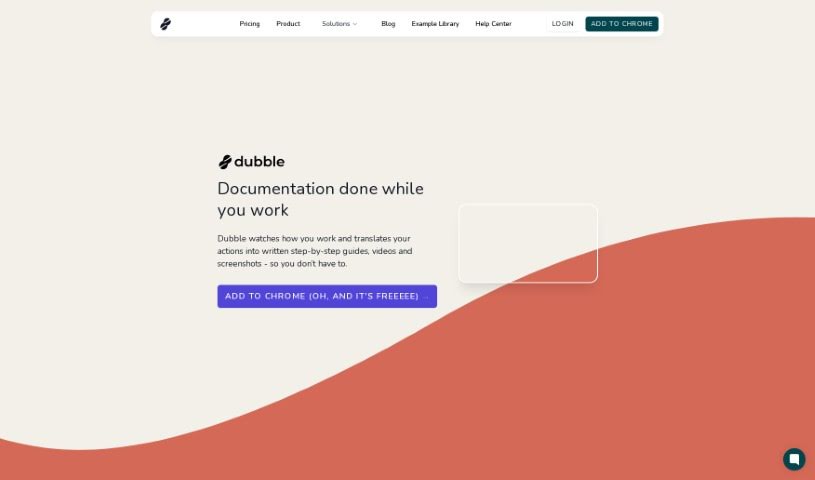
Dubble is a smart documentation tool that uses AI to automatically create detailed, step-by-step guides, videos, and screenshots. It is your personal assistant for documentation. It works by simply recording what you do on your computer. Then, it turns those actions into clear, comprehensive guides. You can easily edit these guides and share them with your team or post them on platforms that handle rich content or markdown. It's really user-friendly, which is great news for support, operations, and product teams. Dubble helps keep your documentation current and can really speed up the whole process for any team. Plus, it supports markdown, makes sharing your guides a breeze, and even has a handy Chrome extension for quick access.

Screenshot of Dypt

Dypt

Freemium

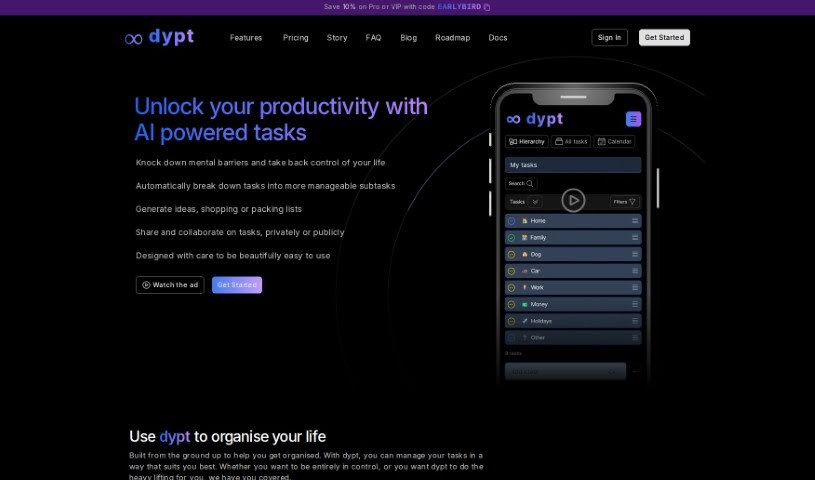
Dypt is an AI-powered task manager built to help you get organized. It works by breaking down big, complex tasks into smaller, more manageable subtasks. It is a tool that lets you divide tasks infinitely. It also offers AI-assisted planning, works across all your devices, makes sharing tasks super intuitive, and sends you scheduled summaries. You can even collaborate with others and get daily and weekly email reports to keep you in the loop on your progress. The creator, Dane, actually built Dypt because he was struggling with task management himself. The name "Dypt" comes from the Norwegian word for "deeply," which really captures how the app helps you dive into all the layers of your tasks.

Stay Updated with AI Tools

Get weekly updates on the latest AI tools, trends, and insights delivered to your inbox

Join 25,000+ AI enthusiasts. No spam, unsubscribe anytime.