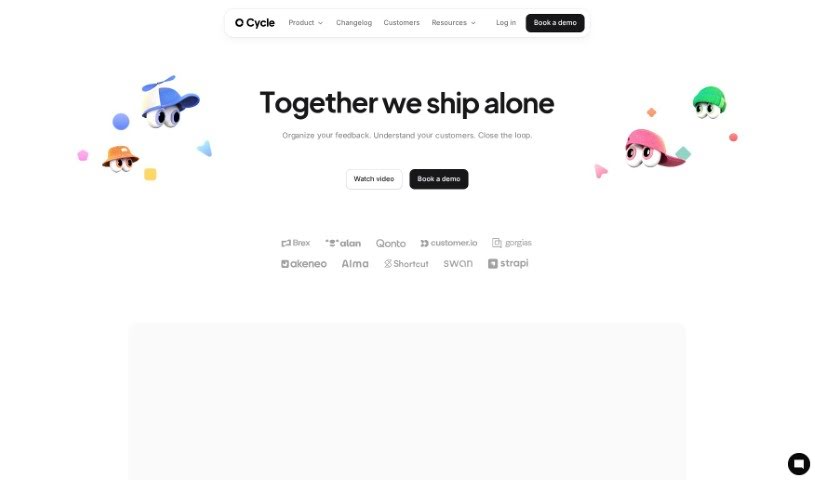
Screenshot of Cycle App

Cycle App

Discover what Cycle App is and how to use it effectively in 2025. We'll explore its features and see how it stacks up against other project management tools.

Screenshot

What is Cycle App?

A ‘cycle’ in the Cycle App platform is a complete workflow. It covers everything from gathering feedback and planning your product roadmap to managing releases and using AI for commands. You can also update your workspace settings, handle billing, and work together on roadmaps with different team members. The pricing for Cycle App depends on how many ‘maker’ seats you need, any extra add-ons you choose, and whether you pay monthly or yearly.

Who created Cycle App?

Cycle was developed by a team of ‘makers’ at Cycle itself. They’re pretty open about their pricing, which is set by a few things: the number of makers on your team, any specific add-ons you pick, and your billing cycle. Cycle offers a bunch of useful features, like ways to collect feedback, pull out key insights, build detailed roadmaps with multiple levels, manage your product releases, and collaborate in real-time. It also plays nicely with other tools you might already use, such as Notion, Linear, GitHub, Figma, and Miro. Essentially, Cycle aims to make managing product feedback and sharing customer insights much smoother and more efficient. If you want to dive deeper into specific roles, add-ons, or what’s new, you can always check out their website at cycle.app.

What is Cycle App used for?

  • Working together in real-time
  • Collecting feedback from users
  • Finding key insights within that feedback
  • Building detailed, multi-level roadmaps
  • Managing your product releases
  • Using Cycle AI for up to 50 queries each month
  • Accessing a public API
  • Connecting with tools like Notion, Linear, GitHub, Figma, Miro, and more
  • Having unlimited collaborators without extra cost
  • Getting unlimited transcripts

How to use Cycle App?

To get the most out of Cycle, here’s a simple breakdown:

  1. Pricing: First, figure out your pricing. It’s based on how many ‘makers’ you need, any add-ons you want, and whether you prefer to pay monthly or yearly.
  2. User Roles: Cycle has two main types of users:
    • Makers: These are the folks who can process feedback, build roadmaps and releases, use AI commands, tweak workspace settings, and manage the billing.
    • Collaborators: They can add feedback and new features, keep track of progress, close the feedback loop with users, help out on roadmaps, and edit any feedback documents.
  3. Add-Ons: Cycle also offers helpful add-ons. You can get meeting recording for Google Meet, Zoom, and Microsoft Teams, integration with Microsoft Teams, admin tools, and options for private teams.
  4. Features: Here’s what you can do with Cycle:
    • Easily capture feedback from your users.
    • Extract valuable insights from that feedback to really understand what your customers need.
    • Create sophisticated roadmaps that have multiple levels.
    • Manage your product releases smoothly.
    • Enjoy the benefits of real-time collaboration with your team.
    • Integrate with popular tools like Notion, Linear, GitHub, Figma, and Miro.
    • Take advantage of unlimited collaborators, transcripts, and optical character recognition (OCR) at no extra charge.
  5. Functionality: Cycle makes it simple to collect product feedback, share those important customer insights, and manage everything efficiently. It really helps streamline your whole product development process.

By following these steps, you’ll be able to use Cycle’s features to their fullest and significantly improve how you develop your products.

Related AI Tools

Discover more tools in similar categories that might interest you

Stay Updated with AI Tools

Get weekly updates on the latest AI tools, trends, and insights delivered to your inbox

Join 25,000+ AI enthusiasts. No spam, unsubscribe anytime.