20Paths
Productivity Documentation
Learn more
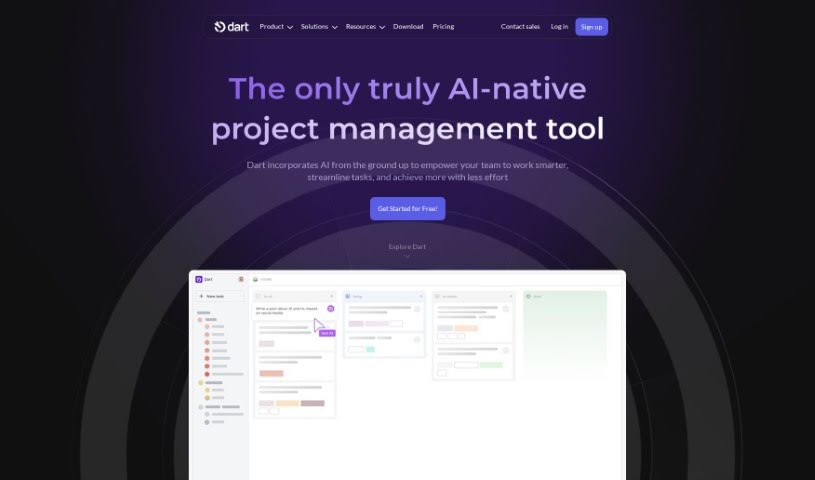
Discover Dart, an AI-powered project management tool that automates task creation, scheduling, and planning for teams.
Dart is a project management tool that uses AI, specifically GPT-4 technology, to streamline project management and help teams get more done. It automates everyday tasks like creating, organizing, and scheduling tasks, which can make teams work up to 182% faster. Key features include AI-powered automation, natural language task creation (by typing or speaking), keyboard controls, a customizable workspace, and integrations with tools like ChatGPT and GitHub. It also offers AI-driven planning and collaboration features.
Dart is designed to adapt to different workflows and team setups. You can customize your workspace with your own fields, statuses, and tags. Because it connects with popular platforms like ChatGPT, email, Slack, and GitHub, teams can collaborate without constantly switching between apps.
Dart was created by Atyab Bhatti, the CEO and Co-founder of the company behind the tool. It uses generative AI to simplify task management and boost productivity. Users in a variety of roles have praised Dart for its speed, intuitive interface, and efficiency. The platform is continuously improved, making it a strong option for companies looking to improve task tracking and resource management.
Dart is used by product managers, engineering managers, HR professionals, analytics consultants, CEOs, graphic designers, entrepreneurs, and business leaders — essentially any team that wants AI-assisted project management.
Related
Discover more tools in similar categories
Weekly picks of the best AI tools we've researched and added — no spam, unsubscribe anytime.
Join 25,000+ AI enthusiasts. No spam, unsubscribe anytime.