Architecture is a demanding balancing act. You’re constantly weighing client preferences against zoning regulations, structural constraints, site context, and tight deadlines. Turning an initial napkin sketch into a fully realized, code-compliant design takes endless hours of drafting, rendering, and environmental analysis.
The platforms in this category don’t replace spatial intuition or structural expertise. Instead, think of them as high-powered design assistants that handle repetitive calculations, early rendering loops, and site feasibility checks so you can stay focused on design strategy.
Automating Environmental Data and Rapid Renders
Site analysis used to mean pulling wind, sun, and acoustic data manually across multiple software packages. Modern AI site platforms analyze your specific building plot in minutes. By feeding environmental data and local zoning rules into the system, you can test massing options and see instantly how shadow paths, daylight access, and acoustic performance change. This lets you make smarter orientation choices before drawing a single detailed CAD line.
Generative layout tools accelerate the schematic phase, especially for complex multi-family or commercial projects. Input your program requirements—like square footage, room relationships, and parking counts—and the software generates code-aware floor plan variations. You can quickly evaluate space allocations, test unit mixes, and present viable options to clients without spending days redrawing basic wall layouts.
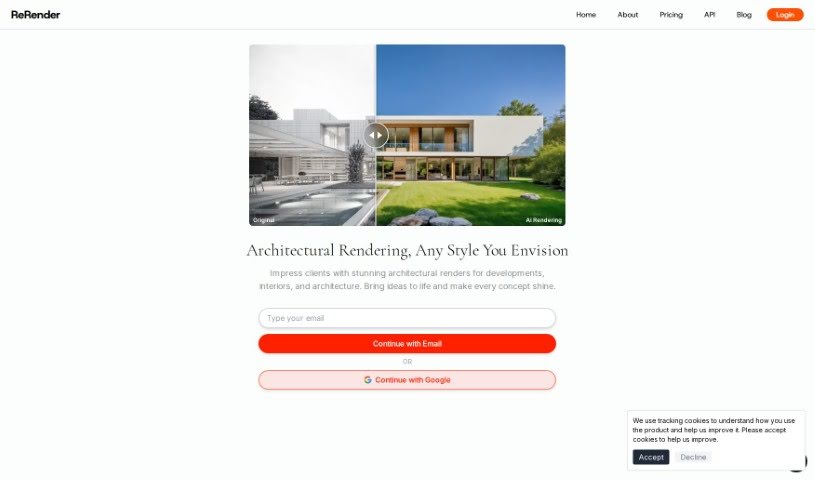
Visualization has seen a major shift as well. Rendering used to mean waiting hours for high-resolution images while your computer processor overheated. Modern AI plugins connect straight into Revit, SketchUp, or Rhino. You can take a simple geometric model, apply material references, and view photorealistic renders in seconds. Need to show a client how a facade looks in board-formed concrete versus timber? Swap materials and adjust lighting on the fly during a live presentation.
Essential Features for Design Practices:
- BIM and CAD integration: Plugins that link directly to Revit, SketchUp, or Rhino so you can render without leaving your primary workspace.
- Site feasibility analysis: Software that calculates daylighting, wind patterns, noise levels, and carbon impact using real location data.
- Generative space planning: Tools that generate code-aware floor plan variations from custom room programs.
- Photorealistic rendering: Platforms that turn basic 3D geometry or hand sketches into client-ready visuals in seconds.
- Asset and material generation: Features that create realistic materials and populate environments from photos or text prompts.
Software will never replace an architect’s spatial sense, structural responsibility, or understanding of community context. While algorithms process environmental data and draft instant visuals, you are still the one who understands how humans actually experience a building.
Check out the selection below to streamline your design workflow.
- ReRender AI: Great for quickly creating photorealistic visuals of architecture.
- Rendair: Helps visualize building designs in 3D.
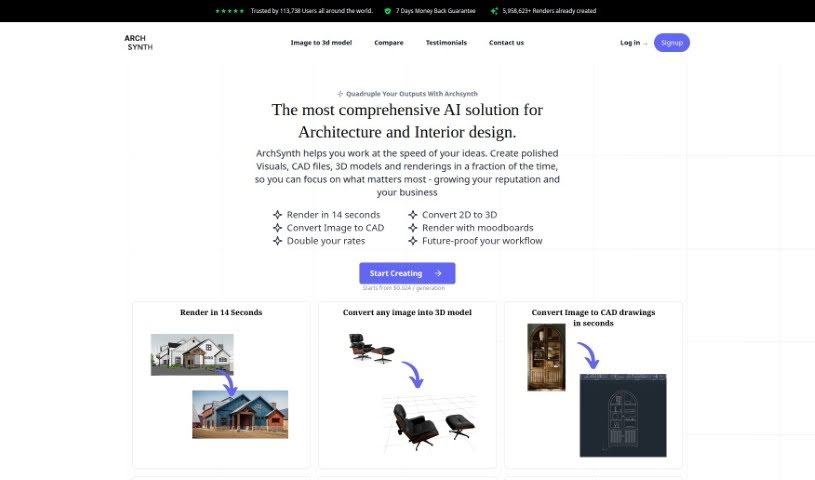
- Archsynth: Simplifies architectural design drafts.
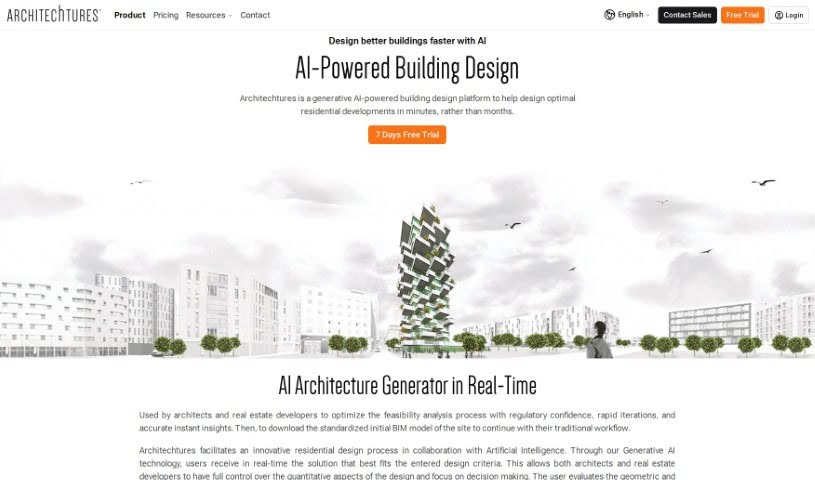
- Architechtures: Ideal for collaborative, AI-driven design iterations.
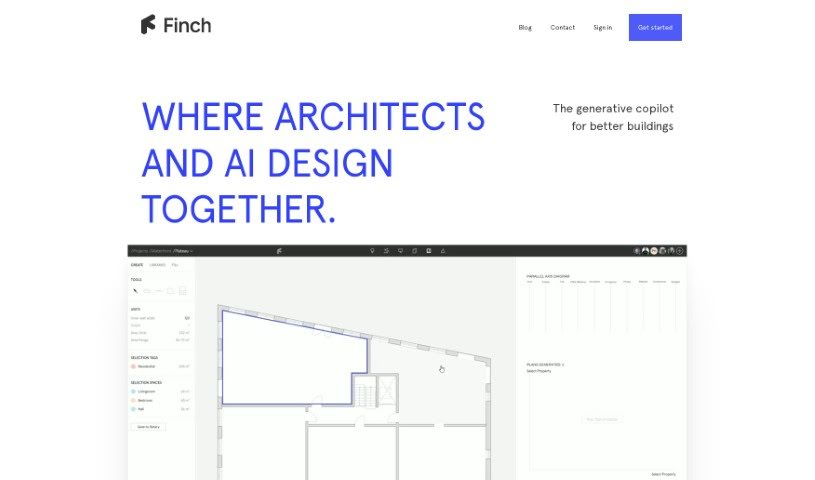
- Finch: Speeds up design iterations for better results.
- Togal: Automates floor plan measurements and takeoffs.
- Architect GPT: Turns sketches into stunning visuals.
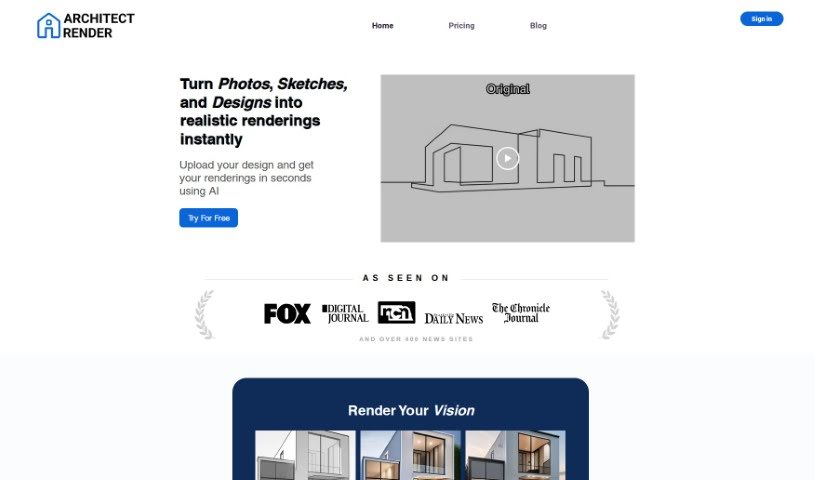
- Architect Render: Improves collaboration on architectural designs.
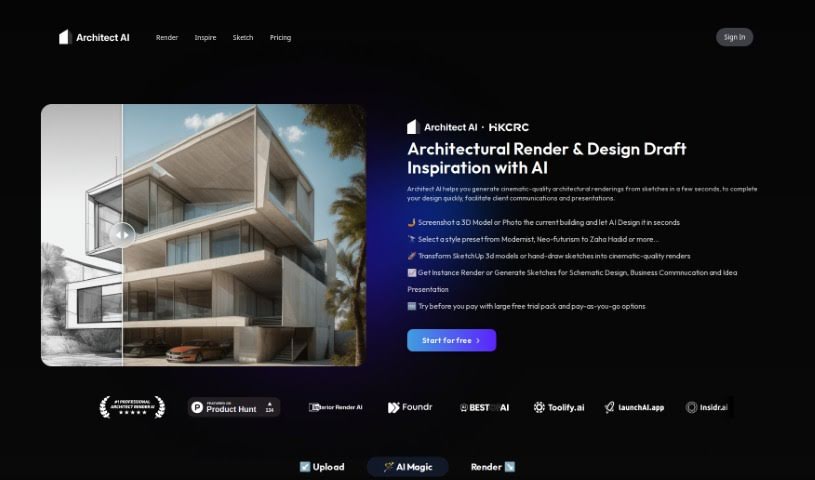
- Architect AI: Transforms sketches into realistic renders.
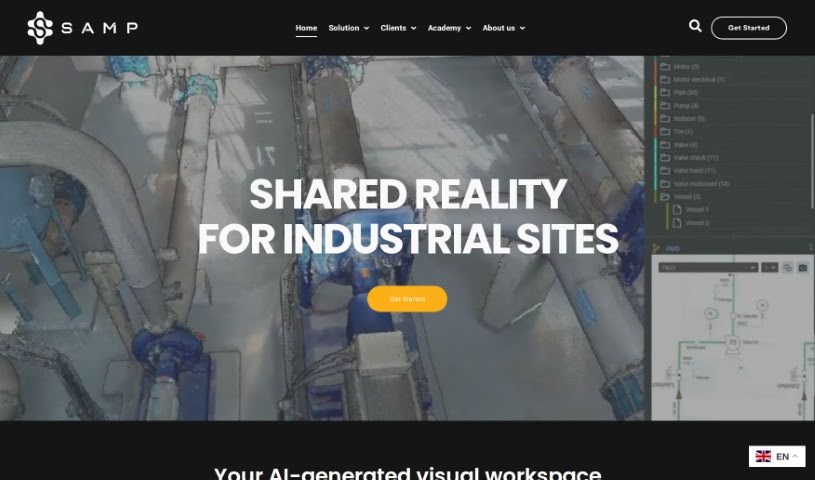
- Samp: Streamlines design updates for projects.
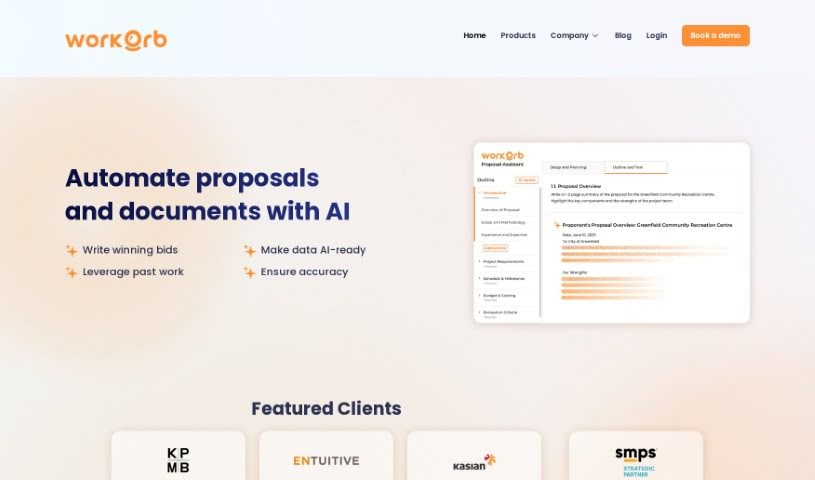
- Workorb AI: Simplifies architectural project workflows.
- Cybertiks: Used for designing virtual building models.
- ArchitectGPT: Turns sketches and 3D renders into photorealistic images with virtual staging.