AI Lesson Planning Tools: Top Picks & How They Work

AI Tools for Lesson Planning

Discover the best Lesson Planning AI tools to enhance your productivity and creativity.

Page 1 of 4 • 43 total tools
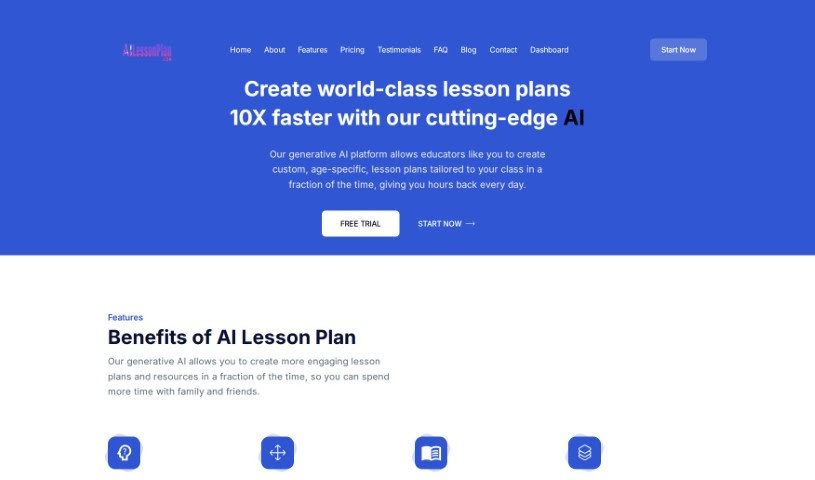
Screenshot of AILessonPlan

AILessonPlan

Freemium

AILessonPlan is a cloud-based generative AI tool that helps educators create custom lesson plans quickly. It supports popular formats including 5E, Madeline Hunter, 4A's, Bloom's Taxonomy Basic, and Five-Step Lesson plans, and lets you customize those formats or add your own.

Lesson Planning View Tool →
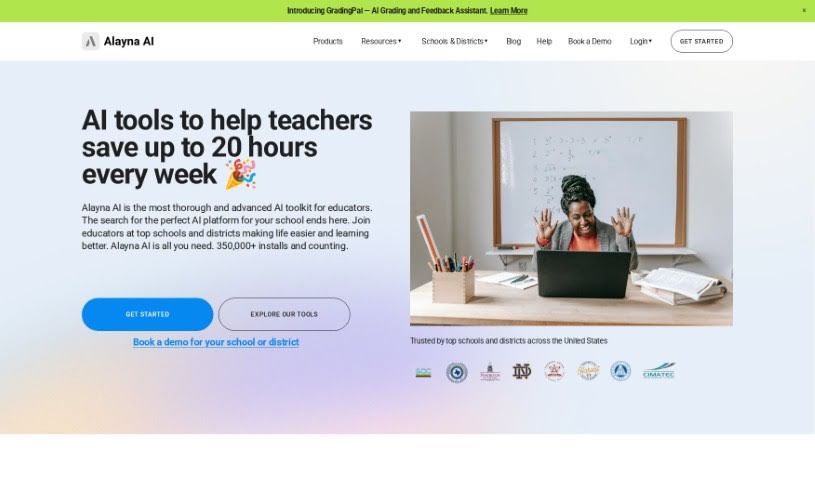
Screenshot of Alayna US

Alayna US

Freemium

Alayna US is an educational platform built for K-12 teachers and schools. It assists with lesson planning, curriculum mapping, quiz creation, grading, personalized learning materials, AI-generated art, email and communication tools, and detailed student feedback. It also provides support for school and district administrators and emphasizes data privacy and security.

Lesson Planning View Tool →
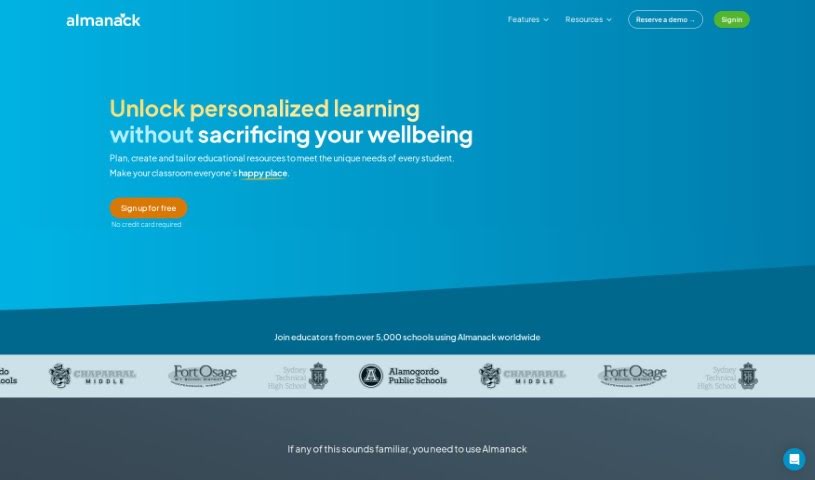
Screenshot of Almanack

Almanack

Freemium

Almanack is an AI-powered platform built for teachers. It generates course materials — tests, quizzes, worksheets, slide decks, and group activities — and supports lesson planning. The interface is straightforward, and the AI offers suggestions as teachers build their lesson plans and materials. An AI grading assistant provides detailed feedback on student work, reducing grading time. Almanack supports curricula including Ontario, Cambridge, the UK National Curriculum, and the Australian Curriculum.

Lesson Planning View Tool →
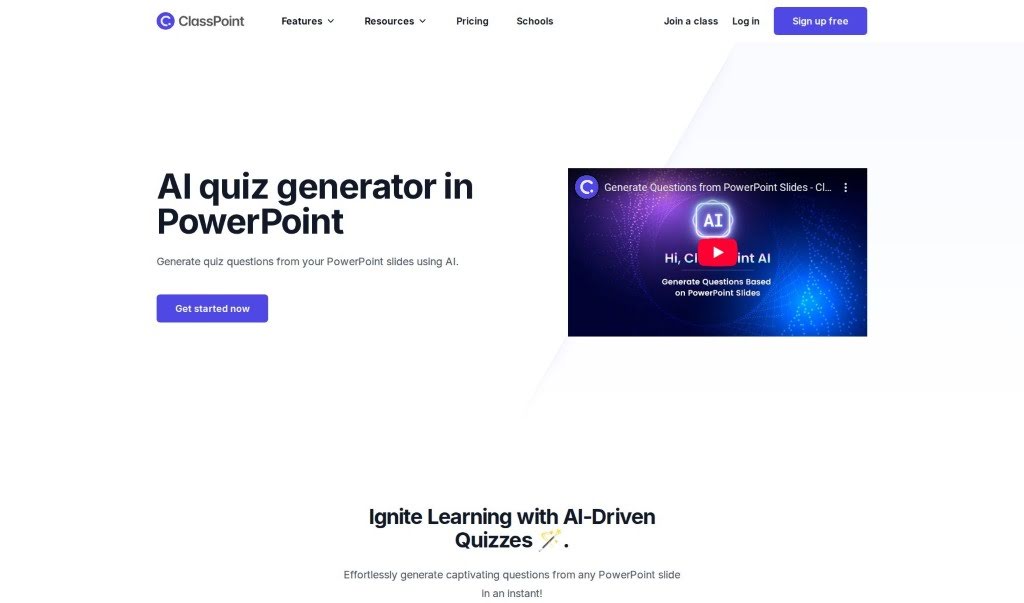
Screenshot of ClassPoint AI AI Quiz Generator

ClassPoint AI AI Quiz Generator

Freemium

The AI Quiz Generator is built into PowerPoint and creates quiz questions directly from your presentation slides. Upload your slides, and within seconds you have questions ready to go. For teachers and presenters who want to add interactive assessments to lessons, it offers a straightforward way to turn presentation material into quiz content.

Lesson Planning View Tool →
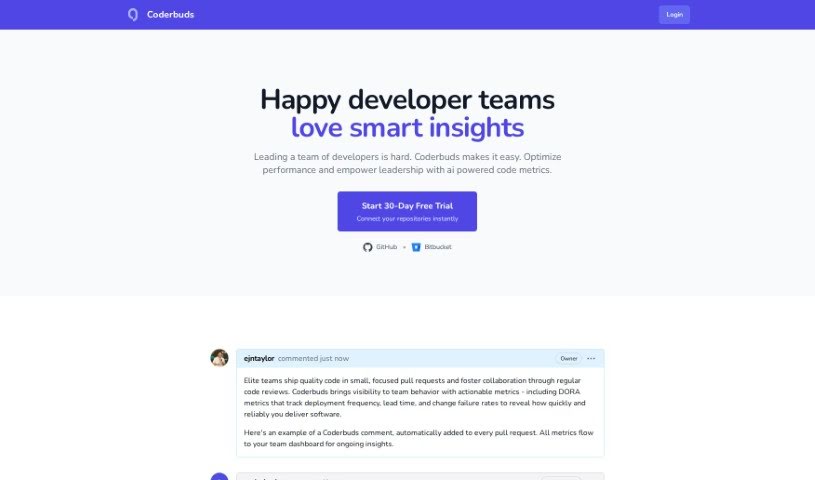
Screenshot of Coderbuds

Coderbuds

Freemium

Coderbuds is a platform designed to teach programming to children through interactive coding lessons, activities, and challenges. The interface is easy to navigate, so kids can learn at their own pace without feeling overwhelmed. The platform focuses on building problem-solving skills and logical thinking, supports multiple programming languages, and encourages kids to apply what they learn to real-world projects. It also provides resources for parents and teachers to track a child's progress and support their learning.

Lesson Planning View Tool →
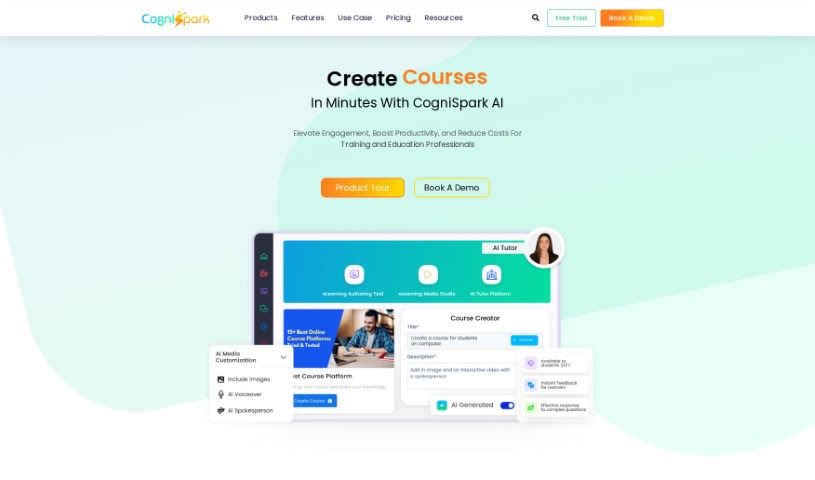
Screenshot of CogniSpark AI

CogniSpark AI

Freemium

CogniSpark is an AI-powered eLearning authoring tool for creating interactive, visually appealing training content. It supports full courses, micro-learning videos, and other multimedia formats, and bundles a suite of AI tools for course creators, instructional designers, and educators. The company emphasizes client-first service, a solution focus, high security, and a diverse, collaborative work environment.

Lesson Planning View Tool →
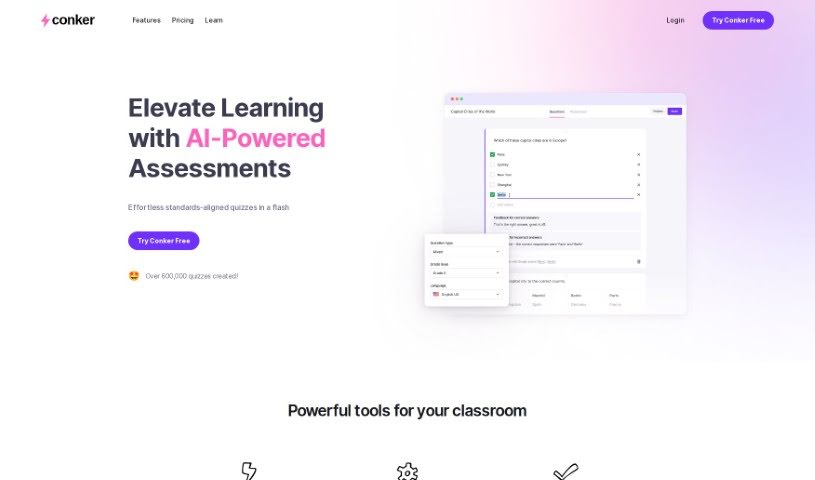
Screenshot of Conker

Conker

Freemium

Conker is an AI-powered quiz creation tool for educators. It generates unique quizzes tailored to your students' needs, making it easier to differentiate instruction. The platform includes a large library of assessments aligned with K12 standards, plus accessibility features such as a built-in read-aloud option to support every learner.

Lesson Planning View Tool →
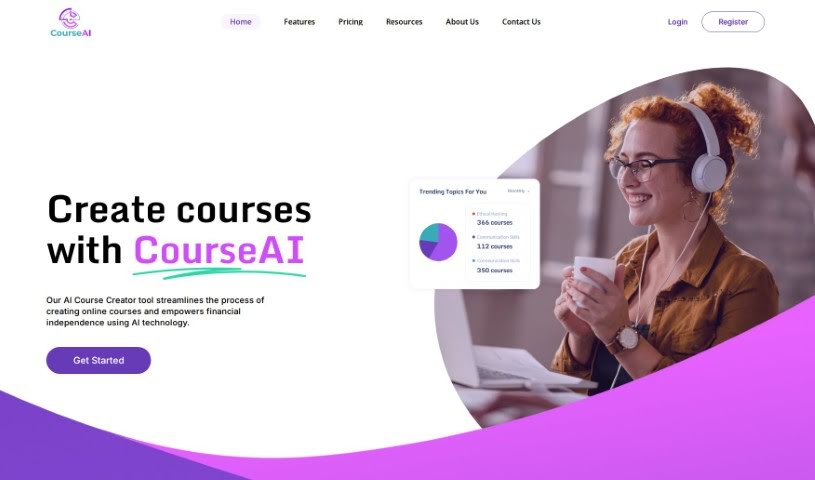
Screenshot of Courseai

Courseai

Freemium

CourseAI is a platform that uses AI to simplify creating and selling online courses. It targets people who lack the technical skills to produce or market course content and supports users at any experience level who want to build and sell courses as a source of passive income. It covers course creation, marketing, and selling, with a 3-day free trial before the Premium subscription at $29.90 per month.

Lesson Planning View Tool →
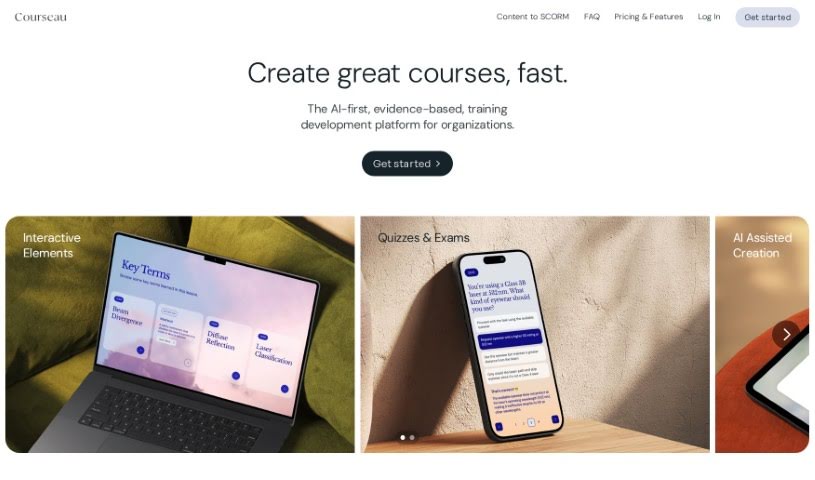
Screenshot of Courseau

Courseau

Freemium

Courseau is an educational platform that uses artificial intelligence to help experts build interactive online courses. It takes content in various formats — text, video, or audio — and turns it into structured learning material with interactive elements. Features include AI-generated images, audio lessons, and a ready-to-present interface, with support for adapting learning to different styles and needs.

Lesson Planning View Tool →
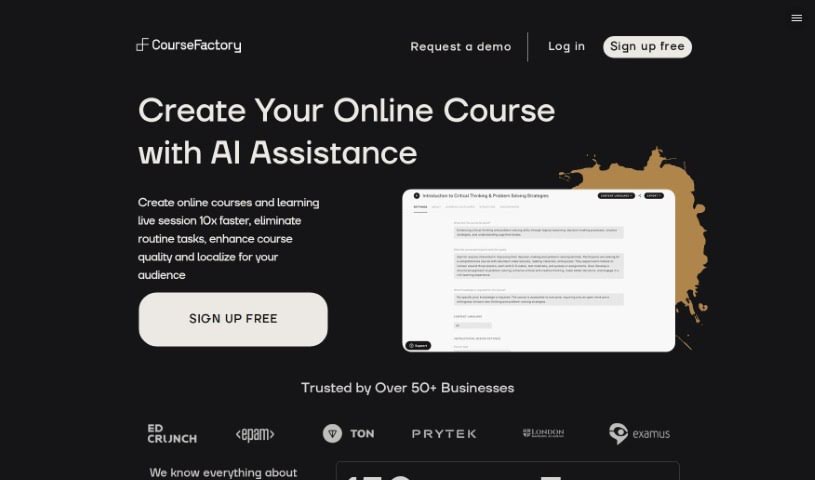
Screenshot of CourseFactory AI

CourseFactory AI

Freemium

CourseFactory AI CoPilot is an AI-powered assistant for building online courses. It uses a team of AI agents trained to help educators, trainers, and coaches throughout the course creation process — from brainstorming initial ideas and generating content to analyzing student feedback. According to the platform, it can make course creation about ten times faster while letting you keep your own teaching style.

Lesson Planning View Tool →
Screenshot of CourseGen

CourseGen

Freemium

CourseGen is a web-based tool for creating and managing educational content and online courses. It runs entirely in the browser, so there is no software to install and no technical skills needed. It supports multimedia — images, videos, and documents — and places no set limits on how many courses you can create or how customized they can be.

Lesson Planning View Tool →
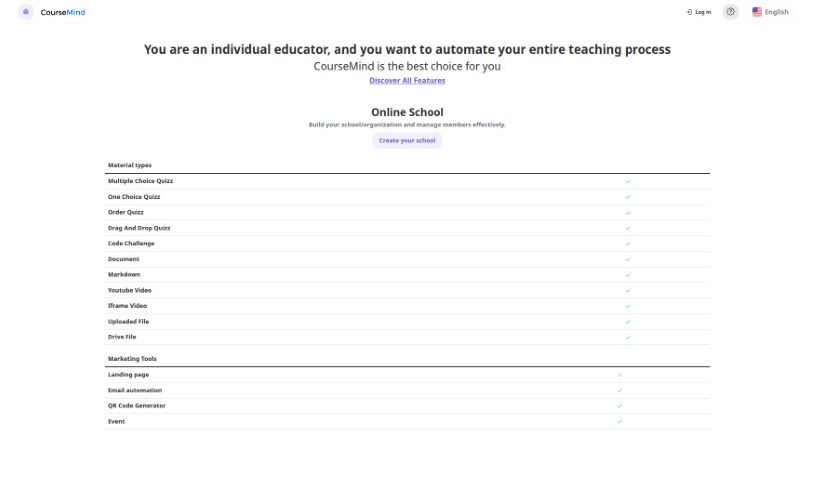
Screenshot of CourseMind

CourseMind

Freemium

CourseMind is a React Admin Dashboard Template built for anyone running an online school or educational organization. It covers the full setup: creating and managing your institution, tracking members, and editing course content. Its AI-powered editing tools reduce the time spent tweaking course materials, while built-in marketing features — email automation and landing page builders — help promote content and drive revenue. You can also connect popular educational tools to streamline the teaching and learning process.

Lesson Planning View Tool →
Previous 1 of 4 Next

About Lesson Planning tools

Staring at an empty lesson plan template on Sunday evening is a familiar nightmare for teachers. Balancing state standards, building engaging activities, and tailoring reading levels for twenty different kids takes hours of prep time. When grading and unit outlines eat up every night, bringing real energy to the classroom gets tough.

These platforms don’t replace your teaching experience or automate relationships with your students. Instead, think of them as creative teaching assistants that draft unit outlines, create tiered activities, and build assessment rubrics in minutes.

Faster Unit Plans, Tiered Prep, and Assessments

Drafting unit plans and creative class activities gets much faster when you aren’t starting from scratch. Coming up with fresh hooks, group projects, and step-by-step lab instructions for every topic takes continuous mental effort. AI lesson generators turn learning objectives and state standards into structured daily plans complete with warm-ups, guided practice, and quick checks for understanding.

Differentiating instruction for varied learning needs becomes far less overwhelming, too. Modifying a reading passage or assignment for advanced students, English language learners, and kids who need extra support usually means rewriting worksheets three times over. Smart teaching tools adjust text complexity, generate vocabulary banks, and build tiered practice problems from a single master lesson.

Building quizzes, exit tickets, and grading rubrics takes a fraction of the usual time. Writing fair multiple-choice questions and clear scoring criteria for every unit swallows precious planning periods. AI assessment tools generate customizable quizzes from your lesson notes, align questions with depth-of-knowledge targets, and construct rubric grids that explain expectations clearly to students.

Practical Capabilities to Consider:

  • Curriculum standard alignment: Tools that map lesson plans, objectives, and activities directly to state or national standards.
  • Differentiated content scaling: Features that adjust reading levels, simplify instructions, or add extension challenges for varied learning needs.
  • Automated rubric and quiz generation: Software that creates custom assessment grids, exit tickets, and test items from your notes.
  • Interactive activity templates: Applications offering pre-formatted layouts for science labs, document-based questions, writing prompts, and group discussions.
  • Export and LMS compatibility: Connectors that export lessons directly to Google Classroom, Canvas, Word, or printable PDFs.

Great teaching will always depend on human connection, empathy, and classroom intuition. Software can outline a unit, adjust a reading level, and format a quiz rubric, but inspiring students requires your personal presence. Handing off routine planning chores simply gives you back the energy needed for your students.

Explore the lesson planning tools below to reclaim your prep time.

The Best AI Lesson Planning Tools

  1. Gizmo: Helps you create daily lesson schedules.
  2. Magic School AI: Streamlines curriculum design.
  3. Formative: Makes creating interactive lesson slides easy.
  4. EdApp: Simplifies making organized lesson plans.
  5. To Teach AI: Efficiently streamlines lesson creation.
  6. Curipod: Helps you streamline and customize lesson creation.
  7. Learning Studio AI: Streamlines lesson plans with AI suggestions.
  8. Flint: Streamlines lesson plan creation.
  9. Tutorai: Creates personalized lesson plans efficiently.
  10. Conker: Streamlines curriculum development tasks.
  11. Course Mind: Offers smart templates for effective lesson planning.
  12. Courseai: Streamlines customized lesson plans.
  13. Teacher Matic: Simplifies lesson planning.
  14. Courseau: Streamlines lesson plans with AI support.
  15. Almanack: For dynamic lesson design that meets varied needs.
New tools, in your inbox.

Weekly picks of the best AI tools we've researched and added — no spam, unsubscribe anytime.

Join 25,000+ AI enthusiasts. No spam, unsubscribe anytime.