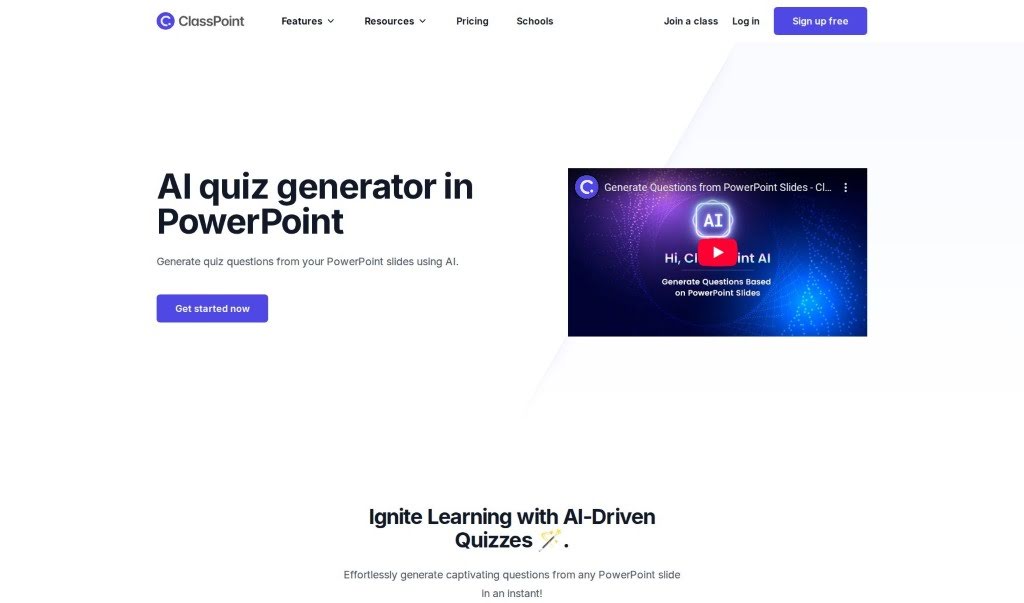
Screenshot of ClassPoint AI AI Quiz Generator

ClassPoint AI AI Quiz Generator

Discover what ClassPoint AI's Quiz Generator is and how to use it effectively in 2025. We'll explore its features and see how it stacks up against other teacher tools.

Screenshot

What is ClassPoint AI AI Quiz Generator?

The AI Quiz Generator, integrated right into PowerPoint, lets you easily create quiz questions straight from your presentation slides. It’s a really neat tool that helps you whip up engaging quiz content super fast. Just upload your slides, and in seconds, you’ll have interesting questions ready to go. This AI-powered feature makes creating quizzes much simpler, which is great for teachers and presenters who want to add interactive assessments to their lessons. It’s all about sparking learning by giving you a smooth way to turn your presentation material into fun, stimulating quiz questions.

Who created ClassPoint AI AI Quiz Generator?

This AI Quiz Generator was actually developed by Patel, a high school history teacher. It’s a product from ClassPoint, a company that offers a whole suite of tools for education. Think interactive quizzes, gamification elements, presentation aids, this AI quiz generator, live Q&A sessions, and even grouping features. It’s a pretty cool tool that uses AI to help you generate quiz questions from your PowerPoint slides, encouraging creativity and helping you bring ideas together.

How to use ClassPoint AI AI Quiz Generator?

Ready to create some quizzes? Here’s how you can use the AI Quiz Generator right within PowerPoint:

  1. First, open up PowerPoint and look for the ClassPoint tab. You’ll find it there.
  2. Next, just click on “AI Quiz Generator” to open up the feature.
  3. Now, pick the specific PowerPoint slides you want the AI to pull questions from.
  4. Hit the “Generate Quiz” button. The AI will then look over your content and create the questions for you.
  5. Take a moment to look through the questions the AI made. You can easily tweak them or make any adjustments you like.
  6. Once you’re happy with them, save the quiz directly into your PowerPoint presentation.
  7. And that’s it! Your AI-generated quiz is ready to be used for interactive learning sessions.

By following these simple steps, you can effortlessly create engaging quizzes using the AI Quiz Generator feature in PowerPoint. It really makes the process quite straightforward.

Related AI Tools

Discover more tools in similar categories that might interest you

Academic Help Free Essay Generator

Education Academic Writing
Learn More

Stay Updated with AI Tools

Get weekly updates on the latest AI tools, trends, and insights delivered to your inbox

Join 25,000+ AI enthusiasts. No spam, unsubscribe anytime.