AI YouTube Video Editors: Top Tools & How They Work

AI Tools for Youtube Video Editors

Discover the best Youtube Video Editors AI tools to enhance your productivity and creativity.

Page 1 of 1 • 9 total tools
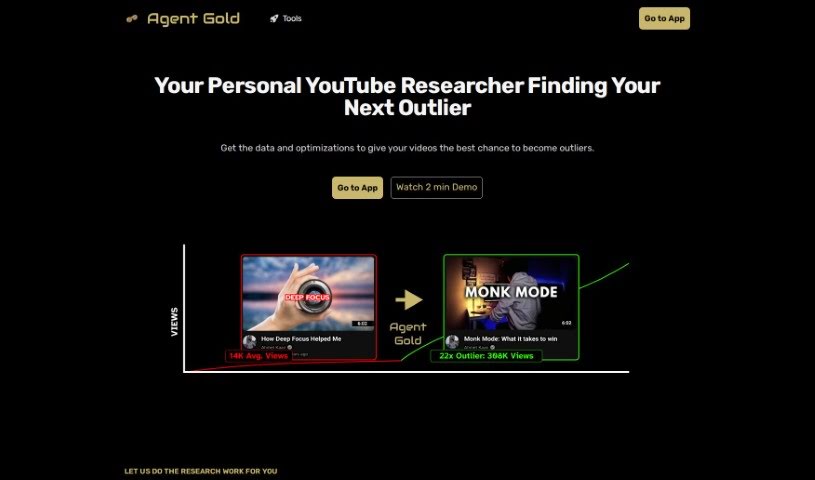
Screenshot of Agent Gold

Agent Gold

Freemium

Agent Gold is an AI tool for YouTube creators that helps improve content and grow an audience. It generates video titles, concise video summaries, and social media and email posts by analyzing what has worked in the past and what is popular now. It also acts as a personal advisor: it studies what makes top-performing videos successful, suggests new content ideas, and recommends ways to improve the channel, all while matching the creator's unique style and voice.

Youtube Video Editors View Tool →
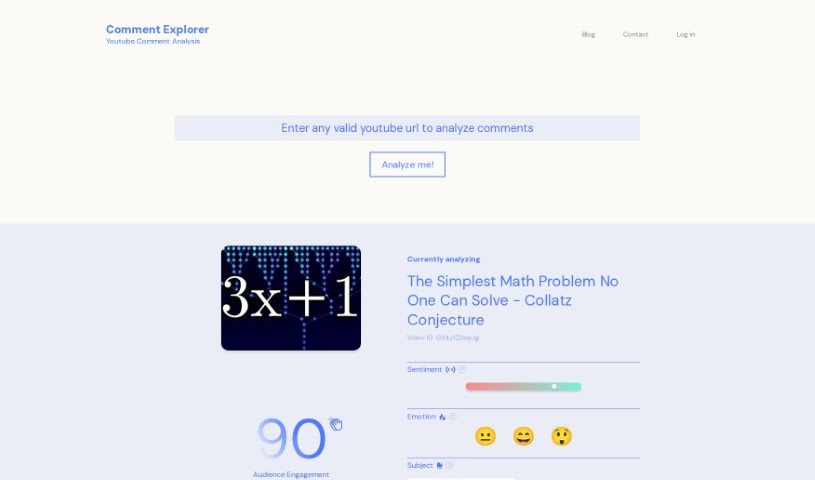
Screenshot of Comment Explorer

Comment Explorer

Freemium

Comment Explorer is an AI tool that helps YouTube creators understand what viewers are saying in their video comments. Its Comment Analyzer breaks down sentiment, emotions, and main topics across a comment section, giving you a clear picture of how engaged your audience is and how they react to your content.

Youtube Video Editors View Tool →
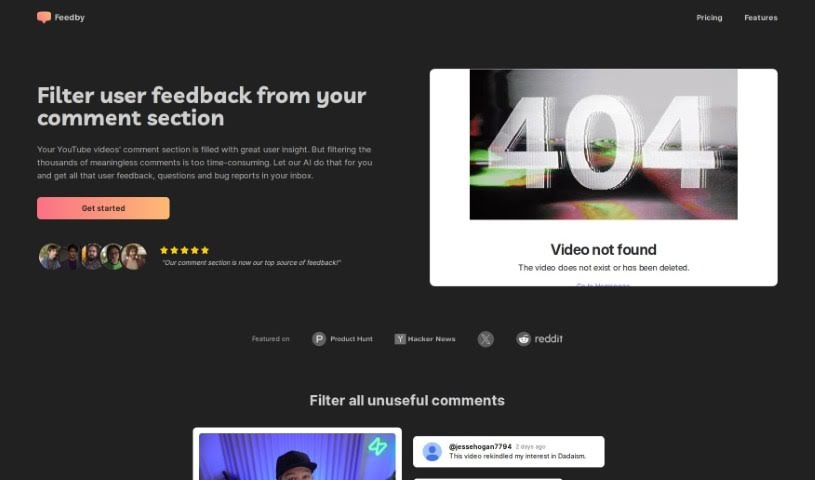
Screenshot of Feedby

Feedby

Freemium

Feedby is an AI-powered tool that simplifies managing YouTube comments. It filters out unhelpful comments so you can focus on the valuable feedback, questions, and bug reports that matter most. Instead of sifting through comments yourself, Feedby sends you an organized summary right to your inbox. This helps creators and businesses connect with their audience and act on what viewers are saying. Setup is straightforward, and pricing starts at $1 per 1,000 comments after the free allowance, making it accessible for channels of any size. [Visit Feedby](https://feedby.danigleba.com/).

Youtube Video Editors View Tool →
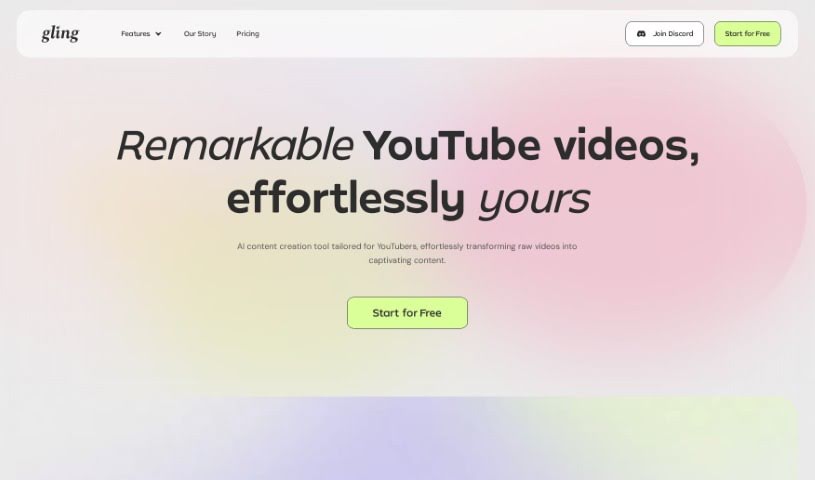
Screenshot of Gling Ai

Gling Ai

Freemium

Gling AI is a video editing tool built for YouTubers. It uses AI to automatically cut out awkward silences and mistakes from your footage, so you spend less time on manual edits and more time creating. The AI analyzes your footage, finds the quiet bits and flubbed lines, and removes them, resulting in smoother, more polished videos.

Youtube Video Editors View Tool →
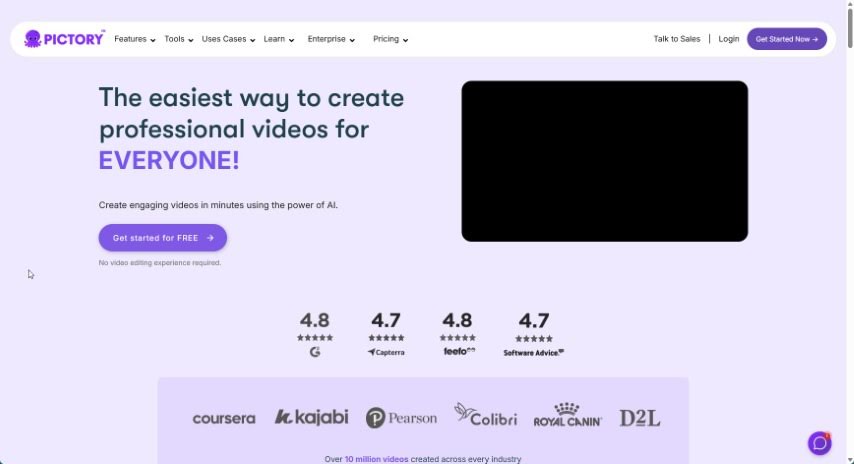
Screenshot of Pictory

Pictory

Freemium

Pictory is a platform for creating professional-looking videos without editing experience. You can start from a script, automatically turn blog posts into videos, or extract the best moments from longer recordings for social media. Automatic captions help increase reach and watch time, and collaboration features support teams. Non-profit support is also available. Pictory additionally offers courses such as "YouTube Mastery" and "Video Marketing Made Easy," along with tools like Pictory GPT for Videos and Pictory AI for turning long content into short, shareable social videos.

Youtube Video Editors View Tool →
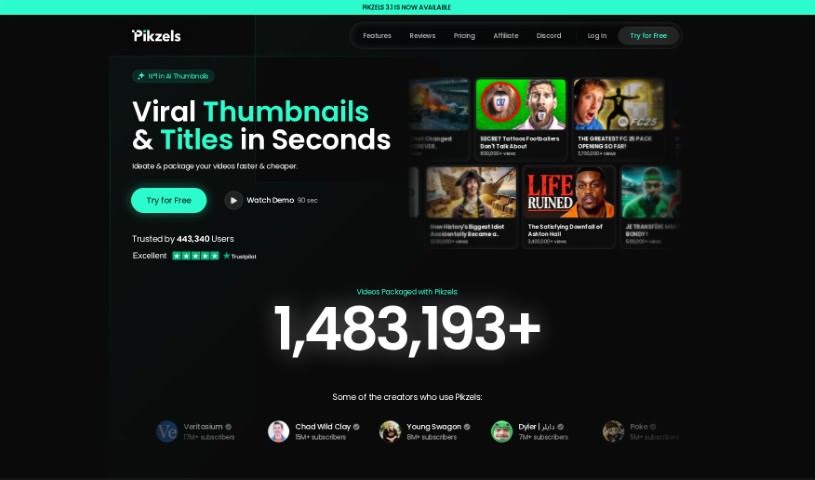
Screenshot of Pikzels

Pikzels

Freemium

Pikzels is an AI tool for YouTube creators that generates thumbnails from text prompts in under 30 seconds. It gives you full control over the creation process, so you don't need to hire a designer, and it delivers consistent results regardless of your experience level.

Youtube Video Editors View Tool →
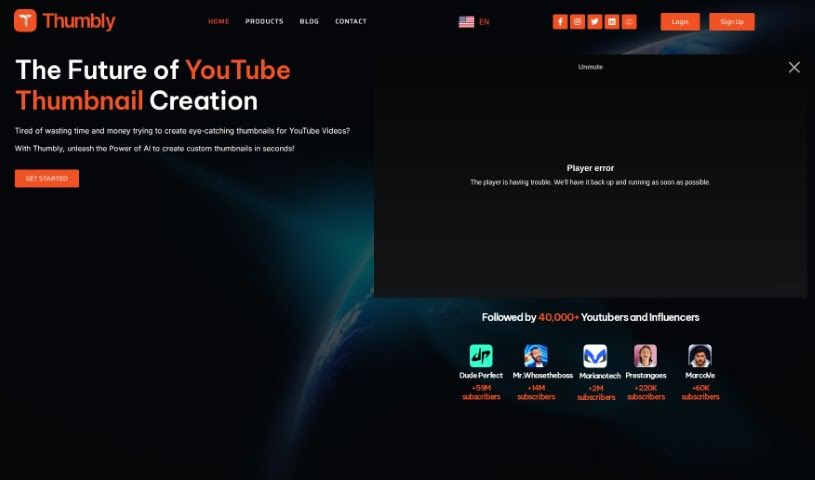
Screenshot of Thumbly

Thumbly

Freemium

Thumbly is a website offering AI-powered tools for content creators, with a focus on SEO. It includes a Thumbnail Generator, a Title Generator, and a Free Thumbnail Rating Tool — all designed to help you create eye-catching thumbnails and compelling titles that grab viewers' attention and improve click-through rates.

Youtube Video Editors View Tool →
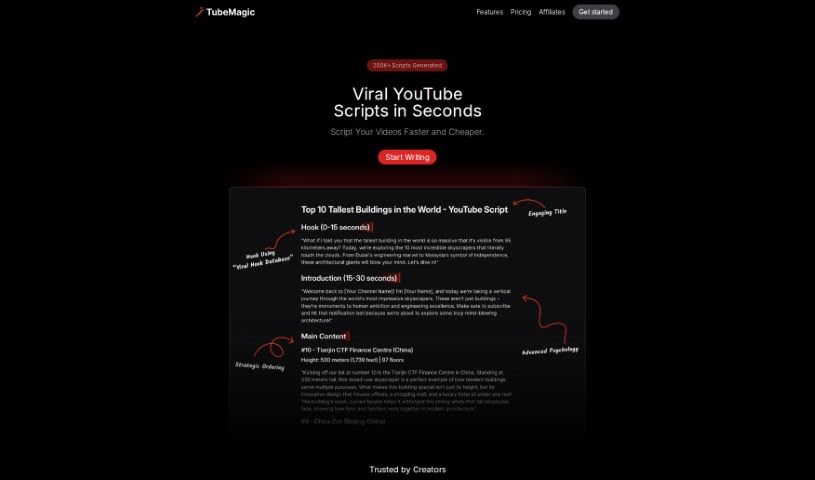
Screenshot of TubeMagic

TubeMagic

Freemium

TubeMagic is an AI-powered tool built to help you grow on YouTube. It generates video ideas, writes scripts, and optimizes videos so they perform better on the platform. It can find popular videos, help you write searchable titles and descriptions, and assist with brainstorming new content. Note that it focuses specifically on YouTube and does not include video editing features.

Youtube Video Editors View Tool →
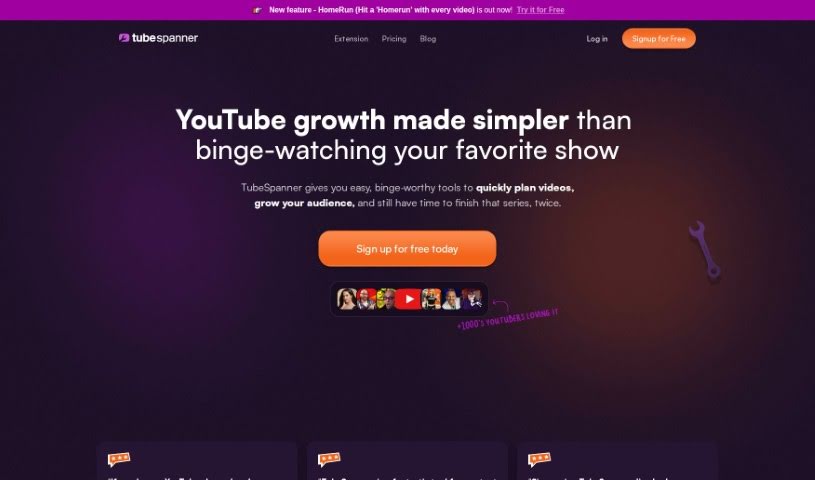
Screenshot of TubeSpanner

TubeSpanner

Freemium

TubeSpanner is an all-in-one tool for YouTube creators. It bundles features you'd otherwise pay for in separate monthly subscriptions into a single platform, making it a cost-effective option for managing your channel.

Youtube Video Editors View Tool →
Previous 1 of 1 Next

About Youtube Video Editors tools

Scrubbing through hours of raw talking-head footage, cutting out stutters, and manually keyframing zooms for YouTube videos can make editing feel like a never-ending grind. Whether you’re running a vlog, producing in-depth tech reviews, or hosting a video podcast, transforming raw camera clips into a tight, engaging video takes serious effort. It’s easy to spend an entire weekend cutting out silent pauses, styling captions, and building thumbnails before your video is ready to upload.

Built for creators and channel editors, these platforms act as fast, reliable co-editors. They handle routine rough cuts, generate dynamic subtitles, and turn long-form uploads into vertical YouTube Shorts in minutes without replacing your personality on camera.

Text-Based Transcript Editing, Shorts Creation, and Audio Polish

Turning hours of unedited talking-head footage into a polished first draft used to take endless timeline trimming. Smart YouTube editors generate transcriptions of your raw media, allowing you to edit your video by simply deleting text from a transcript. When you remove bad takes, stutters, or silent pauses from the text draft, the software automatically cuts out those video frames, giving you a clean rough cut without manually slicing hundreds of clips.

Repurposing long-form channel uploads into short, vertical videos is essential for growing an audience on YouTube Shorts. Trimming down a 20-minute video into bite-sized clips normally means re-editing the project from scratch. Intelligent clipping tools scan your finished YouTube videos to identify high-energy moments, reframe the video for vertical screens, and apply animated captions that keep viewers watching.

Polishing the final details of your video gets much simpler, as well. Unwanted room echo, background hums, and uneven audio levels can turn viewers away fast. AI audio tools isolate spoken dialogue, cancel out background noise, and automatically lower background music volume when you speak. Many platforms also analyze your final edit to generate time-stamped video chapters and suggest eye-catching thumbnail frames.

Key Capabilities to Look For:

  • Text-based transcript editing: Systems that transcribe your video so you can cut out mistakes, stutters, and silent pauses by editing text.
  • Automated Shorts generation: Tools that scan long YouTube videos to find top moments, reframe them vertically, and create ready-to-post Shorts.
  • Dynamic captioning and styling: Features that generate accurate, time-synced subtitles with customizable fonts and animated text effects.
  • AI audio cleanup and music ducking: Settings that clean up background noise, balance voice tracks, and automatically lower music behind dialogue.
  • Chapter and thumbnail creation: Capabilities that analyze video content to create time-stamped chapters and suggest eye-catching thumbnail designs.

Building a successful YouTube channel will always depend on your creative vision, authentic personality, and connection with your audience. Software cannot replace human charm or decide what topics resonate with your community. But letting smart tools handle repetitive clip slicing, audio cleanup, and short-form reformatting gives you back the energy needed to focus on making great content.

Explore the YouTube video editing tools below to speed up your channel workflow.

The Best AI YouTube Video Editors

  1. Pictory: Great for quickly producing engaging YouTube content.
  2. Pikzels: Helps with thumbnail design for eye-catching visuals.
  3. TubeMagic: Creates compelling video scripts.
  4. Gling Ai: Streamlines video edits for YouTube creators.
  5. Thumbly: Perfect for making eye-catching YouTube thumbnails.
  6. TubeSpanner: Streamlines video collaboration tools.
  7. Agent Gold: Enhances video editing with creative ideas.
  8. Comment Explorer: Improves edits using audience feedback insights.
  9. Feedby: Effortlessly manages YouTube comments.
New tools, in your inbox.

Weekly picks of the best AI tools we've researched and added — no spam, unsubscribe anytime.

Join 25,000+ AI enthusiasts. No spam, unsubscribe anytime.