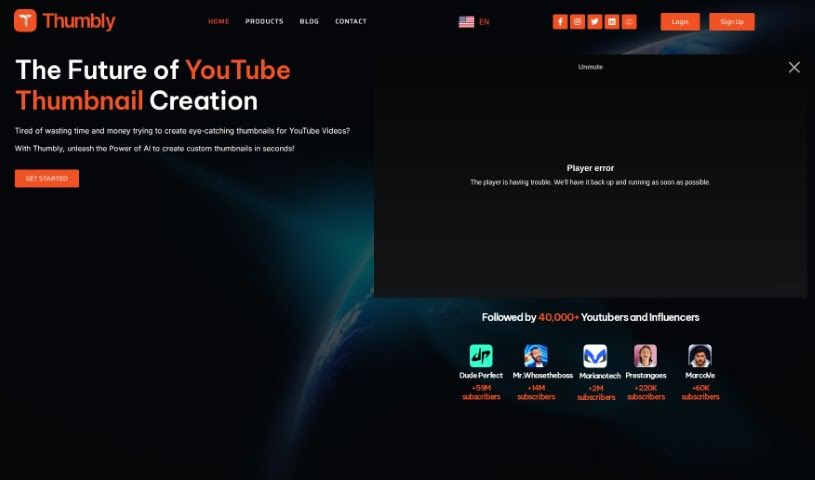
What is Thumbly?
Thumbly is a handy website packed with tools for creators and anyone producing content, especially if you’re focused on SEO. It offers a Thumbnail Generator, a Title Generator, and even a Free Thumbnail Rating Tool. These tools are designed to help you craft eye-catching thumbnails and compelling titles, which are key to grabbing viewers’ attention and boosting your click-through rates. The Thumbnail Generator makes it super easy to customize your visuals using templates and various options. Need a great title? The Title Generator helps you brainstorm catchy ones based on your keywords. Plus, the Free Thumbnail Rating Tool lets you get real feedback from the community, giving you insights to make your thumbnails even better. Essentially, Thumbly is here to support content creators in boosting their online presence and drawing in more viewers, all with user-friendly tools and a solid focus on SEO.
Users who’ve tried Thumbly often talk about how it transforms their content creation process. They mention the endless creative possibilities and how the AI technology helps them generate thumbnails efficiently. Signing up for Thumbly really gives content creators a strong partner to help their content succeed.
Who created Thumbly?
Thumbly was actually co-founded by two AI specialists, Nitin Sharma and Massùod Hemmat. This platform provides AI-driven solutions specifically for content creators. You’ll find tools like the Thumbnail Generator, Title Generator, and a Thumbnail Rating Tool, all aimed at making your content visually appealing and more engaging, especially on platforms like YouTube. The company’s goal is to help users improve their SEO and viewer engagement through these easy-to-use tools.
What is Thumbly used for?
Thumbly is great for a bunch of things:
- Making your content more visible in search results.
- Creating custom thumbnails specifically for your YouTube videos.
- Coming up with catchy titles that grab attention.
- Getting valuable feedback on how effective your thumbnails are.
- Boosting your overall online presence.
- Attracting more viewers to your content.
- Increasing the number of clicks your content gets.
- Optimizing your video’s SEO for better ranking.
- Making your content easier to find.
- Getting more viewers to engage with your videos.
- Saving you time and making your workflow more productive.
- Crafting unique thumbnails for any video or image.
- Generating titles that are both catchy and engaging for your content.
- Receiving community feedback on your thumbnails.
- Improving your online presence to draw in more viewers.
- Boosting SEO for better visibility and higher click-through rates.
- Creating custom thumbnails for videos or images.
- Generating catchy and engaging titles for your content.
- Getting feedback on your thumbnails from the Thumbly community.
- Optimizing SEO for increased visibility and click-through rates.
- Enhancing your online presence and attracting more viewers.
- Making visually appealing thumbnails for your videos or images.
- Customizing thumbnails easily with templates and various options.
- Getting creative title ideas based on your keywords or topics.
- Boosting discoverability and enticing viewers to click with compelling titles.
- Improving your thumbnails’ effectiveness with ratings and suggestions.
- Saving time and boosting productivity with affordable solutions.
- Optimizing SEO for better visibility and more clicks.
- Customizing thumbnails easily using templates and options.
- Getting creative title suggestions based on keywords or topics.
- Accessing community ratings and suggestions for your thumbnails.
- Promoting your YouTube success with AI-powered solutions.
- Increasing viewership by improving your thumbnails and titles.
Who is Thumbly for?
Thumbly is a great resource for:
- Content creators of all kinds
- YouTubers
- Influencers
- AI specialists
- Anyone interested in AI
How to use Thumbly?
To get the most out of Thumbly, just follow these simple steps:
- Visit Thumbly’s Website: Head over to thumbly.io. You’ll find all the tools there, designed to really boost your YouTube content.
- Explore the Tools: Take a look at the Thumbnail Generator, Title Generator, and the Free Thumbnail Rating Tool. See how each one can help your content creation process.
- Thumbnail Generator: Use this tool to easily create custom thumbnails for your videos or images. You can customize templates to make your thumbnails look great and really stand out from the crowd.
- Title Generator: Need a catchy title? Input your keywords or topics, and this tool will help you generate engaging titles. These suggestions can really improve your content’s visibility and encourage more clicks.
- Thumbnail Rating Tool: Ready for feedback? Submit your thumbnails here to get ratings and suggestions from the Thumbly community. This is a fantastic way to improve how effective your thumbnails are.
- Utilize User-Friendly Interface: Thumbly is designed to be easy to use, whether you’re just starting out or you’re a seasoned creator. You don’t need any special skills to navigate and use the tools effectively.
- Optimize SEO: Thumbly really focuses on search engine optimization, which helps increase your content’s visibility and attract more viewers.
By following these steps and using the features Thumbly offers, you can definitely improve your online presence, attract a bigger audience, and make your YouTube content perform much better.