Wrestling with broken test suites after a minor UI update or hunting for flaky edge cases before a major release can turn quality assurance into constant firefighting. Between writing manual test scripts, generating realistic test data, maintaining fragile UI locators, and sifting through endless failure logs, software testing often consumes hours of valuable engineering time. When test maintenance takes longer than shipping new features, keeping up with release cycles gets tough.
Built for QA engineers, software testers, test automation leads, and DevOps teams, these AI platforms act as high-speed testing assistants. They auto-generate edge-case scenarios, repair broken test scripts through self-healing locators, and analyze failure logs in seconds without replacing critical thinking or exploratory testing.
Automating Regression, Self-Healing Locators, and Log Analysis
Generating comprehensive test suites and edge cases takes minutes instead of days. Writing manual test cases for every user flow, API endpoint, and edge case often leaves coverage gaps that surface as bugs in production. Modern AI testing tools analyze user stories, API specifications, and codebase changes to automatically generate end-to-end test scenarios, unit tests, and synthetic datasets that cover complex user paths.
Eliminating test flakiness with self-healing automation keeps CI/CD pipelines running smoothly. Traditional automated UI tests frequently break whenever a button label moves or an element ID changes. Intelligent test automation frameworks use computer vision and adaptive locators to recognize updated UI elements dynamically, auto-repairing broken selector paths during test runs so your builds don’t fail over cosmetic updates.
Accelerating root cause analysis and log triaging saves hours of manual debugging. Sifting through thousands of lines of execution logs, DOM snapshots, and network traces after a failed night run is tedious. AI log analysis tools scan test failures, filter out known flaky behavior, group similar errors together, and pinpoint the exact line of code or network payload that caused the failure.
Practical QA Features to Consider:
- Self-healing test locators: Systems that automatically adapt to UI layout shifts and DOM changes to prevent test suite failures.
- Automated test case generation: Tools that read user requirements or API specs to draft unit, integration, and E2E test scripts.
- Visual AI regression testing: Image recognition engines that detect unintended layout shifts, visual overlaps, and styling bugs across browsers.
- Synthetic test data generation: Software that creates realistic, privacy-compliant mock data for complex testing scenarios.
- Smart failure triage and analytics: Dashboards that group test failures by root cause, flag flaky tests, and integrate directly with issue trackers like Jira.
Shipping reliable software will always depend on human intuition, thoughtful risk assessment, and deep empathy for the end user’s experience. Handing off routine test maintenance and repetitive execution gives you back the time needed to focus on building higher-quality applications.
Check out the QA tools below to strengthen your testing workflow.
- Google Labs: for automating AI-driven bug detection.
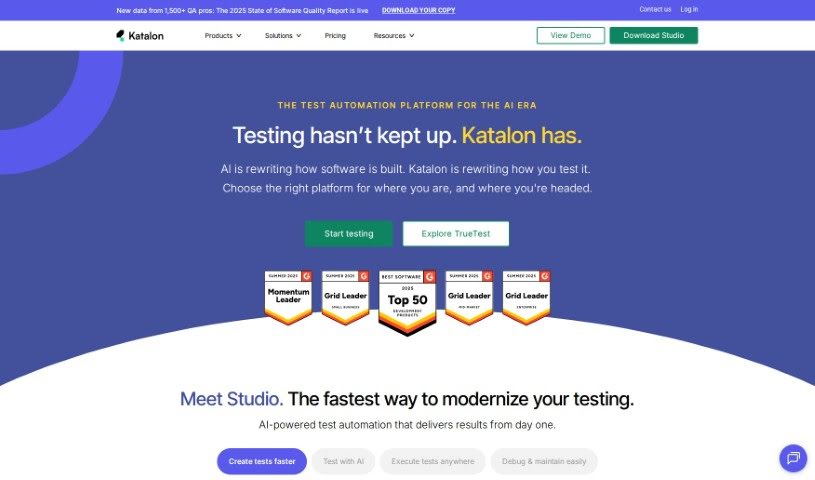
- Katalon: for making regression testing automation smoother.
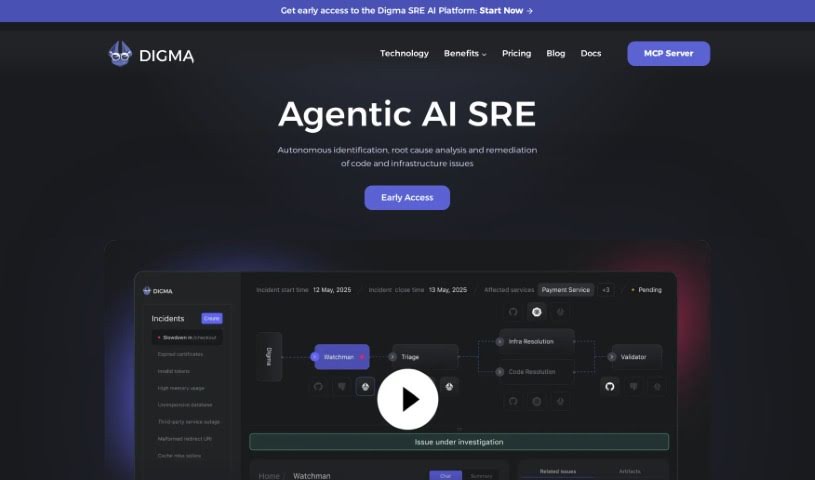
- Digma: for pinpointing test execution performance.