Top AI Productivity Tools

AI Tools for Productivity

Discover the best Productivity AI tools to enhance your productivity and creativity.

Page 1 of 108 • 1290 total tools
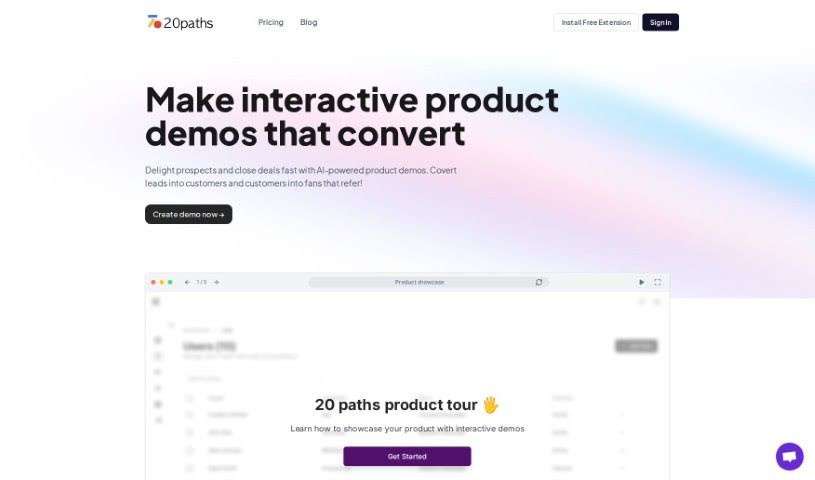
Screenshot of 20Paths

20Paths

Freemium

20Paths is an AI assistant for creating how-to guides and documentation, built for technical writers, documentation specialists, and instructional designers who need clear, engaging guides. Users create, edit, and share guides from a single interface, with automatic highlighting of key screen areas and basic AI text generation.

Productivity View Tool →
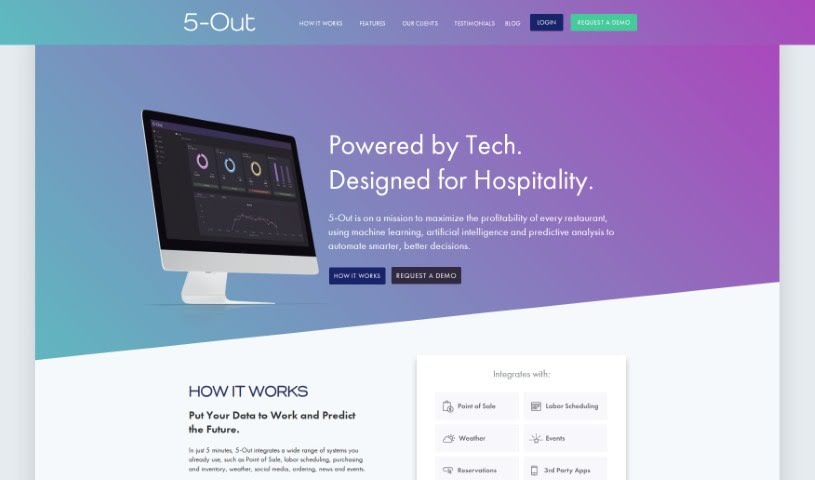
Screenshot of 5-Out

5-Out

Freemium

5-Out is a sales forecasting software for restaurants. It uses algorithms and data analysis to predict sales, typically in less than 5 minutes. Features include predictive intelligence, instant recommendations, and lookback reports for past performance. The tool helps improve purchasing, staffing, and overall business planning, with clear dashboards that make sales data easy to review and support data-backed decisions.

Productivity View Tool →
Screenshot of 6000 thoughts

6000 thoughts

Freemium

6000 Thoughts is a mobile app that acts as a personal coach for clearing your head and reflecting more deeply. Instead of typing in a journal, you speak your thoughts out loud, which helps you express yourself more naturally and see things more objectively. The app is designed to help you break stuck thinking patterns, get to the heart of what you're thinking, spot personal biases, and reach "aha" moments—without needing any prior expertise. Privacy is a priority: your data is protected and never sold. The app is available on the App Store and Google Play.

Productivity View Tool →
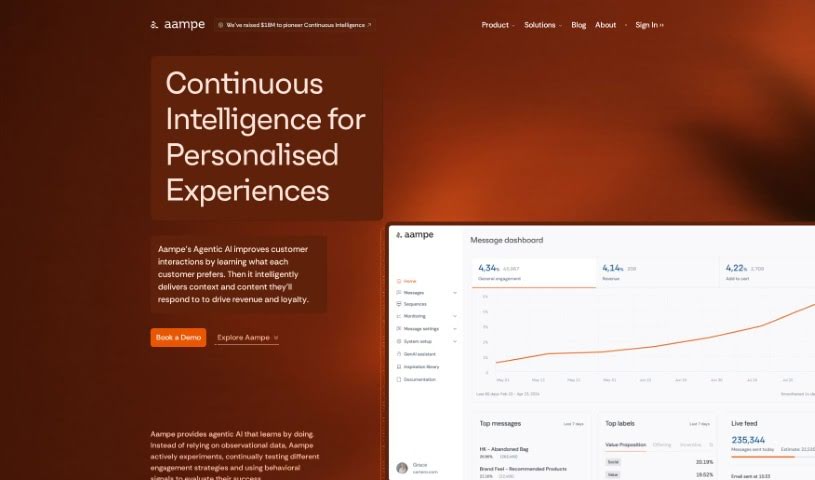
Screenshot of Aampe

Aampe

Freemium

Aampe is a platform for data analysis and machine learning. Users can create projects, upload data files, or connect existing data sources, then analyze data using statistical tools and visualizations. The platform also supports collaboration with team members, building and training machine learning models, evaluating model performance, and exporting results in various formats.

Productivity View Tool →
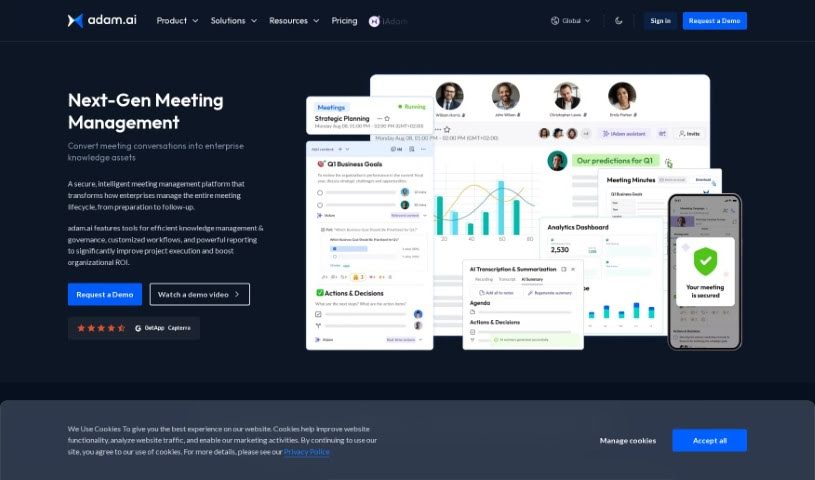
Screenshot of Adam.ai

Adam.ai

Freemium

Adam.ai is a project management platform for team collaboration and communication. It helps assign and track tasks, manage documents, create meeting minutes, and integrate with tools like Google Drive and Slack. The platform centralizes project information and supports real-time collaboration, with an interface focused on efficiency, organization, transparency, and communication.

Productivity View Tool →
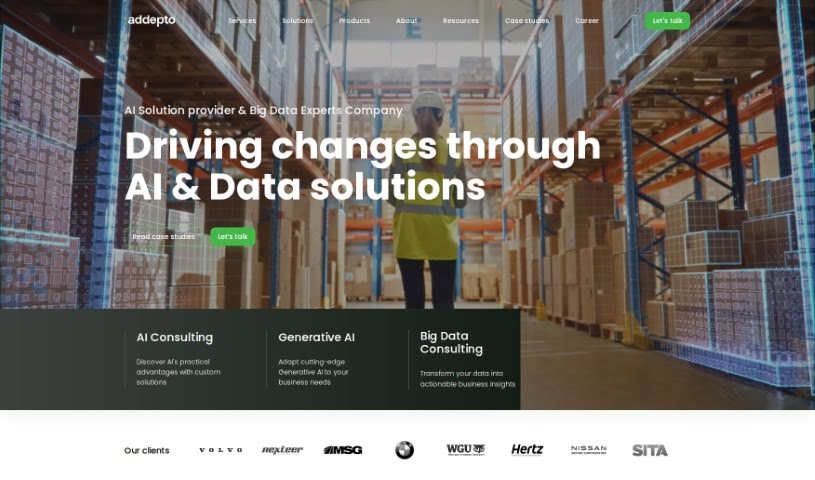
Screenshot of Addepto

Addepto

Freemium

Addepto is a technology consulting firm that specializes in building custom AI solutions for businesses. The team creates tailored tools — machine learning algorithms, data analytics systems, and AI-powered applications — designed around each company's specific challenges. Their goal is to help organizations streamline operations, make smarter decisions, and get more value from their data.

Productivity View Tool →
Screenshot of Addoobot

Addoobot

Freemium

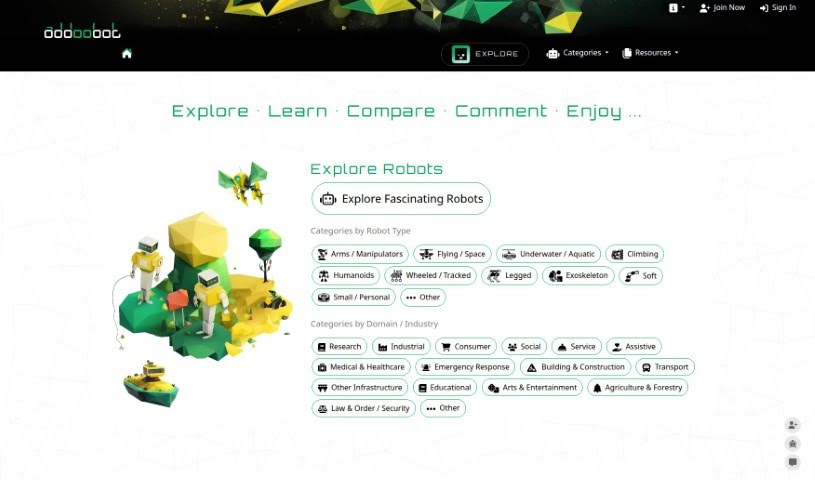
Addoobot is a curated hub for robotics and AI tools, designed to help users boost productivity and creativity. It offers a place to explore robots, compare AI tools, find job openings, learn about events, and find publishing opportunities. The platform is run by a small team in Sydney, Australia, led by Dr. Mahdi Hassan, a robotics expert and CEO.

Productivity View Tool →
Screenshot of Adept AI

Adept AI

Freemium

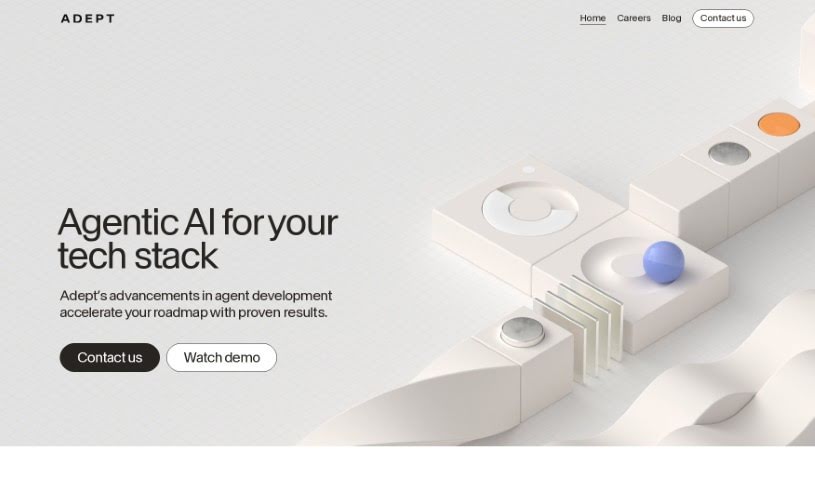
Adept AI builds machine learning models that help people and computers work together. Its model, ACT-1, understands natural language commands and performs actions within software, acting as an AI teammate. The company focuses on user-centric AI, with machines assisting humans in decision-making and freeing up time.

Productivity View Tool →
Screenshot of AFI Explorer

AFI Explorer

Freemium

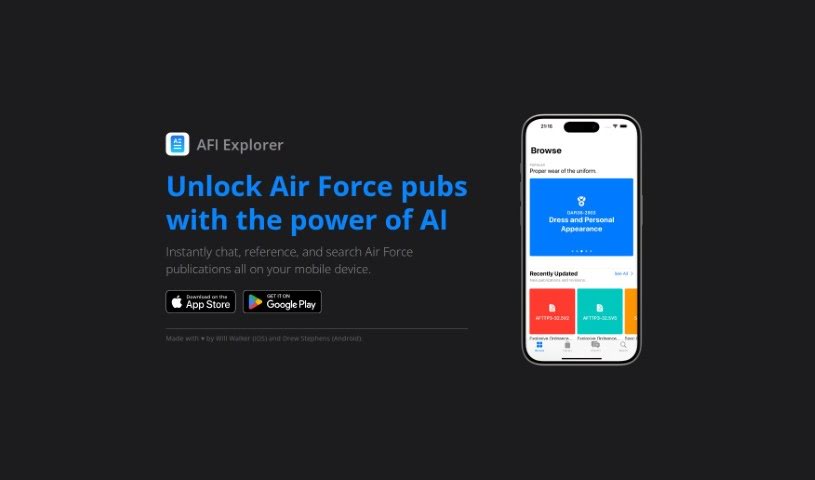
AFI Explorer is a mobile app for Air Force personnel to navigate Air Force publications on iPhone and Android. It uses AI to enable instant communication, quick access to reference materials, and accurate search across Air Force publications. The app was developed by Will Walker (iOS) and Drew Stephens (Android), with a focus on a user-friendly experience for Air Force professionals on the move.

Productivity View Tool →
Screenshot of Agenda Hero

Agenda Hero

Freemium

Agenda Hero is a scheduling tool that turns plain-text descriptions into calendar entries, which can be added directly to Google Calendar. It uses natural language processing to understand loosely formatted input, and you can edit the results before finalizing. The platform is designed to reduce the time and effort spent creating schedules.

Productivity View Tool →
Screenshot of Agenthub

Agenthub

Freemium

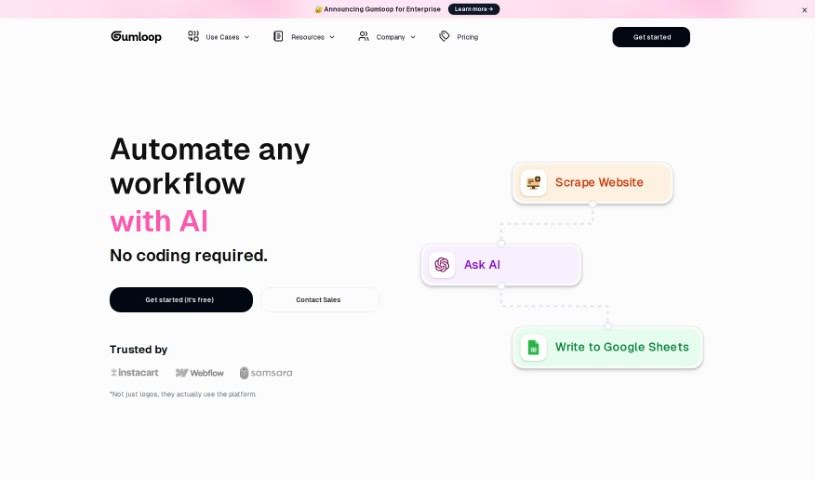
Agenthub is a platform for automating workflows with AI, without requiring AI expertise. You build custom tools by dragging, dropping, and deploying components. Built-in features include a Website Scraper, an "Ask AI" function, and the ability to add rows to spreadsheets automatically.

Productivity View Tool →
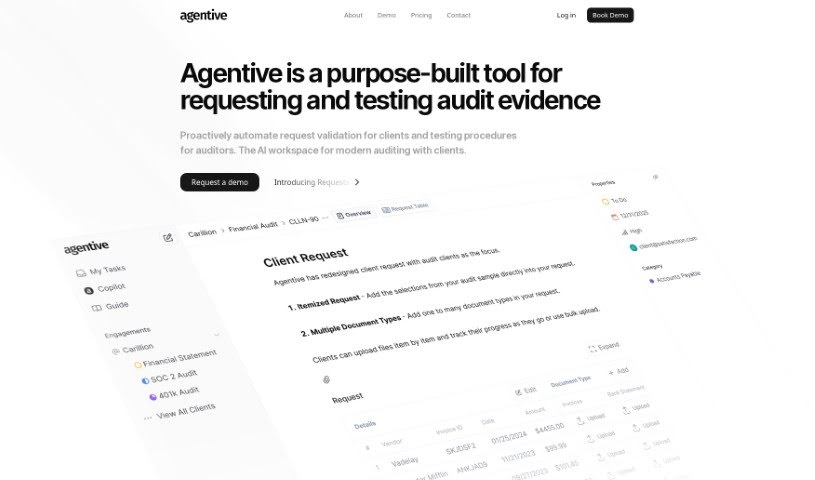
Screenshot of Agentive

Agentive

Freemium

Agentive, also known as Audit Copilot, is an AI tool designed to simplify audit testing and documentation. It uses natural language processing so auditors can carry out procedures, ask questions, and receive the documentation they need in real time. The system responds quickly to what auditors need, helping ensure audits are thorough and no detail is missed. Agentive reduces manual work, improves the accuracy of audit reports, and offers a personalized assessment of your technology strategy, provided directly by the company's founders.

Productivity View Tool →
Previous 1 of 108 Next

About Productivity tools

Having a task list that seems to grow longer by the hour is a fast track to burnout. Between managing clogged email inboxes, jumping across context-heavy browser tabs, updating project boards, and tracking down files, everyday administrative work drains momentum. When managing your workflow takes more energy than doing your actual job, staying focused gets tough.

These workflow platforms act as high-speed productivity partners for task management, scheduling, and daily automation. They won’t replace your personal discipline or strategic priorities, but they handle routine administrative tasks so you can protect your focus time.

Organizing daily tasks and scheduling focus blocks takes far less manual effort. Manually moving deadlines around when a project slips or trying to carve out focus time between back-to-back meetings usually leaves you with a chaotic calendar. Smart scheduling assistants evaluate your working habits, auto-prioritize tasks, and block out dedicated focus time on your calendar before your day gets overrun.

Clearing out email backlogs and workspace communications becomes much faster, too. Sifting through dozens of unread messages just to pull out two urgent client requests wastes valuable time. Intelligent inbox tools summarize long email threads, draft contextual replies, and sort low-priority newsletters away from critical messages—helping you reach inbox zero without reading every word.

Synthesizing notes and cross-platform information creates a central memory hub. Losing track of an important project link or a quick thought saved in a random document stalls your momentum when you need it most. AI productivity assistants search across your workspace apps, notes, and bookmarked links, letting you ask plain-English questions to pull up specific files, meeting notes, or ideas in seconds.

Key Capabilities to Consider:

  • Smart calendar and time blocking: Systems that auto-schedule tasks into your calendar around existing meetings and focus preferences.
  • Contextual email and message drafting: Tools that scan long communication threads to generate concise replies and action items.
  • Universal workspace search: Software that connects with your documents, notes, and cloud storage to retrieve files through simple prompts.
  • Task prioritization algorithms: Applications that rank daily action items by urgency, deadlines, and project dependencies.
  • Workflow automation builders: Connectors that trigger actions across different apps without requiring manual data entry.

Daily productivity will always depend on clear personal priorities and healthy work habits. Software can organize a calendar, draft an email reply, and index your notes, but choosing what truly deserves your time requires human judgment.

Explore the productivity tools below to take control of your workday.

The Best AI Productivity Tools

  1. Perplexity: for automating tasks and helping with management.
  2. Small PDF.com: for smoother document management for teams.
  3. Gamma: for document creation tools that save time.
  4. Odoo: for a task management and collaboration app.
  5. Zoom: for analyzing and summarizing meeting content.
  6. N8N: for smoother team onboarding processes.
  7. Prezi: for engaging team collaboration sessions.
  8. Tableau: for creating reports and dashboards more easily.
  9. Data Camp: for efficient team collaboration workflows.
  10. Otter.ai: for getting action items from meetings without the fuss.
  11. Tenorshare: for easily summarizing long PDF documents.
  12. Slidesgo: for creating professional presentations efficiently.
  13. Facecheck Id: for streamlining identity verification tasks.
  14. HIX.AI: for boosting writing speed with smart tools.
  15. Tactiq: for automating meeting notes for teams.
New tools, in your inbox.

Weekly picks of the best AI tools we've researched and added — no spam, unsubscribe anytime.

Join 25,000+ AI enthusiasts. No spam, unsubscribe anytime.