20Paths
Productivity Documentation
Learn more
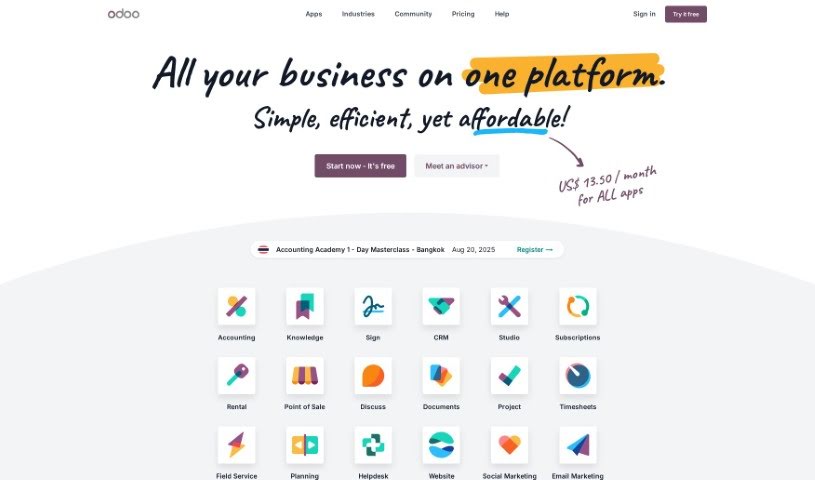
Discover what Odoo is, an open-source suite of business apps covering CRM, eCommerce, accounting, inventory, and project management.
Odoo is a comprehensive, open-source suite of business applications designed to handle a wide range of company needs: customer relationship management (CRM), eCommerce, accounting, inventory, point of sale, and project management.
It comes in two editions: the Community edition, which is free and open-source, and the Enterprise edition, which adds more apps, better infrastructure, and professional support.
A global community of over 100,000 developers contributes to the platform. One of its standout features is customizability, particularly through Odoo Studio, which lets you automate tasks, create custom screens, reports, and web hooks. Because it’s open-source, Odoo also has an app store with over 40,000 community-created apps — the largest business app store available.
Fabien Pinckaers created Odoo in 2005. It started as TinyERP, became OpenERP, and was rebranded as Odoo in 2014. The company champions open-source collaboration and works closely with its worldwide community of over 100,000 developers.
Odoo suits a wide range of professionals and businesses, including:
If your work involves managing business processes, Odoo likely has something to offer.
Related
Discover more tools in similar categories
Weekly picks of the best AI tools we've researched and added — no spam, unsubscribe anytime.
Join 25,000+ AI enthusiasts. No spam, unsubscribe anytime.