Top Large Language Models: What They Are & How to Choose

AI Tools for Large Language Models

Discover the best Large Language Models AI tools to enhance your productivity and creativity.

Page 1 of 7 • 75 total tools
Screenshot of Addy AI

Addy AI

Freemium

Addy AI is associated with LangDrive, a platform offering an API that simplifies fine-tuning large language models (LLMs). It lets you connect your own private data to train and personalize language models. You keep ownership of your model weights, which supports data privacy and lets you tune model performance to your specific needs. Deploying trained models is straightforward thanks to integration with Hugging Face. LangDrive is built for developers and businesses who want to use LLMs in their applications without handling the technical details of tuning each model themselves.

Large Language Models View Tool →
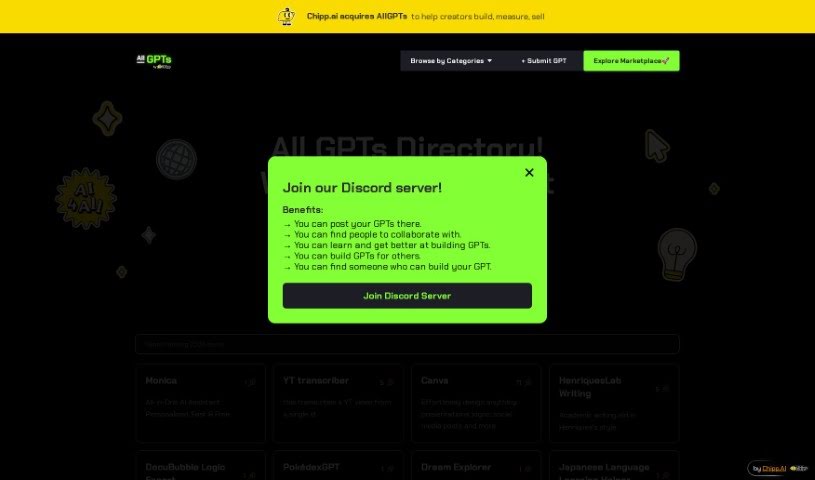
Screenshot of All GPTs

All GPTs

Freemium

All GPTs is a central hub for custom GPTs, created by John Rush. It drew attention within 48 hours of OpenAI launching custom GPTs. The platform makes it easy to discover custom AI models built by others and to show off your own.

Large Language Models View Tool →
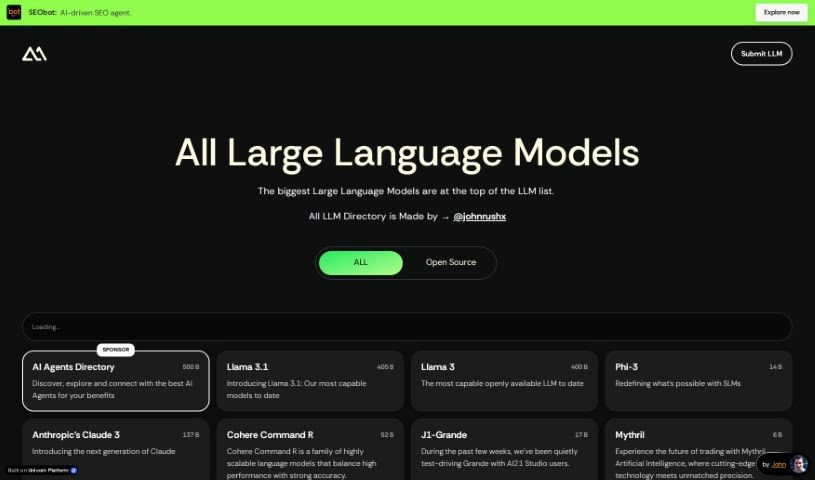
Screenshot of All Llms

All Llms

Freemium

All LLMs is a curated directory of Large Language Models (LLMs). It organizes models by use case — including data analysis, education, coding, design, and marketing — and is designed to be accessible to both AI newcomers and experienced users. The directory includes open-source models that are free to use, such as Alpaca and BLOOM, as well as commercial models from large companies, like Bard and ChatGPT, that may require a subscription or license.

Large Language Models View Tool →
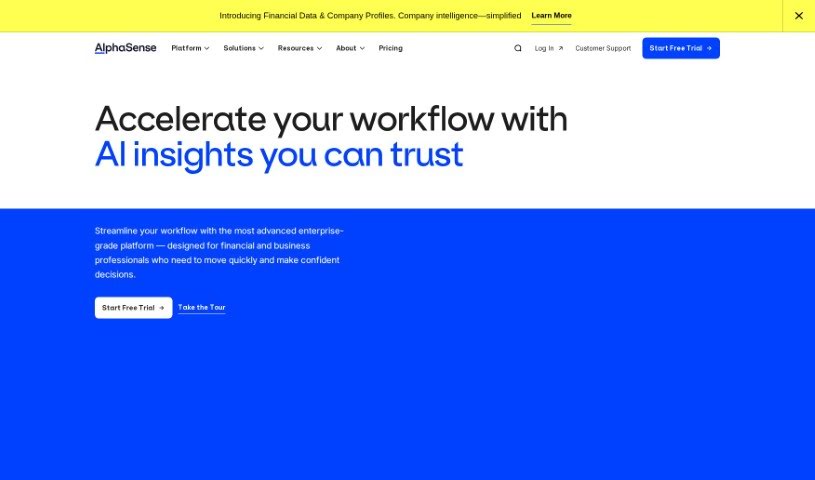
Screenshot of AlphaSense

AlphaSense

Freemium

AlphaSense is a market intelligence search engine that uses machine learning and natural language processing to help professionals find insights across thousands of sources and billions of data points. It was founded by CEO Jack Kokko and CTO Raj Neervannan. The platform offers a large content library, AI-assisted search, real-time monitoring, and enterprise-grade security, and is used across IT, healthcare, consulting, asset management, and financial analysis.

Large Language Models View Tool →
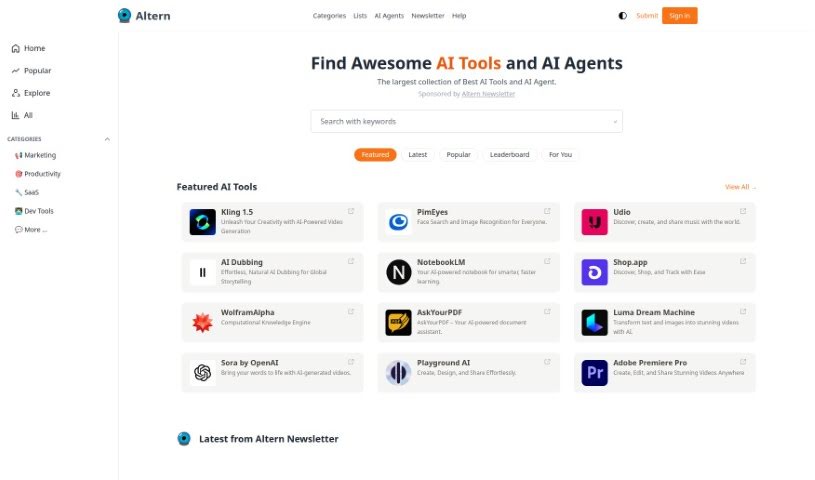
Screenshot of Altern

Altern

Freemium

Altern is a directory and community focused on AI tools, models, datasets, and hardware. It aims to drive AI innovation and help businesses and individuals apply intelligent solutions. The platform covers areas such as AI chatbots, recent launches, and social bookmarking.

Large Language Models View Tool →
Screenshot of AnythingLLM

AnythingLLM

Freemium

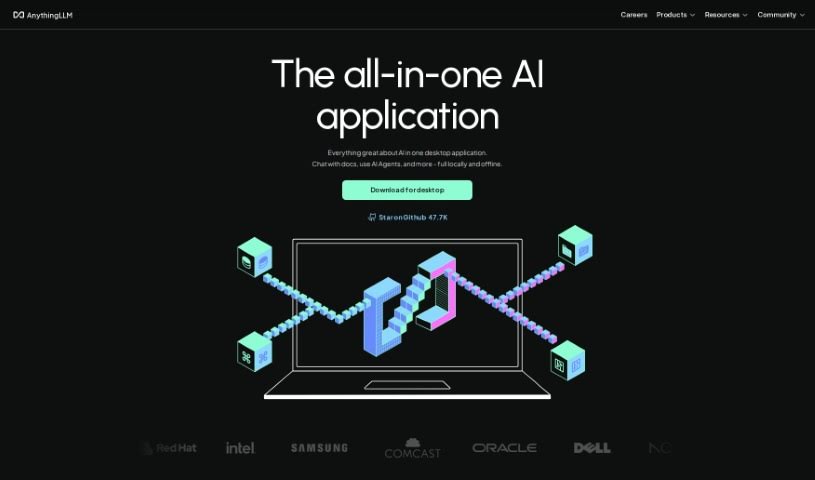
AnythingLLM is an AI tool for businesses that need control over their documents and privacy when working with large language models (LLMs). It installs with one click on desktop platforms (macOS, Linux, and Windows). Data stays private: the tool only communicates with services you choose and can operate fully offline.

Large Language Models View Tool →
Screenshot of Apiscout

Apiscout

Freemium

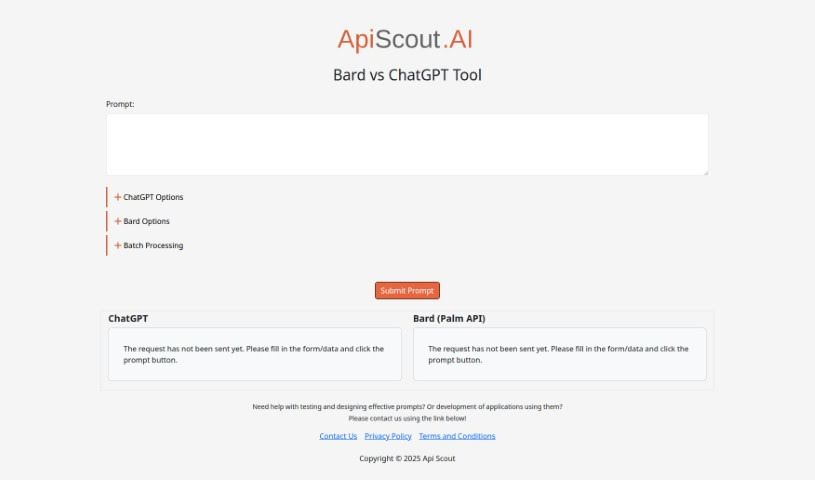
Apiscout is an AI-powered platform for testing prompts, creating effective prompts, and building applications that use prompts. It supports Bard, which runs on the Palm API, as well as ChatGPT. You can access Apiscout through [its website](https://apiscout.ai/), which also links to its Privacy Policy and Terms and Conditions pages.

Large Language Models View Tool →
Screenshot of Automorphic

Automorphic

Freemium

Automorphic is a platform that enhances language models with knowledge infusion, data conversion, and security tools. It consists of three core components — Conduit, TREX, and Aegis — plus the Automorphic Hub, and integrates with the OpenAI API so you can use these features without changing existing code.

Large Language Models View Tool →
Screenshot of Build Easy AI

Build Easy AI

Freemium

Build Easy AI offers a suite of AI services for businesses:

Large Language Models View Tool →
Screenshot of Calcish

Calcish

Freemium

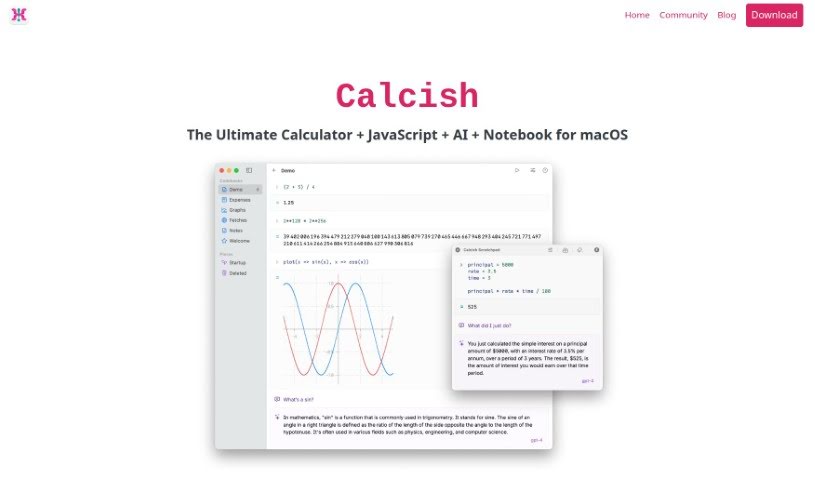
Calcish is a macOS app that combines a calculator, a JavaScript scripting environment, and built-in AI chat in a single notebook-style interface. It handles very large numbers with precision, works with fractions, supports vector and matrix math, performs exact currency calculations, and includes a dedicated advanced math mode. Documentation is included to help new users get started.

Large Language Models View Tool →
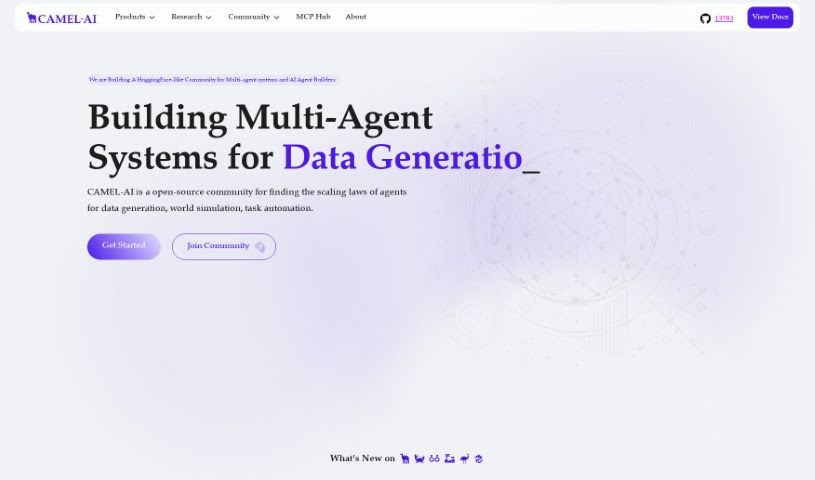
Screenshot of Camel AI

Camel AI

Freemium

Camel AI is the first multi-agent framework built around Large Language Models (LLMs) and an open-source community dedicated to studying how these agents scale. It is designed for building systems in which multiple AI agents collaborate to generate data, automate tasks, or simulate entire worlds.

Large Language Models View Tool →
Screenshot of Cerebras

Cerebras

Freemium

Cerebras is a company that builds advanced computing solutions designed to speed up AI training and AI model development. Its main products include the Condor Galaxy 1 and Andromeda AI Supercomputers — powerful machines built for large-scale AI projects such as training massive language models (LLMs) and running high-performance computing (HPC) applications. Cerebras also offers the CS-2 system and a suite of software tools for building custom AI models, applicable across fields including healthcare, energy, government, and finance.

Large Language Models View Tool →
Previous 1 of 7 Next

About Large Language Models tools

Building an application with a large language model can feel equal parts exciting and overwhelming. Whether you’re trying to pick the right base model, connect private company documents to a chatbot, or figure out why your prompts fail in production, the technical landscape moves fast. (It’s easy to waste days tweaking system prompts and wrestling with vector databases.) Setting up custom workflows often turns a simple software idea into a complex infrastructure project.

The developer platforms and orchestration frameworks in this directory serve as specialized building blocks and testing environments. They help you connect data, monitor model behavior, and deploy reliable features without building everything from scratch.

Data Orchestration, Testing, and Inference

Connecting foundational models to your proprietary business data requires more than a standard API request. When you need a chatbot to read internal company files or search product catalogs, Retrieval-Augmented Generation (RAG) tools handle the heavy lifting. They split documents into searchable chunks, store them in vector databases, and pull relevant facts into the prompt automatically so the model gives accurate answers.

Evaluating model performance and tracking prompt quality becomes far easier, too. When you update a system prompt or switch model providers, figuring out whether your changes actually improved response quality takes systematic testing. LLM evaluation and tracing tools log user interactions, flag incorrect responses, and benchmark output quality across different versions before you launch changes to production.

Managing local inference and model hosting saves computing costs while keeping sensitive data private. Running every user request through cloud APIs gets expensive fast as your user base grows. Modern serving engines and local runtime tools let you host open-weight models on your own servers, giving you complete control over data privacy and system latency.

Key Capabilities to Look For:

  • Vector database and RAG integration: Frameworks that connect foundational models to custom documentation, internal databases, and external APIs.
  • Prompt evaluation and testing platforms: Tools that let you test prompt variations, benchmark accuracy, and track model responses in real time.
  • Local inference and model serving: Applications that allow you to host open-weight models on private servers to reduce API costs and protect privacy.
  • Observability and session tracing: Systems that log latency, track token costs, and pinpoint errors across complex, multi-step agent workflows.
  • Dataset curation and fine-tuning: Software that helps clean training data, gather user feedback, and fine-tune smaller models for specialized tasks.

Building reliable LLM applications will always depend on solid software engineering, thoughtful UX design, and careful human oversight. Frameworks can route prompts, store document vectors, and track token costs, but choosing what problems are worth solving rests with your team. Letting smart developer tools handle orchestration and model monitoring simply frees you up to build great user experiences.

Explore the LLM frameworks below to find the right fit for your tech stack.

The Best AI Large Language Models

  1. Ollama: for building custom chatbots
  2. OpenAI Chat Playground: for creating personalized chatbot responses.
  3. LM Studio: for trying out LLMs locally
  4. Sapling: for better customer interactions through automation
  5. Chatx: for advanced text generation prompts.
  6. Snowflake: for customer support analytics powered by LLMs
  7. Llama Index: for custom chatbots that can retrieve knowledge
  8. AlphaSense: for automating market analysis with AI
  9. Tavily: for researching new developments in AI linguistics
  10. Addy AI: Fine-tunes large language models on your own private data.
  11. Langfuse: for making LLM responses more accurate
  12. AnythingLLM: for chatbots used in customer support
  13. LiveKit: for AI-powered voice interfaces for LLMs
  14. Vellum AI: for prompt engineering for complex questions
  15. Gpt4All: for chatting with your local files for insights

New tools, in your inbox.

Weekly picks of the best AI tools we've researched and added — no spam, unsubscribe anytime.

Join 25,000+ AI enthusiasts. No spam, unsubscribe anytime.