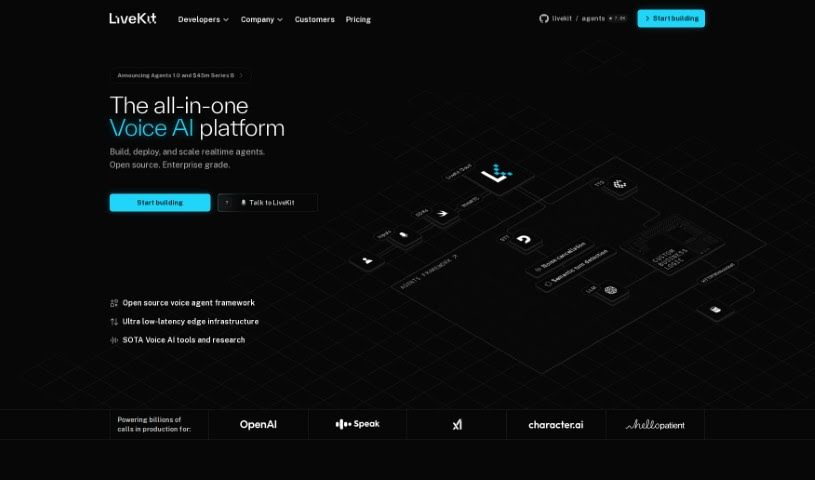
What is LiveKit?
LiveKit, specifically through its KITT platform, is a powerful tool for real-time communication. It uses WebRTC technology to make interactive conversations with ChatGPT possible. It is a way to have live chats, powered by robust technology that ensures reliable connections. It’s designed with a user-friendly interface, making interactions smooth and seamless. Plus, its advanced capabilities and integration with ChatGPT mean you can have really engaging, AI-powered conversations.
Who created LiveKit?
Kitt By Livekit was actually started as an open-source project by a team of developers, led by its founder. Their initial goal was to build real-time voice and video applications using WebRTC. Over time, it grew into a global network for all sorts of real-time data. Today, it supports over 20,000 developers and teams worldwide, handling billions of minutes of audio and video every month. The team itself is spread out across the globe.
What is LiveKit used for?
LiveKit is incredibly versatile. Here’s a look at what it can do:
- Conversational AI: It’s great for building AI chatbots that can talk back and forth naturally.
- Security & Access: You can fully encrypt streams, use Single Sign-on (SSO) with Google, GitHub, or GitLab, and manage role-based access for collaborators. Plus, you get access to security reports from third-party audits.
- Deployment & Control: You can pin regions to control where media streams are processed and even deploy LiveKit Cloud infrastructure on-premise in your own VPC. It also offers HIPAA compliance with a Signed BAA.
- Global Reach: Its global edge network delivers voice and video worldwide in under 250ms, managing concurrent participants effectively.
- Robotics: It’s used in robotics for real-time communication.
- ChatGPT Integration: It enables real-time communication with ChatGPT using WebRTC, creating immersive dialogue experiences.
- User Experience: It provides a user-friendly interface for seamless engagement and dependable, responsive connectivity.
- Application Development: It helps build and scale voice and video applications, acting as a global delivery network for any real-time data. It offers APIs and tools for real-time computing, letting developers focus on their product and user experience.
- Specific Use Cases: This includes livestreaming, delivering voice to ChatGPT users, building real-time voice and video applications, supporting over 20,000 developers, and enabling interactive conversations with ChatGPT.
- AI & Data: It powers AI-powered conversation experiences, acts as a global delivery network for real-time data ingestion and delivery, and brings advanced technology to developers globally.
- Infrastructure: It provides the backbone for billions of minutes of audio and video monthly, supporting over 20,000 developers and teams. It enhances collaboration for everyone from public companies to solo hackers, handling the technical heavy lifting so developers can focus on their products and users.
Who is LiveKit for?
LiveKit is a great fit for a wide range of users:
- Developers
- Teams of all sizes
- Public companies
- Solo hackers
- Essentially, anyone working on real-time applications, whether they’re part of a large corporation or an individual creator.
How to use LiveKit?
Getting started with Kitt By Livekit is pretty straightforward. Here’s a simple guide:
- Sign Up and Log In: First, head over to Kitt By Livekit’s website, create an account, and log in to get started.
- Pick a Plan: You’ll need to choose a plan that fits what you’re building. They have options for hobby projects, production apps, apps that are already popular, and even enterprise-level needs.
- Start Building: Once you’ve chosen a plan, you can begin building your real-time project. You’ll get features like support for 100 to unlimited concurrent participants, plus analytics and session telemetry.
- Ship Your Application: Ready to go live? Upgrade to the Ship plan. This gives you more concurrent participants, connection minutes, and bandwidth to get your application out there.
- Scale Up: As your application grows and more users come on board, you can upgrade to the Scale plan. This offers unlimited participants and even more connection minutes and bandwidth to keep up with demand.
- Enterprise Solutions: If your team needs a more tailored, hands-on experience, it’s best to contact their sales team. They can discuss custom enterprise solutions and features.
- Use the Tools: Don’t forget to explore their other tools! The dashboard, CLI, noise cancellation, observability features, analytics, and real-time telemetry can really boost your application’s performance.
- Stay Secure and Compliant: Make sure your application is secure and compliant. LiveKit offers end-to-end encryption, SSO options, role-based access, and access to security reports.
- Get Support: If you ever need help, LiveKit has you covered. You can get community support, email support, join their shared Slack channel, work with a designated solutions engineer, and access service level agreements (SLAs).
- Explore Advanced Features: For even more power, check out advanced features like real-time stream imports, telephony options, participant and room exports, and raw event APIs.
By following these steps, you can really make the most of Kitt By Livekit’s platform for all your real-time communication needs, ensuring your users have a smooth and engaging experience.