Top AI Animation Tools

AI Tools for Animation

Discover the best Animation AI tools to enhance your productivity and creativity.

Page 1 of 4 • 40 total tools
Screenshot of Animaker

Animaker

Freemium

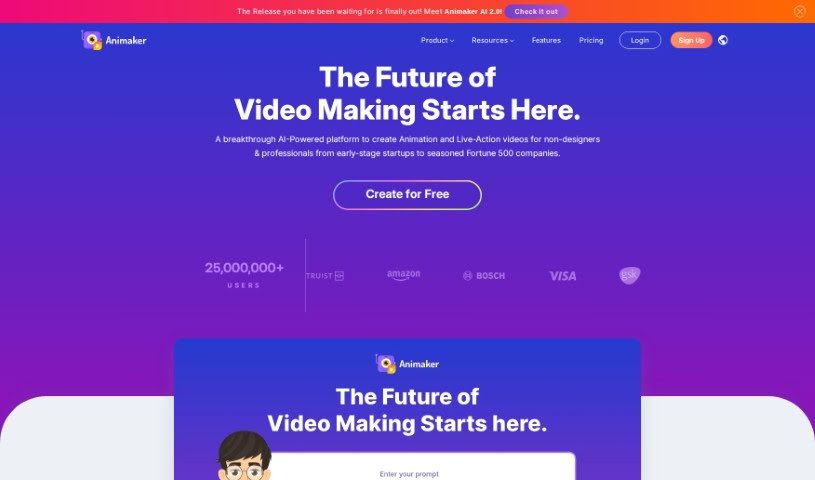
Animaker is an online platform for creating animated and live-action videos. Its suite of AI-powered tools — Animaker, Picmaker, Vmaker, and Voice — is designed to produce animated, live-action, and screen-recorded videos quickly.

Animation View Tool →
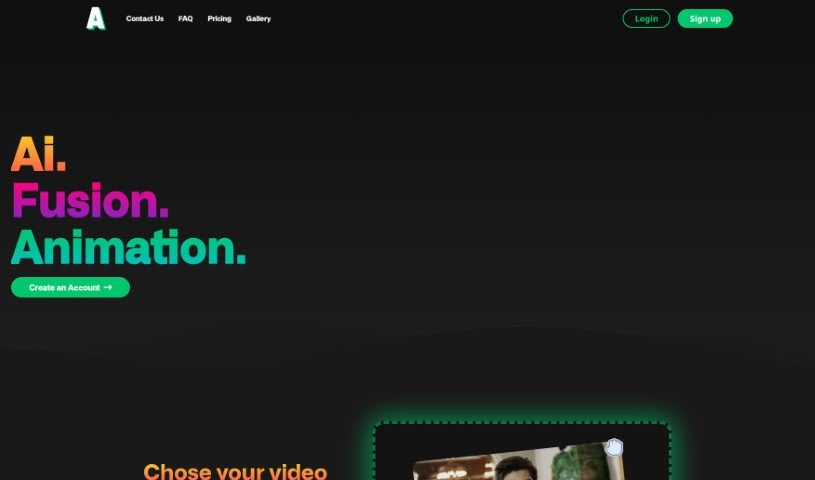
Screenshot of Animatable AI

Animatable AI

Freemium

Animatable AI converts your own video footage into animated characters and scenes. You upload a video, the tool removes the original background, and the footage is transformed into a chosen animation style set within a 360° environment. Characters and environments can be customized, new animation styles are added regularly, and a generation takes about 10 minutes. The tool is aimed at animators, filmmakers, and content creators of any skill level.

Animation View Tool →
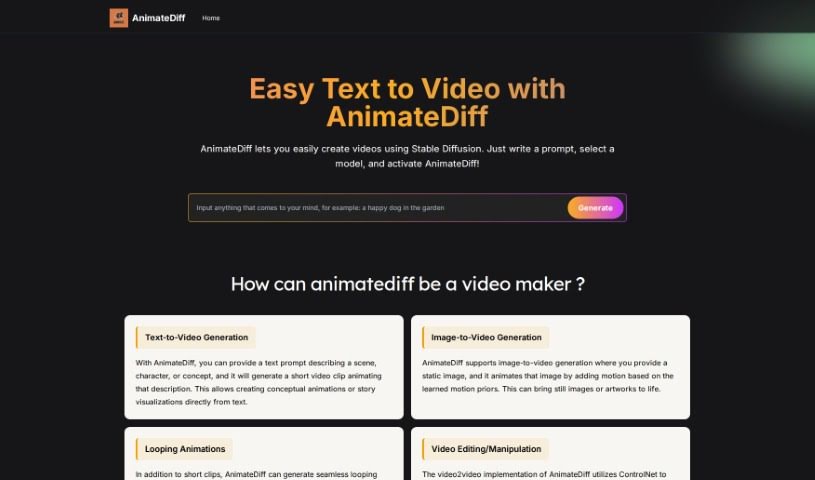
Screenshot of Animatediff Web Online

Animatediff Web Online

Freemium

AnimateDiff Web Online converts text descriptions into videos using Stable Diffusion models. It integrates with the AUTOMATIC1111 Stable Diffusion WebUI and is free to use—no account or login required. It supports options such as endless loops, reverse frame addition, and frame interpolation for smoother animations.

Animation View Tool →
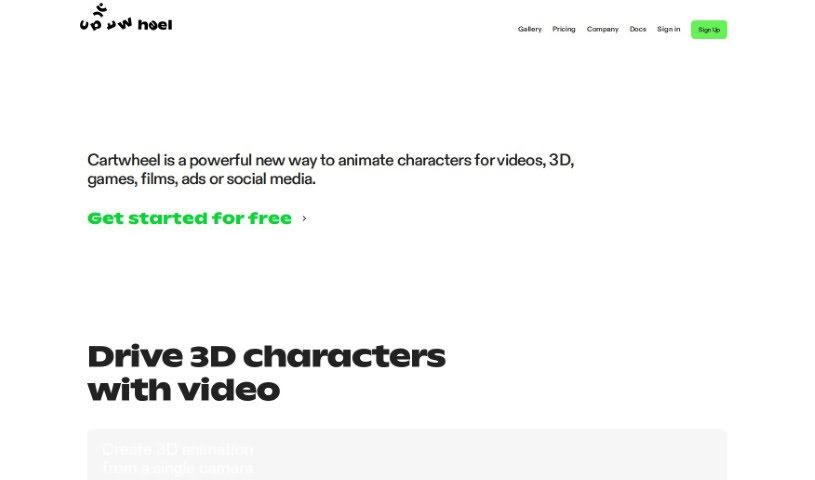
Screenshot of Cartwheel

Cartwheel

Freemium

Cartwheel is a text-to-animation platform that lets you bring characters to life by typing. It supports a range of projects, including videos, games, apps, ads, social media content, and AR/VR experiences. Its focus is on producing animations that are fully editable, so you can adjust and refine them to fit your project.

Animation View Tool →
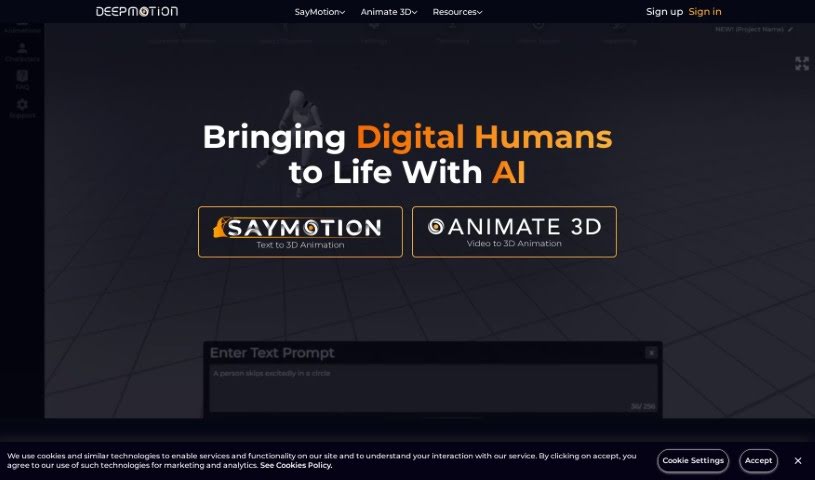
Screenshot of DeepMotion

DeepMotion

Freemium

DeepMotion is an AI company focused on bringing digital characters to life. It offers two main tools:

Animation View Tool →
Screenshot of Deforum Studio

Deforum Studio

Freemium

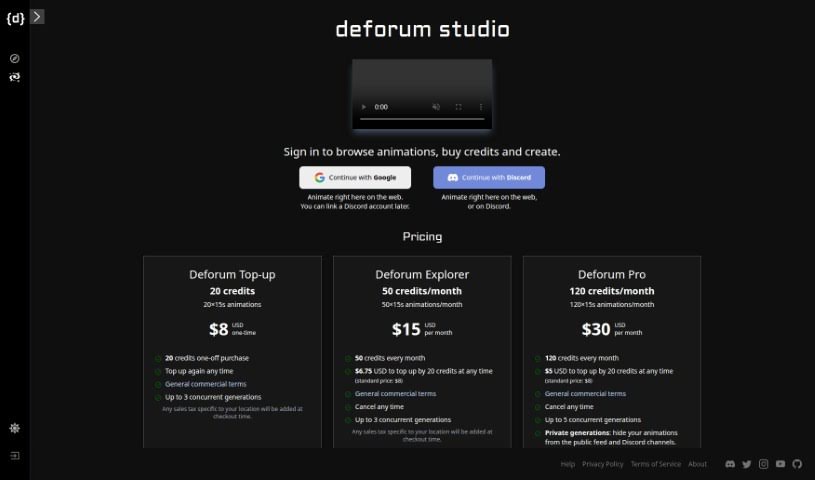
Deforum Studio is an online platform for creating animations directly in your web browser or through Discord. It offers several pricing plans — Deforum Top-up, Deforum Explorer, and Deforum Pro — each with a set number of animations per month, plus perks like private creations and access to the Discord bot. You can buy additional credits to keep making animations, depending on your plan.

Animation View Tool →
Screenshot of Disney Pixar AI Generator

Disney Pixar AI Generator

Freemium

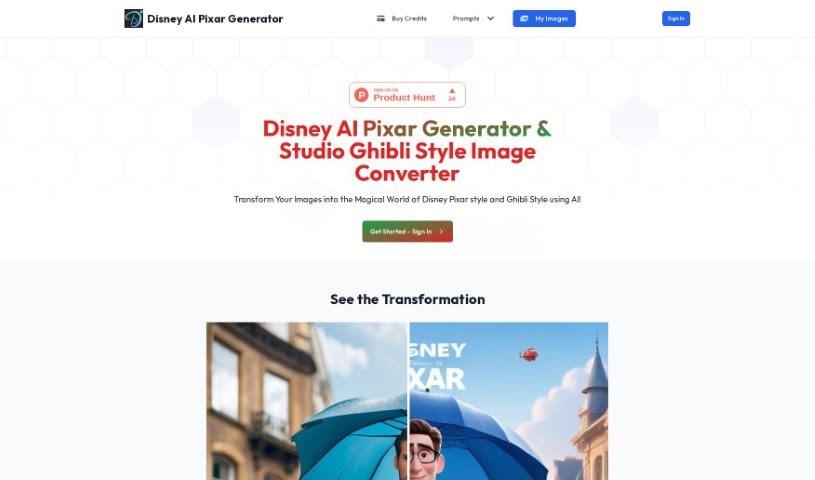
The Disney Pixar AI Generator is a technology associated with Disney and Pixar studios that uses artificial intelligence to create animation and support storytelling. It blends the studios' animation work with AI algorithms to speed up the animation process and enrich storytelling, with the potential to make production more efficient and open new creative avenues for filmmakers.

Animation View Tool →
Screenshot of Dollars MoCap

Dollars MoCap

Freemium

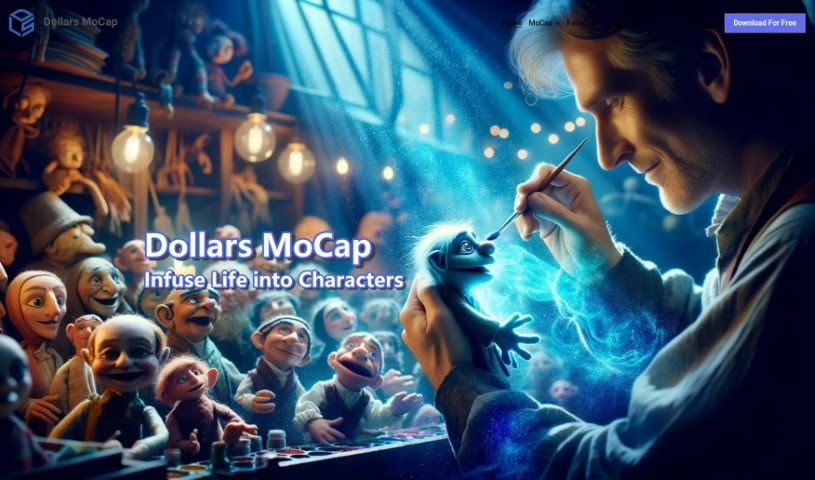
Dollars MoCap is a motion capture technology suite from SunnyView Technology Co. Ltd. It includes several products covering different capture needs:

Animation View Tool →
Screenshot of DomoAI

DomoAI

Freemium

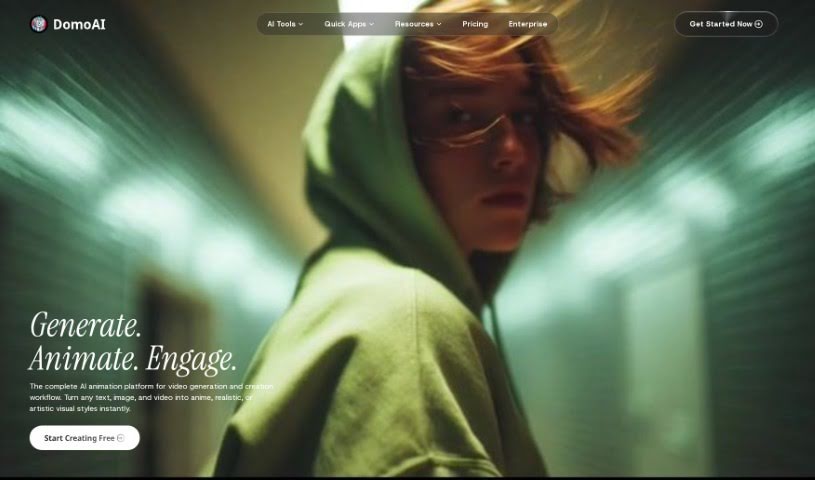
DomoAI is a generative AI platform for creating images and videos. It offers a focused set of tools for both professionals and hobbyists: turning videos into anime styles, generating images from text descriptions, animating still images into videos, and converting anime-style visuals into realistic imagery. DomoAI is based in Singapore.

Animation View Tool →
Screenshot of EbSynth

EbSynth

Freemium

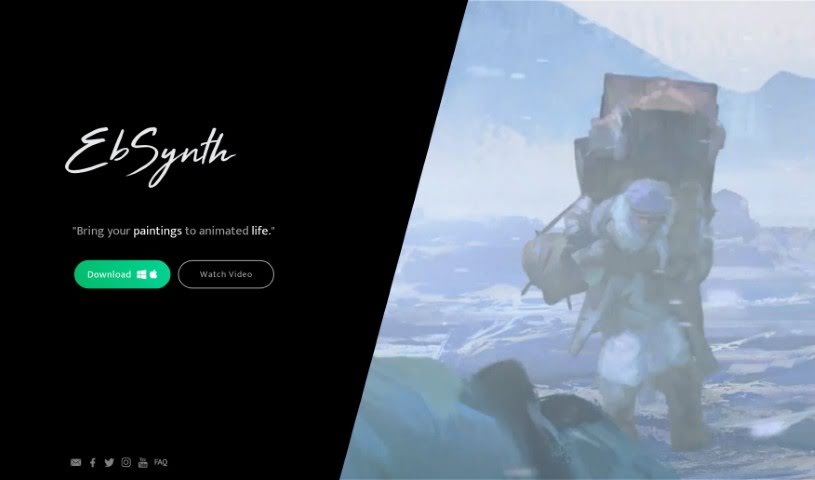
EbSynth is an AI tool for creating visual effects by synthesizing and manipulating images and videos. It uses deep learning algorithms to turn regular videos and photos into animations. A key capability is generating realistic, high-quality textures by blending multiple frames together, giving artists and designers ways to add complex, dynamic effects to their work.

Animation View Tool →
Screenshot of Face Animator

Face Animator

Freemium

Face Animator is an AI-powered service from Discopixel that creates humorous, personalized videos from photos you upload. You provide a picture of a person along with a few details or fun facts about them, and the AI generates a custom music video featuring that person. The tool is designed for entertainment — the output is meant to be funny and shareable.

Animation View Tool →
Screenshot of Getimg.ai AI Image to video

Getimg.ai AI Image to video

Freemium

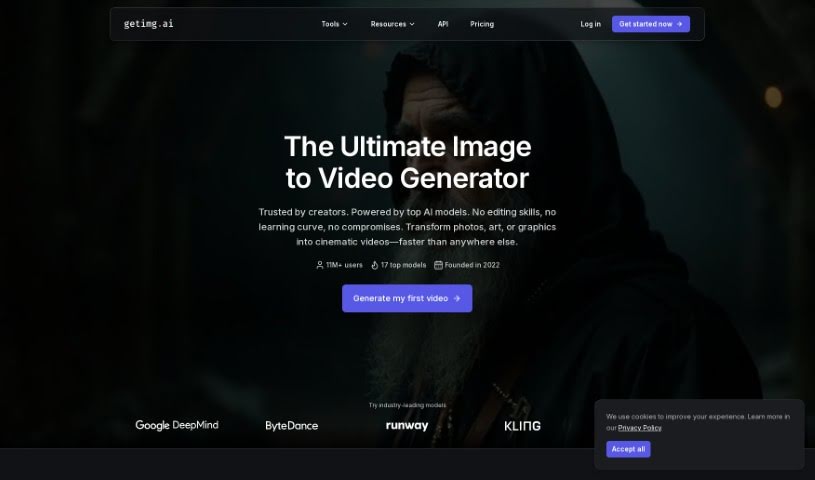
Getimg.ai's AI Image to Video tool turns still images into short video clips. It uses the Runway Gen-3 model to generate motion from a single picture. Rather than simply sequencing images, the tool generates multiple frames by analyzing the context of your image and learning from patterns, producing coherent motion and smooth transitions.

Animation View Tool →
Previous 1 of 4 Next

About Animation tools

Traditional animation is a test of sheer endurance. Whether you’re drawing hundreds of individual frames for a brief two-second loop or spending days placing bone joints and weight-painting a 3D character, technical setup eats up incredible time. It’s easy to see why so many great visual concepts never make it past the drawing board.

The tools in this section act like specialized studio assistants. They take off repetitive production weight so you can keep your focus on storytelling and key creative choices.

Speeding Up Production Without Sacrificing Style

Early planning and storyboarding often swallow weeks of production time. Generative motion tools convert simple text prompts or rough visual sketches into moving concept clips in seconds. Animators use these platforms to test scene pacing, build quick animatics, or generate motion references before committing to full production. Showing a director how a scene will feel becomes a quick visual test rather than days of manual drafting.

Character setup has become far more accessible, too. Setting up a 3D character rig traditionally required technical knowledge of digital anatomy and mesh weighting. Modern AI tools automatically detect character geometry, attach a usable skeleton, and apply motion templates instantly. Markerless motion capture software even lets you record movement on a smartphone camera and project it directly onto a digital model, skipping expensive suit setups entirely.

Inbetweening is another area where smart software saves hours of manual labor. Instead of drawing every intermediate frame between key poses by hand, AI-assisted tools generate smooth transitions automatically. They maintain consistent character proportions from frame to frame, letting you focus on major poses while software fills in the gaps.

Useful Features for Animators:

  • Automatic rigging: Tools that analyze character meshes or illustrations and instantly generate usable skeletons.
  • Markerless motion capture: Software that converts standard phone video into clean 2D or 3D motion data.
  • Pose and motion transfer: Applications that extract movement from a reference clip and apply it to an original character design.
  • AI-assisted inbetweening: Systems that generate fluid intermediate frames between key poses.
  • Animatic generation: Platforms that convert written prompts or concept art into moving clips for early storyboarding.

Animation will always rely on timing, strong character design, and visual storytelling. While software cleans up line work and speeds up technical rigging, your creative vision is what makes the final piece resonate.

Browse the selection below to upgrade your studio pipeline.

The Best AI Animation Generators

  1. Runway: Great for improving animations with AI artwork.
  2. Animaker: Perfect for quickly crafting engaging social media ads.
  3. Live3D: Use it to turn AI art into dynamic videos.
  4. Steve.ai: Ideal for creating animated explainer videos.
  5. GoEnhance: Helps you make standout animated shorts.
  6. Stability AI: For creating dynamic character animations.
  7. Domo AI: Use it to create anime characters from descriptions.
  8. Immersity AI: Makes creating animated storyboards simple.
  9. Meta Animated Drawings: Animate static images easily.
  10. DeepMotion: For creating real-time character animations.
  11. Reface Unboring AI: Easily create custom animated avatars.
  12. Neural Frames: Design dynamic character movements.
  13. Kapwing: Quickly create animated social media clips.
  14. Rokoko: Streamlines character animation workflows.
  15. Playplay: Make animated tutorial videos for businesses.
New tools, in your inbox.

Weekly picks of the best AI tools we've researched and added — no spam, unsubscribe anytime.

Join 25,000+ AI enthusiasts. No spam, unsubscribe anytime.