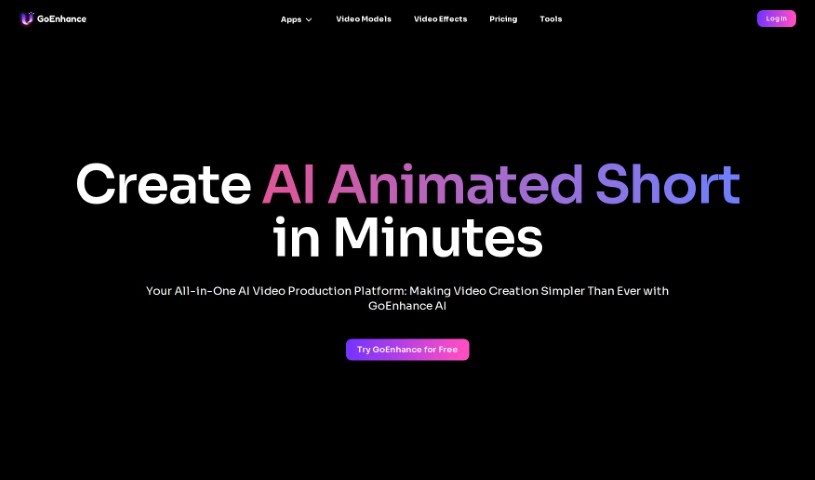
Screenshot of GoEnhance

GoEnhance

Discover what GoEnhance is and how to use its powerful AI features in 2025. We'll explore its capabilities for video creation, image enhancement, and compare it to other video tools.

Screenshot

What is GoEnhance?

GoEnhance is a really neat AI platform that makes creating videos much simpler. It is your go-to tool for bringing your video ideas to life, fast. It’s packed with features like generating videos frame by frame, swapping faces in videos using AI, animating characters from just a single picture, and even enhancing images to show incredible detail, all thanks to advanced AI technology. It’s specifically built for people like you who create content, helping you produce amazing AI-animated shorts in just minutes. In fact, millions of professional content creators, film companies, and even producers of short dramas already use GoEnhance AI to make professional-looking anime videos. If you want to learn more or give it a try yourself, you can head over to https://app.goenhance.ai/.

Who created GoEnhance?

GoEnhance, this AI video production platform, first came out on March 25, 2024. It was launched by a company called MEWX LLC, which is based in Sheridan, Wyoming. Their main goal is to support content creators by giving them easy-to-use tools that help them quickly make professional anime videos. It’s no wonder that millions of professional content creators, along with film and short drama companies, are already using GoEnhance AI to create stunning AI-animated shorts.

What is GoEnhance used for?

Here’s a rundown of what you can do with GoEnhance:

  • Create short videos that are animated using AI.
  • Make your images look even better and more detailed with advanced AI.
  • Transform your videos into all sorts of different styles.
  • Generate videos by creating them frame by frame.
  • Swap faces in your videos using AI technology.
  • Bring characters to life with animation.
  • It’s a huge help for content creators who want to make professional anime videos.
  • It’s already being used by professional content creators and companies that make short dramas.
  • Basically, it makes the whole process of creating videos much simpler for content creators.
  • It’s an all-in-one platform for all your AI video needs.

How to use GoEnhance?

Ready to dive in and create some awesome AI-animated shorts with GoEnhance? It’s pretty straightforward. Just follow these steps:

  1. Get Started on the Platform: First things first, head over to the official GoEnhance website. You can find it at app.goenhance.ai. That’s your starting point for everything.
  2. Pick the Feature You Need: Once you’re there, take a look around and choose the specific tool you want to use. Whether you’re looking to change video styles, create videos frame by frame, swap faces, animate characters, or enhance an image, just select what you need.
  3. Upload Your Content: Next, you’ll need to upload your files. This could be your video clips, your images, or whatever input the feature you selected requires.
  4. Tweak the Settings: Now’s your chance to customize everything. You can adjust the settings and parameters to get the exact output you’re looking for. This might mean picking a specific style, setting up your frame sequences, or deciding how much enhancement you want.
  5. Let the AI Work its Magic: Time to kick off the AI process! Just hit the button for processing or enhancement. The platform will then use its smart AI algorithms to create what you’re aiming for.
  6. Check it Out and Download: Once the AI has finished its work, take a moment to review the AI-animated short you’ve created. Make sure it looks just right. If you’re happy with it, go ahead and download your final video or image.
  7. Share Your Thoughts: We love feedback! If you have any thoughts on the output, feel free to share them with the platform. This really helps them improve the tools for everyone, including your future creations.
  8. Explore More!: Don’t stop there! GoEnhance has a lot of other features to play with. Experiment with them to see the full range of what you can do with AI-powered video creation.

By following these steps, you’ll be able to use GoEnhance to create fantastic AI-animated shorts efficiently and make them look really professional.

Related AI Tools

Discover more tools in similar categories that might interest you

Stay Updated with AI Tools

Get weekly updates on the latest AI tools, trends, and insights delivered to your inbox

Join 25,000+ AI enthusiasts. No spam, unsubscribe anytime.