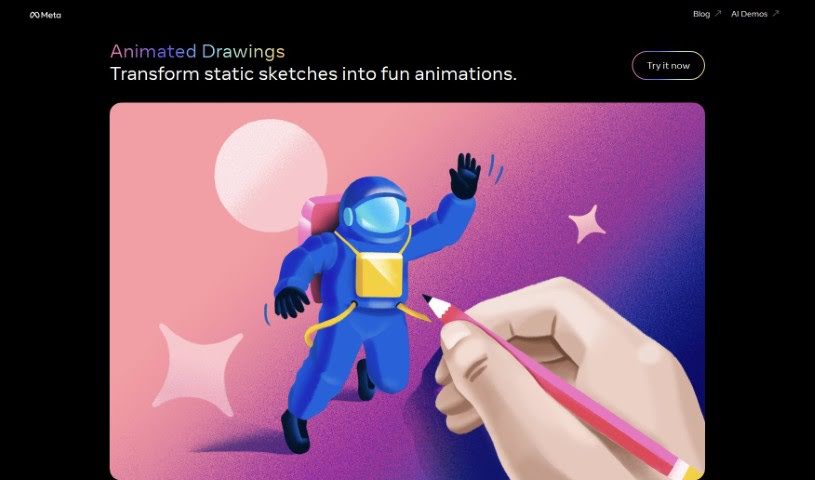
Screenshot of Meta Animated Drawings

Meta Animated Drawings

Discover Meta Animated Drawings in 2025! Learn what this tool is, how to use its features effectively, and how it stacks up against other animation generators.

Screenshot

What is Meta Animated Drawings?

Meta Animated Drawings is a really cool platform designed to bring your still images to life with vibrant animations. It’s a fantastic blend of classic artistry and modern animation techniques, making it a go-to spot for artists of all levels. Whether you’re looking to create short animated clips, jazz up your digital content, or just get inspired by a gallery of amazing animated drawings, this is the place. You can learn how to add that special touch of motion to your artwork, guided by the platform’s tools and inspiration. It’s got this super interactive interface and a huge library of resources, all there to help you dive into the world of animation and really let your creativity shine in new and exciting ways.

Who created Meta Animated Drawings?

Meta AI Research is the team behind Meta Animated Drawings. While specific founder details aren’t readily available, it’s important to know that Meta Animated Drawings is a platform dedicated to transforming static images into lively animations. It’s perfect for artists who are eager to explore fresh ways of expressing themselves.

What is Meta Animated Drawings used for?

  • Unleashing your creativity
  • Creating animated shorts
  • Enhancing your digital content
  • Inspiring new artistic projects
  • Learning the art of animation
  • Sharing your ideas with fellow artists
  • Connecting with a vibrant artistic community
  • Infusing dynamism into your drawings
  • Exploring innovative forms of artistic expression
  • Browsing through a gallery of inspiring animated artworks

Who is Meta Animated Drawings for?

  • Animators
  • Illustrators
  • Graphic designers
  • Artists of all kinds
  • Art educators
  • Content creators
  • Game Designers
  • Advertising professionals
  • Digital marketers
  • Social media managers

How to use Meta Animated Drawings?

Using Meta Animated Drawings is pretty straightforward. Here’s a simple step-by-step guide to get you started:

  1. Accessing the Tool: First off, you’ll want to open up the Meta Animated Drawings tool. You can do this either by heading to their website or by launching the application if you’ve downloaded it.
  2. Creating a New Project: Once you’re in, look for the option to create a new project. Clicking this will open up a fresh, blank canvas, ready for you to begin your animation.
  3. Adding Elements: Now, start populating your canvas. You can add all sorts of things here – think shapes, text, or even images you’ve imported from elsewhere that you want to bring to life.
  4. Animating Elements: Pick the element you’re interested in animating, and then choose the animation effect you’d like to apply. You’ve got control over things like how long the animation lasts, how fast it goes, and other key parameters.
  5. Timing and Sequencing: It’s all about making your animation flow nicely. You can arrange the order of your animations by setting the timing for each element. This basically dictates when each piece appears and disappears in your final animation.
  6. Previewing: Before you commit, definitely use the preview feature. It lets you see exactly how your animation is shaping up. If something’s not quite right, you can easily tweak the timing or effects.
  7. Exporting Your Animation: When you’re happy with how everything looks, it’s time to export. You’ll likely have options to save your creation as a video file, a GIF, or perhaps other formats, depending on your needs.
  8. Sharing or Saving: Finally, you can decide what to do next. Save the animation to your device for later use, or share it directly on social media or with friends.
  9. Exploring Advanced Features: Don’t forget to check out any advanced features the tool might offer. Things like adding sound effects or more complex animations can really make your final product shine.

Following these steps should help you make the most of Meta Animated Drawings and create some really engaging, dynamic animations for whatever you need them for.

Related AI Tools

Discover more tools in similar categories that might interest you

Stay Updated with AI Tools

Get weekly updates on the latest AI tools, trends, and insights delivered to your inbox

Join 25,000+ AI enthusiasts. No spam, unsubscribe anytime.