Spending hours nudging text boxes across a slide, fixing broken bullet lists, and trying to align images by hand can make presentation prep feel like a chore. When you need to build a deck for an upcoming client review, team sync, or pitch meeting, wrestling with slide formatting steals focus away from your actual message.
The tools in this section act as high-speed slide designers for PowerPoint users, presenters, founders, and consultants. They turn rough notes into clean layouts, suggest cohesive color palettes, and handle alignment chores in seconds.
Structuring Outlines, Layout Polish, and Speaker Notes
Turning messy outlines and document drafts into structured slides takes minutes instead of hours. Starting with an empty slide file and trying to decide how to break up your content often stalls your momentum. Modern presentation assistants read your meeting notes, project briefs, or Word documents and generate structured slide outlines, dividing points into logical sections with clear headings and concise bullets.
Polishing layouts and balancing visual hierarchy becomes automatic across large slide decks. Getting consistent margins, font sizes, and icon placements across twenty slides usually requires tedious manual adjustments. Smart design tools reformat your slide elements with a single click, spacing out cards, balancing whitespace, and pairing fonts so your deck looks cohesive from title slide to closing remarks.
Drafting custom speaker notes and presentation summaries keeps you confident while rehearsing. Staring at a slide with dense statistics and trying to figure out how to explain the numbers out loud can feel intimidating. AI presentation tools generate clean talking points and conversational cues for your presenter view, helping you explain complex ideas clearly without reading text directly off the screen.
Useful Capabilities for Presenters:
- Document-to-slide conversion: Systems that turn rough text notes, meeting briefs, or outlines into structured slide decks.
- Automated layout formatting: Features that organize messy text and graphics into clean grids with balanced spacing.
- Brand theme matching: Controls that let you save custom brand colors, logos, and font pairings to keep all team slides consistent.
- Speaker note generation: Software that drafts clear talking points and audience prompts to support your spoken delivery.
- Direct PowerPoint integration: Add-ins that function directly inside Microsoft PowerPoint on desktop or web to eliminate tab switching.
Delivering a memorable presentation will always depend on your personal presence, genuine confidence, and ability to connect with your audience. Software can arrange shapes, format bullet points, and draft slide outlines, but reading the room and sharing an authentic story requires your human voice.
Browse the PowerPoint assistants below to simplify your presentation workflow.
The Best AI Powerpoint Generators
- Presentationsai: for rapidly creating stunning presentations.
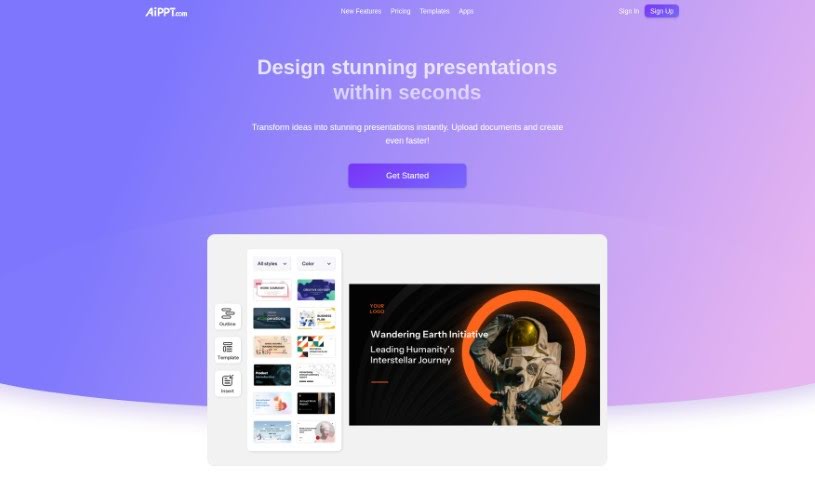
- Ai PPT: for generating professional investor pitches.
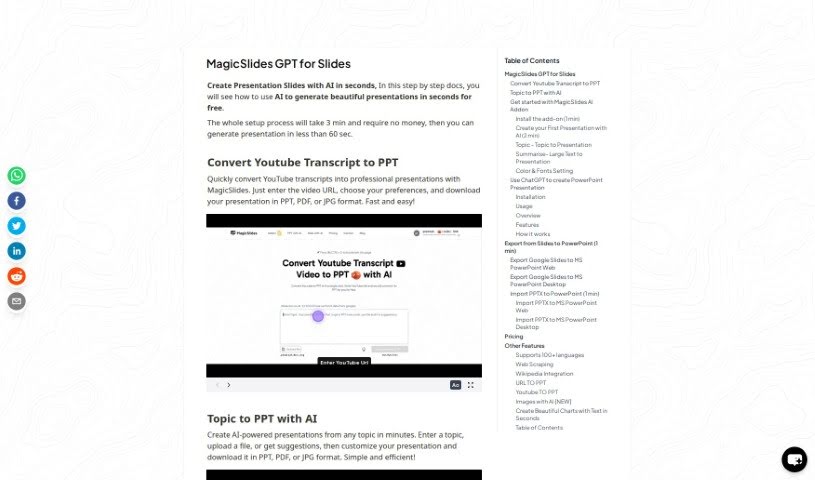
- Slides GPT.com: for quickly creating stunning presentation slides.
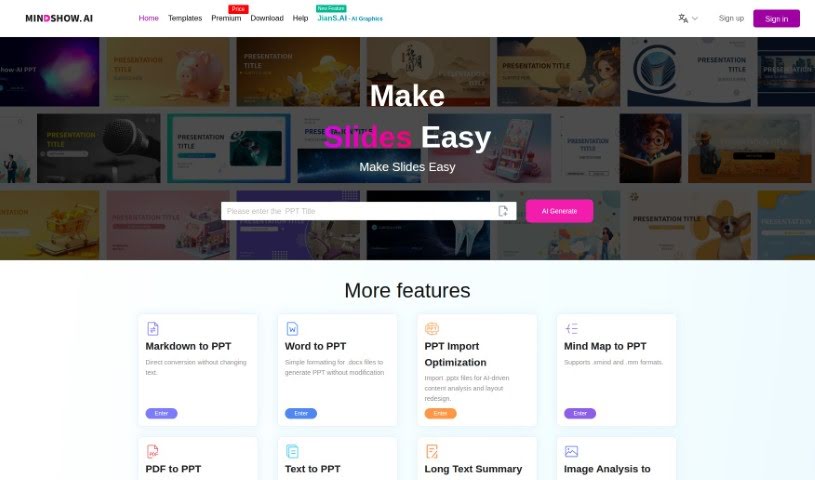
- Mindshow: for streamlined slide deck production.
- Slide Speak AI Powerpoint Generator: for swiftly creating impactful presentations.
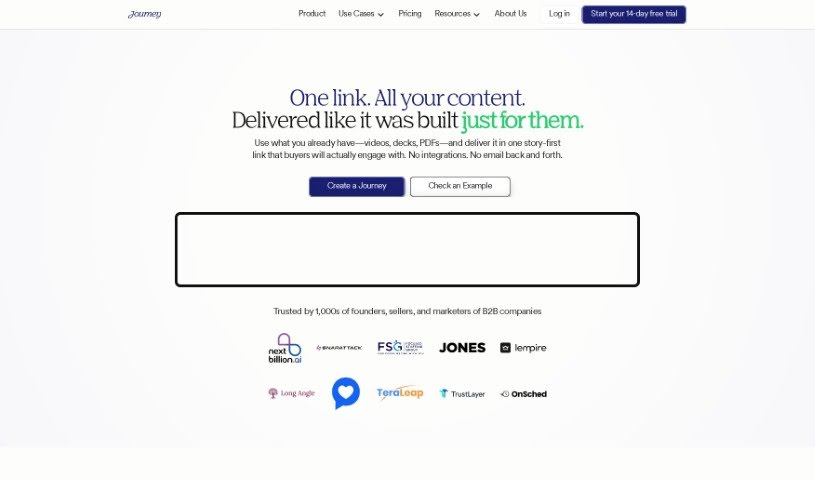
- Journey: for effortlessly creating dynamic presentations.
- Wondershare Presentory: for effortlessly creating impactful presentations.
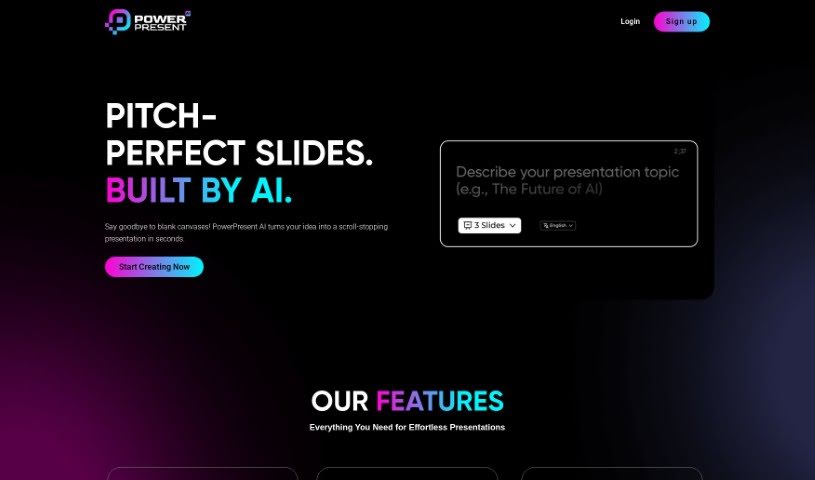
- Powerpresent AI: for rapidly generating polished PowerPoint slides.
- Slides Wizard: for effortlessly creating tailored PowerPoint slides.
- Artificin: for automating slide creation for presentations.
- STORYD: for branded multimedia presentation creation.
- Glimmer AI: for instant slide design and content creation.
- Presentation GPT: for creating stunning slides instantly.
- Gpt For Slides: for creating engaging presentation outlines.
- Slider AI: for instant slide deck creation for pitches.