20Paths
Productivity Documentation
Learn more
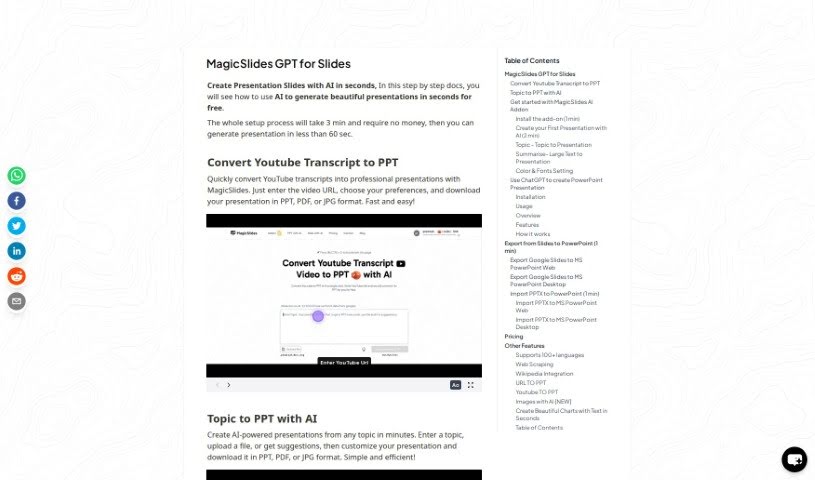
Discover what GPT for Slides is and how it generates AI-powered presentations from topics, text, or URLs, with customization and PowerPoint export.
GPT for Slides is an AI tool for creating presentations, available through the MagicSlides Web App or the GPT for Slides Addon. It is free to use and includes features such as pulling information from the web, integrating with Wikipedia, and generating AI images. It supports over 100 languages, and you can customize colors and fonts to match personal or brand styling.
The specific creator is not documented, but the tool is closely linked with MagicSlides.app. It works by integrating with ChatGPT to generate presentations from a topic you provide or a piece of text. Slides can be customized and exported into PowerPoint formats. MagicSlides.app also offers related features like scraping content from websites, pulling information from Wikipedia, converting YouTube videos into presentations, and generating AI images.
Creating presentations from scratch: Sign in to the MagicSlides website with your Google account, then enter a topic, paste text, or provide a URL. You can pull in extra information from sources like Wikipedia, choose the number of slides and whether to include images, then hit “Generate” to prepare the presentation for download.
Summarizing large blocks of text: Paste existing content into the summarize section, select the slide count and image preference, and click “Generate.” The summarized presentation is ready in about 60 seconds.
Personalization: Customize fonts, colors, and templates to match your style or brand, and optionally use AI-generated images.
Exporting and importing: Export slides from Google Slides into Microsoft PowerPoint, or import PPTX files into Google Slides or PowerPoint for editing.
ChatGPT integration: Use the ChatGPT plugin to create presentations directly from within the chat interface.
Advanced features: Additional tools include web scraping, converting YouTube videos to PPT, and generating AI images.
Pricing and language support: You can create up to 3 presentations for free each month, with support for over 100 languages.
Planned features: Upcoming functionality includes creating presentations directly from text, along with other ongoing improvements.
Related
Discover more tools in similar categories
Weekly picks of the best AI tools we've researched and added — no spam, unsubscribe anytime.
Join 25,000+ AI enthusiasts. No spam, unsubscribe anytime.