Best AI Reel Makers for Short-Form Video

AI Tools for Reel Makers

Discover the best Reel Makers AI tools to enhance your productivity and creativity.

Page 1 of 1 • 6 total tools
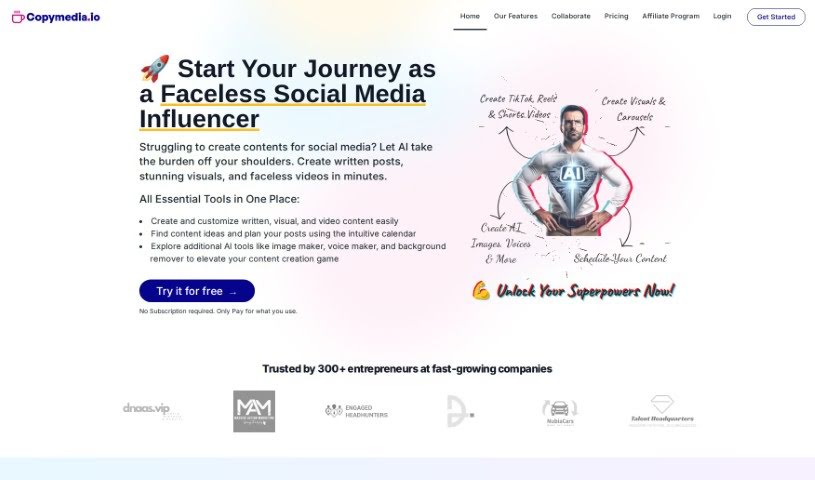
Screenshot of Copymedia

Copymedia

Freemium

CopyMedia is an AI-powered tool for creating social media content — written posts, visuals, and videos. It includes help generating content ideas, simple customization options, easy sharing, background removal, and AI voiceovers. It's aimed at making content creation faster, especially for busy entrepreneurs, and offers user-friendly workspaces and team collaboration.

Reel Makers View Tool →
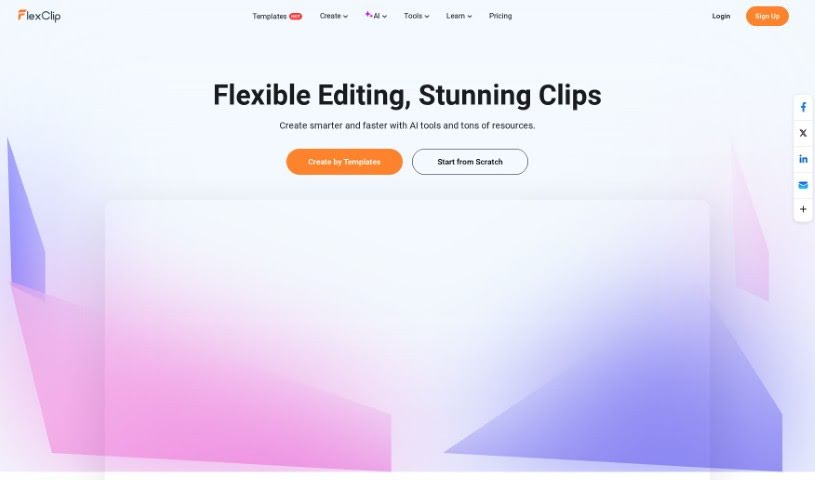
Screenshot of FlexClip

FlexClip

Freemium

FlexClip is an online video editor that lets anyone create professional-looking videos without much effort. It offers customizable templates, a large library of stock photos and clips, and standard editing tools for adding text, music, and transitions. It supports multiple aspect ratios, so videos can be sized for platforms like Instagram, TikTok, or YouTube. The straightforward interface makes it suitable for both beginners and experienced editors, and it works for personal projects as well as business use.

Reel Makers View Tool →
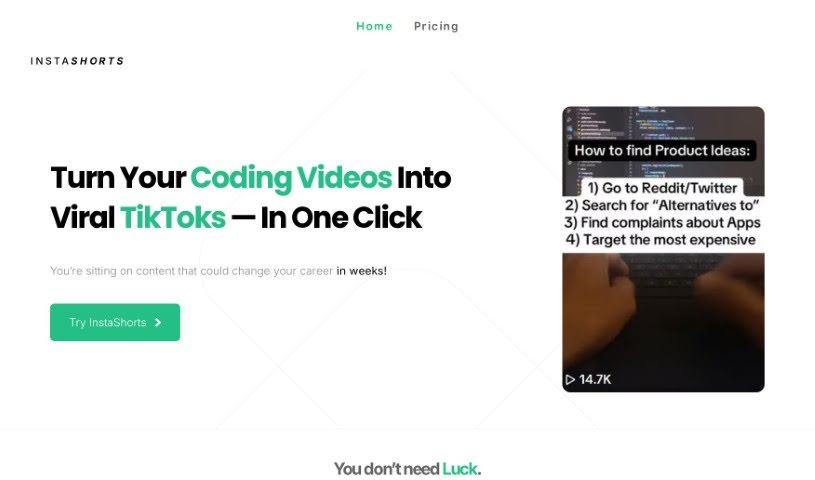
Screenshot of Instashorts

Instashorts

Freemium

InstaShorts is an AI tool for creating short-form videos for social media. It is built for business owners who want to grow their social media presence, showcase products, or share behind-the-scenes moments — without extensive editing experience. Its voice cloning technology lets you tell your story in a personal way: upload short clips, and the AI generates scripts based on them. You can then edit those scripts and add transcriptions to produce content for TikTok, YouTube Shorts, and Instagram Reels.

Reel Makers View Tool →
Screenshot of Mysmmai

Mysmmai

Freemium

Mysmmai is an AI-powered platform that helps startups, entrepreneurs, and small business owners create professional social media content. It can generate original images, produce videos for Reels, suggest trending hashtags (and flag banned ones), schedule posts at optimal times, and help design a complete social media marketing strategy. The platform offers different pricing plans based on the number of credits needed for content generation, whether for a single post or a carousel. Features include content pillars and topic suggestions, SEO-friendly captions, content plans, social calendars, and an AI caption generator designed to improve post visibility and engagement.

Reel Makers View Tool →
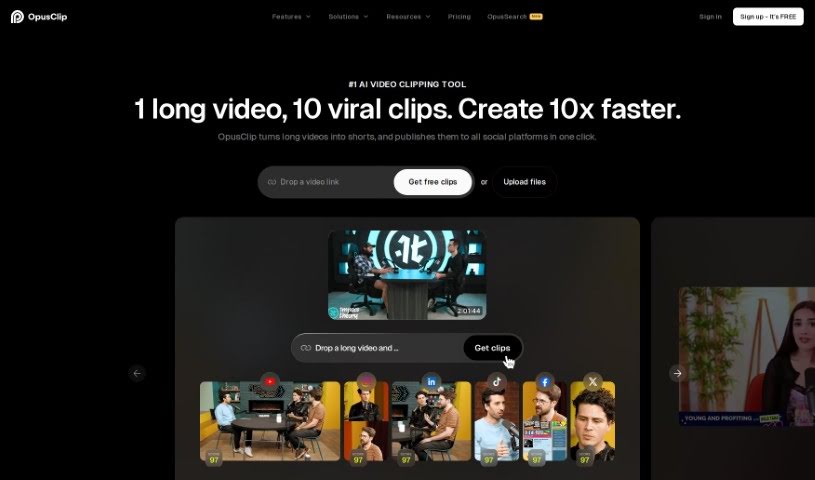
Screenshot of Opus Clip

Opus Clip

Freemium

Opus Clip is an AI-powered tool that helps creators repurpose video content. It turns longer videos into short, shareable clips for platforms like TikTok, YouTube Shorts, and Instagram Reels. Its AI features include ClipGenius™ for picking the best content, an AI Virality Score™ that estimates how well a clip might perform, and Active Speaker Detection for a more polished result. You can also post directly to social media, trim clips quickly, remove filler words for cleaner audio, and it supports over 20 languages and various video resolutions.

Reel Makers View Tool →
Screenshot of Secto

Secto

Freemium

Secto is an AI-powered platform for creating TikTok videos. It turns longer videos into short clips without requiring editing experience, and supports popular formats like "Would You Rather" and Reddit Story videos.

Reel Makers View Tool →
Previous 1 of 1 Next

About Reel Makers tools

Staring at a timeline full of unedited vertical footage while trying to keep up with endless algorithm updates can drain the fun out of posting. Between sourcing fresh content ideas, reformatting horizontal videos into 9:16 vertical frames, adding animated captions, and matching beat drops, short-form video production takes constant effort. When editing chores consume all your time, staying consistent on social media gets tough.

These applications serve as high-speed production assistants for reel makers, content creators, social media managers, and vertical video editors. They auto-cut silent pauses, generate eye-catching captions, and reformat video clips in seconds without replacing your creative vision or on-camera charisma.

Clipping, Animated Captions, and Script Generation

Repurposing long-form videos into viral short clips takes minutes instead of hours. Sifting through an hour-long podcast recording or webinar to find three engaging 30-second moments used to mean manual scrubbing. Modern AI clipping tools scan your full video files, identify high-engagement segments, crop the frame to 9:16, and automatically focus the camera on active speakers.

Styling animated captions and dynamic subtitles keeps viewers engaged even on silent feeds. Typing out subtitles line by line, correcting typos, and setting animated word highlights by hand slows down your publishing schedule. Intelligent captioning engines transcribe audio instantly, auto-highlight key phrases, add animated text effects, and place captions squarely within safe-zone margins so they never get covered by app buttons.

Generating fresh video hooks, script outlines, and automated b-roll fills visual gaps effortlessly. Staring at a blank screen when you need to record three reels in an afternoon can stall your momentum. AI script generators draft punchy opening lines to hook viewers in the first three seconds, while generative video tools produce matching b-roll footage and smooth background transitions from simple text prompts.

Useful Features to Consider:

  • Automated long-to-short clipping: Software that scans podcast audio and long videos to isolate engaging moments and reframe them into vertical 9:16 layouts.
  • Dynamic animated captioning: Tools that auto-transcribe spoken audio into animated, styled subtitles with custom color highlights and emoji placements.
  • Smart b-roll and scene generation: Features that suggest or generate relevant background footage, sound effects, and transitions to keep video pacing fast.
  • Silence and filler word removal: Systems that detect and trim awkward pauses, “ums,” and duplicate takes with a single click.
  • Safe-zone overlay previews: Editors that display platform UI boundaries for Instagram Reels, TikTok, and YouTube Shorts to ensure text remains readable.

Building a dedicated audience through short-form video will always depend on your personal voice, relatable storytelling, and creative instinct. Software can auto-trim silence, generate colorful captions, and reframe horizontal footage, but creating content that resonates requires your human perspective.

Check out the short-form tools below to level up your vertical content.

The Best AI Reel Makers

  1. Opus Clip: for creating viral clips for social media reels.
  2. Flex Clip: for creating engaging short videos easily.
  3. FlexClip: Online video editor with templates, stock media and AI tools.
  4. Mysmmai: for engaging video creation for reels.
  5. Copymedia: for effortlessly crafting engaging TikTok reels.
  6. Instashorts: for creating captivating reels effortlessly.
  7. Secto: for streamlining video project collaboration.
New tools, in your inbox.

Weekly picks of the best AI tools we've researched and added — no spam, unsubscribe anytime.

Join 25,000+ AI enthusiasts. No spam, unsubscribe anytime.